
Ponzu
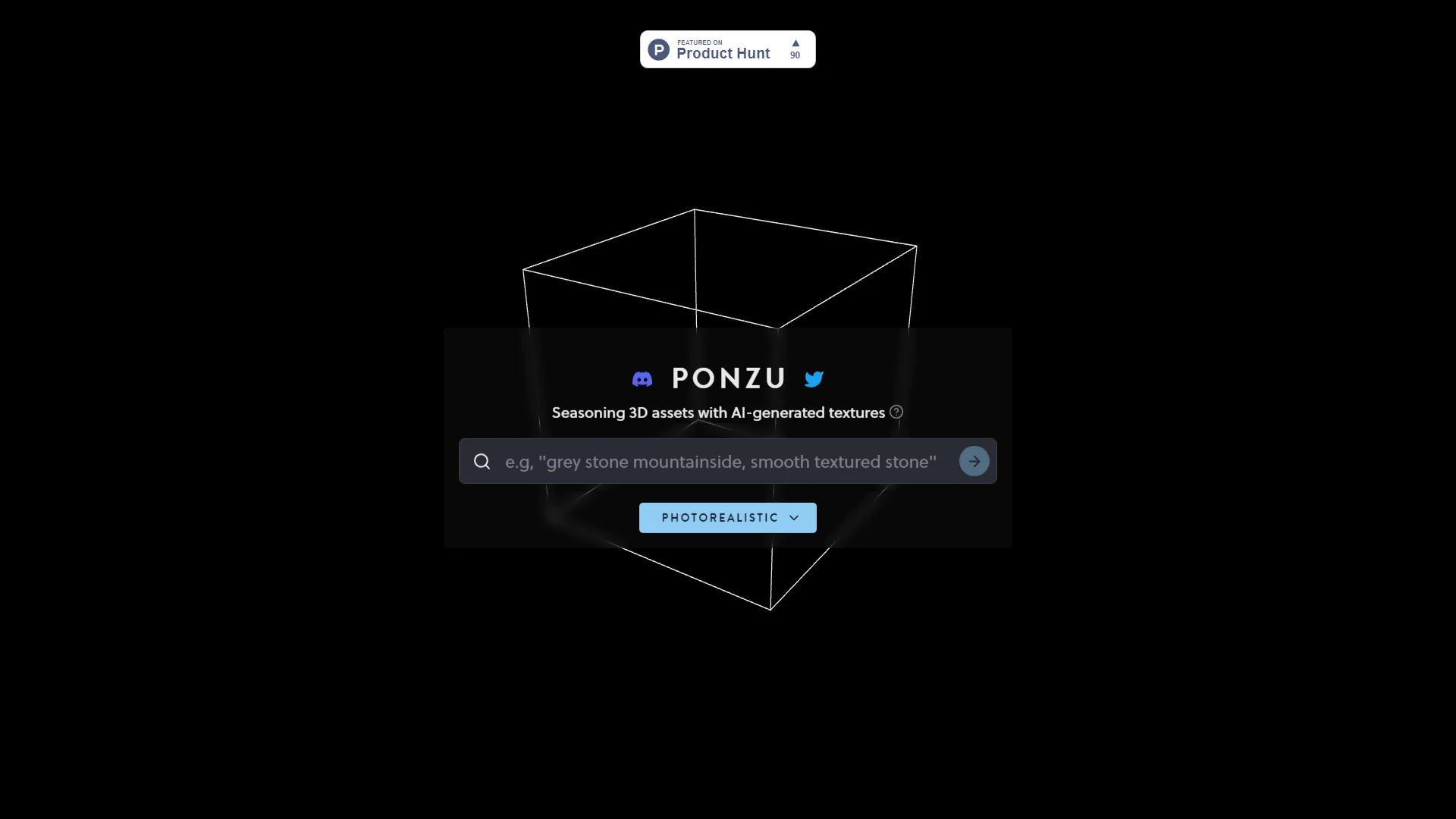
Revolutionize 3D texturing with AI for photorealistic effects and efficiency.
Key Takeaways
- What it is
- Revolutionize 3D texturing with AI for photorealistic effects and efficiency.
- Pricing
- Freemium
- Best for
- AI-Generated Textures
- Photorealistic Effects
- User-Friendly Interface
- Rating
- 4.6/5
What is Ponzu?
Ponzu emerges as a groundbreaking tool in the evolving landscape of digital design and 3D modeling, aiming to season 3D assets with AI-generated textures, thereby bringing them to life with photorealistic quality. Targeted at digital artists, game developers, and professionals in the visual effects (VFX) industry, Ponzu simplifies the complex process of texturing 3D models. It leverages advanced AI techniques to automate the generation of textures, including lights, ambient light, and directional light effects, thereby enhancing the realism and depth of 3D creations.
Ponzu stands out by seamlessly integrating AI into the texturing process, offering unprecedented efficiency and quality. Its ability to generate photorealistic textures and lighting effects automatically sets it apart from traditional texturing tools, making it a game-changer for anyone involved in 3D modeling and digital art.
Ponzu excels in revolutionizing the texturing process for 3D models, offering unparalleled efficiency and quality through its AI-driven features. Its user-friendly interface, combined with the capability to produce photorealistic effects, makes it an indispensable tool for professionals across various industries. With its unique approach to integrating AI into creative workflows, Ponzu not only enhances the visual quality of projects but also empowers artists to push the boundaries of digital art and 3D design.
Who is Using Ponzu?
Game Developers
Enhancing in-game assets with realistic textures and lighting.
VFX Artists
Creating detailed and lifelike models for film and television.
Architects
Rendering architectural visualizations with lifelike materials and lighting.
Educational Institutions
Teaching students advanced techniques in 3D modeling and texturing.
Uncommon Use Cases
Fashion designers experimenting with 3D prototyping; Indie filmmakers leveraging AI for budget-friendly effects.
Key Features
Rating Breakdown
Pricing Plans
Free Tier
Free
- Explore Ponzu with limited features to get a feel for its capabilities
Pro Tier
- Advanced features and unlimited textures available for professionals
Ponzu Use Cases
Generate PBR texture maps
Enter an idea or prompt and generate texture assets for a 3D model.
Outcome: A set of usable PBR maps for the asset.
Prototype tileable materials
Create tileable textures for 3D assets and inspect them in the browser.
Outcome: Faster material exploration during prototyping.
Preview textures on a 3D surface
Adjust the browser-based 3D preview to inspect how a generated texture appears.
Outcome: A more immediate view of the material before export.
Explore visual styles
Choose or customize styles for the generated texture.
Outcome: Stylized or photorealistic texture directions for an asset.
Workflow Ideas with Ponzu
Create a 3D texture prototype
- 1Enter an idea or prompt for the desired material
- 2Generate the texture and associated PBR maps
- 3Inspect the result in the adjustable browser preview
Explore alternate art directions
- 1Choose a visual style
- 2Generate texture variations
- 3Compare the results in the browser preview
Share a texture concept
- 1Generate a texture asset
- 2Adjust its 3D preview
- 3Share the generated result using a shareable link
How Ponzu fits into your stack
Wide Range of 3D Software Support
Compatible with leading 3D modeling and rendering software.
Plugin Ecosystem
Supports a growing list of plugins for extended functionality.
Cloud-Based Features
Offers cloud processing for heavy rendering tasks, ensuring performance is not limited by local hardware.
Real-Time Preview
Integrates with workflows to offer real-time previews of textures and effects.
Pros
- +Time Efficiency: Significantly reduces the time required to texture 3D models, allowing artists to focus on creativity.
- +High-Quality Outputs: Produces photorealistic textures that can elevate the visual quality of any project.
- +Ease of Use: Intuitive interface and workflow cater to users of all skill levels.
- +Innovative Technology: Stands at the forefront of integrating AI into the texturing process, setting a new standard in the industry.
Cons
- −Learning Curve: While user-friendly, mastering all features may require some time.
- −Hardware Requirements: High-quality rendering may demand powerful hardware.
- −Availability: As a cutting-edge tool, updates and features may evolve rapidly, requiring users to stay updated.
Limitations & when to consider alternatives
Known limitations
- GPU capacity can be limited. Ponzu notes that limited GPU capacity may cause requests to queue.
- Generation may take time during queues. When demand is high, texture requests may take several seconds to process.
- Browser-dependent workflow. The documented workflow uses an interactive preview in the browser rather than a native desktop application.
How to Use Ponzu
- 1
Explore a variety of tutorials on the Ponzu website, covering everything from basic setup to advanced texturing techniques, enabling users to fully leverage the power of AI in their projects.
Who is Ponzu For?
3D asset designers
Generate and iterate on texture maps for 3D models more quickly.
Game developers
Prototype tileable materials and textures for game assets.
Indie game creators
Use AI-generated textures to accelerate early-stage asset prototyping.
VFX and digital artists
Create stylized or photorealistic surface textures for digital scenes and models.
Frequently Asked Questions
What does Ponzu do?
Ponzu generates AI-powered, tileable PBR texture maps for 3D assets from an idea or prompt.
What texture maps can Ponzu generate?
The product describes normal, ambient occlusion, specular, and displacement maps for generated textures.
Can I preview generated textures?
Ponzu provides adjustable 3D previews directly in the browser.
Can I customize the visual style?
Ponzu supports customizable styles for generated 3D textures.
Can I share my creations?
Ponzu supports shareable links for generated texture results.
Is Ponzu free?
Ponzu is described as free to use, although generation requests may queue when GPU capacity is limited.
Community reviews
Be the first to share your experience.
Sign in to leave a review for Ponzu.
Ponzu Alternatives
Looking for alternatives to Ponzu? Here are similar tools in the same category:
Learn to Master Ponzu
With Skill Leap courses
Get in-depth training on Ponzu and 50+ other AI tools with our expert-led video courses.
Start 7-Day Free Trial