
Zoho Creator
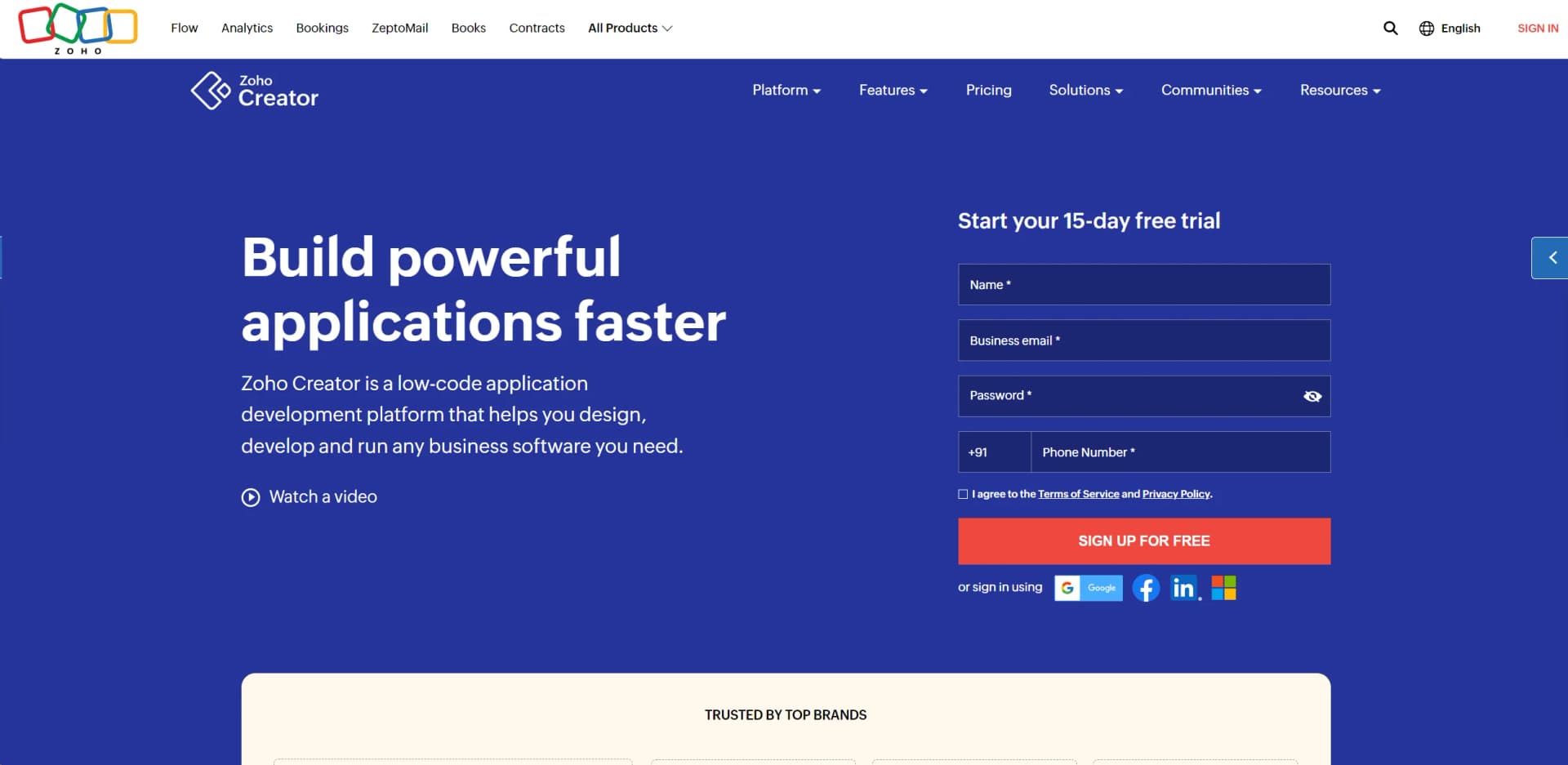
Build custom apps effortlessly with AI-enhanced, low-code platform.
Key Takeaways
- What it is
- Build custom apps effortlessly with AI-enhanced, low-code platform.
- Pricing
- Freemium · $8 per user per month
- Best for
- AI Integration
- Drag-and-Drop Interface
- Multi-Device Compatibility
- Rating
- 4.5/5
What is Zoho Creator?
Zoho Creator is a versatile low-code application development platform designed to empower businesses and individuals to create custom applications with minimal coding effort. It revolutionizes the way applications are built by combining low-code development with AI capabilities, enabling users to design, develop, and run business software tailored to their unique needs. Ideal for IT leaders, business managers, and developers, Zoho Creator simplifies the creation of internal tools, portals, core systems, and more, enhancing efficiency and innovation across various sectors.
Zoho Creator stands out with its low-code AI integration, allowing businesses to enhance their custom applications with sophisticated AI features without needing to write complex code. This capability is a game-changer for organizations looking to innovate rapidly while maintaining control over application development and customization.
Zoho Creator offers an exceptional solution for businesses seeking to develop custom applications rapidly and efficiently. Its combination of low-code development and AI integration makes it a powerful tool for driving digital transformation. With its robust features, extensive integrations, and scalable architecture, Zoho Creator is well-suited to meet the diverse needs of its users, from small enterprises to large organizations. Whether you're looking to streamline internal processes, build customer-facing portals, or innovate with AI, Zoho Creator provides the tools and flexibility needed to bring your ideas to life.
Who is Using Zoho Creator?
E-commerce Businesses
Utilizing the platform to build custom tools for inventory and order management.
Healthcare Providers
Creating patient management systems tailored to specific healthcare needs.
Educational Institutions
Developing applications for student management and administrative processes.
Non-Profit Organizations
Building donor management systems and event coordination tools.
Uncommon Use Cases
Used by governmental agencies for managing public services; Employed by environmental organizations for tracking and reporting data.
Key Features
Rating Breakdown
Pricing Plans
Free Plan
Free
- Available with limited features
- Including 1 user and 1 application access
Professional Plan
$8 per user per month
- Offering more extensive features and storage
Enterprise Plan
- Includes advanced capabilities and integrations
Which Zoho Creator plan should you pick?
Start with Free Edition for a small app or evaluation, move to Standard for broader sharing, Professional for unlimited applications and more integrations, and Enterprise for advanced governance and scale.
Free Edition
Good for individuals or small teams who need to explore low-code application building with one custom application.
Standard
Good for teams that need to share applications, collaborate with users, and operate beyond the Free Edition limits.
Professional
Good for organizations that need unlimited applications, higher integration capacity, portals, and expanded workflow capabilities.
Enterprise
Good for larger organizations that need the highest limits, advanced governance, SAML single sign-on, and enterprise-scale deployment.
Zoho Creator Use Cases
Order management
Build forms, reports, workflows, dashboards, and integrations to manage orders and related business processes.
Outcome: Centralized order data and automated processing.
Lead management
Create a custom application to capture, organize, track, and process leads.
Outcome: A tailored lead-management workflow.
Expense management
Collect expense submissions, route approvals, maintain records, and report on spending.
Outcome: More structured expense processing and visibility.
Admission management
Build an application for collecting admission information, managing records, and tracking related workflows.
Outcome: A centralized admission-management system.
Content review
Create workflows for submitting, reviewing, approving, and tracking content.
Outcome: A repeatable content-review process.
Workflow Ideas with Zoho Creator
Automated approval workflow
- 1Create a form to collect a request
- 2Route the request to the appropriate approver
- 3Update the record and notify stakeholders after approval or rejection
Cross-application integration flow
- 1Choose a trigger from a connected application
- 2Add conditional logic, schedules, or delays
- 3Send data or actions to another connected application
AI document extraction workflow
- 1Upload an image or PDF through a file field
- 2Run OCR or another AI model on the uploaded document
- 3Store extracted information in application records
How Zoho Creator fits into your stack
Browser
Zoho Creator is primarily a cloud-based application platform accessed through desktop, laptop, mobile, and tablet browsers.
Automation and APIs
Teams build multi-step workflows with triggers, schedules, Deluge scripts, webhooks, REST APIs, and integrations with Zoho and third-party services.
Mobile apps
Creator applications can run through the official Zoho Creator mobile apps, standalone branded apps, or mobile-browser PWAs.
Team workspaces
Organizations share applications with users and groups, assign permissions, and collaborate on business workflows and app operations.
Pros
- +Rapid Development: Significantly reduces the time required to develop applications, accelerating digital transformation efforts.
- +Scalability: Applications automatically scale to meet business demands, ensuring performance and reliability as usage grows.
- +Cost-Effective: Offers a range of pricing plans, including a free tier, making it accessible for businesses of all sizes.
- +Comprehensive Support: Provides robust support and resources, including a dedicated help center and community, to assist users in maximizing the platform's potential.
Cons
- −Initial Learning Curve: While the platform is user-friendly, new users may require time to become familiar with its extensive features.
- −Limited Free Plan: The free version has constraints on users, applications, storage, and records, which may necessitate upgrading to a paid plan for full functionality.
Limitations & when to consider alternatives
Known limitations
- Free Edition supports one application. The pricing comparison lists one application for the Free Edition, while paid plans provide broader application capacity.
- Free Edition has API limits. The pricing comparison lists 250 developer API calls per day for the Free Edition.
- Native mobile-app generation has availability restrictions. Native mobile application generation is available to Enterprise users except in certain data centers, including Saudi Arabia, Singapore, and the United Arab Emirates.
- OCR language support can be limited. The documented OCR field currently recognizes English text from JPG, JPEG, and PNG images.
- Standalone mobile apps require platform prerequisites. Creating separate iOS or Android applications requires the relevant developer certification and signing prerequisites.
Look elsewhere when
- You need a dedicated desktop installer rather than browser-based desktop access.
How to Use Zoho Creator
- 1
Choose a starting point
Sign up for Free Edition or begin the trial of a paid plan, then choose a template, import existing data, or describe the application to the AI builder.
- 2
Design the data model
Create forms and fields for the information your process needs, or import spreadsheets, CSV files, databases, and other supported sources.
- 3
Build views and dashboards
Add reports, pages, charts, Kanban views, location maps, and dashboards so users can work with and analyze application data.
- 4
Automate the process
Use workflow rules, approvals, schedules, and Blueprints to route requests, trigger actions, send notifications, and manage stages.
- 5
Connect external services
Configure Zoho, third-party, or custom integrations, or use the REST API and OAuth 2.0 for programmatic connections.
- 6
Deploy and govern the app
Publish to web and mobile, configure permissions and roles, enable SSO where needed, and monitor activity through logs and audit trails.
Who is Zoho Creator For?
Citizen developers
Low-code builders can create business applications with visual tools, AI assistance, workflows, and integrations without extensive programming.
Professional developers
Developers can extend applications with Deluge, APIs, JavaScript, serverless functions, custom UI components, and developer environments.
Business teams
Teams can digitize business processes, build internal applications, automate work, and collaborate on shared workflows.
IT teams
IT teams can manage governance, permissions, SSO, audit trails, deployments, security policies, and application environments.
Organizations across industries
Creator supports custom applications for customer engagement, supply chain, production, workplace operations, finance, healthcare, and transportation.
Frequently Asked Questions
Does Zoho Creator have a free plan?
Yes. Zoho Creator offers a Free Edition for basic application building, alongside Standard, Professional, and Enterprise plans.
Can Zoho Creator build mobile applications?
Yes. Creator applications can run on the web and on native iOS and Android devices. Enterprise users can also generate native mobile applications.
Does Zoho Creator provide APIs?
Yes. Its REST APIs support data, publish, file, metadata, bulk, and custom API operations, with OAuth 2.0 authentication.
Can Zoho Creator integrate with other business tools?
Yes. Creator supports Zoho integrations, third-party services, and custom connectors through its integration tools and APIs.
Does Zoho Creator support single sign-on?
Yes. Creator supports SAML-based single sign-on with compatible identity providers, including Okta, Azure, Google, and Auth0.
Can Zoho Creator train custom AI models?
Yes. Zoho Creator's AI Modeler lets users prepare data, train no-code AI models, and deploy them inside applications.
Community reviews
Be the first to share your experience.
Sign in to leave a review for Zoho Creator.
Zoho Creator Alternatives
Looking for alternatives to Zoho Creator? Here are similar tools in the same category:
Learn to Master Zoho Creator
With Skill Leap courses
Get in-depth training on Zoho Creator and 50+ other AI tools with our expert-led video courses.
Start 7-Day Free Trial