
Zing Coach
AI-powered app delivers personalized fitness plans for results.
Key Takeaways
- What it is
- AI-powered app delivers personalized fitness plans for results.
- Pricing
- Freemium
- Best for
- AI-Driven Personalization
- Body Composition Scan
- Motion-Tracking Fitness Tests
- Rating
- 4.5/5
What is Zing Coach?
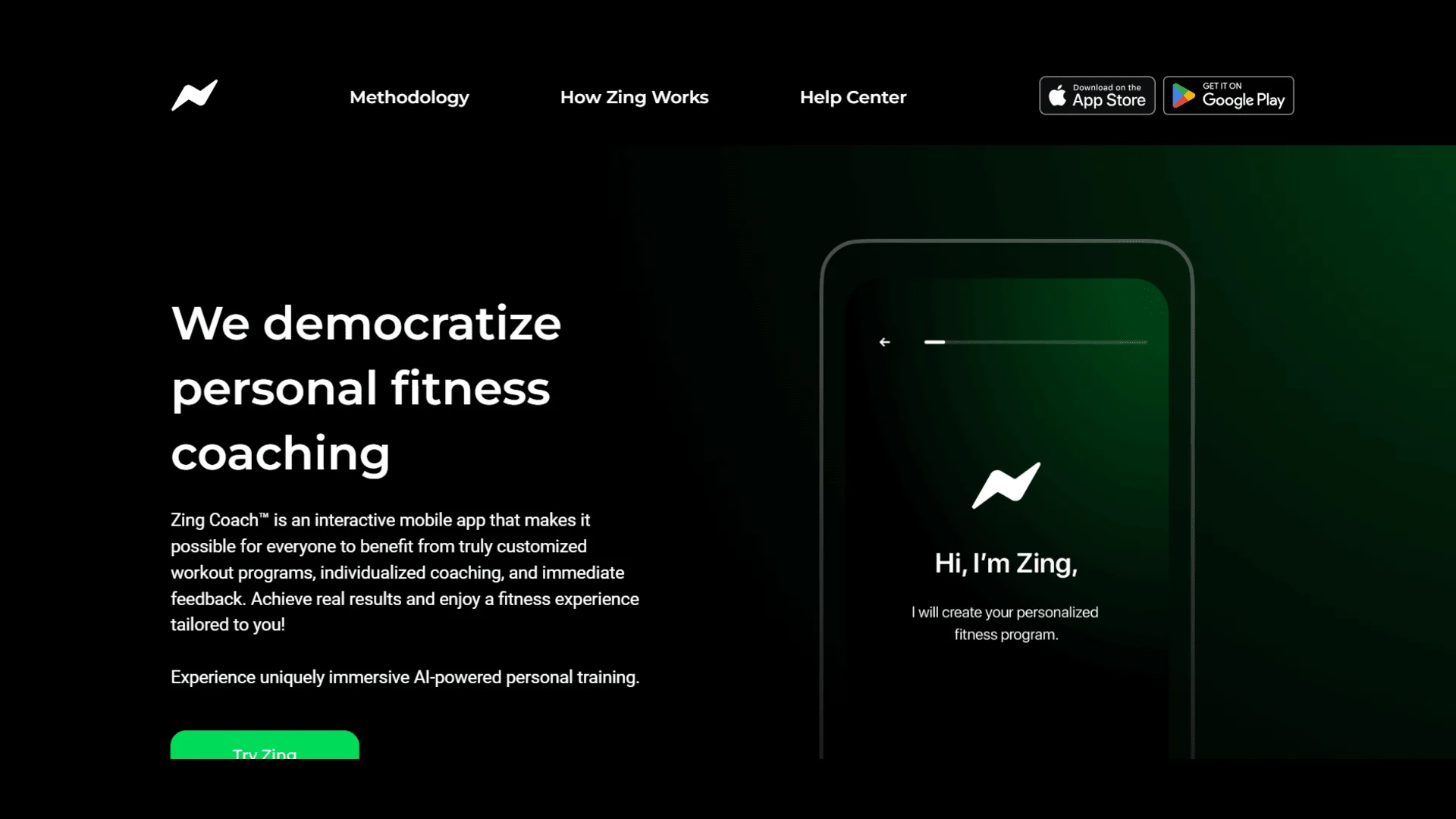
Zing Coach, accessible at zing.coach, is a groundbreaking AI-powered fitness application designed to offer personalized workout programs that deliver tangible results. Catering to fitness enthusiasts and novices alike, Zing Coach tailors exercises to individual needs, helping users achieve their fitness goals with precision and efficiency. Whether your aim is weight loss, muscle gain, or simply maintaining a healthy lifestyle, Zing Coach simplifies the path to success by customizing workout plans based on your body's unique data.
Zing Coach stands out with its ability to blend AI technology with comprehensive body data analysis, creating a truly personalized fitness experience. Its unique feature of body composition scanning, combined with motion-tracking fitness tests, sets it apart from other fitness apps by ensuring workouts are not only effective but also safe and aligned with each user's physical capabilities.
Zing Coach offers a comprehensive, AI-powered fitness solution that caters to a wide range of users, from beginners to seasoned athletes. Its personalized approach, backed by innovative technology, ensures that every workout is tailored to the individual's needs, making it an invaluable tool for anyone serious about achieving their fitness objectives. With its extensive feature set and user-friendly interface, Zing Coach proves to be an exceptional fitness companion, capable of transforming your workout routine into a strategic path toward health and wellness.
Who is Using Zing Coach?
Fitness Enthusiasts
Individuals looking to enhance their gym workouts with personalized plans.
Beginners
Those new to fitness who need guidance and a structured workout routine.
Busy Professionals
Users seeking efficient workouts that fit into a tight schedule.
Rehabilitation Patients
People recovering from injuries who require customized exercise plans.
Key Features
Rating Breakdown
Pricing Plans
Free Tier
Free
- Experience Zing Coach with a limited free trial to explore its features
Which Zing Coach plan should you pick?
Start with the 1-month subscription to evaluate the adaptive coaching experience; choose a longer plan when you are confident you will train consistently.
1-week subscription
Good for users who want the shortest paid commitment before deciding whether Zing Coach fits their routine.
1-month subscription
Good for new users who want enough time to test personalized plans, adaptive workouts, and coaching.
3-month subscription
Good for users pursuing a sustained training block and seeking better value than weekly or monthly billing.
12-month subscription
Good for users committed to a long-term fitness program and looking for the greatest plan-duration savings.
Zing Coach Use Cases
Employed by corporate wellness programs to boost employee health; utilized by sports teams for tailored training regimens.
Workflow Ideas with Zing Coach
Create an adaptive workout plan
- 1Complete the fitness quiz with goals, experience, preferences, and activity data.
- 2Choose home or gym, available equipment, schedule, duration, and health restrictions.
- 3Follow the generated plan as Zing adjusts intensity, duration, and complexity over time.
Use Body Scan insights
- 1Open Analytics and select Body Scan.
- 2Take front-facing and side-profile smartphone photos.
- 3Review body-composition results and use the coach recommendations to adjust training and nutrition.
Sync external activity
- 1Enable Apple Health Tracking in Zing Coach settings.
- 2Allow Zing Coach to access relevant Apple Health data.
- 3Let imported activities inform workout recommendations, recovery, streaks, and plan adjustments.
How Zing Coach fits into your stack
Browser
The browser experience provides the Zing Coach website, onboarding quiz, account access, subscription management, and links into the workout service. https://www.zing.coach/
Mobile app
The primary product is a native iOS/Android fitness app with personalized workouts, AI coaching, body scans, progress tracking, and Apple Health integration. https://apps.apple.com/us/app/zing-ai-home-gym-workouts/id1552207792
Wearables and health data
Zing Coach syncs with Apple Health and Apple Watch, importing activity data and using it to personalize workout recommendations. https://zingcoach.zendesk.com/hc/en-us/articles/15325743977372-Connect-Zing-to-fitness-apps
Pros
- +Personalized Training: Each workout is custom-designed to fit your body data and fitness objectives, ensuring maximum effectiveness.
- +Comprehensive Tracking: The app integrates with Apple Health to provide a holistic view of your fitness progress, including activities outside the app.
- +Flexibility and Convenience: Workouts can be adjusted to fit your schedule and location, whether at home or in the gym.
- +AI-Enhanced Motivation: The app keeps you motivated with personalized fitness tips and the ability to challenge friends.
Cons
- −Initial Cost for Full Features: Some advanced features, such as the body composition scan, require a one-time fee.
- −Limited Health Restrictions: The app currently offers a limited number of options for health restrictions, which may not cover all user needs.
Limitations & when to consider alternatives
Known limitations
- Direct integration is limited. The help center says Zing Coach currently integrates directly with Apple Health; other fitness services connect indirectly through Apple Health.
- Body Scan is an add-on. The Body Scan feature is available if purchased, and the help center identifies Body Scan as a non-refundable add-on.
- Cardio has no voice guidance. Cardio segments include visual instructions, but the help center explicitly states there is no audio coaching during cardio exercises.
- Android language support is narrower. Android supports English, Spanish, and French, while iOS supports two additional languages.
- Subscriptions auto-renew. Subscriptions renew automatically at the end of the selected billing cycle unless canceled in advance.
Look elsewhere when
- You need a Windows, Mac, or Linux desktop application.
- You need PDF, document, or spreadsheet analysis.
- You need shared workspaces with roles and collaborative editing.
- You need programming code generation.
How to Use Zing Coach
- 1
Complete the fitness quiz
Enter your goals, experience, preferences, activity history, and available equipment so Zing can create a starting plan.
- 2
Configure your workout plan
Set the environment, workout type, duration, schedule, fitness level, equipment, cardio machines, and health restrictions.
- 3
Connect Apple Health
Enable Apple Health Tracking so outside workouts and activity data can inform recommendations and recovery.
- 4
Start the scheduled workout
Open the Workout tab, review the session, and use Adapt Workout or exercise replacement when your circumstances change.
- 5
Chat with the AI Coach
Use the Coach tab to discuss progress, feelings, and training needs and receive personalized guidance.
- 6
Review analytics and recovery
Use Fitness Journal, Muscle Recovery, Strength Score, Fitness Test, Flexibility Test, and Body Scan results to monitor progress.
Who is Zing Coach For?
Beginners
Zing Coach adapts workouts to fitness level, goals, equipment, schedule, and health restrictions.
Advanced athletes
The app provides progressive training, strength scores, recovery tracking, and dynamically adjusted intensity.
Home exercisers
Users can select home workouts, available equipment, workout duration, and preferred training focus.
Gym users
Gym plans account for available equipment, cardio machines, workout environment, and selected training goals.
People returning to exercise
The documented goal-based plans include a specific Get Active Again option for easing back into movement.
Frequently Asked Questions
What is Zing Coach?
Zing Coach is an AI-powered personal training app that creates personalized workouts and adapts them to goals, activity, recovery, and preferences.
What subscription options are available?
The help center lists 1-week, 1-month, 3-month, and 12-month Premium subscriptions. Pricing can vary by duration, billing frequency, location, and promotions.
Does Zing Coach offer a Body Scan?
Yes. Body Scan uses two smartphone photos to estimate body fat, lean mass, basal metabolic rate, macronutrient targets, and goal-specific guidance.
Can Zing Coach connect to other fitness apps?
Zing Coach directly integrates with Apple Health. Data from services such as Strava, Garmin, and Nike Training Club can flow through Apple Health.
What happens if I miss a workout?
The app automatically adjusts the schedule and rebalances upcoming workouts based on the missed session.
Which languages does Zing Coach support?
iOS supports English, Spanish, French, Brazilian Portuguese, and German. Android supports English, Spanish, and French.
Community reviews
Be the first to share your experience.
Sign in to leave a review for Zing Coach.
Zing Coach Alternatives
Looking for alternatives to Zing Coach? Here are similar tools in the same category:
Learn to Master Zing Coach
With Skill Leap courses
Get in-depth training on Zing Coach and 50+ other AI tools with our expert-led video courses.
Start 7-Day Free Trial