
WriteHuman
AI transforms writing, ensuring authenticity, enhancing engagement.
Key Takeaways
- What it is
- AI transforms writing, ensuring authenticity, enhancing engagement.
- Best for
- AI Humanizer
- Undetectable AI
- Free AI Detector
- Rating
- 4.5/5
What is WriteHuman?
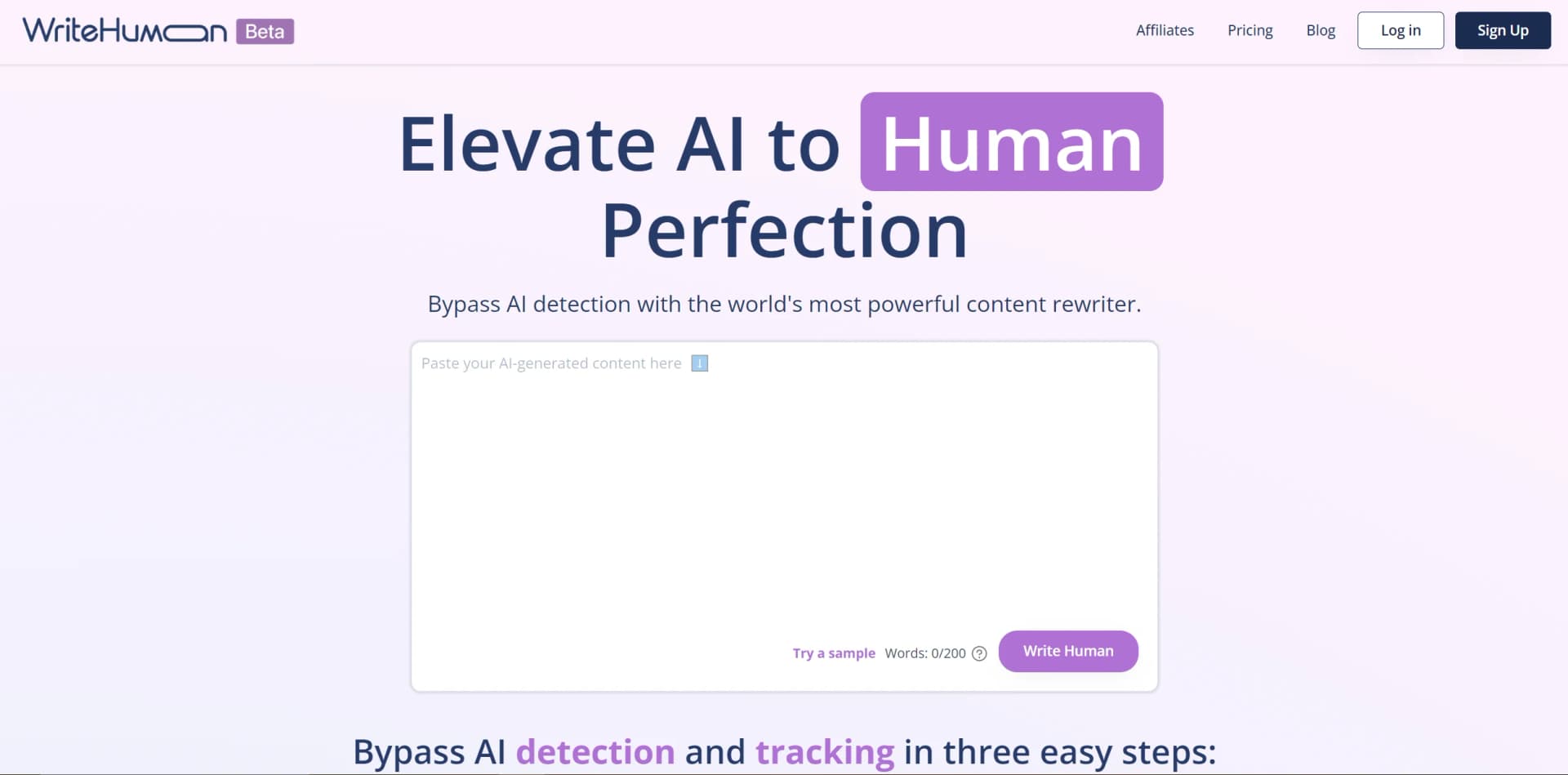
WriteHuman is an innovative AI writing assistant that aims to humanize the content creation process. By leveraging cutting-edge technology, WriteHuman generates text that closely resembles human-written content, adding a personal touch to the output. As someone deeply involved in exploring and reviewing AI tools, I'm excited to delve into the capabilities of this new software, which promises to enhance writing experiences for individuals and businesses alike.
WriteHuman's focus on creating virtually indistinguishable human-like content sets it apart. The Free AI Detector feature adds an extra layer of confidence in content originality.
WriteHuman excels in providing authentic, engaging content, catering to the demand for originality in digital communication. Its AI Humanizer and Free AI Detector features offer unique advantages in creating and verifying human-like content across platforms.
Who is Using WriteHuman?
Content Marketers
Crafting engaging blog posts, articles, and web content.
Copywriters
Generating and refining sales copy, email campaigns, and advertising material.
Social Media Influencers
Creating authentic social media posts for organic interaction.
Authors and Writers
Overcoming writer's block and improving narrative flow.
Uncommon Use Cases
Non-profit organizations communicating their cause effectively, podcasters scripting natural-sounding dialogues.
Key Features
Rating Breakdown
Pricing Plans
Free Trial
- Users can test features with a free trial period
Subscription Plans
- Pricing details available on the WriteHuman website
Which WriteHuman plan should you pick?
Start with Free to test the humanizer; upgrade to Basic or Pro for regular usage, or Ultra for unlimited requests and larger inputs.
Free
Good for evaluating WriteHuman with three monthly humanizer requests and limited detection and image scans.
Basic
Good for light users who need 80 monthly requests and enhanced humanization.
Pro
Good for most users who need 200 monthly requests, three variations, and MCP access.
Ultra
Good for power users who need unlimited requests, five variations, and larger inputs.
WriteHuman Use Cases
Humanize blog posts and articles
Paste or send AI-generated long-form writing to WriteHuman for rewriting.
Outcome: The result preserves the original meaning while using more natural cadence and phrasing.
Refine marketing copy
Humanize landing pages, advertisements, newsletters, emails, and campaign content.
Outcome: Marketing drafts sound more natural and aligned with a human brand voice.
Process internal communications
Send announcements, leadership updates, and reports through the enterprise API.
Outcome: Organization-wide communications read naturally and consistently.
Improve documentation and support content
Humanize product documentation, knowledge-base articles, help-center copy, and support macros.
Outcome: Technical and customer-facing content becomes more readable across 40-plus languages.
Check AI authorship
Use the built-in detector or API detection endpoint to score a passage.
Outcome: Users receive an AI, human, or mixed classification with detection information.
Workflow Ideas with WriteHuman
CMS pre-publish humanization
- 1Generate or edit a draft in the CMS
- 2Send the draft to POST /v1/humanize
- 3Return the humanized text to the publishing interface
Humanize then verify
- 1Send AI-generated text to POST /v1/humanize
- 2Submit the result to POST /v1/detect
- 3Select or review the output using the returned detection result
Assistant-native rewriting
- 1Connect WriteHuman MCP to Claude, Cursor, or Codex
- 2Ask the assistant to humanize or detect a passage
- 3Review the returned rewrite or detection result inside the assistant
How WriteHuman fits into your stack
WriteHuman is designed as a standalone tool but can complement other software to enhance content quality.
Pros
- +Enhanced Naturalness: Content produced feels authentic, crucial for maintaining reader engagement.
- +Time-Saving: Significantly reduces time spent on writing and editing, allowing focus on other tasks.
- +Cost-Effective: Minimizes the need for hiring and managing writing staff, saving costs.
- +User-Friendly: Intuitive interface enables easy usage without a steep learning curve.
Cons
- −Reliance on AI: Some users might prefer a more hands-on approach, limiting customization.
- −Content Originality: Concerns about originality of AI-generated content may arise in certain contexts.
- −Limited Customization: Might not offer extensive customization options compared to other tools.
Limitations & when to consider alternatives
Known limitations
- Free usage is limited. The Free plan provides three humanizer requests per month and a maximum of 250 words per request.
- Per-request API limits apply. The API allows up to 2,000 words per Standard request and up to 4,000 words per Premium request.
- Google Docs is unsupported by the extension. The browser extension does not work in Google Docs because its text is rendered as a canvas.
- The extension is English-only. The Chrome Web Store listing specifies English as the extension language.
- API rate limits apply. The API documents limits of 40 requests per minute for Standard and 120 requests per minute for Premium.
Look elsewhere when
- Your team needs shared editing, roles, or workspace invites.
- You need SSO or SAML authentication.
- You need a native Windows, Mac, or Linux desktop installer.
- You need model fine-tuning on proprietary training data.
How to Use WriteHuman
- 1
WriteHuman provides resources and guides to help users maximize the tool's benefits.
Who is WriteHuman For?
Marketers and SEO writers
Humanize AI-drafted articles and marketing content so it reads more naturally at scale.
Founders and product teams
Refine landing pages, launch posts, changelogs, and other product communications.
Bloggers and creators
Maintain a consistent personal voice across long-form and short-form published content.
SEO agencies
Humanize client articles in batches through the API.
SaaS products and enterprise teams
Embed humanization into products, internal tools, documentation, support, and content pipelines.
Frequently Asked Questions
Is there a free plan?
Yes. The Free plan includes three humanizer requests per month, up to 250 words per request, plus limited AI and image detection.
Which languages does WriteHuman support?
WriteHuman supports more than 40 human languages, with automatic language detection available through the API.
What does the AI humanizer do?
It rewrites AI-generated text while preserving meaning and changing cadence, vocabulary, tone, and sentence structure.
Does WriteHuman have a mobile app?
Yes. Dedicated WriteHuman apps are available for iPhone, iPad, and Android devices.
Does WriteHuman offer an API?
Yes. The REST API provides humanization, AI detection, usage reporting, API keys, authentication, and code examples.
Does the browser extension work in Google Docs?
No. The extension currently does not work in Google Docs because Docs renders text through a canvas.
Community reviews
2 reviews from people who use WriteHuman.
Sign in to leave a review for WriteHuman.
Anwaar Shahid
Ivan Jackson
WriteHuman Alternatives
Looking for alternatives to WriteHuman? Here are similar tools in the same category:
Learn to Master WriteHuman
With Skill Leap courses
Get in-depth training on WriteHuman and 50+ other AI tools with our expert-led video courses.
Start 7-Day Free Trial