
WPTurbo
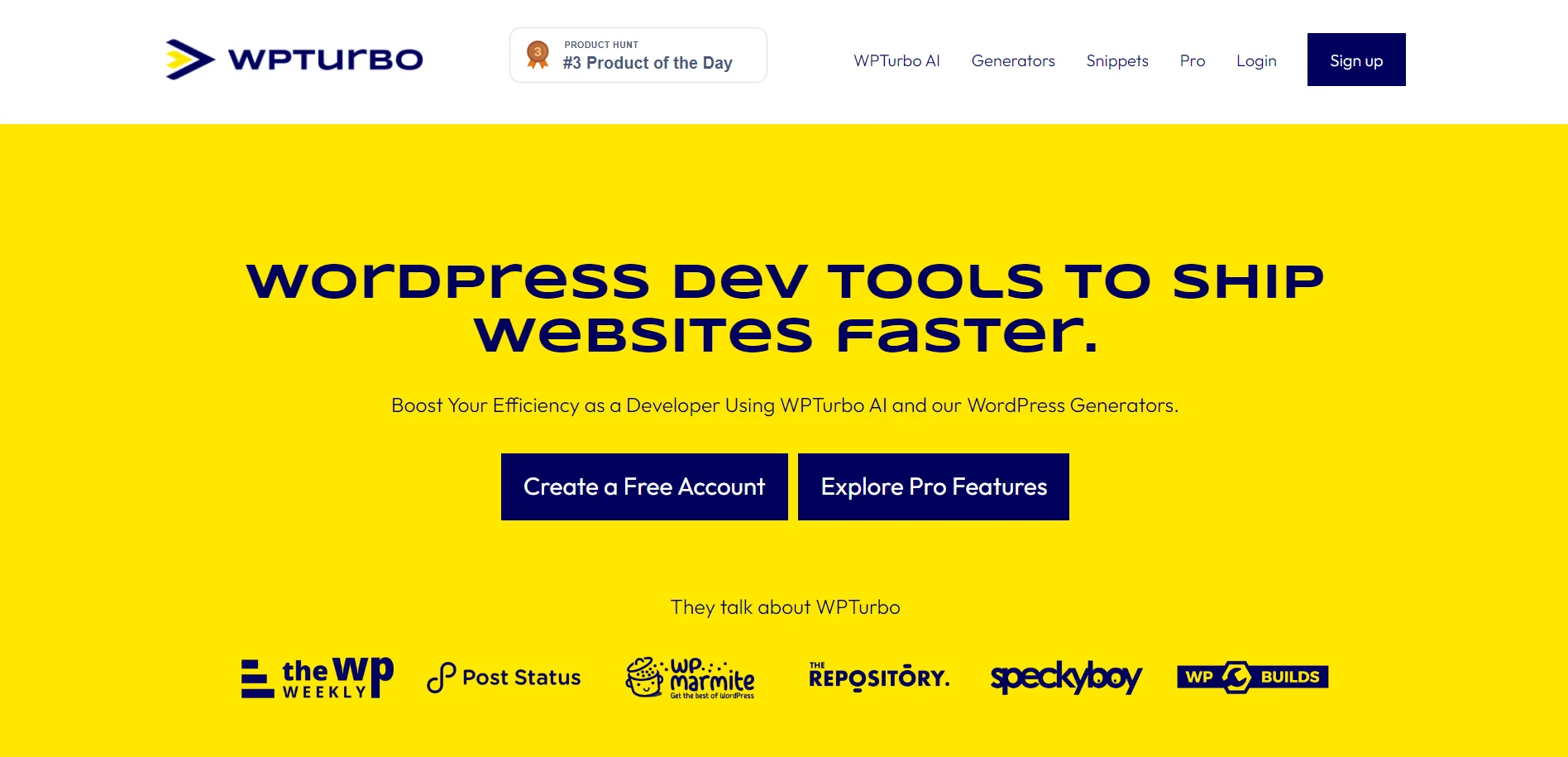
AI-driven WordPress code generation for developers, enhancing speed and customization.
Key Takeaways
- What it is
- AI-driven WordPress code generation for developers, enhancing speed and customization.
- Pricing
- Freemium
- Best for
- AI-Powered Code Generation
- Extensive Snippets Library
- Diverse Generators
- Rating
- 4.5/5
What is WPTurbo?
WPTurbo is a groundbreaking tool aimed at revolutionizing the workflow of WordPress developers. It harnesses the power of artificial intelligence to rapidly generate tailored code snippets for WordPress projects, offering unprecedented speed and efficiency. With a focus on minimizing plugin overload and simplifying development processes, WPTurbo caters to the needs of both seasoned developers and newcomers in the WordPress ecosystem.
WPTurbo distinguishes itself with its AI-driven code generation, offering a transformative approach to WordPress development. Its ability to swiftly produce customized code snippets sets it apart from conventional code generators.
WPTurbo excels in streamlining WordPress development, offering a suite of tools that significantly reduce the time and effort required to produce high-quality websites. Its AI module and extensive snippet library provide developers with unparalleled efficiency and customization options. Whether you're a seasoned developer or a WordPress enthusiast, WPTurbo is an invaluable asset that can revolutionize your workflow and enhance your productivity.
Who is Using WPTurbo?
WordPress Developers
Employing it to code custom themes and plugins efficiently.
Agencies
Utilizing it to expedite client projects with better quality code.
Freelancers
Enhancing their development toolkit to offer competitive services.
Bloggers
Seeking custom functionalities without deep coding knowledge.
Uncommon Use Cases
Educational institutions as a teaching aid; Non-profits for website maintenance with limited resources.
Key Features
Rating Breakdown
Pricing Plans
Free Tier
Free
- Begin with 25 AI requests per day at no cost
Pro Tier
- Unlock additional features
- Unlimited requests
- The full potential of WPTurbo
Which WPTurbo plan should you pick?
Start with a Free account for the generators and basic snippet saving; there is currently no available Pro upgrade.
Free account
Good for WordPress users who need free generators, AI access with daily limits, and public snippet saving.
WPTurbo Pro
Historically intended for users needing private snippets, project saving, generator settings, boilerplates, and higher AI limits; WPTurbo currently says this plan is no longer available.
WPTurbo Use Cases
Generate WordPress snippets
Configure generators for post types, taxonomies, menus, shortcodes, hooks, settings pages, and other WordPress features.
Outcome: Ready-to-copy or downloadable WordPress code.
Create starter plugins
Use the starter-plugin generator to create a foundation containing common plugin structures and features.
Outcome: A customizable plugin starting point.
Generate AI WordPress code
Describe required functionality to WPTurbo AI and refine the generated snippet.
Outcome: Custom WordPress code produced in seconds.
Organize reusable snippets
Save generated, AI-created, or personal snippets in the snippets library.
Outcome: A centralized collection for reuse across projects.
Build WordPress projects with boilerplates
Start plugin, theme, or block ideas from project structures and add snippets with WPTurbo AI.
Outcome: A faster starting point for WordPress projects.
Workflow Ideas with WPTurbo
Generate and install a WordPress snippet
- 1Choose a WordPress generator
- 2Fill in the configuration fields
- 3Click Update code
- 4Copy or download the generated code
Create an AI-generated snippet
- 1Enter the requested WordPress functionality
- 2Generate the snippet with WPTurbo AI
- 3Refine the result if needed
- 4Copy, save, or download the code
Build a reusable snippet library
- 1Generate or write a WordPress snippet
- 2Save it to the WPTurbo library
- 3Organize and manage saved snippets
- 4Reuse snippets in future projects
How WPTurbo fits into your stack
Documentation Sync
Integrates with WordPress and Elementor documentation for up-to-date coding standards.
Multi-Language Support
Supports PHP, JS, CSS, and HTML files to accommodate various project needs.
Future Integrations
Plans to expand compatibility with popular WordPress themes and plugins.
Elementor Compatibility
Enhanced functionality for seamless integration with one of the most popular WordPress page builders.
Pros
- +Time-Saving: Drastically reduces the time spent on manual coding tasks.
- +Cost-Effective: Minimizes the need for multiple plugins, thereby saving on potential costs.
- +Customization: Provides high levels of customization to meet specific project requirements.
- +User-Friendly: Boasts an intuitive interface suitable for developers of all skill levels.
Cons
- −Learning Curve: New users may require some time to familiarize themselves with the AI functionalities.
- −Pro Tier Limitations: Certain advanced features are accessible only in the Pro version, which may not be ideal for all users.
- −Internet Dependency: Being an online tool, it relies on a stable internet connection for optimal performance.
Limitations & when to consider alternatives
Known limitations
- Free saved snippets are public. WPTurbo’s generator FAQ says free users can save snippets, but those snippets are public.
- WPTurbo Pro is unavailable. The Pro page states that WPTurbo Pro is no longer available, while free generators remain usable.
- AI usage is limited. The AI page advertises 25 requests per day for free accounts and 500 requests per day for the historical Pro offering.
- Some AI project features are roadmap items. Handling several files, file exploration, and chat history are listed as planned AI features rather than established capabilities.
How to Use WPTurbo
- 1
WPTurbo's website and community platforms offer tutorials to help users maximize the tool's capabilities, ranging from basic setup to advanced project management techniques.
Who is WPTurbo For?
WordPress developers
WPTurbo helps developers create clean, valid WordPress code quickly.
WordPress beginners
The generators provide guided forms for producing code without manually writing everything from scratch.
Experienced WordPress users
The AI, generators, snippets library, and boilerplates support faster custom plugin and theme development.
Frequently Asked Questions
How do you use WPTurbo generators?
Choose a generator, fill in its fields, click Update code, then copy or download the generated snippet.
Where do you put generated snippets?
Placement depends on the generator; theme-related code may belong in a child theme, while other snippets may go in a plugin.
Why register as a free user?
A free account lets users save snippets, although those saved snippets are public.
Why become a Pro user?
The historical Pro offering provided private snippets, global generator settings, and exclusive WordPress tools; WPTurbo currently says Pro is unavailable.
Community reviews
Be the first to share your experience.
Sign in to leave a review for WPTurbo.
WPTurbo Alternatives
Looking for alternatives to WPTurbo? Here are similar tools in the same category:
Learn to Master WPTurbo
With Skill Leap courses
Get in-depth training on WPTurbo and 50+ other AI tools with our expert-led video courses.
Start 7-Day Free Trial