
Workato
Automate workflows and integrate apps effortlessly with AI.
Key Takeaways
- What it is
- Automate workflows and integrate apps effortlessly with AI.
- Best for
- AI-Powered Automations
- Low-Code Development
- Comprehensive App Connectors
- Rating
- 4.5/5
What is Workato?
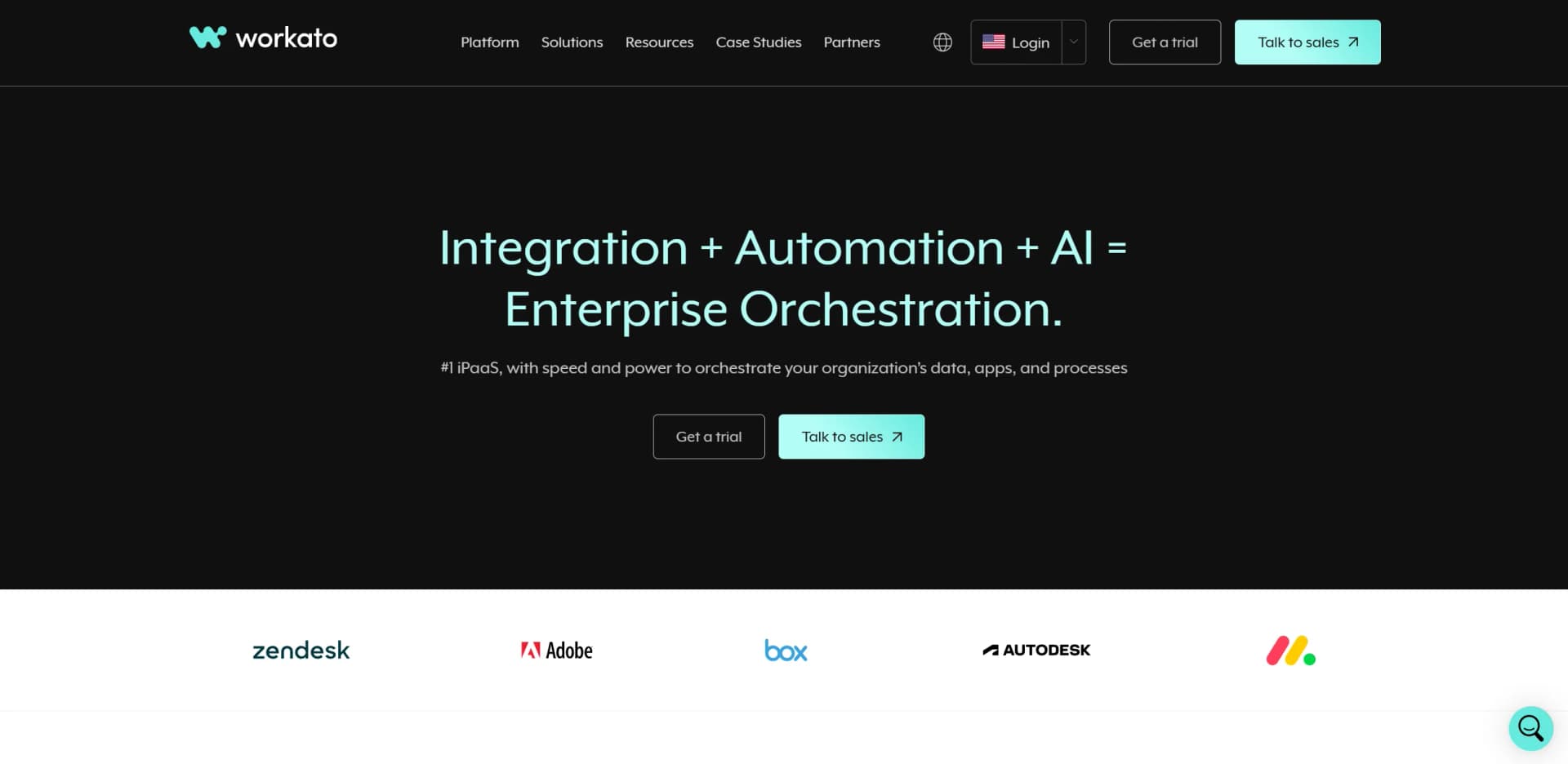
Workato is an intelligent automation platform designed to revolutionize how businesses integrate applications and automate workflows. As a leader in the Integration Platform as a Service (iPaaS) space, Workato empowers organizations to seamlessly connect their apps, data, and processes, driving efficiency and innovation at scale. With its AI-powered capabilities, Workato simplifies complex integrations, making it an invaluable tool for IT teams, marketing departments, HR professionals, and more.
Workato stands out with its intelligent, AI-driven automation capabilities, making it a game-changer for businesses looking to streamline operations. Its ability to integrate seamlessly with numerous applications and provide real-time insights sets it apart in the crowded iPaaS market.
Workato offers an exceptional blend of AI-powered automation and seamless integration capabilities, making it a top choice for businesses aiming to enhance productivity and operational efficiency. Its robust feature set, combined with a user-friendly interface, ensures that even users with minimal technical expertise can harness its full potential. While the initial learning curve and complex pricing might pose challenges, the platform's overall benefits far outweigh these considerations, solidifying Workato's position as a leader in the iPaaS space.
Who is Using Workato?
IT Departments
Leveraging Workato for automated ticket escalation, threat detection, and compliance tasks.
Marketing Teams
Utilizing the platform for data cleansing, lead management, and multi-touch attribution.
HR Professionals
Transforming HR processes with automated onboarding, payroll, and benefits management.
Finance Teams
Simplifying financial operations with automated quote-to-cash and procure-to-pay workflows.
Employed by educational institutions for automating administrative processes.
Adopted by non-profit organizations to streamline donor management.
Key Features
Rating Breakdown
Pricing Plans
Free Trial
- Experience Workato with a 30-day free trial
Enterprise Plan
- Custom pricing based on specific business needs and scale
Which Workato plan should you pick?
Start with Workato Free to test workflows and AI capabilities, upgrade to Pro for recurring credits, or choose Enterprise for governance and scale.
Free
Good for getting started and building first AI-powered workflows with 50,000 one-time credits.
Pro
Good for teams scaling AI and automation with recurring monthly credits.
Enterprise
Good for organizations needing enterprise security, governance, unlimited users and workspaces, Platform APIs, and advanced lifecycle management.
Workato Use Cases
Employee onboarding
Monitor new hires and create corresponding accounts and access across HR and enterprise systems.
Outcome: Automates onboarding activities across connected applications.
Lead management
Detect lead activity in marketing systems, create Salesforce tasks, and write related records to Snowflake.
Outcome: Coordinates sales and marketing follow-up.
Ticket and incident synchronization
Monitor ServiceNow incidents or Zendesk tickets and create corresponding Jira or Salesforce records.
Outcome: Keeps service-management systems synchronized.
Document analysis
Upload documents to a genie and extract, structure, compare, or transform their contents.
Outcome: Turns uploaded business documents into usable workflow data.
Data pipeline orchestration
Move and transform records between systems such as MySQL, Salesforce, Snowflake, Google Drive, and Slack.
Outcome: Automates recurring data movement and transformation.
Workflow Ideas with Workato
New Salesforce lead notification
- 1Trigger when a new lead or account is created in Salesforce
- 2Retrieve the relevant account or lead details
- 3Post the details to a Slack channel
New-hire onboarding
- 1Trigger when Greenhouse detects a new hire
- 2Create the employee account in SAP SuccessFactors
- 3Notify the onboarding team through Slack or another connected application
Document-to-spreadsheet extraction
- 1Search Google Drive for source documents
- 2Export or process the document with intelligent document processing
- 3Record extracted data in Google Sheets
How Workato fits into your stack
Browser
Workato is a browser-based workspace for building, testing, deploying, and monitoring recipes and automations. It supports current Chrome, Safari, Edge, and Firefox browsers.
Automation and APIs
Workato sits between business systems as an orchestration layer, connecting apps through recipes, API endpoints, Developer API resources, and custom connectors.
Team chat and tickets
Genies can be accessed through Slack and Microsoft Teams, where they trigger workflows and act across connected business applications.
Knowledge and files
Workato GO searches connected sources such as Google Drive, Slack, Confluence, and Salesforce, while genies can process uploaded documents and images.
Pros
- +Time Efficiency: Significantly reduces the time required for integration and automation, allowing teams to focus on strategic tasks.
- +Scalability: Easily adapts to the growing needs of businesses, supporting enterprise-scale operations.
- +User-Friendly Interface: The low-code platform is accessible to users of varying technical expertise.
- +Robust Security: Offers enterprise-grade security features, ensuring data privacy and compliance.
Cons
- −Initial Learning Curve: Users may require some time to fully understand the platform's advanced features.
- −Complex Pricing Structure: The pricing details can be intricate, potentially causing confusion for new users.
- −Limited Customization for Niche Use Cases: While highly versatile, some niche applications may require additional customization.
Limitations & when to consider alternatives
Known limitations
- Free credits are one-time. Workato Free includes a one-time 50,000-credit grant rather than recurring monthly credits.
- Pro credits do not roll over. Unused Workato Pro credits expire at the end of the billing month.
- Uploaded files have size and count limits. Agent Studio allows up to 10 files per message, with each file limited to 25 MB.
- Embedded document images are not parsed. Genies extract text from document files but do not parse images embedded inside those documents.
- Some features depend on plan or region. Features such as Developer API, Workflow apps, and AI Gateway may require specific pricing plans or may be unavailable in certain data centers.
Look elsewhere when
- You need a native Android application.
- You need a desktop installer.
- You need model fine-tuning on your own user data.
How to Use Workato
- 1
Create a workspace
Sign up for Workato Free, Pro, or Enterprise and enter the web-based recipe builder.
- 2
Choose a recipe or workflow app
Create a recipe manually, clone a community recipe, or build a workflow app for interactive requests and approvals.
- 3
Connect your applications
Select pre-built connectors such as Salesforce, Slack, Google Drive, or create a custom connection with HTTP or Connector SDK.
- 4
Configure the trigger
Choose the event, schedule, API call, or application activity that starts the automation.
- 5
Add actions and logic
Add actions, conditional branches, loops, data transformations, and error handling to implement the process.
- 6
Test, deploy, and monitor
Test the recipe with real data, deploy it across environments, and inspect job history and execution results.
Who is Workato For?
IT teams
Automate ticket escalation, incident management, compliance, identity provisioning, and employee offboarding.
Marketing teams
Automate lead capture, data enrichment, attribution, lead routing, and campaign operations.
HR teams
Automate payroll, benefits, onboarding, vacation approvals, hiring, and account provisioning.
Finance teams
Automate quote-to-cash, procure-to-pay, continuous close, reporting, and bank reconciliation.
Sales and support teams
Automate lead routing, CRM hygiene, customer-data workflows, ticket routing, and follow-up.
Frequently Asked Questions
What is Workato?
Workato is an intelligent automation platform for integrating applications and automating business workflows.
Does Workato offer a free plan?
Yes. Workato Free costs $0 per month and includes a one-time grant of 50,000 credits.
Can Workato connect to custom applications?
Yes. Custom integrations can be built with the HTTP connector or Connector SDK.
Does Workato support on-premises systems?
Yes. On-prem agents securely connect Workato with internal databases, file systems, and applications.
Is coding required to use Workato?
No. Workato provides a visual interface for creating workflows without extensive coding.
Which applications can Workato integrate?
Workato provides connectors for applications including Salesforce, Slack, Microsoft Teams, NetSuite, SAP, and Marketo.
Community reviews
Be the first to share your experience.
Sign in to leave a review for Workato.
Workato Alternatives
Looking for alternatives to Workato? Here are similar tools in the same category:
Learn to Master Workato
With Skill Leap courses
Get in-depth training on Workato and 50+ other AI tools with our expert-led video courses.
Start 7-Day Free Trial