
Wordlab
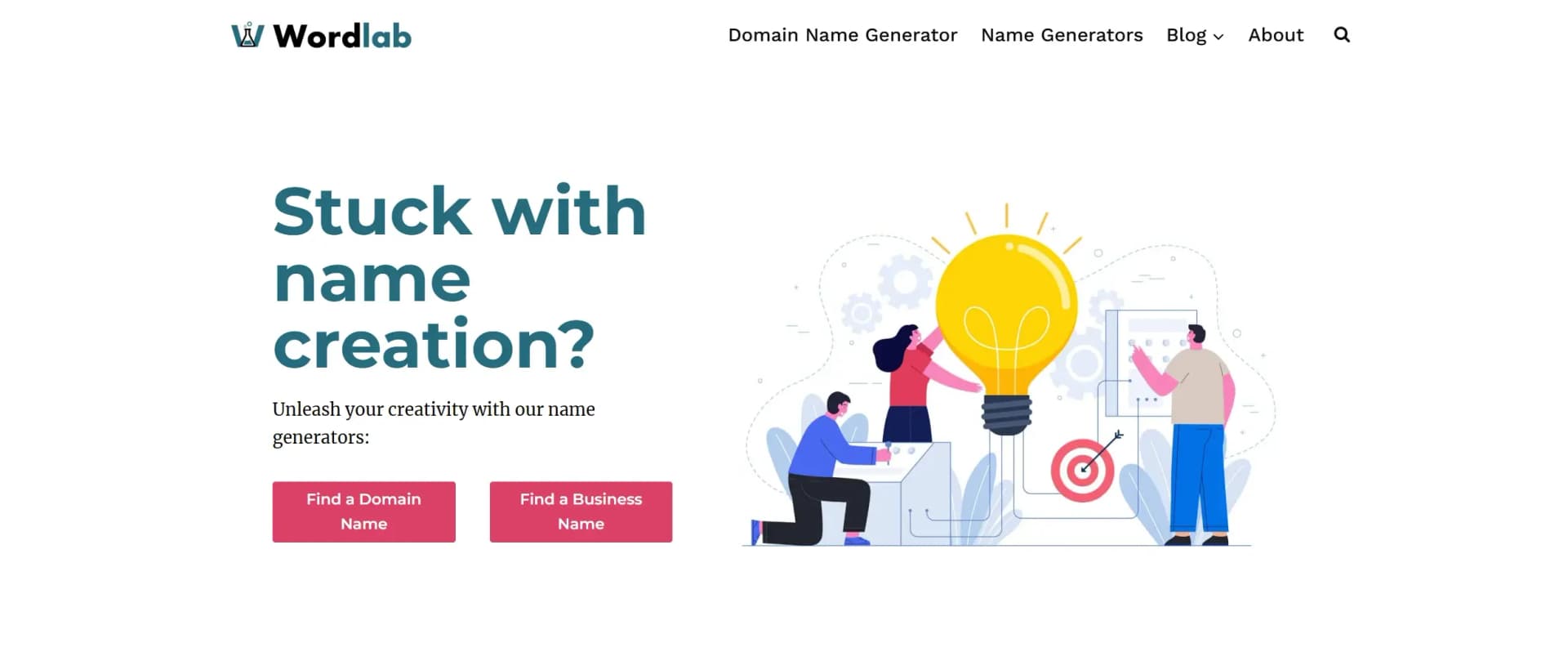
AI-driven tool for creative brand and domain name generation.
Key Takeaways
- What it is
- AI-driven tool for creative brand and domain name generation.
- Best for
- AI-Powered Name Generators
- Comprehensive Idea Lists
- User-Friendly Interface
- Rating
- 4.6/5
What is Wordlab?
Wordlab is an innovative AI-driven tool designed to revolutionize the way individuals and businesses create names for their brands, domains, and more. At its core, Wordlab harnesses the power of AI to generate creative and compelling names that align with the user's brand identity and objectives. Whether you're a budding entrepreneur or an established business looking to rebrand, Wordlab simplifies the daunting task of name creation, offering a plethora of name ideas tailored to various industries and niches.
Wordlab stands out with its comprehensive suite of AI-powered name generators, a game-changer for businesses and individuals seeking creative naming solutions. Its ability to provide diverse, industry-specific name ideas sets it apart in the crowded market of branding tools.
Wordlab provides an invaluable service for anyone in need of creative and impactful names. Its AI-driven approach not only saves time but also inspires users with fresh ideas that resonate with their brand's vision. Whether you're naming a new business, a product, or even a team, Wordlab offers a robust platform to explore and discover the perfect name effortlessly.
Who is Using Wordlab?
Startups
Utilizing the tool to find unique and memorable business names.
Brand Managers
Employing Wordlab to explore new branding opportunities.
Domain Investors
Leveraging the platform to identify valuable domain names.
Marketing Agencies
Using Wordlab for creative team and project names.
Adopted by educational institutions for branding projects.
Utilized by event planners to generate themed event names.
Key Features
Rating Breakdown
Pricing Plans
Free Access
- Wordlab offers free access to its name generators and resources
- Making it accessible to all users
Wordlab Use Cases
Create eCommerce product photos
Upload a product image, provide a prompt, and generate styled product-photo variations.
Outcome: Professional-looking product images without a traditional studio shoot.
Create beauty product photography
Place beauty products into generated backgrounds and download the preferred result.
Outcome: Beauty-product imagery produced in minutes.
Create perfume photography
Use prompts and templates to create visual backgrounds for fragrance products.
Outcome: Styled perfume photos for online promotion.
Remove product backgrounds
Upload an image and isolate the product from its original backdrop.
Outcome: A clean, transparent product image.
Change background colors
Upload an image and select a preferred background color or shade.
Outcome: A product photo with a refreshed background.
Workflow Ideas with Wordlab
Generate a styled product photo
- 1Register or sign in
- 2Upload a default product photo
- 3Enter a prompt or choose a prompt template
- 4Generate and download a preferred result
Create a clean listing image
- 1Upload the product image
- 2Use the remove-background feature
- 3Download the isolated product image
Produce seasonal product imagery
- 1Upload the product photo
- 2Choose a seasonal template or prompt
- 3Generate several variations and select the best image
How Wordlab fits into your stack
Browser
Wordlab is accessed through its web application, where users upload product photos, enter prompts, generate variations, and download results.
Pros
- +Creativity Boost: Wordlab's AI tools stimulate creativity, offering unique name suggestions that users might not have considered.
- +Time-Saving: The platform significantly reduces the time needed to brainstorm and evaluate potential names.
- +Versatile Applications: Suitable for a wide range of users, from small business owners to large enterprises.
- +Valuable Resources: Offers insightful articles and tips on branding and marketing, adding value beyond name generation.
Cons
- −Limited Customization: While the AI provides numerous suggestions, users may find customization options for refining names somewhat limited.
- −Dependence on AI Creativity: The tool's effectiveness relies heavily on AI-generated creativity, which may not always align with specific user preferences.
Limitations & when to consider alternatives
Known limitations
- Uploaded images must be under 5 MB. The homepage specifies a maximum upload size of 5 MB for the product photo.
- Generation returns up to four results. The standard generation workflow produces up to four visual results per request.
- An account is required. The getting-started workflow requires users to register or sign in before creating images.
- The workflow begins with a product photo. WordLab’s documented process requires a default product photo as the starting input.
Look elsewhere when
- You need a documented developer API.
- You need a dedicated desktop installer.
- You need shared team workspaces.
How to Use Wordlab
- 1
Create an account
Register or sign in through WordLab before starting the image-generation workflow.
- 2
Upload a product photo
Use a default product photo or a quick phone snapshot, keeping the file below 5 MB.
- 3
Choose a template or prompt
Select a predefined template or enter prompt text describing the desired product scene.
- 4
Generate variations
Click Generate to create up to four product-photo results with different backgrounds.
- 5
Apply background edits
Use background removal or background-color changes when a clean listing image is needed.
- 6
Download the result
Review the generated options and download the image you want to use.
Who is Wordlab For?
eCommerce businesses
WordLab is designed to create product photos for online listings and storefronts.
Fashion businesses
The site provides fashion-oriented product-photography use cases and examples.
Beauty-product sellers
WordLab specifically promotes instant beauty product photography.
Perfume and fragrance sellers
The site provides a dedicated perfume-photography workflow for product imagery.
Frequently Asked Questions
What does WordLab do?
WordLab creates studio-quality eCommerce product photos from an uploaded product image and a text prompt.
How do I start using WordLab?
Register or sign in, add a default product photo, select a template, and complete the creation steps.
What kind of image can I upload?
A quick phone snapshot can be used, provided the uploaded image is under 5 MB.
How many results can WordLab generate?
After entering a prompt and selecting Generate, WordLab can produce up to four results.
Can WordLab remove an image background?
Yes. Its background-removal feature isolates the product and creates a clean, transparent canvas.
Can WordLab change an image’s background color?
Yes. WordLab lets users change the product-photo background to a chosen color.
Community reviews
Be the first to share your experience.
Sign in to leave a review for Wordlab.
Wordlab Alternatives
Looking for alternatives to Wordlab? Here are similar tools in the same category:
Learn to Master Wordlab
With Skill Leap courses
Get in-depth training on Wordlab and 50+ other AI tools with our expert-led video courses.
Start 7-Day Free Trial