
WordAI
Revolutionizes content creation with AI-driven rewriting and SEO enhancement.
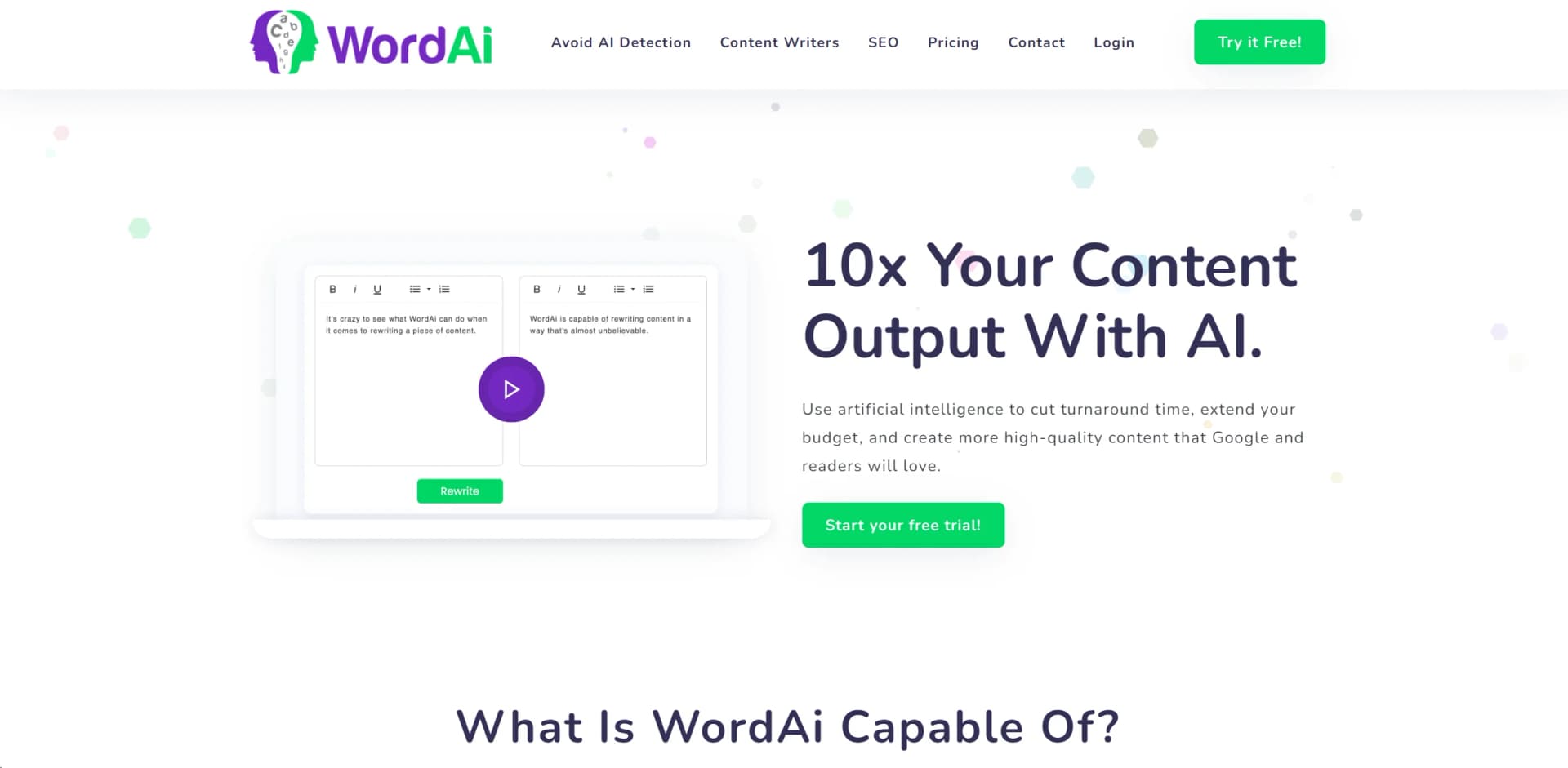
Watch WordAI in Action
Key Takeaways
- What it is
- Revolutionizes content creation with AI-driven rewriting and SEO enhancement.
- Pricing
- $57/month · $17/month (billed annually)
- Best for
- Complete Sentence Restructuring
- Enhanced Text Enrichment
- Error Correction
- Rating
- 4.6/5
What is WordAI?
In the bustling world of content creation, WordAi stands out as a revolutionary AI text rewriter designed to elevate the quality and uniqueness of written content. Catering primarily to SEO experts, content writers, and digital marketers, WordAi harnesses advanced machine learning models to ensure that rewritten text is not only indistinguishable from human-written content but also optimized for readability and SEO. It's a tool crafted to dramatically cut turnaround times, extend budget constraints, and multiply content output without compromising on quality.
WordAi is not just a simple text spinner; it's designed to understand context and nuance, rewriting content to appear as though it was crafted by a skilled human writer. Its ability to integrate seamlessly into different workflows and its support for bulk processing and API access sets it apart in the realm of content rewriting tools.
WordAi excels in transforming the way content is created, offering a robust set of features that dramatically enhance efficiency and content quality. Its unique sentence restructuring and SEO enhancement capabilities make it an indispensable tool for anyone involved in content creation and digital marketing. With its user-friendly interface and powerful API, WordAi not only meets but exceeds the demands of a diverse user base, from individual bloggers to large-scale enterprises.
Who is Using WordAI?
SEO Specialists
Employing the tool to enhance articles for better search engine ranking.
Content Marketers
Creating varied versions of marketing content to test different approaches.
Academic Researchers
Utilizing the rewriter to paraphrase existing research for new papers.
Copywriters
Generating multiple content pieces from a single draft, increasing productivity.
Uncommon Use Cases
Non-profit organizations use it for grant writing; bloggers use it to repurpose old posts into fresh content.
Key Features
Rating Breakdown
Pricing Plans
Monthly Plan
$57/month
- Full access to all features including bulk article rewriting and API access
Yearly Plan
$17/month (billed annually)
- The same comprehensive features as the monthly plan
Enterprise Plan
- Custom pricing tailored to high volume and specific business needs
Which WordAI plan should you pick?
Start with Starter for moderate rewriting needs, upgrade to Power for high-volume production, or choose Enterprise for custom throughput and multiple user accounts.
Starter
Good for individuals and smaller content operations needing up to 50,000 rewrite words per month and API access.
Power
Good for high-volume content producers needing up to 3,000,000 rewrite words per month and API access.
Enterprise
Good for organizations needing custom volume, increased throughput, multiple user accounts, customized rewrites, and an account manager.
WordAI Use Cases
Rewrite existing articles
Enter an article and generate a new version while preserving its meaning.
Outcome: Create unique, readable content variations.
Produce multiple content variations
Generate up to 1,000 rewrites from one original article.
Outcome: Expand content output and overcome writer's block.
Humanize AI-generated content
Rewrite content from AI generators such as ChatGPT to make it more human-like.
Outcome: Improve readability and help content pass AI detection.
Create SEO content variations
Rewrite content, enrich it with related keywords, and diversify marketing copy.
Outcome: Support a larger SEO content pipeline.
Generate spintax
Create nested variations and export rewrites as spintax or in bulk.
Outcome: Produce multiple publishable content versions.
Workflow Ideas with WordAI
Humanize AI-generated content
- 1Generate or collect the original AI-written article
- 2Submit it to WordAi for rewriting
- 3Review and export the humanized version
Scale article variations
- 1Upload one or more existing articles
- 2Generate multiple rewrites or spintax
- 3Bulk-download the resulting content
Automate rewriting through the API
- 1Send article content to the WordAi API
- 2Receive rewritten output in the connected workflow
- 3Review or publish the returned version
How WordAI fits into your stack
API Access
Easily integrates into existing content management systems.
Bulk Operations
Supports large-scale operations without a loss in performance or quality.
HTML Compatibility
Works with HTML content directly, preserving formatting and structure.
Spintax Export
Allows for exports in spintax format for further variability.
Pros
- +Efficiency in Content Creation: Reduces content creation time dramatically, allowing for faster project completions.
- +High-Quality Outputs: Delivers content that is clear, concise, and free of errors.
- +SEO Enhancement: Improves content's SEO by incorporating LSI keywords naturally.
- +Scalability: Offers solutions from individual content creators to large enterprises with bulk capabilities and API access.
Cons
- −Learning Curve: New users may require some time to fully understand and utilize all features effectively.
- −Subscription Cost: Might be considered pricey for small-scale or individual users without substantial content needs.
- −Limited to Text: As a specialized text rewriter, it doesn’t support other forms of content such as images or videos.
Limitations & when to consider alternatives
Known limitations
- English-focused support. WordAi states that it works with English text and does not currently support foreign languages.
- No code support. WordAi explicitly states that it does not currently support code.
- Trial is time-limited. The offer is a free three-day trial rather than a continuing free plan.
- Monthly rewrite limits. Starter includes 50,000 rewrite words per month, while Power includes 3,000,000; Enterprise is custom.
- Online service. The terms describe WordAi as a text-generation tool made available for online use.
Look elsewhere when
- You need multilingual rewriting.
- You need code generation or code rewriting.
- You need a native desktop or mobile application.
- You need a continuing free plan.
How to Use WordAI
- 1
Explore the extensive tutorial resources provided on the WordAi website, covering everything from basic setup to advanced features for maximizing content output.
Who is WordAI For?
SEO professionals
WordAi helps create unique, human-readable variations intended to support SEO content production.
Content writers
Writers can clarify content, fix grammar, brainstorm variations, and produce multiple versions quickly.
AI content producers
WordAi rewrites AI-generated content to make it appear more human-written.
Businesses and agencies
High-volume and Enterprise plans support larger content operations, increased throughput, and multiple user accounts.
Frequently Asked Questions
What type of content does WordAi work with?
WordAi works with English texts such as blog posts, cover letters, essays, product descriptions, and reports.
Does WordAi work with other AI content generators?
Yes. WordAi says it can make content from any AI content generator pass as human-written.
What AI detection tools does WordAi work with?
WordAi says it works with every AI detection tool, including Originality.ai, OpenAI's detector, and Writer's AI Detector.
Does WordAi support code or foreign languages?
No. WordAi states that it currently does not support foreign languages or code.
Does WordAi work for plagiarism detection?
Use the Text Rewriter and then the Avoid AI Detection tool to help make content unique and human-written.
Does WordAi have an API?
Yes. The API can add WordAi rewriting to workflows and automatically make content more human.
Community reviews
1 review from people who use WordAI.
Sign in to leave a review for WordAI.
Thibault BM
WordAI Alternatives
Looking for alternatives to WordAI? Here are similar tools in the same category:
Learn to Master WordAI
With Skill Leap courses
Get in-depth training on WordAI and 50+ other AI tools with our expert-led video courses.
Start 7-Day Free Trial