
Wondershare Presentory
AI-driven tool creates professional presentations effortlessly.
Watch Wondershare Presentory in Action
Key Takeaways
- What it is
- AI-driven tool creates professional presentations effortlessly.
- Pricing
- Freemium
- Best for
- AI PowerPoint Generator
- Responsive Layouts
- AI Image Generator
- Rating
- 4.6/5
What is Wondershare Presentory?
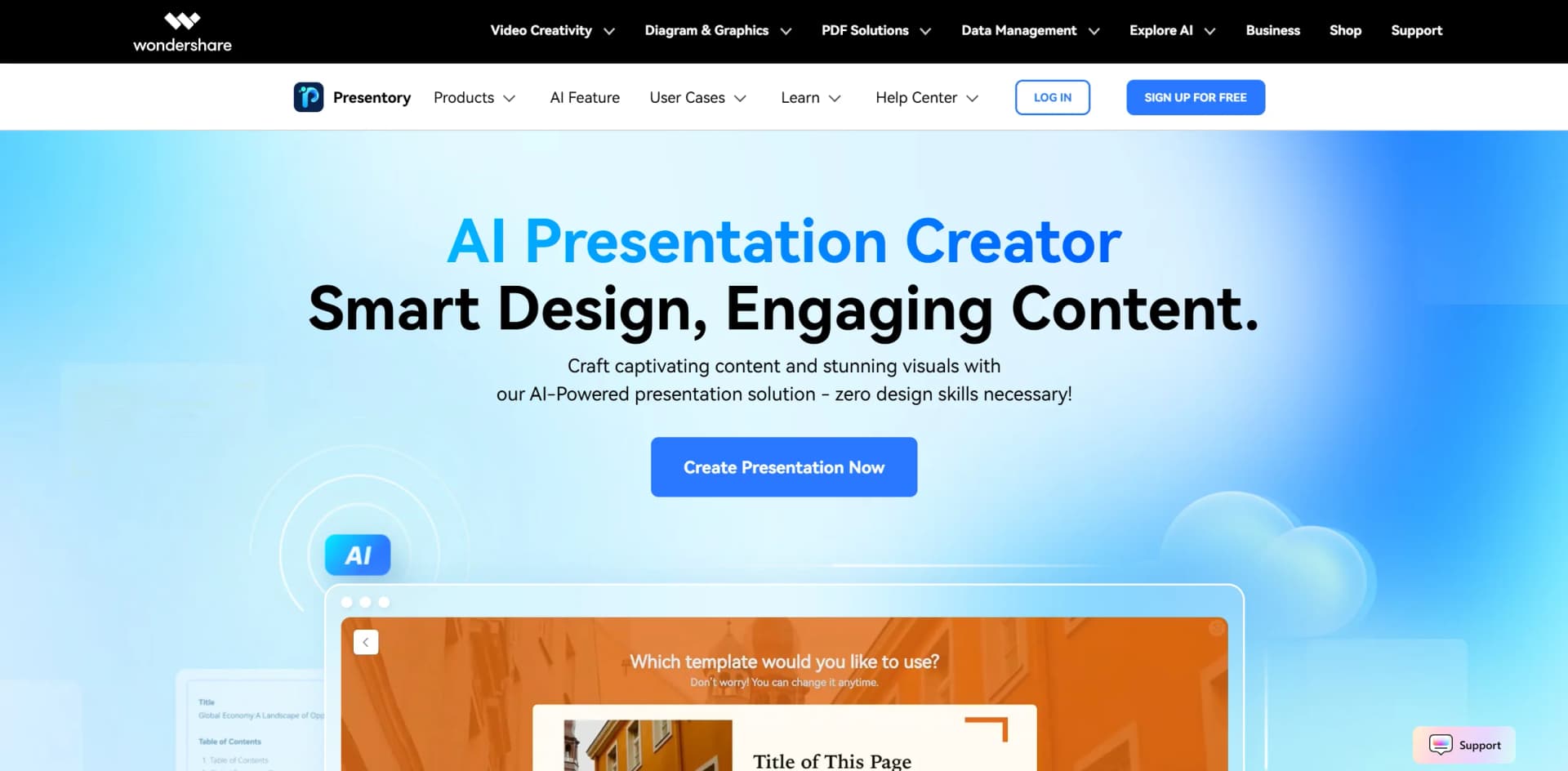
Wondershare Presentory revolutionizes the art of presentation creation, offering an AI-powered solution that transforms the way we craft and deliver presentations. Designed for professionals, educators, and anyone looking to simplify the presentation process, it leverages the power of AI to generate captivating content and stunning visuals without the need for extensive design skills. By integrating advanced features like GPT-4, Presentory ensures that users can create engaging, professional-grade presentations with ease.
Wondershare Presentory stands out with its seamless integration of AI-powered tools, particularly the use of GPT-4 for generating contextually appropriate and engaging text. Its ability to automatically adjust layouts and styles to suit the content structure sets it apart, making it a game-changer for those looking to create high-quality presentations quickly and efficiently.
Wondershare Presentory offers an unparalleled blend of AI-driven innovation and user-friendly design, making it an essential tool for anyone looking to elevate their presentation game. Whether you're an educator, marketer, or corporate trainer, Presentory provides the tools you need to create compelling, professional presentations with minimal effort. Its unique features, such as AI-generated content and responsive layouts, ensure that your presentations are not only visually stunning but also tailored to engage your specific audience.
Who is Using Wondershare Presentory?
Educators
Enhancing classroom engagement with visually appealing and easy-to-understand slides.
Marketing Professionals
Crafting impactful presentations for campaigns and client pitches.
Corporate Trainers
Streamlining employee training sessions with AI-generated content.
Sales Teams
Creating persuasive presentations to drive sales efforts.
Key Features
Rating Breakdown
Pricing Plans
Free Tier
Free
- Experience Wondershare Presentory with a 7-day free trial
Which Wondershare Presentory plan should you pick?
Use Free Trial only to evaluate the product before its September 15, 2026 shutdown; do not upgrade unless you specifically need temporary paid export or AI-credit access.
Free Trial
Good for evaluating AI presentation creation, templates, editing, and time-limited PDF or PowerPoint export.
Monthly Plan
Good for short-term use requiring 5,000 AI credits, watermark-free export, and paid presentation features.
Yearly Plan
Good for longer-term use requiring 60,000 AI credits and watermark-free export, subject to the announced service discontinuation.
Wondershare Presentory Use Cases
Adopted by financial analysts for data visualization.
Utilized by researchers to present findings in an engaging manner.
Workflow Ideas with Wondershare Presentory
Create an AI presentation
- 1Enter a topic or paste source text
- 2Review the generated outline and choose a theme
- 3Edit the text, images, and layout, then export to PDF or PowerPoint
Build a recorded video presentation
- 1Start a new project or import PowerPoint, images, or videos
- 2Arrange scenes, add transitions, animations, and a teleprompter
- 3Record the presentation and save the resulting video
Present and stream online
- 1Create or open a presentation
- 2Choose the presentation layout and enable camera, microphone, or desktop sharing
- 3Stream to a supported meeting or social platform
How Wondershare Presentory fits into your stack
Browser
Presentory provides an online presentation-making workspace accessible through major browsers. Users can generate, edit, export, and share AI-created presentations online.
Desktop
The Windows desktop application supports video presentations, screen sharing, webcam and microphone capture, recording, streaming, PowerPoint import, and local media editing.
Pros
- +Time Efficiency: Reduces the time needed to create presentations significantly by automating content and design processes.
- +User-Friendly Interface: Intuitive design makes it accessible even for those without design experience.
- +Versatility: Offers a wide variety of theme styles and responsive layouts to suit diverse presentation needs.
- +AI-Driven Content Enhancement: Refines text and image matching, ensuring presentations are both engaging and accurate.
Cons
- −Initial Learning Curve: Some users may require time to familiarize themselves with the full suite of features.
- −Limited Integration: Currently, integration with third-party tools is somewhat limited.
Limitations & when to consider alternatives
Known limitations
- Service ends September 15, 2026. Wondershare states that Presentory will be taken offline on September 15, 2026, and account data will be permanently deleted after termination.
- Windows desktop support. The technical specifications list Windows 11 and below, with no macOS or Linux operating-system support listed.
- Limited documented languages. The technical specifications list Chinese and English as supported product languages.
- Free access is time-limited. The current Free Trial limits PDF and PowerPoint export by time; watermark-free export requires a paid plan.
- No documented developer API. The official guide and support materials document end-user presentation workflows but do not provide API keys, endpoints, or developer API documentation.
Look elsewhere when
- You need a native iOS or Android app.
- You need a developer API for programmatic access.
- You need SSO or SAML authentication.
- You need multilingual product support beyond Chinese and English.
How to Use Wondershare Presentory
- 1
Open Presentory
Use the online editor or install the Windows desktop application from the official download page.
- 2
Start a presentation
Choose AI creation, a new project, a template, or import an existing PowerPoint file.
- 3
Generate or arrange content
Enter a topic or paste text for AI generation, or arrange imported images, videos, PowerPoint slides, text, and camera content.
- 4
Customize the presentation
Edit text, images, colors, layouts, scenes, transitions, animations, backgrounds, and stickers.
- 5
Record or stream
Use the teleprompter and camera, microphone, or desktop-sharing controls to record or stream the presentation.
- 6
Export or share
Export to PDF or PowerPoint, save video output, or share the presentation online.
Who is Wondershare Presentory For?
Educators
The site positions Presentory for creating engaging, easy-to-understand teaching slides and learning materials.
Teachers
Teachers can use AI-generated content, themes, layouts, and image matching to create instructional presentations.
Marketers
Marketers can use scene structures, transitions, and customized video slides for visually appealing content.
YouTubers
The user guide specifically names YouTubers who make DIY tutorials as a target audience.
Business professionals
The product is presented for business presentations, reports, training materials, meetings, recording, and streaming.
Frequently Asked Questions
Is Wondershare Presentory still available?
Wondershare says Presentory will cease all services on September 15, 2026, after which the product will be taken offline and account data permanently deleted.
Can I use Presentory for free?
The current pricing page offers a Free Trial with time-limited PDF and PowerPoint export. Paid Monthly Plan and Yearly Plan options remove the watermark and add AI credits.
What operating systems does Presentory support?
The technical specifications list Windows 11 and earlier versions as supported operating systems.
Can Presentory create presentations with AI?
Yes. Users enter a topic or paste text, review the generated outline, choose a theme, and edit the resulting presentation.
What file formats can Presentory export?
Presentory can export presentations to PowerPoint and PDF, and it also supports online sharing.
Can Presentory record or stream presentations?
Yes. Presentory supports presentation recording and streaming to services such as Zoom, Skype, Teams, and Google Meet.
Community reviews
1 review from people who use Wondershare Presentory.
Sign in to leave a review for Wondershare Presentory.
Mona Mei
Wondershare Presentory Alternatives
Looking for alternatives to Wondershare Presentory? Here are similar tools in the same category:
Learn to Master Wondershare Presentory
With Skill Leap courses
Get in-depth training on Wondershare Presentory and 50+ other AI tools with our expert-led video courses.
Start 7-Day Free Trial