
Wepik
Revolutionize design: AI-powered, versatile, user-friendly, for all skill levels.
Key Takeaways
- What it is
- Revolutionize design: AI-powered, versatile, user-friendly, for all skill levels.
- Pricing
- Freemium
- Best for
- AI-Powered Tools
- Social Media Scheduler
- Background Remover
- Rating
- 4.6/5
What is Wepik?
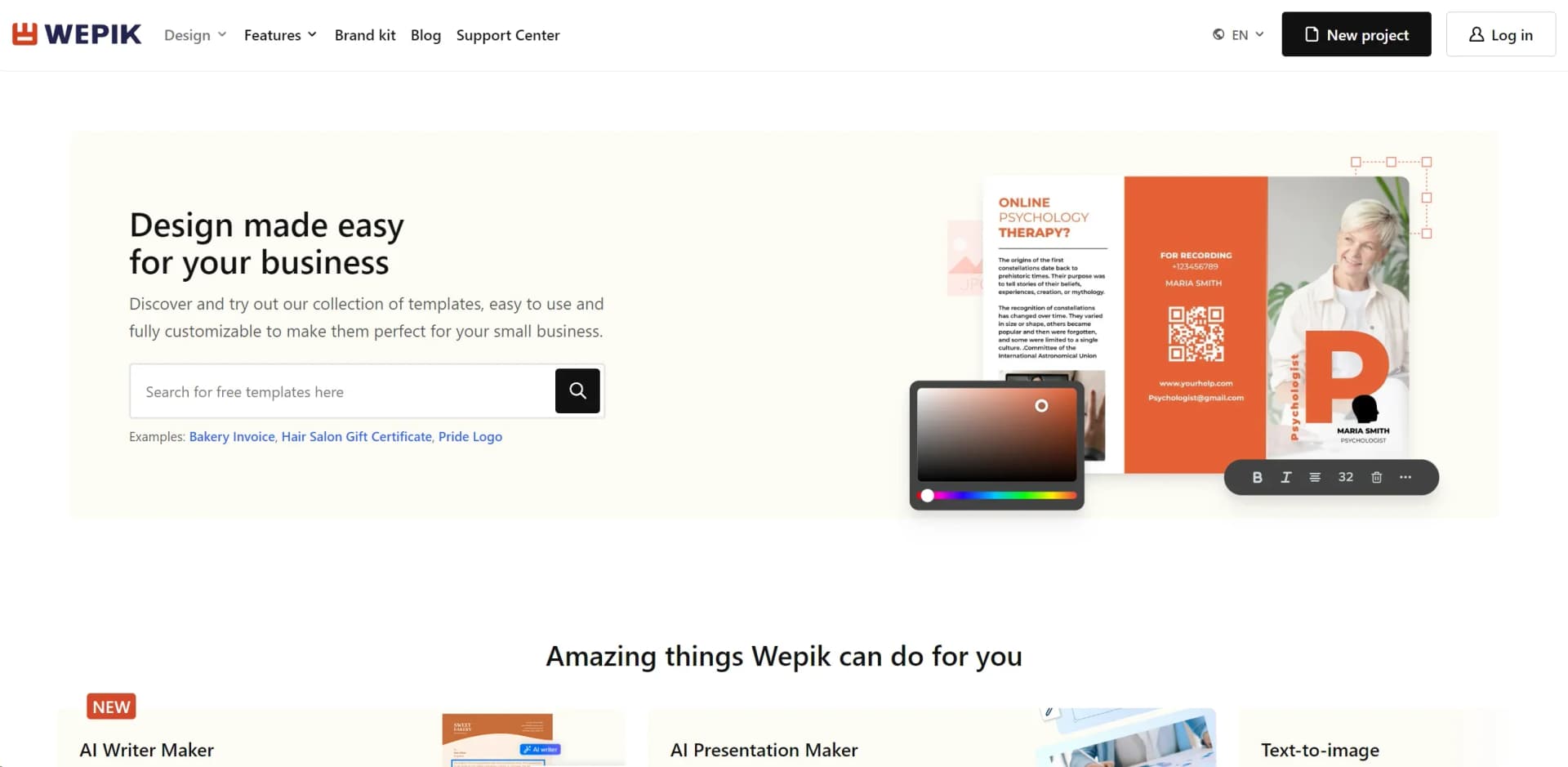
Wepik is an innovative online platform designed to revolutionize the way individuals and businesses approach graphic design. With its wide array of tools, including an AI Image Generator, AI Presentation Maker, AI Writer, and more, Wepik simplifies the creation of visually stunning and professional designs. Targeted towards a diverse audience ranging from small business owners to digital marketers, Wepik offers an easy-to-use interface that makes graphic design accessible to everyone, regardless of their skill level.
Wepik stands out for its comprehensive suite of AI-powered design tools, making it a one-stop-shop for anyone looking to streamline their graphic design process. Its ability to integrate various aspects of design, from image creation to social media scheduling, sets it apart in the market.
Wepik excels at providing a comprehensive and user-friendly platform for graphic design, making it an indispensable tool for a wide range of users. Its unique blend of AI-powered features, coupled with its versatility and affordability, offers an unmatched advantage for anyone looking to enhance their digital presence or streamline their design workflow.
Who is Using Wepik?
Small Business Owners
Creating marketing materials, from flyers to social media posts, to elevate their brand presence.
Digital Marketers
Designing engaging content for digital campaigns and social media strategies.
Graphic Designers
Leveraging Wepik for quick mockups or when under tight deadlines.
Educators and Students
For presentations, educational materials, and creative projects.
Uncommon Use Cases
Non-profits using it for event promotions and fundraising campaigns; bloggers and online influencers for enhancing their digital content.
Key Features
Rating Breakdown
Pricing Plans
Free Tier
Free
- Access to a wide range of features and templates at no cost
Pro Tier
- Advanced features and premium templates are available for users looking for more sophisticated design options
Which Wepik plan should you pick?
Start with Free to explore the AI tools; upgrade to Premium for regular professional use, Premium+ for high-volume generation, or Pro Starter for scaled production.
Free
Good for users exploring Magnific who need limited daily AI access and basic stock content.
Premium
Good for designers, marketers, and creators who need premium stock, commercial use, and regular AI-tool access; the displayed price is $20/month or $14.50/month billed annually.
Premium+
Good for creators who need unlimited generations on supported models and higher AI capacity; the displayed price is $45/month or $33.75/month billed annually.
Pro Starter
Good for professionals scaling content production who need the highest individual credit tiers and expanded unlimited-model access; the displayed price is $110/month or $82.50/month billed annually.
Wepik Use Cases
Create business presentations
Users provide a topic and context, then generate an AI-assisted presentation.
Outcome: A structured presentation with editable slides.
Create educational presentations
Users generate presentation content for educational topics and classroom settings.
Outcome: A presentation draft tailored to an educational purpose.
Generate AI images
Users enter a text prompt or upload a reference image to create visuals.
Outcome: New AI-generated images for creative projects.
Improve presentation visuals
Users add Freepik and Flaticon resources, images, icons, and other visual elements.
Outcome: More visually developed presentation slides.
Schedule social content
Users plan and post content through the Social Media Scheduler.
Outcome: Content planned for publication across social activity.
Workflow Ideas with Wepik
Create a presentation from a prompt
- 1Define the presentation purpose and audience
- 2Write a clear topic prompt with context
- 3Edit the generated slides and download the presentation
Create a presentation from source material
- 1Upload a PDF, DOCX, or TXT file
- 2Generate slides from the document content
- 3Customize the resulting text, colors, layouts, and visuals
Build a visual presentation
- 1Generate or select an AI image
- 2Add Freepik and Flaticon visual resources
- 3Arrange and edit the assets in the presentation
How Wepik fits into your stack
Social Media Platforms
Direct integration allows for seamless design and scheduling of social media posts.
Cloud Storage Services
Easy access and storage of designs and assets on cloud platforms.
Mobile App
Offers flexibility and convenience by allowing users to design on-the-go.
Pros
- +Time-Saving: Automate and streamline the design process, allowing you to focus on other aspects of your business.
- +Cost-Effective: With free access to many features and affordable pricing plans, Wepik offers a budget-friendly solution for high-quality graphic design.
- +User-Friendly Interface: Intuitive design tools and pre-made templates make it easy for anyone to create professional-looking graphics.
- +Versatility: A wide range of templates and design tools cater to various needs, from social media posts to business cards.
Cons
- −Learning Curve: While designed to be user-friendly, newcomers to design may need time to fully utilize all the features.
- −Template Limitations: While there's a vast selection, finding the perfect template might be challenging for very niche or specific projects.
- −Dependence on Internet Connection: As an online platform, a stable internet connection is required for a smooth design experience.
Limitations & when to consider alternatives
Known limitations
- Free usage is limited. The free AI presentation maker allows up to three presentations per month.
- Uploaded files have a size limit. The presentation maker accepts a single file with a maximum size of 25 MB.
- AI image uploads are limited by feature. The presentation maker documentation says uploading personal images is not currently available there.
- Account login is required. Users must create an account and log in to generate and download presentations.
- Free presentations require attribution. Free users must keep the credit slide or otherwise attribute the template provider.
Look elsewhere when
- You need a documented developer API.
- You need a native Wepik mobile app.
- You need programming-code generation.
How to Use Wepik
- 1
Explore a range of tutorials on Wepik's website and YouTube channel, covering everything from basic setup to advanced design techniques.
Who is Wepik For?
Professionals
The prompt guide positions Wepik for professionals creating impactful business presentations.
Students
Wepik is presented as a way for students to simplify presentation work.
Business users
The official guide specifically identifies business presentations as a supported use.
Educators
The documentation identifies education and classroom-oriented presentations as supported scenarios.
Frequently Asked Questions
What can Wepik create?
Wepik creates AI-generated images and presentations from text prompts, using templates, visuals, and editable layouts.
Can users upload files?
The presentation maker accepts PDF, DOCX, and TXT files up to 25 MB and converts their content into slides.
Can users edit generated presentations?
Generated presentations can be customized by editing text, colors, layouts, images, and other elements.
Can users use their own images?
Wepik documentation describes uploading reference images for AI image generation.
Can generated presentations be downloaded?
Presentations can be downloaded in editable PPTX format for use with PowerPoint, Google Slides, or Figma.
Community reviews
Be the first to share your experience.
Sign in to leave a review for Wepik.
Wepik Alternatives
Looking for alternatives to Wepik? Here are similar tools in the same category:
Learn to Master Wepik
With Skill Leap courses
Get in-depth training on Wepik and 50+ other AI tools with our expert-led video courses.
Start 7-Day Free Trial