
Voxify
Transform text to lifelike speech with emotion-rich, multilingual AI voice synthesis.
Key Takeaways
- What it is
- Transform text to lifelike speech with emotion-rich, multilingual AI voice synthesis.
- Pricing
- Freemium
- Best for
- Extensive Language Support
- Emotion-Rich Voiceovers
- High-Quality Output
- Rating
- 4.6/5
What is Voxify?
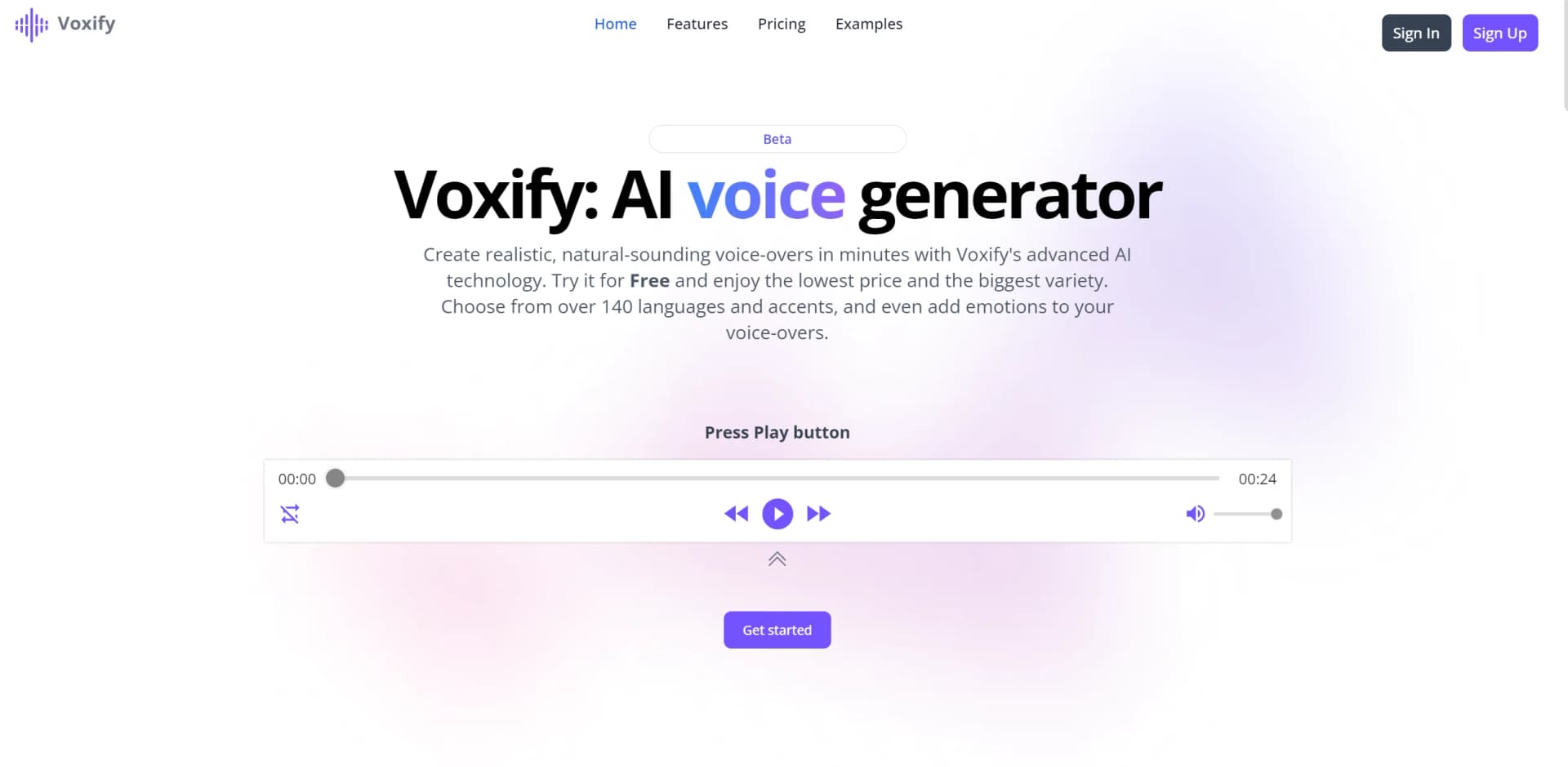
Voxify stands out as a cutting-edge AI voice generator, reshaping the landscape of text-to-speech technology. With its capability to produce lifelike voice-overs in seconds, Voxify has become the preferred tool for professionals in various industries. Offering support for over 140 languages and accents, along with the option to add emotional nuances to voice-overs, Voxify caters to diverse audio projects, ensuring messages are conveyed with maximum impact.
Voxify sets itself apart with emotion-rich voice-overs, enabling users to imbue projects with depth and mood. This feature provides an edge, particularly for projects requiring specific emotional tones.
Voxify excels in delivering customizable, high-quality voice-overs with a vast language repertoire and emotional depth. It emerges as an essential tool for projects across education, marketing, and entertainment domains. With its blend of affordability, ease of use, and swift processing, Voxify stands as a frontrunner in AI-driven text-to-speech solutions.
Who is Using Voxify?
Content Creators
Adding voice-overs to videos and presentations for enhanced engagement.
E-learning Developers
Creating diverse narrative voices for online courses to maintain learner interest.
Podcasters
Producing intros, outros, and narration segments with ease.
Marketers
Crafting compelling voice content for advertisements and promotional campaigns.
Uncommon Use Cases
Non-profits making information accessible in multiple languages; Audiobook creators streamlining narration production with Voxify.
Key Features
Rating Breakdown
Pricing Plans
Free Tier
Free
- Basic features available for exploration with a free version
Premium Options
- Premium plans with additional features tailored to advanced requirements
Which Voxify plan should you pick?
Start with Standard for solo or early-stage voiceover work, upgrade to Pro for recurring higher-volume production, or contact Voxify for custom limits and workflows.
Standard
Good for solo creators, teachers, short-form voiceovers, lesson audio, demos, and fast voice tests.
Pro
Good for podcasts, client work, YouTube workflows, multilingual projects, and higher-volume commercial output.
Custom price
Good for teams needing larger character allowances, custom workflows, or a special setup.
Voxify Use Cases
Podcasts and narrated videos
Turn scripts into narration for YouTube, podcast intros, explainers, audiobooks, and social clips.
Outcome: Polished narration without recording every revision.
Characters and entertainment
Test character voices, dramatic reads, trailers, and creative concepts using different emotional styles.
Outcome: Faster experimentation with expressive voice concepts.
Multilingual localization
Use regional accents and multilingual voices for product demos, support content, and training materials.
Outcome: Voiceover content adapted for different markets.
Education and course content
Create lessons, reading support, pronunciation examples, and consistent course narration.
Outcome: Reusable audio across course modules.
Product and support content
Create onboarding clips, support walkthroughs, internal training, and product updates.
Outcome: Reusable voice content for product and internal communications.
Workflow Ideas with Voxify
Create a multilingual product demo
- 1Write or paste the product-demo script
- 2Choose a language, regional accent, and voice
- 3Preview and download the finished voiceover
Produce a multi-voice lesson
- 1Prepare the lesson script
- 2Assign different voices to separate segments
- 3Preview and export the completed lesson audio
Build a recurring podcast workflow
- 1Prepare the episode narration or intro
- 2Adjust voice, speed, pitch, and emotional delivery
- 3Generate, review, and download the audio track
How Voxify fits into your stack
Web-Based Platform
Accessible via web browsers, compatible with various operating systems.
File Export
Easily download voice-overs in mp3 format for compatibility with standard audio editing software.
Custom API Access
(Coming soon) For developers seeking to integrate Voxify's capabilities into their applications.
Third-Party Software
While specific integrations may be limited, Voxify's output can be used across multimedia and presentation software.
Pros
- +User-Friendly Interface: Intuitive design simplifies voice-over generation for users of all skill levels.
- +Multilingual Support: Accommodates diverse audiences with extensive language and accent options.
- +Cost-Effective Solution: Offers affordable alternatives to traditional voice-over services without compromising quality.
- +Speed and Efficiency: Swift processing times enable quick project turnaround, ideal for tight schedules.
Cons
- −Emotion Authenticity: While emotional tones are possible, the authenticity may not match that of human actors.
- −Customization Learning Curve: Some users may require time to master customization options for desired effects.
- −Integration Limitations: Certain software or platforms may have restrictions on integration, affecting workflow.
Limitations & when to consider alternatives
Known limitations
- Monthly character limits. The Standard plan includes 100,000 characters per month, while Pro includes 250,000 characters per month.
- Some customization is marked as forthcoming. The homepage labels broader customizable voiceover options as coming soon, while current controls include tone, style, pacing, pitch, speed, and emotion.
How to Use Voxify
- 1
Resources and FAQs on the Voxify website offer guidance for users needing additional assistance, ensuring optimal utilization of features.
Who is Voxify For?
Creators
Create voiceovers for short-form videos, narration, explainers, and other content.
Podcasters
Produce podcast narration, intros, and recurring audio without recording every revision.
Educators
Build lessons, course narration, reading support, and pronunciation examples.
Marketers
Create branded content, advertisements, product demos, and localized campaign audio.
Teams
Produce onboarding clips, support walkthroughs, product updates, and internal training audio.
Frequently Asked Questions
What is Voxify?
Voxify is an AI text-to-speech and voiceover platform for turning written scripts into downloadable audio.
What can I customize in Voxify?
Users can customize voice selection, language, accent, pitch, speed, emotional delivery, and voice assignment by script segment.
How many voices are available on Voxify?
Voxify advertises more than 450 AI voices across languages, accents, age groups, and delivery styles.
Can I use more than one voice in the same project?
Yes. Voxify supports assigning different voices to different lines or segments in one script.
What kinds of projects can I create with Voxify?
The site names videos, podcasts, audiobooks, lessons, product demos, advertisements, support content, and internal training audio.
Can I use Voxify for commercial work?
Commercial usage is included in the Standard and Pro plans.
Community reviews
1 review from people who use Voxify.
Sign in to leave a review for Voxify.
Luis Teran
Voxify Alternatives
Looking for alternatives to Voxify? Here are similar tools in the same category:
Learn to Master Voxify
With Skill Leap courses
Get in-depth training on Voxify and 50+ other AI tools with our expert-led video courses.
Start 7-Day Free Trial