
Vidnoz
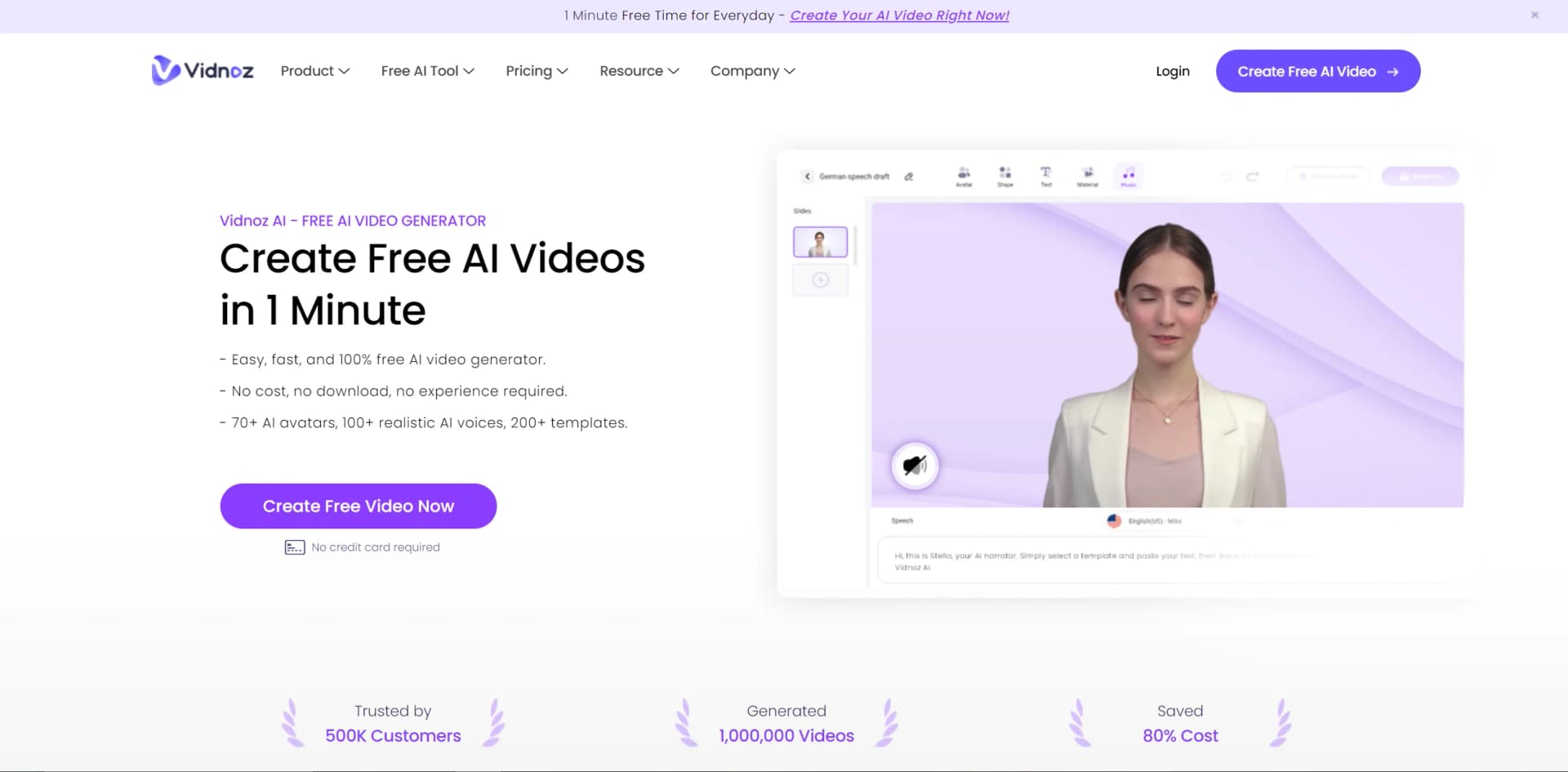
Create professional AI-powered videos effortlessly, in over 140 languages.
Watch Vidnoz in Action
Key Takeaways
- What it is
- Create professional AI-powered videos effortlessly, in over 140 languages.
- Pricing
- Freemium
- Best for
- AI-Powered Avatars
- Video Templates
- AI Voice Cloning
- Rating
- 4.4/5
What is Vidnoz?
Vidnoz is an innovative AI-driven video creation platform revolutionizing the production and consumption of video content. It empowers users to generate engaging videos with AI assistance, significantly reducing the time and costs associated with traditional video production. Targeting media teams, companies, and individual creators, Vidnoz simplifies the video creation process, making it accessible to users regardless of their technical expertise or resources.
Vidnoz's comprehensive suite of AI tools, particularly its extensive selection of AI avatars and voice options, sets it apart. Its support for a multitude of languages and accents distinguishes it in the global market, offering users unparalleled flexibility and reach.
Vidnoz offers a user-friendly, cost-effective, and efficient solution for video production, catering to a wide range of users. Its innovative use of AI avatars and voice cloning technology, coupled with customizable templates, provides users with unmatched advantages in content creation. Whether businesses expanding marketing efforts or individual creators streamlining workflows, Vidnoz promises to revolutionize video creation approaches.
Who is Using Vidnoz?
Content Creators
Generating dynamic content quickly and efficiently.
Educators and Trainers
Creating engaging educational materials and training videos.
Marketing Professionals
Crafting promotional videos to capture attention and convey messages effectively.
Social Media Influencers
Producing regular content with ease to maintain an active online presence.
Uncommon Use Cases
Utilized by non-profits for storytelling and awareness campaigns, and by indie game developers for character dialogue scenes.
Key Features
Rating Breakdown
Pricing Plans
Free Tier
Free
- Basic features available at no cost to users
Paid Tiers
- Additional features
- Customization options
- Higher usage limits available for a fee
Which Vidnoz plan should you pick?
Start with Free to evaluate Vidnoz; upgrade to Starter for longer, watermark-free videos or Business for collaboration, SSO, branding, analytics, and advanced team features.
Free
Good for evaluating Vidnoz with limited daily credits, short videos, 720p export, and standard processing.
Starter
Good for individual creators who need longer videos, 1080p export, faster processing, no watermark, emotional voices, and SCORM export.
Business
Good for teams who need collaboration, roles, voice cloning, video translation, brand controls, analytics, embeds, and SAML/SSO.
Enterprise
Good for organizations needing custom credits, custom duration, and tailored enterprise arrangements.
Vidnoz Use Cases
Training and onboarding videos
Create avatar-led training and onboarding content using templates, voices, and AI video generation.
Outcome: Produce structured instructional videos.
Marketing and promotional videos
Turn scripts, prompts, PDFs, or templates into branded promotional videos.
Outcome: Create product and social-media marketing content.
Sales outreach videos
Record or generate personalized videos, then share them through links, email, or integrations.
Outcome: Support prospect communication and sales engagement.
Explainer and how-to videos
Use avatars, narration, subtitles, screen recording, and editing tools to explain products or processes.
Outcome: Deliver visual explanations and tutorials.
PDF document analysis
Upload a PDF, let Vidnoz process it, and ask questions about its contents.
Outcome: Extract summaries and answers from documents.
Workflow Ideas with Vidnoz
Automated video publishing with Zapier
- 1Create a Zap with Vidnoz AI as the trigger
- 2Trigger the workflow when a new video is created
- 3Upload the video or thumbnail to YouTube
PDF-to-training-video workflow
- 1Import a PowerPoint or PDF into Vidnoz AI
- 2Generate a video using avatars, voices, and templates
- 3Export or share the finished training video
Collaborative team video production
- 1Create a Business team workspace
- 2Invite teammates and assign roles
- 3Share drafts for editing, comments, review, and publishing
How Vidnoz fits into your stack
Cross-Platform Sharing
Easily share creations on various social media platforms or via email.
High Compatibility
Videos created with Vidnoz can be used across different devices and screen sizes.
Vidnoz Flex
Additional tool offering video recording, editing, sharing, and tracking capabilities in one place.
API Access
Enables developers to integrate Vidnoz's capabilities into their own applications.
Pros
- +Cost-Effectiveness: Significantly reduces traditional video production costs.
- +Time-Saving: Enables rapid video generation, facilitating quick content production and updates.
- +User-Friendly: Intuitive interface simplifies the video creation process for users of all skill levels.
- +Flexibility: Offers a variety of assets and customization options to meet diverse creative needs.
Cons
- −Resource Intensity: Requires a stable, high-speed internet connection due to its cloud-based nature.
- −Learning Curve: New users may require time to explore and master all features.
- −Customization Limits: While extensive, there may be constraints compared to traditional video production methods.
Limitations & when to consider alternatives
Known limitations
- Free-plan videos are limited to three minutes. The Free plan lists a maximum duration of three minutes per video.
- Free-plan export is limited to 720p. The Free plan lists 720p video export, while paid plans provide 1080p export.
- Free screen recording is limited to 30 minutes. Vidnoz Flex states that its free screen recorder allows 30 minutes of recording.
- API text input has a character limit. The Vidnoz API limits avatar input text to fewer than 5,000 characters.
- Vidnoz AI Studio desktop support is Windows-focused. The documented desktop application requirements specify Windows 10 64-bit or later.
Look elsewhere when
- You need a native mobile application.
- You need fine-tuning or model-training jobs.
- You need code-generation features.
How to Use Vidnoz
- 1
Vidnoz provides a range of tutorials to guide users through video creation, from basic setups to advanced features, ensuring a smooth learning curve and efficient use of the platform.
Who is Vidnoz For?
Training and development teams
Vidnoz names training and onboarding videos as a supported use case.
E-learning creators
Vidnoz positions the platform for creating educational videos.
Marketing teams
Vidnoz supports product and social-media video creation for marketing.
Sales teams
Vidnoz promotes video creation for increasing sales and supporting customer outreach.
Customer support teams
Vidnoz supports tutorial and FAQ videos for customer support.
Frequently Asked Questions
Does Vidnoz offer a free plan?
Yes. Vidnoz AI has a Free plan priced at $0.00 with daily credits, limited video duration, and 720p export.
Can Vidnoz convert PDFs into videos?
Yes. Vidnoz AI can import PowerPoint or PDF files and convert them into videos.
Does Vidnoz support team collaboration?
Yes. Business users can invite teammates, assign Owner, Creator, Editor, and Viewer roles, and collaborate on video projects.
Does Vidnoz support SSO?
Yes. Vidnoz documents SAML SSO setup with Microsoft Entra ID and Okta.
Can Vidnoz integrate with Zapier?
Yes. Vidnoz documents a Zapier workflow that triggers on new videos and can upload videos to services such as YouTube.
Is Vidnoz available as a browser extension?
Yes. Vidnoz Flex is available as a Chrome extension and can record a screen, camera, or both.
Community reviews
Be the first to share your experience.
Sign in to leave a review for Vidnoz.
Vidnoz Alternatives
Looking for alternatives to Vidnoz? Here are similar tools in the same category:
Learn to Master Vidnoz
With Skill Leap courses
Get in-depth training on Vidnoz and 50+ other AI tools with our expert-led video courses.
Start 7-Day Free Trial