
Videomaker by Invideo AI
Turn brief ideas into engaging, AI-generated videos for any platform, quickly and easily.
Key Takeaways
- What it is
- Turn brief ideas into engaging, AI-generated videos for any platform, quickly and easily.
- Pricing
- $20/month
- Best for
- AI-Driven Video Creation
- Multi-Platform Tailoring
- Broad Industry Coverage
- Rating
- 4.2/5
What is Videomaker by Invideo AI?
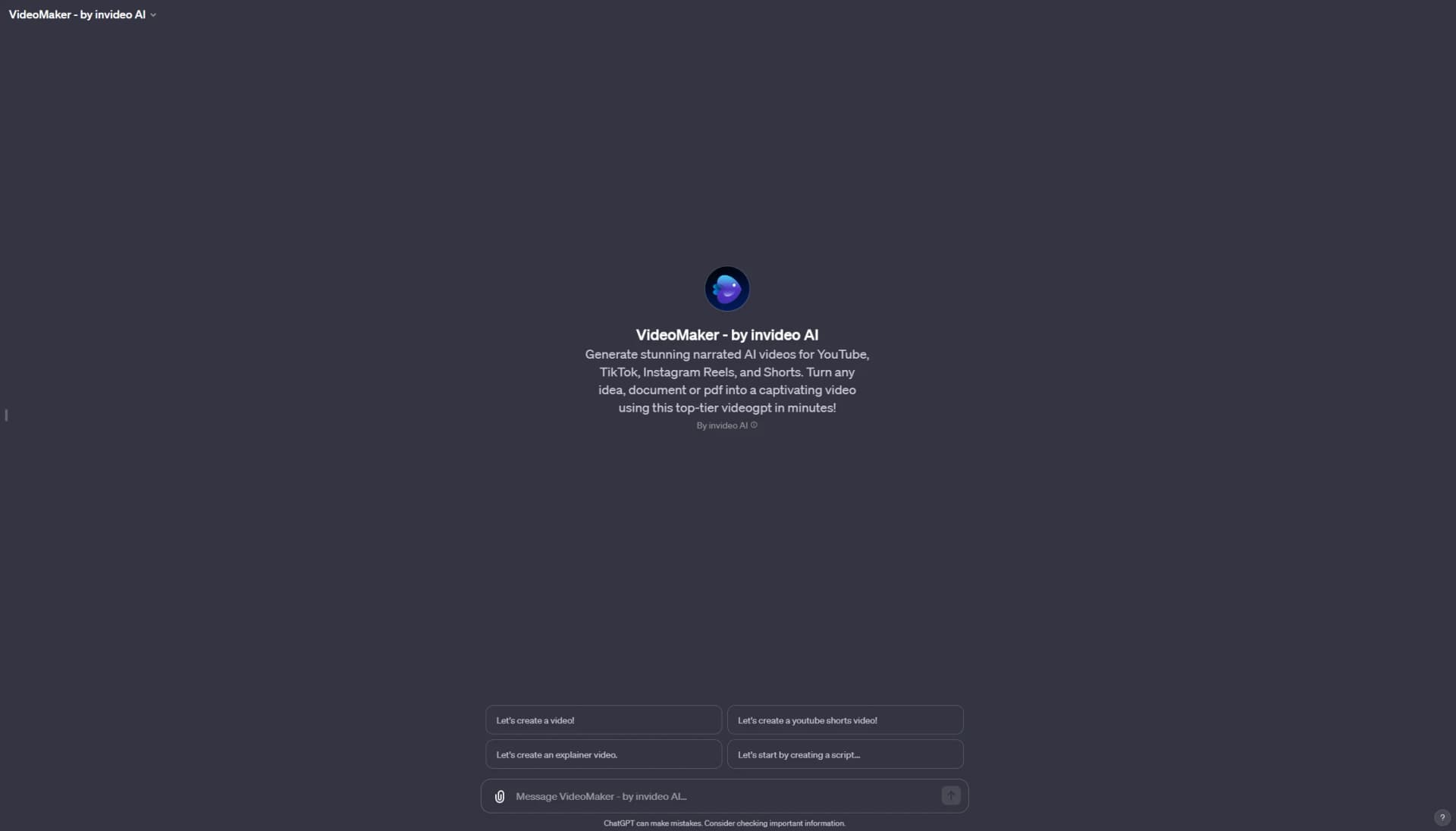
VideoMaker by InVideo AI, a useful and increasingly popular GPT found in the ChatGPT store, is an advanced tool designed to turn brief text descriptions into captivating, fully produced narrated videos. This GPT is a creative powerhouse, adept at producing detailed video briefs suitable for various platforms such as YouTube, TikTok, and YouTube Shorts, as well as for advertisements. Its versatility allows it to cover a wide range of topics from fashion to technology and food, making it a valuable tool for anyone in ChatGPT’s GPT store seeking to create engaging video content.
VideoMaker by InVideo AI stands out for its ability to seamlessly turn any type of text into engaging video content. This GPT's emphasis on AI-driven video production combined with user-friendly customization options makes it a go-to choice for those looking to create high-quality videos efficiently.
VideoMaker by InVideo AI, a rising star in the ChatGPT store, is gaining popularity for its efficient and innovative approach to video production. This tool is especially valuable for those seeking to create diverse, engaging content with minimal effort. Its AI-driven technology, combined with an intuitive interface and robust customization options, makes VideoMaker by InVideo AI a top choice for a broad spectrum of users, from novices to seasoned professionals.
Who is Using Videomaker by Invideo AI?
Individual Content Creators
For producing unique video content for social media and blogging.
Marketing Professionals
For creating dynamic promotional videos across different platforms.
Educational Institutes
For developing instructional and educational video content.
Independent Artists and Small Businesses
For crafting visually appealing videos that tell their stories.
Key Features
Rating Breakdown
Pricing Plans
Available Exclusively in the GPT Store
$20/month
- This plan grants users full access to the tool within the ChatGPT store
Which Videomaker by Invideo AI plan should you pick?
Start with Free to test the workflow; upgrade to Plus or Max for regular individual use, Generative for heavier AI generation, or Team and Enterprise for collaboration and organizational controls.
Free
Good for testing invideo with limited credits, weekly usage, and watermarked exports.
Plus
Good for individual creators who need more video-generation capacity than the Free plan.
Max
Good for individual power users who need higher monthly usage and larger media allowances.
Generative
Good for creators who rely heavily on generative video, image, and audio models.
Team
Good for teams that need multiple seats, shared workspaces, and collaborative production.
Enterprise
Good for organizations that need enterprise security, governance, data isolation, audit trails, and custom support.
Videomaker by Invideo AI Use Cases
AI filmmaking
Create films from scripts or concepts using storyboards, characters, scenes, voices, and generated shots.
Outcome: A finished film or production-ready video.
Product explainers
Turn a product brief or script into a video with visuals, narration, subtitles, music, and editing.
Outcome: A publishable product explanation video.
Performance advertising
Create ad variations, UGC ads, product campaigns, and localized marketing creatives.
Outcome: Multiple campaign-ready advertising assets.
Storyboarding and previs
Convert a script into a shot-by-shot storyboard before generating the final video.
Outcome: A visual plan for production.
Video localization
Adapt existing creative for different languages, regions, currencies, and cultural contexts.
Outcome: Region-specific versions of the original creative.
Workflow Ideas with Videomaker by Invideo AI
Script to finished video
- 1Provide a script, concept, or scene
- 2Let the agent create the plan, storyboard, media, voices, and shots
- 3Review, revise, and export the final video
Create a localized campaign
- 1Upload the existing creative and select target markets
- 2Choose translation, transliteration, currency, or cultural adaptation
- 3Review and export localized campaign versions
Collaborative video production
- 1Create a shared project or folder
- 2Invite directors, writers, editors, or external collaborators
- 3Review and edit the same project together in real time
How Videomaker by Invideo AI fits into your stack
Smooth Integration with Social Platforms
Facilitates easy sharing on various social media channels.
Diverse Templates
A wide array of customizable templates to suit different video styles.
Pros
- +Cutting-Edge AI Technology: Employs advanced AI for creative and efficient video production.
- +Wide Application Spectrum: Suitable for individual creators, marketers, and businesses.
- +User-Friendly: Accessible to users of all skill levels in video editing.
- +Extensive Customization: Provides a range of options to personalize content according to user needs.
Cons
- −Internet Dependency: Requires a stable internet connection for full functionality.
- −Learning Phase: Users may need some time to become familiar with all its capabilities.
Limitations & when to consider alternatives
Known limitations
- Free-plan restrictions. The Free plan has limited credits, limited weekly usage, and watermarked exports.
- Credits do not roll over. Unused plan credits reset monthly and do not carry forward into the next billing period.
- Generative costs vary. Credit usage depends on the selected model, resolution, duration, input type, and audio generation.
- Upload size limit. Uploaded image and video files must not exceed 2GB per file.
- Model duration limits. Individual generative video models impose their own duration limits; for example, Kling 3.0 supports up to 15 seconds.
Look elsewhere when
- You need a dedicated desktop editor application.
- You need user-controlled model fine-tuning.
- You need code-generation capabilities.
How to Use Videomaker by Invideo AI
- 1
Currently, there are no tutorials available for VideoMaker by InVideo AI. Users are encouraged to explore its features through direct interaction and experimentation within the tool.
Who is Videomaker by Invideo AI For?
Filmmakers
Invideo provides storyboards, production workflows, multi-shot editing, AI models, and continuity-focused project context.
Marketing teams
Marketing teams can create product videos, performance ads, localized campaigns, and social content.
Agencies
Agencies can use shared workspaces, folders, external collaborators, and reusable workflows for client production.
Editors
Editors can upload footage, work on a multitrack timeline, and export projects for Premiere Pro, Final Cut Pro, or DaVinci Resolve.
Creative enterprises
Enterprise users receive collaboration features, administrative controls, audit trails, data isolation, and enterprise security commitments.
Frequently Asked Questions
Can I use invideo AI for free?
Yes. The Free plan provides limited credits, access to AI models, image generation, and watermarked video sharing.
How do credits work?
Credits are used for video creation, generative models, and AI features. Costs vary by model, resolution, and duration.
Can I generate videos in other languages?
Yes. Invideo supports more than 50 languages, with 11 languages tested for optimal performance.
Can I upload my own media?
Yes. Users can upload images, videos, and audio. Individual image and video files can be up to 2GB.
Can teams collaborate in invideo?
Yes. Team workspaces support multiple seats, shared projects, and live collaboration.
Can I create an AI avatar?
Yes. Users can create a Free or Pro AI twin by uploading a photo or video of themselves.
Community reviews
Be the first to share your experience.
Sign in to leave a review for Videomaker by Invideo AI.
Videomaker by Invideo AI Alternatives
Looking for alternatives to Videomaker by Invideo AI? Here are similar tools in the same category:
Learn to Master Videomaker by Invideo AI
With Skill Leap courses
Get in-depth training on Videomaker by Invideo AI and 50+ other AI tools with our expert-led video courses.
Start 7-Day Free Trial