
Videoleap
Elevate videos with AI, intuitive edits, seamless cuts, and dynamic effects.
Key Takeaways
- What it is
- Elevate videos with AI, intuitive edits, seamless cuts, and dynamic effects.
- Best for
- AI Video Effects
- Easy Object Removal
- Advanced Background Replacement
- Rating
- 4.6/5
What is Videoleap?
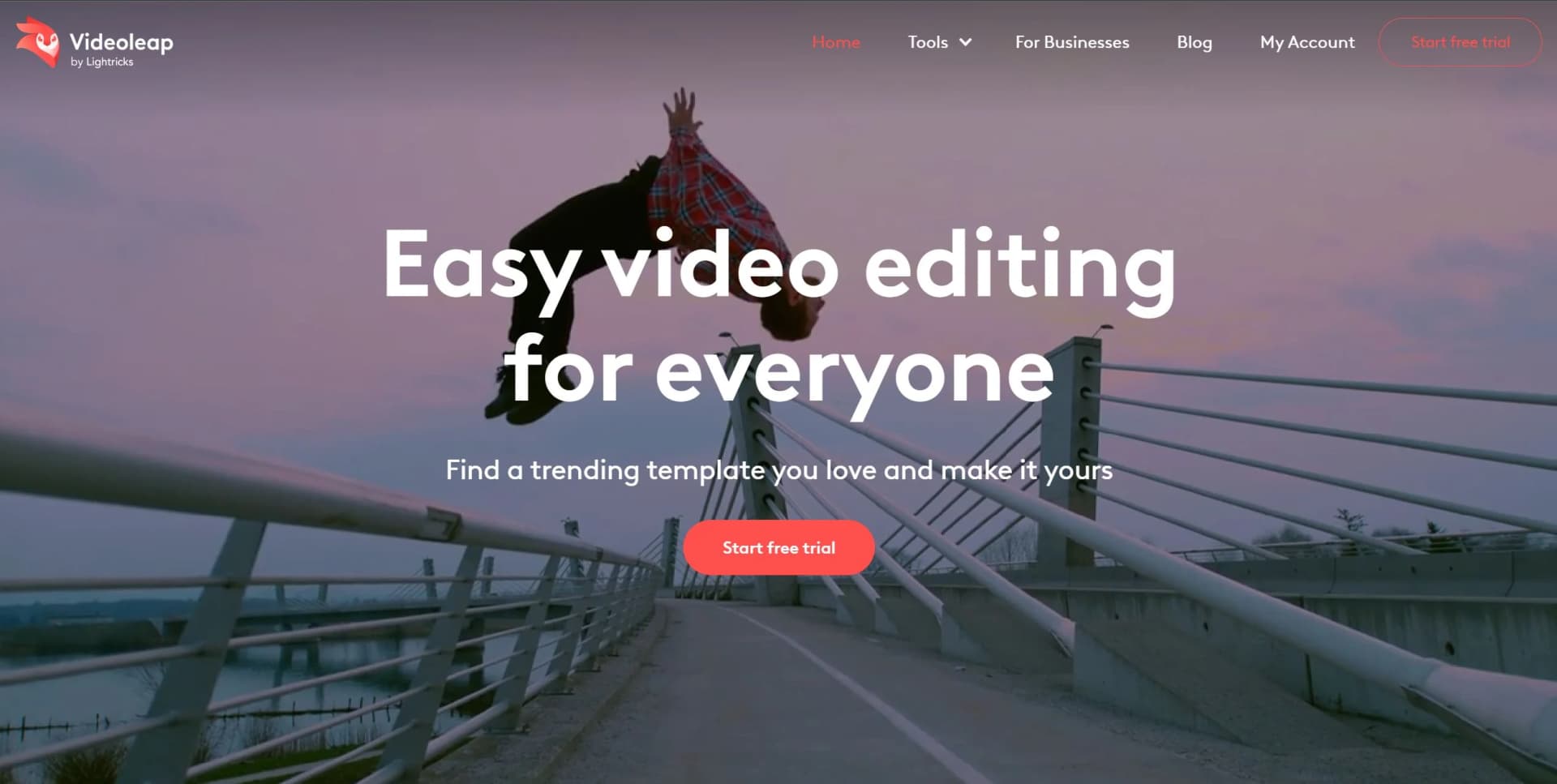
Videoleap by Lightricks is a cutting-edge video editing tool designed to bridge the gap between professional-grade software and user-friendly applications for content creation. With its emphasis on AI-driven features and a comprehensive suite of editing tools, Videoleap stands out as a versatile platform for individuals and professionals alike. Whether you're looking to create social media content, promotional videos, or capture life's special moments, Videoleap equips you with the tools to turn your vision into reality. As someone who has navigated numerous video editing platforms, I found Videoleap's blend of simplicity and advanced capabilities particularly compelling.
Videoleap distinguishes itself with its AI-driven video editing tools, which democratize professional-grade video editing for a broad audience. The combination of an easy-to-use interface with powerful, innovative features enables users to create content that stands out, without the steep learning curve typically associated with advanced video editing software.
Videoleap by Lightricks is an exceptional tool for anyone looking to create high-quality video content with ease. Its user-friendly interface, combined with a rich set of AI-powered features, makes it a versatile choice for a wide range of video editing tasks. From social media influencers to businesses and personal users, Videoleap provides the tools to bring creative visions to life, making it an essential platform for modern content creation. Its unique blend of accessibility and advanced capabilities ensures that Videoleap stands out as a top choice for video editors at every level.
Who is Using Videoleap?
Content Creators and Influencers
For creating engaging social media content, including TikToks, Reels, and YouTube Shorts.
Businesses
To promote products or services through professional and impactful video content.
Social Media Managers
For generating dynamic ads, partnership content, and promotional videos.
Individuals
Capturing life’s special moments and transforming them into lasting memories through personalized videos.
Videoleap appeals to a broad spectrum of users, from content creators and influencers to businesses and everyday individuals looking to enhance their video content.
Key Features
Rating Breakdown
Pricing Plans
7-Day Free Trial
- Start with a full-access free trial to explore Videoleap's capabilities
Subscription Options
- Videoleap offers subscription plans
- But specific pricing details are best checked on their website to ensure accuracy
Which Videoleap plan should you pick?
Start with Videoleap’s free tools for basic editing, then upgrade to Videoleap Pro when you need premium assets, advanced AI features, or unlimited usage.
Videoleap Pro
Good for creators, businesses, and marketers who need the full premium toolset, asset library, and advanced AI features.
Videoleap Use Cases
Create social media videos
Users combine footage, templates, effects, captions, and music to make Reels, TikToks, and Shorts.
Outcome: Publish engaging social content.
Make business advertisements
Users create promotional ads and branded videos using templates, stock assets, and editing tools.
Outcome: Produce professional marketing content.
Create YouTube videos
Users upload clips, select YouTube templates, edit on the timeline, add music, and export up to 4K.
Outcome: Create publish-ready YouTube videos.
Generate AI visuals
Users describe concepts with prompts to generate images and use them in video projects.
Outcome: Produce original visual assets.
Create recap and highlight videos
Users choose a recap template, upload photos or videos, customize the edit, and export it.
Outcome: Turn event memories or sports moments into highlight reels.
Workflow Ideas with Videoleap
Template-based social video
- 1Select a premade template
- 2Insert your clips
- 3Customize and share the finished video
YouTube video production
- 1Upload video clips, images, and audio
- 2Choose a YouTube-ready template
- 3Edit, add music, and export the video
Event recap video
- 1Choose a recap template
- 2Upload photos and video assets
- 3Export and share the completed recap
How Videoleap fits into your stack
Browser
Videoleap provides an online video editor for creating and editing videos with templates, AI tools, effects, captions, music, and export workflows.
Mobile
The primary native workflow is on iPhone, iPad, and Android, where users upload photos, videos, and audio, edit on a timeline, and export or share finished content.
Social media content
Videoleap is positioned for producing TikTok videos, Instagram Reels, YouTube videos, ads, tutorials, and other short-form social content with platform-specific templates and aspect ratios.
Pros
- +Intuitive Interface: Videoleap's user-friendly design makes complex video editing accessible to creators of all skill levels.
- +AI-Powered Tools: The AI features not only save time but also open up new creative possibilities, making it easier to achieve professional-looking results.
- +Versatility: Whether it's creating content for social media, business promotions, or personal memories, Videoleap caters to a wide range of video editing needs.
- +Cross-Platform Availability: Available online and as a mobile app for iPhone and Android, Videoleap ensures you can edit videos wherever you are.
Cons
- −Learning Curve for Advanced Features: While the interface is intuitive, mastering the full range of tools and AI features may take some time for beginners.
- −Subscription Model: Access to the full suite of features requires a subscription, which might be a consideration for users looking for a free tool.
Limitations & when to consider alternatives
Known limitations
- Some AI tools are iOS-only. Videoleap marks features such as AI Uncrop, AI captions, background removal, and some templates as currently available on iOS only.
- Infinite Zoom is not available online. The Infinite Zoom feature is exclusive to the Videoleap app and is not available in the online editor.
- Free usage can be limited. Some free AI features have daily or usage limitations, while unlimited access requires Videoleap Pro.
- Text-to-speech is unavailable. Videoleap’s subtitle FAQ explicitly states that it currently does not offer text-to-speech.
- Advanced features require Pro. Features such as the AI background generator and premium music library access require a Pro subscription or trial.
Look elsewhere when
- You need a desktop installer rather than an online editor.
- You need text-to-speech built into the editor.
- You need an API for programmatic video editing.
How to Use Videoleap
- 1
Videoleap offers a variety of tutorials, guiding users through basic setup to advanced features, ensuring that even beginners can take full advantage of the platform’s capabilities.
Who is Videoleap For?
Content creators and influencers
Videoleap provides templates, AI effects, Reels, TikTok, and Shorts tools for social content.
Social media managers
The platform supports creating social posts, dynamic Reels, TikToks, ads, and partnership content.
Small business owners
Videoleap is positioned for creating business videos, promotions, advertisements, and branded social content.
Marketers
Marketers can use business video templates and video campaigns to promote products and brands.
Vloggers and everyday users
The mobile editor is designed to turn personal footage and everyday moments into edited videos.
Frequently Asked Questions
Is Videoleap free?
Videoleap provides free tools, while advanced features and the full asset library are available through Videoleap Pro.
Does Videoleap offer a free trial?
Videoleap Pro includes a 7-day free trial that can be canceled anytime.
Can Videoleap automatically add subtitles?
Yes. Its AI subtitle generator automatically creates captions for video content.
Does Videoleap have text-to-speech?
No. Videoleap’s subtitle FAQ states that it currently does not offer text-to-speech.
Can Videoleap create videos from images?
Yes. Users can upload images, choose templates, arrange images on a timeline, and add transitions, effects, and music.
Can Videoleap create videos on a desktop?
Yes. Videoleap supports browser-based video creation from a computer, while some AI features are app-only.
Community reviews
1 review from people who use Videoleap.
Sign in to leave a review for Videoleap.
Thibault BM
Videoleap Alternatives
Looking for alternatives to Videoleap? Here are similar tools in the same category:
Learn to Master Videoleap
With Skill Leap courses
Get in-depth training on Videoleap and 50+ other AI tools with our expert-led video courses.
Start 7-Day Free Trial