
Varolio
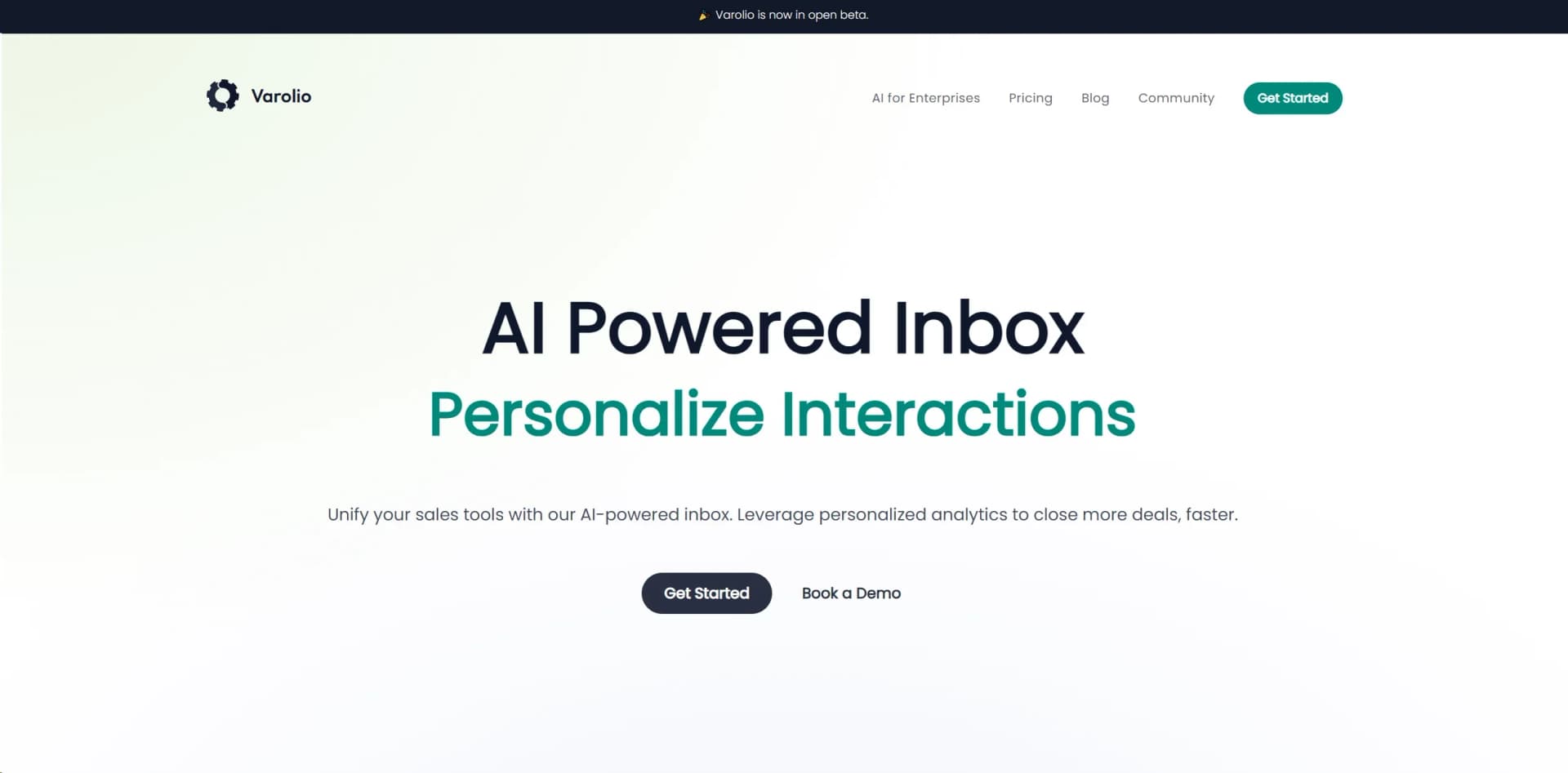
Unify sales communications, automate tasks, and harness AI insights with enterprise-grade security.
Watch Varolio in Action
Key Takeaways
- What it is
- Unify sales communications, automate tasks, and harness AI insights with enterprise-grade security.
- Best for
- AI-Powered Inbox
- Sales Automation
- Actionable Insights
- Rating
- 4.4/5
What is Varolio?
Varolio introduces a cutting-edge solution to address the evolving demands of contemporary sales and communication management. This AI-powered tool is meticulously crafted to consolidate messaging, lead management, and task handling into a unified, streamlined inbox. Its mission is to revolutionize sales team operations by harnessing personalized analytics to expedite deal closures with heightened efficiency. With Varolio, businesses can automate mundane account management workflows, empowering sales professionals to prioritize relationship building and strategic selling.
Varolio distinguishes itself with a comprehensive AI-powered inbox that not only organizes communication but also provides actionable insights and tailored automations for the sales domain. Its privacy-first approach, flexibility in LLM compatibility, and on-premise support make it particularly appealing for enterprises concerned with data security.
Varolio emerges as an indispensable tool for sales teams and professionals aiming to elevate productivity and sales outcomes. Its prowess in automating and organizing sales-related tasks ensures teams can focus on relationship building and deal closure. The AI-driven insights and customizable features offer adaptability and efficiency crucial for impacting business bottom lines positively. With a strong emphasis on data security and seamless integration, Varolio emerges not merely as a tool but a comprehensive solution for modern sales challenges.
Who is Using Varolio?
Sales Teams
Manage communication and automate sales processes.
Account Managers
Streamline client interactions and follow-ups.
Marketing Professionals
Leverage insights for targeted campaigns and lead generation.
Customer Support Representatives
Utilize AI assistance for efficient query resolution.
Uncommon Use Cases
Academics researching sales automation trends; Non-profits optimizing donor outreach strategies.
Key Features
Rating Breakdown
Pricing Plans
Varolio is currently in open beta, offering free or trial versions during this phase.
Custom Pricing
- Tailored solutions likely come with custom pricing based on specific enterprise needs
Varolio Use Cases
Exception and escalation handling
Detect operational risks and route exceptions to the right owner with automatic escalation.
Outcome: Earlier intervention and fewer unresolved issues.
Invoice reconciliation
Match invoice lines against contracts and quotes, then hold mismatches before payment.
Outcome: Overcharges are caught before payment.
Document discrepancy detection
Cross-check operational documents and identify missing or inconsistent information.
Outcome: Problems are found before they create fines, holds, or claims.
Order tracking
Combine shipment conversations, documents, handoffs, and exceptions into one operational view.
Outcome: Teams get the full story behind each order.
Pricing and quote management
Validate quotes, compare vendors, and flag pricing or validity issues before commitment.
Outcome: Quotes are compared and problematic offers are flagged early.
Workflow Ideas with Varolio
Automate invoice exception handling
- 1Connect email and operational systems
- 2Match invoice lines against contracts and quotes
- 3Hold mismatches and route them for resolution
Manage shipment exceptions
- 1Capture carrier updates, documents, and customer emails
- 2Create a structured Case with ownership and status
- 3Trigger alerts and escalate when SLA timers approach
Consolidate marketing approvals
- 1Collect stakeholder feedback into one Case
- 2Chase missing approvals automatically
- 3Confirm asset delivery and update project dates when they slip
How Varolio fits into your stack
Browser
Varolio is accessed as a web application alongside existing operational tools, adding an intelligence layer without replacing email or CRM systems.
Knowledge and files
It ingests inboxes, attachments, documents, cases, organizations, and operational records into a persistent Knowledge Graph.
Team chat and tickets
Varolio connects with communication systems such as Outlook, Gmail, Slack, Monday, and Microsoft Teams to turn interactions into Cases.
Automation and APIs
Teams can build low-code workflows and connect external AI clients through the documented Varolio MCP endpoint and REST API.
Desktop / IDE
Varolio's MCP integration can be used from Cursor IDE and Claude Desktop to query workspace cases, threads, organizations, and action items.
Pros
- +Time-Saving: Automations handle routine tasks, enabling sales teams to focus on core activities.
- +Increased Productivity: AI-driven tools prioritize and categorize messages, streamlining sales operations.
- +Enhanced Data Security: Fully encrypted messages and customizable deployment options meet stringent security standards.
- +Ease of Integration: Works seamlessly with a wide range of third-party tools to create a unified sales ecosystem.
Cons
- −Adoption Curve: Some organizations may require time to adapt to automation and AI features.
- −Dependence on Tech Infrastructure: Full benefits realized only with a robust technical setup.
- −Beta Phase: Occasional bugs or incomplete features may arise as the tool is in open beta.
Limitations & when to consider alternatives
Known limitations
- Enterprise-oriented access model. The terms describe customer accounts, authorized users, order forms, subscription terms, and fees rather than a self-serve consumer plan.
- Requires access to connected business systems. Using Varolio requires permissions for third-party communication channels and other internal applications.
- Availability depends on connected systems. The terms state that availability depends on communication networks, software, hardware, third-party applications, and service providers.
- AI output is decision support. Varolio states that users remain responsible for reliance on AI-generated output and insights.
- Does not replace existing email or CRM tools. Varolio operates alongside Outlook, Gmail, Salesforce, and ERP systems rather than replacing them.
How to Use Varolio
- 1
Connect your workspace data
Connect supported communication platforms and systems of record so Varolio can build operational context.
- 2
Authorize workspace access
For MCP, connect an AI client to the Varolio MCP endpoint, authenticate through OAuth 2.1, select a workspace, and approve access.
- 3
Explore operational Cases
Search cases, filter by status, template, or team, and inspect connected threads, organizations, and documents.
- 4
Track action items and risks
Use the workspace data and agent capabilities to monitor pending action items, SLA risks, escalations, and exceptions.
- 5
Deploy workflow automation
Configure or use agents for case management, approvals, routing, follow-ups, alerts, and status updates.
Who is Varolio For?
Supply-chain teams
Logistics, import and export, procurement, and tracking teams use Varolio to structure operational work across emails, handoffs, and systems.
Professional-services teams
Client teams gain structured cases, billable-context tracking, approval workflows, SLA monitoring, and meeting follow-ups.
Marketing teams
Marketing teams can consolidate approvals, manage feedback, coordinate asset delivery, and streamline vendor onboarding.
Global enterprises and mid-market companies
Varolio positions itself for organizations needing operational visibility and AI-powered automation without building the infrastructure themselves.
Frequently Asked Questions
What is Varolio?
Varolio is an AI platform that connects communication platforms and systems of record to build a living Knowledge Graph, then deploys agents for case management, alerts, escalations, and workflow automation.
What is a Case in Varolio?
A Case is a structured unit of work with an owner, status, SLA timers, extracted fields, and connected threads, documents, and people.
Who uses Varolio?
Varolio names supply-chain teams, including logistics, import and export, procurement, and tracking, plus professional-services and marketing teams.
Does Varolio replace email or CRM systems?
No. Varolio works alongside Outlook, Gmail, Salesforce, and ERP systems while adding an intelligence layer across them.
Community reviews
2 reviews from people who use Varolio.
Sign in to leave a review for Varolio.
Gal Kalinski
Roi Sagron
Varolio Alternatives
Looking for alternatives to Varolio? Here are similar tools in the same category:
Learn to Master Varolio
With Skill Leap courses
Get in-depth training on Varolio and 50+ other AI tools with our expert-led video courses.
Start 7-Day Free Trial