
Thumbly
Revolutionize YouTube engagement with AI-driven, captivating thumbnail creation.
Key Takeaways
- What it is
- Revolutionize YouTube engagement with AI-driven, captivating thumbnail creation.
- Pricing
- Freemium
- Best for
- AI-Driven Thumbnail Generator
- User-Friendly Interface
- Title Generator
- Rating
- 4.6/5
What is Thumbly?
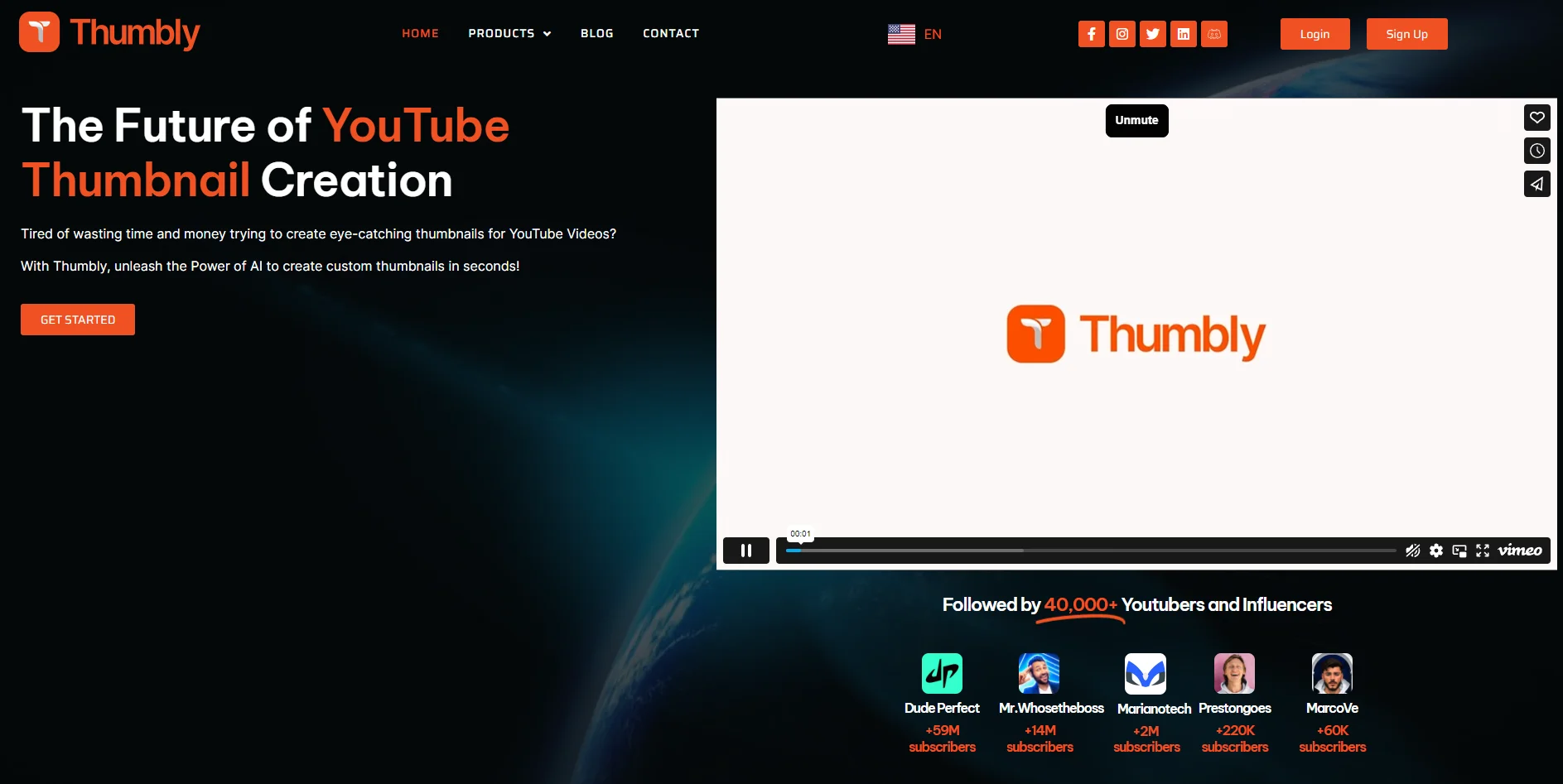
In the digital age, where content creation is king, Thumbly emerges as a revolutionary tool designed to elevate the YouTube experience for creators and viewers alike. This AI-powered platform generates clickbait YouTube thumbnails that catch the eye and significantly increase the likelihood of clicks and viewer engagement. Thumbly stands out by offering a seamless blend of technology and creativity, providing efficient and effective solutions. Aimed at YouTubers and influencers across the spectrum, Thumbly simplifies creating compelling thumbnails, making it accessible to everyone regardless of their skill level.
Thumbly distinguishes itself with its AI-driven approach to thumbnail creation, a game-changer for YouTube content creators. Its ability to instantly generate high-quality, engaging thumbnails based on data-driven insights sets it apart in a crowded market of content creation tools. Moreover, Thumbly's user-friendly interface ensures that creators can focus more on content and less on the technicalities of design.
Thumbly excels in transforming the YouTube thumbnail creation process, making it an indispensable tool for content creators aiming to maximize their visibility and engagement online. Its standout feature, the AI-driven thumbnail generator, offers an unmatched advantage in creating visually compelling thumbnails with minimal effort. Whether you're a budding YouTuber or a seasoned influencer, Thumbly provides the tools you need to elevate your content and captivate your audience, all while saving time and enhancing productivity.
Who is Using Thumbly?
Content Creators
Seeking to enhance their channel's visual appeal and viewer engagement.
Digital Marketers
Utilizing the platform to create compelling thumbnails for campaigns and YouTube ads.
Social Media Strategists
Leveraging Thumbly to boost the performance of video content across platforms.
Graphic Designers
Finding Thumbly a time-saving tool for quick thumbnail creation without sacrificing quality.
Uncommon Use Cases
Educational institutions incorporating Thumbly into digital marketing curriculums; Independent filmmakers using the tool to generate promotional thumbnails for their projects.
Key Features
Rating Breakdown
Pricing Plans
Free Tier
Free
- Explore Thumbly's capabilities with a generous free trial
Pro Tier
- Advanced features and unlimited access starting at competitive rates
Which Thumbly plan should you pick?
Start with Starter Pack for occasional thumbnail generation, then upgrade to Creative Pack or Pro Pack for higher volume and stronger models.
Starter Pack
Good for creators who need 10 generations and basic thumbnail and logo generation.
Creative Pack
Good for creators who need 25 generations and more frequent A/B testing.
Pro Pack
Good for higher-volume users who need 50 generations and the smartest AI model.
Thumbly Use Cases
YouTube thumbnail creation
Describe a video or title and generate multiple thumbnail concepts.
Outcome: Produce professional thumbnails quickly.
Brand-guided design
Upload reference images or existing assets to influence the generated visual direction.
Outcome: Create designs aligned with a brand identity.
Thumbnail A/B testing
Generate multiple variations for the same video and compare alternatives.
Outcome: Identify stronger thumbnail concepts.
Logo generation
Generate unique logos from a business description or creative prompt.
Outcome: Create visual brand assets without separate design software.
Workflow Ideas with Thumbly
Reference-guided thumbnail
- 1Upload one or more reference images
- 2Add a prompt or goal
- 3Generate refined thumbnail variations
Thumbnail A/B testing
- 1Describe the video or business
- 2Generate multiple thumbnail variations
- 3Test the variations to identify the strongest option
How Thumbly fits into your stack
While specific details on compatibilities and integrations were not provided, Thumbly's focus on YouTube content creation suggests seamless integration with social media platforms and content management systems commonly used by creators.
Pros
- +Boosts Viewer Engagement: Increases the likelihood of clicks with visually appealing thumbnails.
- +Time-Saving: Generates custom thumbnails in seconds, freeing up time for other creative processes.
- +No Expertise Required: User-friendly even for those with limited technical or design skills.
- +Cost-Effective: Offers affordable solutions without compromising on quality or effectiveness.
- +Data-Driven Insights: Leverages AI technology to understand what works, ensuring high-quality, impactful results.
Cons
- −Reliance on AI: May limit creative control and customization for those who prefer hands-on thumbnail design.
- −Learning Curve: Some users might need time to familiarize themselves with the platform's full capabilities.
- −Internet Dependency: Requires a stable internet connection for optimal functionality and access to features.
Limitations & when to consider alternatives
Known limitations
- Credits are plan-based. The published plans provide 2,400, 9,600, or 21,600 credits per year, depending on the tier.
- Sketch thumbnails are not available yet. The pricing page labels “Thumbnails from Sketch” as “Coming Soon” across the listed plans.
- Title generation is not available yet. The pricing page labels “Title Generator” as “Coming Soon” across the listed plans.
- Higher-tier editing features. Recreate/edit and faceswap are listed only for Pro and Elite, not Basic.
- No documented developer or integration layer. The published pricing and feature pages do not document an API, third-party integrations, or workflow automation.
Look elsewhere when
- You need a documented developer API.
- You need a native mobile app for the thumbnail product.
- You need shared team workspaces or user roles.
- Your workflow depends on third-party integrations or automation.
How to Use Thumbly
- 1
Thumbly offers comprehensive tutorials covering everything from basic setup to advanced features, ensuring users can fully leverage the platform's capabilities.
Who is Thumbly For?
YouTube creators
Create click-focused thumbnails designed to improve video visibility and engagement.
Businesses
Generate branded thumbnails and logos for business and social-media applications.
Creator teams
Use shared organizations, credits, and brand kits to keep team output consistent.
Frequently Asked Questions
How does the AI thumbnail and logo generator work?
It analyzes your content description and generates professional designs based on high-performing patterns.
Can I use the generated images commercially?
Yes. Generated images include full commercial usage rights for business, YouTube, and social media.
How is this different from hiring a designer?
Thumbly produces designs in seconds, costs less than freelance design, and supports unlimited revisions.
What file formats do you provide?
Generated images are provided in high-resolution PNG format.
Can I use my own images with the AI generator?
Yes. You can upload your own images to guide the AI and match your brand or style.
Do you offer A/B testing for thumbnails?
Yes. You can generate multiple thumbnail variations and test which performs best.
Community reviews
Be the first to share your experience.
Sign in to leave a review for Thumbly.
Thumbly Alternatives
Looking for alternatives to Thumbly? Here are similar tools in the same category:
Learn to Master Thumbly
With Skill Leap courses
Get in-depth training on Thumbly and 50+ other AI tools with our expert-led video courses.
Start 7-Day Free Trial