
TattoosAI
Transform ideas into unique tattoos with AI, offering endless styles and personalization.
Key Takeaways
- What it is
- Transform ideas into unique tattoos with AI, offering endless styles and personalization.
- Pricing
- Freemium
- Best for
- AI-Generated Designs
- Wide Range of Styles
- Personalization
- Rating
- 4.6/5
What is TattoosAI?
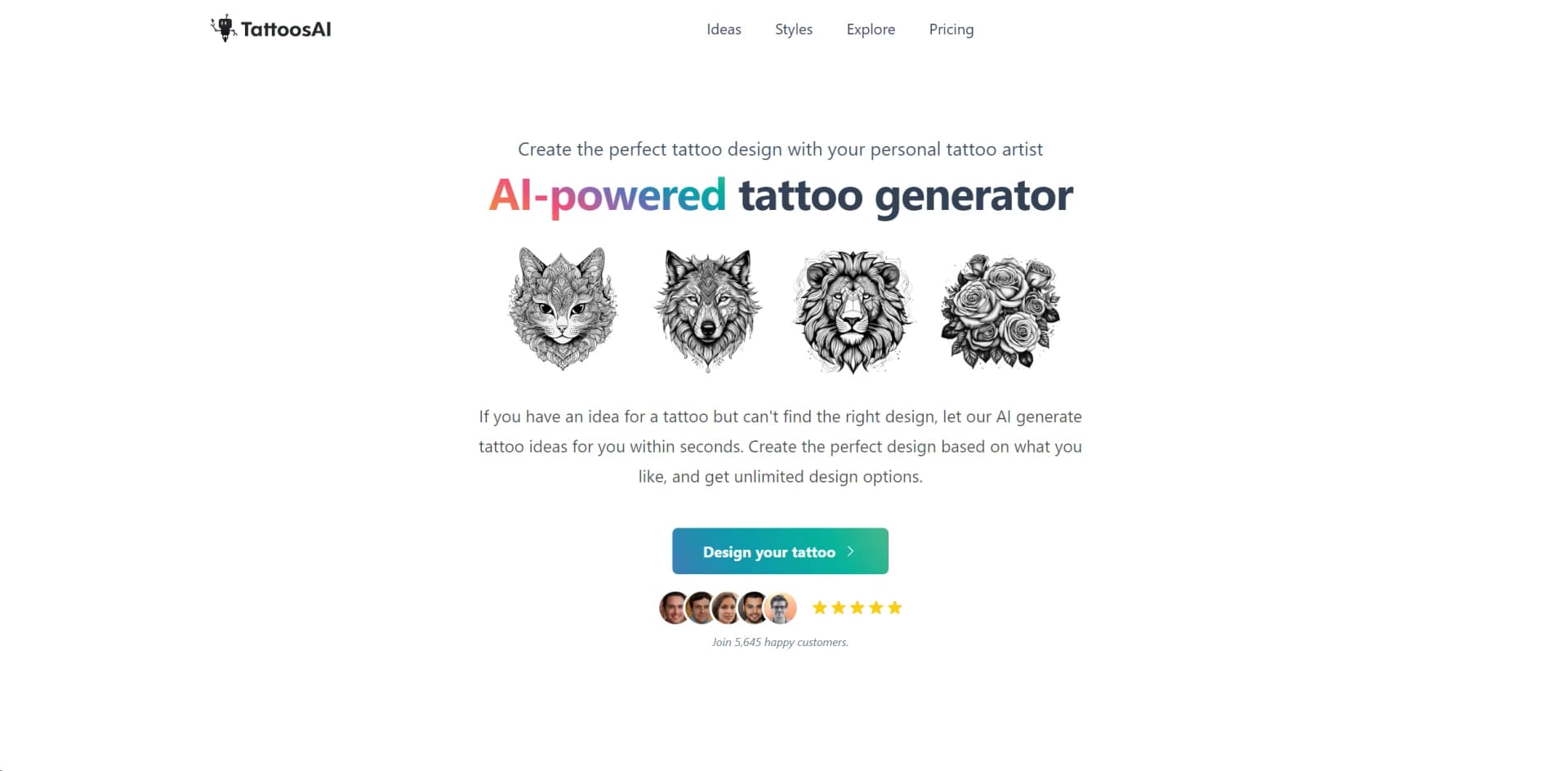
In a world where personal expression and uniqueness are highly valued, TattoosAI emerges as a groundbreaking tool for tattoo enthusiasts and artists alike. This AI-powered tattoo generator acts as your personal tattoo artist, transforming your ideas into bespoke designs in a matter of seconds. With TattoosAI, the process of finding the perfect tattoo design is not only simplified but also turned into an exciting journey of creativity and personalization.
TattoosAI stands out for its ability to bridge the gap between imagination and reality in the realm of tattoo design. With its AI-powered design generator, it offers a level of personalization and creativity that traditional methods cannot match. The tool's capacity to produce entirely unique designs based on intricate user inputs sets it apart as a pioneer in the tattoo industry.
TattoosAI excels at transforming the process of finding and creating tattoo designs into a highly personalized and creative endeavor. Its unique AI-powered platform ensures that every user can bring their tattoo ideas to life with unparalleled precision and originality. For anyone looking to explore their creativity or find that perfect tattoo design, TattoosAI offers an unmatched resource. Its ease of use, combined with the depth of customization and unique design generation, positions TattoosAI as an essential tool for both tattoo enthusiasts and professional artists.
Who is Using TattoosAI?
Tattoo Enthusiasts
Individuals looking to create unique, personalized tattoo designs.
Professional Tattoo Artists
Artists seeking inspiration or a starting point for custom designs.
Graphic Designers
Professionals looking to expand their design portfolio into the world of tattoos.
Creative Individuals
Anyone wanting to experiment with tattoo design as a form of personal or artistic expression.
Uncommon Use Cases
Event planners creating thematic designs for parties; fashion designers incorporating tattoo elements into their collections.
Key Features
Rating Breakdown
Pricing Plans
Free Tier
Free
- Users can explore TattoosAI with access to a wide range of features at no cost
Pro Tier
- Users requiring privacy for their designs
- The Pro Tier offers additional benefits
Which TattoosAI plan should you pick?
Start with the free three-day trial to test generation; choose Annually for lower monthly pricing or Monthly for shorter commitment.
Annually
Good for users who want 365-day access, permanent cloud storage, unlimited tattoo designs, and the lower advertised monthly price.
Monthly
Good for users who want 30-day access, permanent cloud storage, unlimited tattoo designs, and a personal AI tattoo designer without an annual commitment.
TattoosAI Use Cases
Generate a tattoo concept
Describe an idea in the prompt field and select a preferred style and color treatment.
Outcome: Several unique tattoo concepts are generated.
Explore tattoo styles
Compare styles such as blackwork, geometric, Japanese, watercolor, realistic, lettering, and 3D.
Outcome: Users can identify a visual direction for their tattoo.
Iterate on an idea
Try different prompts and style choices when the initial concept is not suitable.
Outcome: Users can explore unlimited design options.
Prepare for an artist consultation
Use generated concepts as references and starting points when discussing a tattoo with an artist.
Outcome: The user arrives with a clearer visual direction.
Workflow Ideas with TattoosAI
From idea to tattoo concept
- 1Enter a detailed tattoo idea in the prompt field
- 2Select a tattoo style and color preference
- 3Review the generated concepts and try another prompt if needed
Explore alternative styles
- 1Describe the same tattoo subject
- 2Choose a different style from the available options
- 3Compare the resulting visual directions
How TattoosAI fits into your stack
While TattoosAI is primarily a standalone tool, its digital nature makes it highly compatible with various digital platforms and devices, ensuring users can access and use the service regardless of their preferred technology.
Pros
- +Creativity Unleashed: Encourages users to explore their creativity without the limitations of traditional tattoo design processes.
- +Time and Cost Efficient: Saves time and potentially money by allowing users to experiment with designs before committing to ink.
- +Highly Accessible: Available online, making it easy for anyone to access from anywhere, anytime.
- +Unique Designs: Guarantees that each design is 100% unique, ensuring personal expression is truly individualized.
Cons
- −No Physical Interaction: Lacks the personal touch and advice that comes from direct interaction with a professional tattoo artist.
- −Preview Limitations: Currently does not offer a way to preview the tattoo on the user's body, though this feature is under development.
- −Learning Curve: Users may need some time to learn how to best describe their ideas to maximize the tool's potential.
Limitations & when to consider alternatives
Known limitations
- No body-placement preview yet. The FAQ states that TattoosAI does not currently provide a virtual tattoo simulator or body preview.
- Basic-plan designs are public. Designs created on the basic plan are added to the exploration gallery; privacy requires the Pro plan.
- Generation fair-use limit. The terms limit users to 300 image generations within any 24-hour period.
- No adult-content generation. The terms prohibit generating adult, sexually oriented, pornographic, or lewd content.
- Trial converts to paid access unless canceled. The service offers a free three-day trial, and users must cancel before it ends to avoid charges.
Look elsewhere when
- You need another tool for virtual body-placement previews.
How to Use TattoosAI
- 1
For those looking to maximize their use of TattoosAI, the platform offers detailed guides and examples on how to effectively use the tool to generate personalized tattoo designs.
Who is TattoosAI For?
Tattoo beginners
The tool helps people turn an initial tattoo idea into visual concepts before consulting an artist.
Tattoo enthusiasts
Users can explore many tattoo ideas, styles, and color directions.
Tattoo artists
Artists can use generated concepts as visual starting points for client discussions and design exploration.
Tattoo experts
Experienced users can rapidly compare alternative concepts across numerous tattoo styles.
Frequently Asked Questions
How does the AI tattoo generator work?
Enter a tattoo idea in the prompt field, choose style and color options, and receive generated tattoo concepts.
What inputs does the AI require?
TattoosAI asks users to describe their tattoo idea and optionally specify style and color preferences.
Can I customize or modify generated designs?
Generated designs can be used as starting points and refined by trying different prompts and options.
How does TattoosAI handle different tattoo styles?
The generator supports more than 18 styles, including minimalist, dotwork, watercolor, Japanese, portrait, and 3D.
Can I preview a tattoo on my body?
Not currently. The site says it is working on a tattoo simulator for virtual placement previews.
Are generated designs private?
Basic-plan designs are added to the exploration gallery; the Pro plan keeps designs private.
Community reviews
1 review from people who use TattoosAI.
Sign in to leave a review for TattoosAI.
Zero Style
TattoosAI Alternatives
Looking for alternatives to TattoosAI? Here are similar tools in the same category:
Learn to Master TattoosAI
With Skill Leap courses
Get in-depth training on TattoosAI and 50+ other AI tools with our expert-led video courses.
Start 7-Day Free Trial