
Tabnine
Unlock rapid, secure coding with AI-driven personalized suggestions across IDEs.
Watch Tabnine in Action
Key Takeaways
- What it is
- Unlock rapid, secure coding with AI-driven personalized suggestions across IDEs.
- Pricing
- Freemium
- Best for
- AI-Powered Code Completions
- Personalized Experience
- Privacy-Focused
- Rating
- 4.5/5
What is Tabnine?
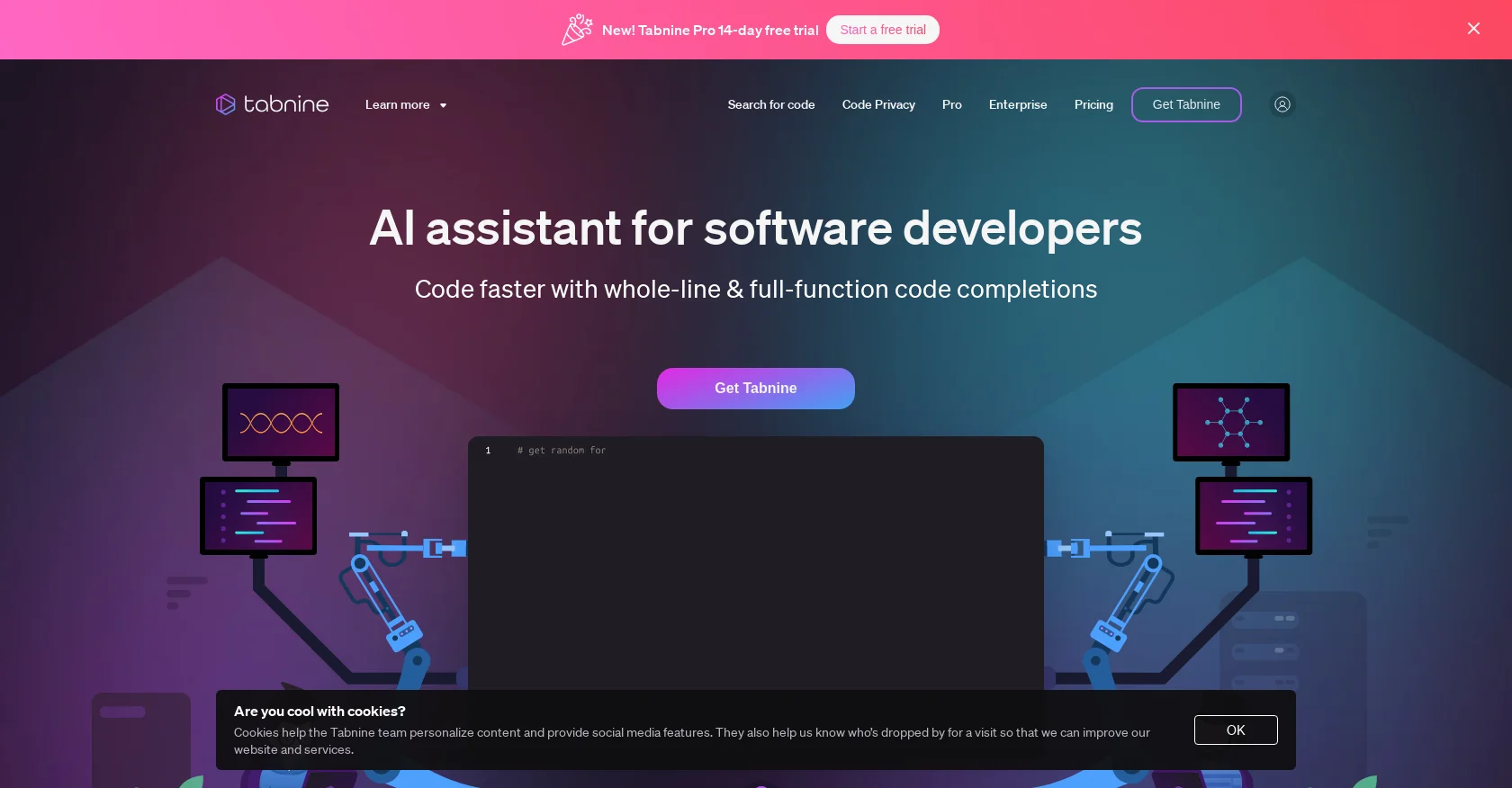
As someone who's always on the lookout for tools that can streamline the coding process, I was intrigued by Tabnine. This AI-powered coding assistant is designed to enhance the productivity of developers by offering personalized code completions and ensuring that the code remains safe and protected. Tabnine integrates seamlessly with popular IDEs, making it a versatile choice for developers who work across different platforms.
Tabnine stands out for its strong focus on privacy and personalized AI coding recommendations. It's not just about code completion; it's about enhancing the way developers interact with their IDE, making the whole coding process more intuitive and secure.
Tabnine is a comprehensive AI coding assistant that significantly boosts developer productivity. With its user-friendly interface, commitment to security, and personalization features, it's an invaluable tool for anyone involved in software development. The unique selling points of privacy and personalized AI, alongside its compatibility with multiple IDEs, make Tabnine a top contender in the coding assistant space. Whether you're a seasoned developer or just starting out, Tabnine could be the tool that takes your coding to the next level.
Who is Using Tabnine?
Software Development Companies
Streamlining the coding process for faster project turnaround.
Freelance Developers
Enhancing productivity when working on diverse projects.
Educational Institutions
Assisting students in learning coding practices and standards.
AI Research Teams
Incorporating Tabnine for developing cutting-edge software applications.
Uncommon Use Cases
Non-profit organizations using Tabnine to maintain their websites; bloggers integrating Tabnine to develop custom plugins for their platforms.
Key Features
Rating Breakdown
Pricing Plans
Free Plan
Free
- A no-cost option that provides core functionalities of Tabnine
Pro Plan
- Advanced features and extended capabilities for professional developers
Which Tabnine plan should you pick?
Start with the Tabnine Code Assistant Platform for completions, chat, and IDE-based development; upgrade to the Tabnine Agentic Platform when you need autonomous agents, CLI workflows, and MCP-connected automation.
Tabnine Code Assistant Platform
Good for teams who need AI code completions, IDE chat, testing, documentation, refactoring, security, and enterprise deployment controls.
Tabnine Agentic Platform
Good for organizations that need autonomous agents, the Tabnine CLI, complex task automation, Context Engine capabilities, and MCP-connected tools.
Tabnine Use Cases
Plan software work
Ask Tabnine general coding questions or request solutions and references relevant to the project workspace.
Outcome: A clearer implementation approach.
Generate code
Use natural-language instructions or inline completions to create snippets, lines, blocks, and full-function implementations.
Outcome: Faster code creation.
Generate tests
Select a function or file and ask Tabnine to create test plans, test cases, and test files.
Outcome: More complete automated test coverage.
Fix and refactor code
Select code with errors or maintenance needs and ask Tabnine to fix, modify, or refactor it.
Outcome: Quicker code maintenance.
Document and explain code
Use Chat quick actions to explain selected code or generate inline documentation.
Outcome: Improved code readability and onboarding.
Workflow Ideas with Tabnine
Generate and refine tests
- 1Select the function or code snippet to test
- 2Open the Test Agent and generate a test plan
- 3Review, modify, and apply selected test cases
Fix failing code
- 1Select code containing an IDE-detected error
- 2Run the fix-code action or describe the requested fix
- 3Review the diff and accept or refine the change
Organization-aware coding
- 1Connect approved GitHub, GitLab, or Bitbucket repositories
- 2Index the organization codebase for relevant context
- 3Use Chat, completions, or agents against the retrieved context
How Tabnine fits into your stack
IDE Support
Works with Visual Studio Code, IntelliJ, WebStorm, PyCharm, and more.
Enterprise-Grade Security
SOC 2 and GDPR compliance assure users of the highest security standards.
Private Cloud Options
Offers the choice of on-premises or virtual private cloud deployments for full control over data.
Custom AI Models
The ability to develop bespoke models based on your codebase.
Pros
- +Enhanced Productivity: With Tabnine, I've noticed a significant reduction in the time it takes to write code, thanks to its intelligent suggestions.
- +Ease of Use: The tool is user-friendly and integrates effortlessly into the coding workflow.
- +Privacy and Security: Tabnine's commitment to privacy means you don't have to worry about sensitive code being exposed.
- +Customization: The ability to tailor the AI to your specific coding standards is a huge plus.
Cons
- −Learning Curve: New users may need time to get accustomed to the AI's suggestions and integrate them into their coding process.
- −Dependence on Internet: For the best performance, a stable internet connection is required, which might be a limitation in some scenarios.
- −Resource Usage: Depending on the complexity of the project, Tabnine could potentially use a significant amount of system resources.
Limitations & when to consider alternatives
Known limitations
- Image prompts require compatible models. Image prompting is available only with specified vision-capable models, including Claude Sonnet variants and ChatGPT 4o.
- Uploaded images are limited to 5 MB. Supported image types are PNG, JPG, and JPEG, with a maximum file size of 5 MB.
- Tabnine Agent is not available for Eclipse. The Agent is currently available for VS Code, Visual Studio, and JetBrains IDEs, but not Eclipse.
- Custom model training is Enterprise-only. Fine-tuned models trained on private code are available for Enterprise customers with private installations.
- Inline Actions are being sunset. Tabnine documentation states that Inline Actions will be sunset by version 6.2.0 around May 2026.
Look elsewhere when
- You need a native mobile app.
- You need a browser extension.
- You need custom model training without Enterprise private deployment.
How to Use Tabnine
- 1
Tabnine's resources include a variety of tutorials and a blog that covers everything from basic setup to advanced features, helping users maximize the tool's potential.
Who is Tabnine For?
Individual developers
Tabnine provides AI code completions and chat directly inside the developer's IDE.
Professional software developers
Tabnine recommends team usage for professional developers who need advanced features and centralized administration.
Development teams
Teams can manage users, invitations, repositories, permissions, usage data, and shared commands.
Larger organizations
Enterprise supports private SaaS, VPC, on-premises, and air-gapped deployments with governance and personalization.
Mission-critical and highly secure teams
Tabnine supports private deployment, encryption, no-code-retention policies, compliance controls, and auditability.
Frequently Asked Questions
What is Tabnine?
Tabnine is an AI coding assistant that provides code completions, chat, testing, documentation, explanations, fixes, and maintenance directly in supported IDEs.
Which IDEs does Tabnine support?
Tabnine supports VS Code, JetBrains IDEs, Eclipse, Visual Studio 2022, and Visual Studio 2026.
Can Tabnine generate and edit code?
Yes. Tabnine can generate new code, edit selected code, refactor, fix errors, create documentation, and generate tests.
Can Tabnine use images?
Yes. Image prompts support PNG, JPG, and JPEG files up to 5 MB, using compatible models such as Claude Sonnet and ChatGPT 4o.
Does Tabnine train on customer code?
Tabnine says its standard models do not train on customer code. Enterprise private installations can use separately hosted fine-tuned models trained on private code.
Does Tabnine provide an API?
Tabnine Enterprise provides authenticated APIs for usage metrics, audit data, organization administration, teams, users, licenses, and permissions.
Community reviews
Be the first to share your experience.
Sign in to leave a review for Tabnine.
Tabnine Alternatives
Looking for alternatives to Tabnine? Here are similar tools in the same category:
Learn to Master Tabnine
With Skill Leap courses
Get in-depth training on Tabnine and 50+ other AI tools with our expert-led video courses.
Start 7-Day Free Trial