
Synthesys Studio
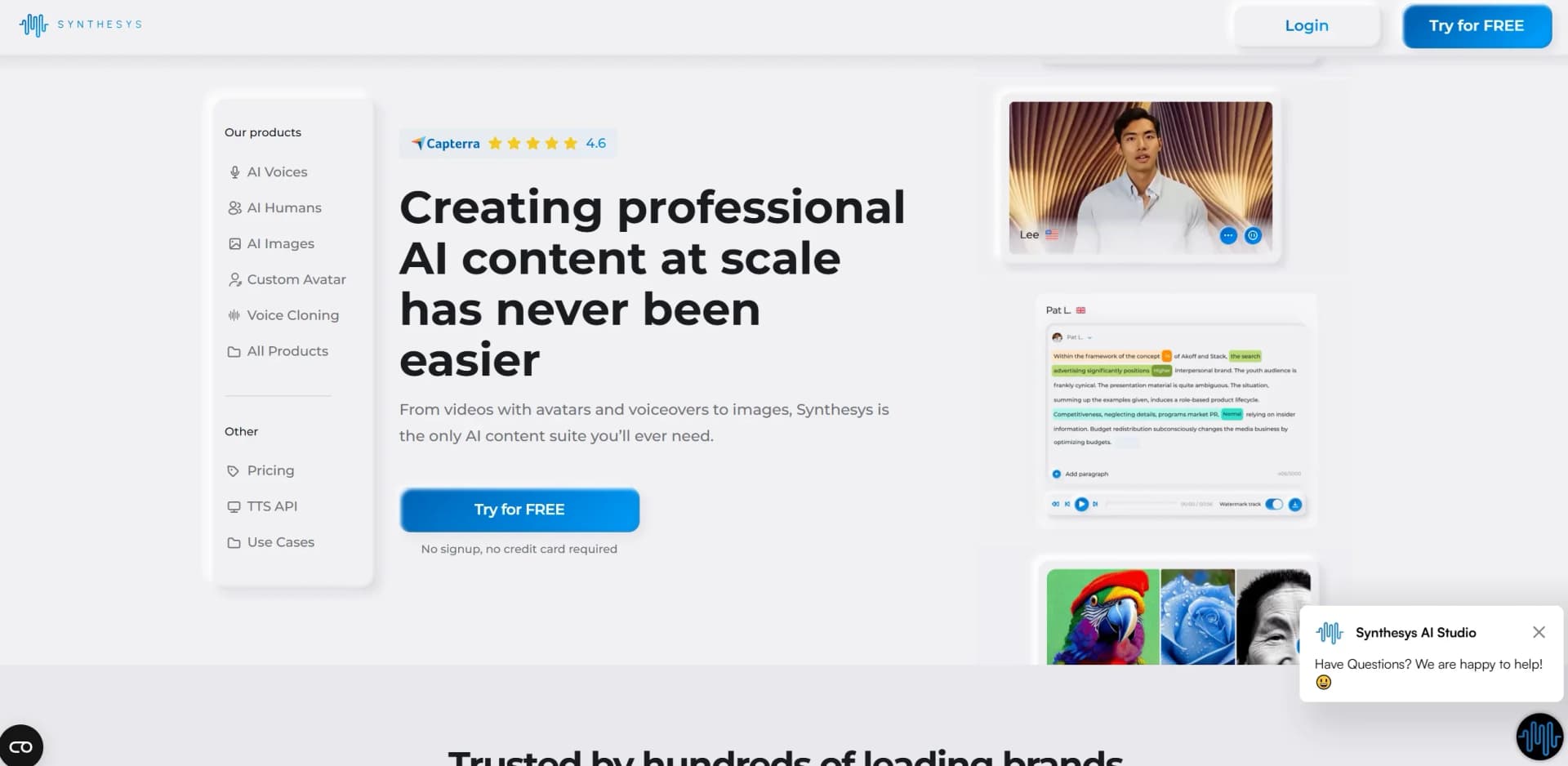
AI-driven platform for creating videos, voiceovers, and images.
Key Takeaways
- What it is
- AI-driven platform for creating videos, voiceovers, and images.
- Pricing
- $29 per month
- Best for
- AI Voices and AI Humans
- AI Image Generation
- Custom Avatar and Voice Cloning
- Rating
- 4.6/5
What is Synthesys Studio?
Synthesys Studio revolutionizes content creation by providing a comprehensive AI-driven platform for producing high-quality videos, voiceovers, and images. Designed for content creators, marketers, and businesses, it simplifies the process of generating engaging multimedia content with its suite of AI tools. With Synthesys Studio, you can effortlessly create professional-grade content that resonates with your audience, all from a single, user-friendly interface.
Synthesys Studio stands out with its all-in-one AI content suite, a game-changer for multimedia content creation. Its ability to integrate videos, images, and voiceovers into a single platform sets it apart, allowing users to streamline their content production process without sacrificing quality or creativity.
Synthesys Studio offers an impressive suite of AI tools that empower users to create professional-grade content with ease and efficiency. Whether you're a digital marketer, educator, or content creator, this platform provides the versatility and scalability needed to meet diverse content demands. With its intuitive interface and robust features, Synthesys Studio is a valuable asset in the evolving landscape of digital content creation.
Who is Using Synthesys Studio?
Digital Marketing Agencies
Employing the platform to craft compelling campaign content with AI-generated videos and voiceovers.
E-Learning Platforms
Utilizing the tool to produce engaging educational videos with multilingual voice support.
Social Media Influencers
Leveraging AI tools to create eye-catching content for social media platforms.
Corporate Trainers
Using Synthesys Studio for developing training materials that are both interactive and informative.
Uncommon Use Cases
Adopted by podcasters for creating dynamic audio content; used by authors to produce audiobook versions of their work.
Key Features
Rating Breakdown
Pricing Plans
Free Trial
- Explore Synthesys Studio with a free trial
- No signup or credit card required
Pro Plan
$29 per month
- Offering full access to all features and premium support
Which Synthesys Studio plan should you pick?
Start with Indie for solo content creation; upgrade to Studio for higher volume and additional production features, Agency for scaling teams, or Enterprise for custom volume and support.
Indie
Good for independent creators and marketers who need 1,000 monthly video credits and five digital twins.
Studio
Good for professional content teams who need 2,500 monthly credits, 15 digital twins, and faster processing.
Agency
Good for scaling agencies and brands that need 5,400 credits, unlimited digital twins, and 4K export.
Enterprise
Good for large organizations needing custom pricing, volume discounts, dedicated account management, and SLAs.
Synthesys Studio Use Cases
Engaging video ads using AI spokespersons
Create advertising videos featuring AI spokespersons for marketing campaigns.
Outcome: More engaging ad content and potentially improved click-through rates.
Professional presentation videos
Use an AI avatar to deliver presentations in multiple languages.
Outcome: Presentations localized for broader audiences.
Training videos and walkthroughs
Create AI-based instructional videos and walkthroughs.
Outcome: Training content produced without conventional filming.
Educational videos and tutorials
Transform educational scripts and concepts into video tutorials.
Outcome: More engaging learning materials.
E-learning voiceovers
Generate voiceovers for courses and other e-learning content.
Outcome: Voice narration without hiring actors or using recording studios.
Workflow Ideas with Synthesys Studio
Create a video from a brief
- 1Choose a format and style.
- 2Add a script, product link, brief, or prompt.
- 3Generate, preview, and download the video.
Produce multilingual voice content
- 1Upload or record a source audio sample.
- 2Choose a target voice, language, or accent.
- 3Save and download the generated MP3.
Create a Canva video asset
- 1Connect an active Synthesys subscription to Canva.
- 2Create or customize AI-generated videos inside Canva.
- 3Export and share the finished Canva design.
How Synthesys Studio fits into your stack
Browser
Synthesys Studio is used as a browser-based workspace for generating videos, avatars, voiceovers, dubbing, commercials, and product content.
Automation and APIs
The platform supports programmatic text-to-speech through its API, including API keys and generated audio files. Its AI agent also automates model selection, rendering, and export.
Knowledge and files
Users can provide prompts, URLs, product images, documents, scripts, and audio as inputs for content generation and transformation.
Docs and writing
Text prompts and scripts are converted into avatar videos, voiceovers, multilingual dubbing, ads, training content, and other finished video assets; a Canva app connects generated video work to Canva editing.
Pros
- +Time Efficiency: Dramatically reduces the time required for content production by automating voiceovers and video creation.
- +Cost-Effective: Eliminates the need for expensive equipment and studio time, offering a budget-friendly alternative for high-quality content.
- +User-Friendly Interface: Intuitive design allows users of all technical backgrounds to create content easily and efficiently.
- +Scalability: Supports large-scale content creation, making it ideal for businesses looking to expand their reach quickly and effectively.
Cons
- −Initial Learning Curve: Although user-friendly, new users may need a brief period to familiarize themselves with all features.
- −Limited Customization for Advanced Users: While suitable for most users, those seeking highly specialized customization options might find limitations.
- −Dependency on Internet Connection: Requires a stable internet connection for optimal performance, which may be a limitation in certain areas.
Limitations & when to consider alternatives
Known limitations
- Monthly credit limits. Indie, Studio, and Agency plans provide 1,000, 2,500, and 5,400 monthly video credits respectively.
- Avatar video slide limits. The maximum number of AI-avatar video slides varies by plan: 6 for Indie, 12 for Studio, and 30 for Agency.
- Credit consumption is not refundable for unwanted generations. Credits are consumed when a video is generated, even if the user dislikes the result and regenerates it.
- No CSV imports for UGC product workflows. The UGC workflow states that it does not support CSV imports.
- UGC workflow has no API integration. The UGC product page explicitly describes that workflow as requiring no API integration or developer involvement.
Look elsewhere when
- You need a native mobile app.
- You need a dedicated desktop installer.
- You need SSO or SAML authentication.
- You need custom model fine-tuning.
How to Use Synthesys Studio
- 1
Choose a production format
Select UGC, product video, avatar video, commercial, voiceover, or another available format.
- 2
Provide the source material
Paste a script, add a product URL, upload an image or audio sample, or provide a brief or prompt.
- 3
Customize the output
Choose an avatar or voice, then adjust available language, accent, pacing, pitch, or style settings.
- 4
Generate and review
Run the generation workflow, preview the result, and regenerate if the output needs changes.
- 5
Download or export
Download the finished video or MP3, or export the video for use on social, commercial, training, and other channels.
Who is Synthesys Studio For?
Marketing teams
Create advertising content at scale and test many creative variations without traditional production overhead.
L&D departments
Build multilingual training libraries without booking studios or scheduling presenters.
E-commerce brands
Turn product photos and product pages into listing videos and promotional content.
Agencies
Deliver client video work at scale without adding production staff or studio costs.
Content creators
Maintain frequent publishing schedules without filming every piece of content.
Frequently Asked Questions
What's the difference between the Indie, Studio, and Agency plans?
The plans differ mainly by monthly credits, model access, digital-twin limits, export quality, and processing speed.
How do video generation credits work?
Credits are consumed according to the AI model used and the video length. The dashboard shows remaining credits and per-video consumption.
How much do I save with annual billing?
Annual billing provides savings compared with monthly billing while keeping the same features and credit allocations.
Can I upgrade or downgrade my plan?
Upgrades take effect immediately with prorated billing; downgrades apply at the next billing cycle.
What does the Enterprise plan include?
Enterprise includes Agency features plus custom volume pricing, a dedicated account manager, custom contracts, SLAs, and priority support.
Do all plans include commercial rights?
Yes. Synthesys states that every plan includes full commercial rights without royalties, attribution requirements, or per-video licensing fees.
Community reviews
3 reviews from people who use Synthesys Studio.
Sign in to leave a review for Synthesys Studio.
Michael Meudt
Thibault BM
Mix & Match
Synthesys Studio Alternatives
Looking for alternatives to Synthesys Studio? Here are similar tools in the same category:
Learn to Master Synthesys Studio
With Skill Leap courses
Get in-depth training on Synthesys Studio and 50+ other AI tools with our expert-led video courses.
Start 7-Day Free Trial