
Synthesia
AI-powered platform for quick, multilingual video creation.
Watch Synthesia in Action
Key Takeaways
- What it is
- AI-powered platform for quick, multilingual video creation.
- Pricing
- Freemium
- Best for
- AI Avatars and Voices
- AI Video Editor
- 1-Click Video Localization
- Rating
- 4.6/5
What is Synthesia?
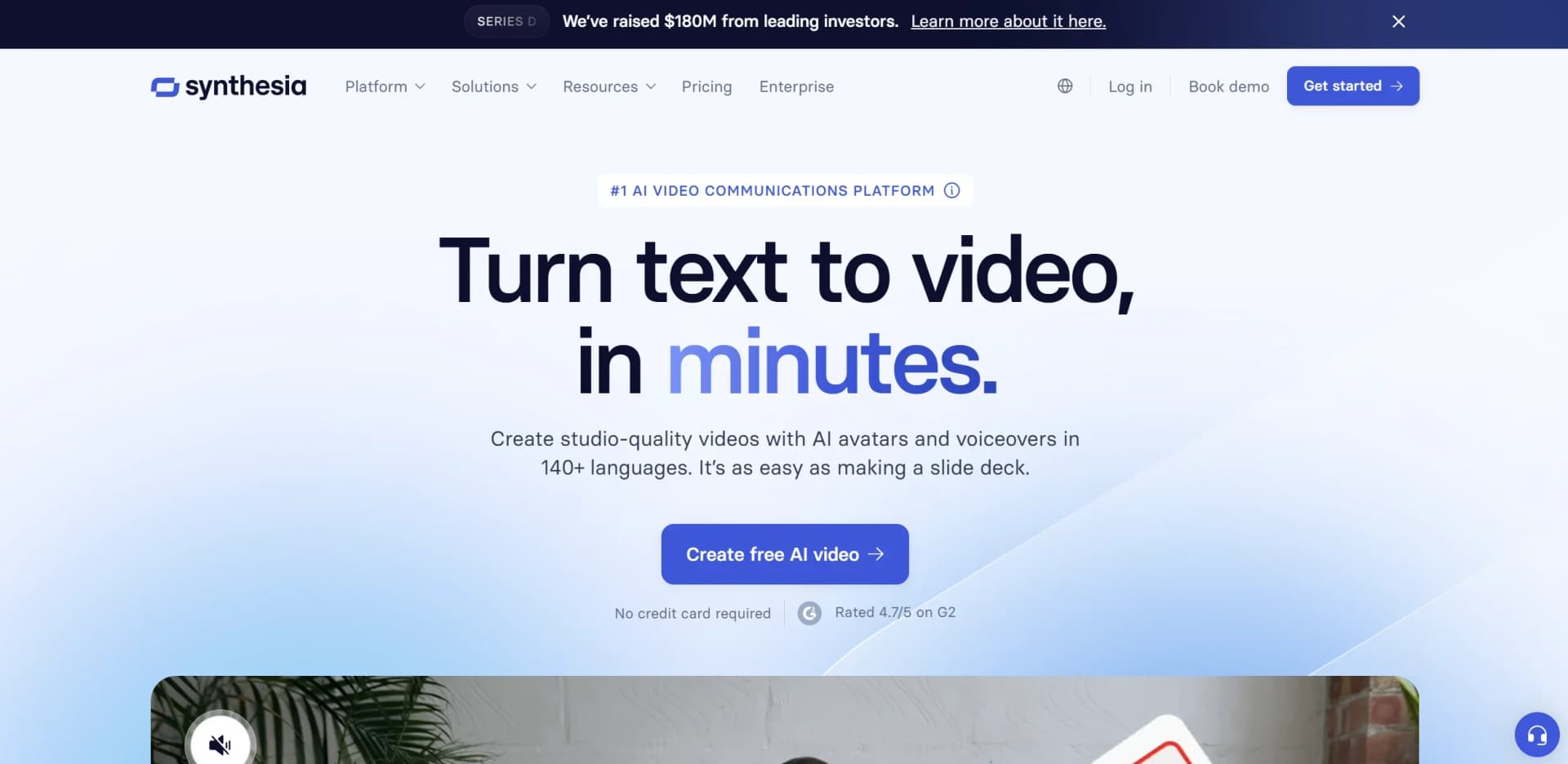
Synthesia is a cutting-edge AI video generation platform that revolutionizes the way we create video content. By leveraging advanced AI technologies, Synthesia enables users to produce professional-quality videos with AI avatars and voiceovers in over 140 languages, without the need for cameras, mics, or studios. Designed for businesses, educators, and marketers, Synthesia simplifies video creation, localization, and distribution, making it accessible and efficient for diverse applications.
Synthesia stands out with its ability to create AI-generated videos that are both scalable and highly customizable, making it a game-changer for sectors requiring rapid, multilingual, and professional video production. Its seamless integration with existing systems like LMS and CRM further enhances its utility, setting it apart in the AI video creation industry.
Synthesia offers an innovative solution for anyone looking to create high-quality video content quickly and efficiently. Its AI-driven platform is perfect for businesses, educators, and marketers seeking to engage audiences with professional, multilingual videos without the traditional hassles of production. With its robust features and user-friendly interface, Synthesia is paving the way for a new era in video communication.
Who is Using Synthesia?
Corporate Training Departments
Utilizing video for employee training and development, ensuring consistent and engaging content delivery.
Marketing Teams
Creating branded video content to promote products and services with high engagement rates.
Education Institutions
Developing educational videos that cater to diverse learning needs and languages.
Customer Support Teams
Transforming help articles into video tutorials to improve customer experience.
Uncommon Use Cases
Used by legal firms to create compliance training videos; adopted by non-profit organizations for multilingual outreach campaigns.
Key Features
Rating Breakdown
Pricing Plans
Free Plan
Free
Enterprise Solutions
- Custom pricing available for businesses with large-scale video needs
Which Synthesia plan should you pick?
Start with Basic to explore Synthesia for free, move to Starter for regular individual creation, choose Creator for API access and more advanced production, and upgrade to Enterprise for shared workspaces, SSO, and scale.
Basic
Good for users who want to explore the editor and test avatars, voices, and basic video generation at no cost.
Starter
Good for individuals who need downloadable, branded videos and regular AI video creation.
Creator
Good for creators or small teams who need API access, personal avatars, dubbing, interactive videos, and more credits.
Enterprise
Good for larger organizations that need unlimited video minutes, shared workspaces, SAML/SSO, live collaboration, brand kits, SCORM export, and enterprise support.
Synthesia Use Cases
Employee onboarding
Create avatar-led onboarding videos from scripts, documents, or presentations.
Outcome: Help new employees get up to speed quickly.
Compliance training
Turn compliance materials into engaging, multilingual training videos.
Outcome: Deliver consistent compliance education at scale.
Sales enablement
Produce product walkthroughs, sales training, and certification content.
Outcome: Give sales teams current enablement materials faster.
Internal communications
Create executive updates and internal announcements using AI avatars and voices.
Outcome: Share consistent organizational communications.
Localization
Translate or dub videos into multiple languages with captions and supported lip synchronization.
Outcome: Reach global audiences without recording separate versions.
Workflow Ideas with Synthesia
Document to training video
- 1Upload a PDF, PowerPoint, Word document, or text file.
- 2Choose a template, delivery style, audience, language, and speaker.
- 3Review the outline, generate scenes, and edit the finished video.
CRM event to personalized video
- 1Use Make with Salesforce, HubSpot, or another trigger source.
- 2Map CRM fields such as name, title, and script to Synthesia inputs.
- 3Generate the video and distribute it through email or another connected tool.
Screen recording to localized tutorial
- 1Install the Synthesia AI Screen Recorder extension.
- 2Record the screen, microphone, and internal audio.
- 3Edit the transcript, remove filler words, translate the clip, and share it.
How Synthesia fits into your stack
Browser
Synthesia is primarily a browser-based video creation and editing platform. The full editor is supported on desktop browsers, with a separate Chrome and Edge screen-recording extension.
Knowledge and files
The Assistant turns source material into videos by importing PDFs, PowerPoint files, Word documents, text files, notes, and URLs. Teams can reuse uploaded media, templates, fonts, avatars, and brand assets.
Automation and APIs
The documented API supports programmatic video creation, asset uploads, video retrieval, and webhooks. Make and Workato can automate Synthesia video creation and distribution in multi-step workflows.
Team chat and tickets
Synthesia integrations connect generated content and learning workflows with tools including Slack, Microsoft Teams, Intercom, HubSpot, and other workplace platforms.
Pros
- +Time Efficiency: Significantly reduces video creation time, allowing users to produce content in minutes rather than days.
- +Cost-Effective: Eliminates the need for expensive filming equipment and personnel, thus cutting production costs.
- +Scalable Solutions: Offers tools for creating and managing large volumes of video content to meet the demands of global businesses.
- +Customizable Branding: Easily incorporate brand elements such as logos, colors, and personalized avatars to maintain brand consistency.
Cons
- −Initial Learning Curve: Users may need some time to become familiar with the platform’s extensive features.
- −Limited Offline Capabilities: Requires an internet connection for most functionalities, limiting offline use.
- −Voice Customization Constraints: While voice cloning offers many possibilities, it may not capture all nuances of human speech.
Limitations & when to consider alternatives
Known limitations
- Full editor functionality requires desktop. Mobile browser users can browse, watch, dub, use AI Playground, and create personal avatars, but cannot use the full editor.
- Self-serve accounts have one primary user. Starter and Creator accounts can invite guests to individual videos, while shared workspaces are an Enterprise feature.
- Interactive videos cannot be downloaded as MP4. Clickable buttons and quizzes cannot be represented in a static MP4 file.
- Dubbing does not translate on-screen text. Dubbing translates spoken audio; captions, titles, and graphics burned into the original video are not translated.
- One script scene cannot exceed five minutes. Longer scripts must be divided across multiple scenes.
Look elsewhere when
- You need a native mobile app.
- You need a dedicated desktop installer.
- You need downloadable interactive video files.
How to Use Synthesia
- 1
Start from a prompt or source file
Open Assistant and provide a prompt, URL, PDF, PowerPoint, Word document, text file, or existing script to create the initial video structure.
- 2
Configure the video
Choose a template, delivery style, language, avatar or speaker, and optional brand kit to establish the video's visual and vocal direction.
- 3
Review and generate
Edit the generated outline, then generate the video or continue into the editor for more detailed changes.
- 4
Customize scenes
Edit scripts, layouts, avatars, media, animations, captions, backgrounds, and timing in the video editor.
- 5
Collaborate and review
Invite teammates or guests to view, comment on, or co-edit videos according to workspace permissions and plan.
- 6
Publish or export
Publish a share link, embed the video, download MP4 or audio files, export captions, or use SCORM where supported.
Who is Synthesia For?
Learning and development teams
They can create employee, compliance, technical, and onboarding training videos quickly.
Sales enablement teams
They can produce product walkthroughs, rep training, certifications, and localized enablement content.
Marketing teams
They can create promotional, product, campaign, and localized videos without traditional production resources.
Customer support teams
They can create help-center tutorials, product explainers, and knowledge-base content.
Enterprise organizations
They can manage shared workspaces, brand kits, SSO, collaboration, analytics, and scalable video production.
Frequently Asked Questions
What is Synthesia?
Synthesia is an AI video platform that turns text into videos with avatars, voices, translations, and visual elements.
Does Synthesia have an API?
Yes. The documented API is available on Creator and Enterprise plans and supports API keys, video creation, templates, assets, and webhooks.
Can Synthesia be used on mobile devices?
Self-serve users can use Synthesia through a mobile browser, but the full video editor requires a desktop or laptop.
What files can Synthesia process?
Assistant can use PDFs, PowerPoint files, Word documents, text files, and URLs to create or refine videos.
How many languages does Synthesia support?
Synthesia supports numerous human languages, dialects, and accents for video creation, translation, and dubbing.
Can teams collaborate in Synthesia?
Enterprise workspaces support shared content, invitations, permissions, co-editing, and timestamped feedback.
Community reviews
Be the first to share your experience.
Sign in to leave a review for Synthesia.
Synthesia Alternatives
Looking for alternatives to Synthesia? Here are similar tools in the same category:
Learn to Master Synthesia
With Skill Leap courses
Get in-depth training on Synthesia and 50+ other AI tools with our expert-led video courses.
Start 7-Day Free Trial