
Swapp
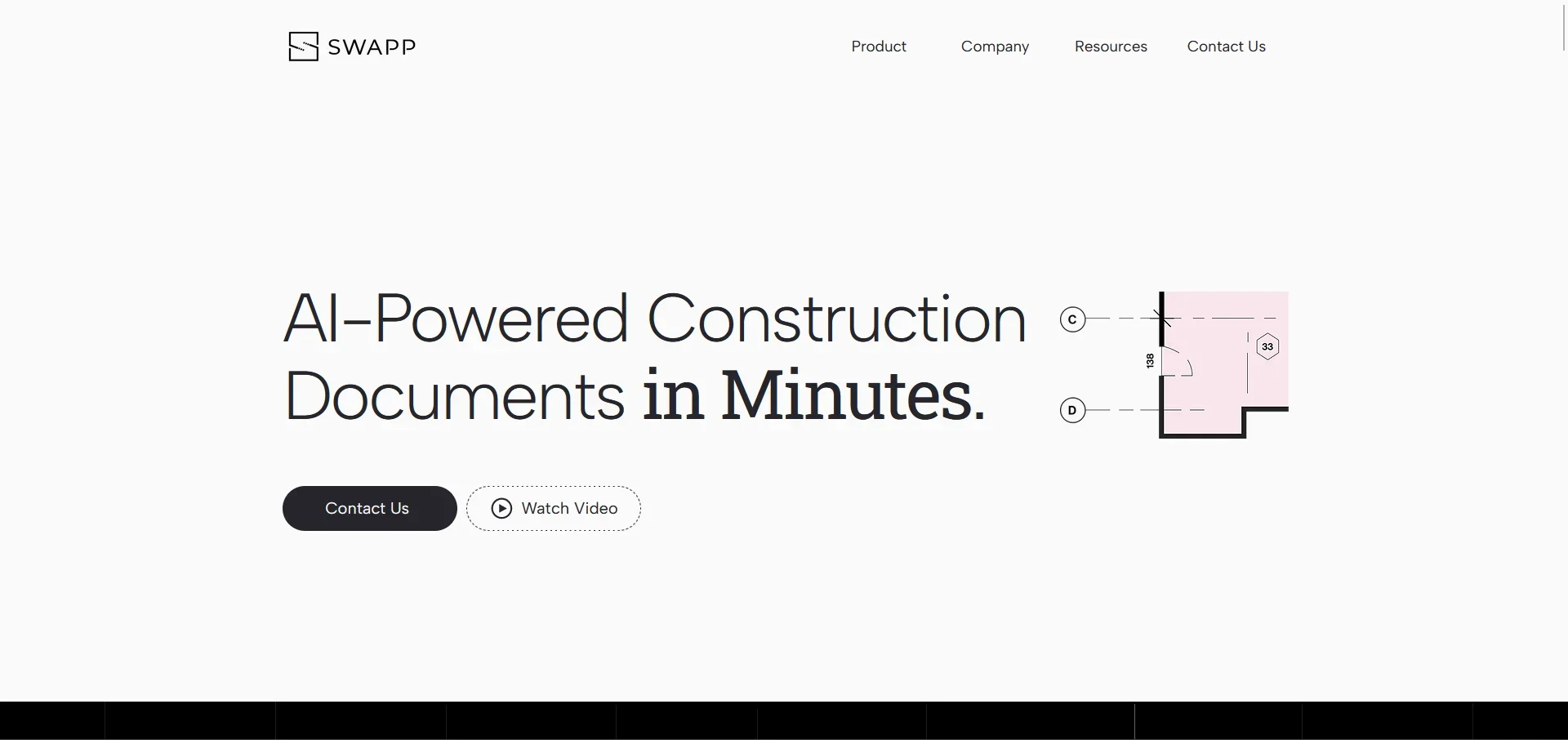
Revolutionize architectural documentation with AI-powered automation and bespoke integration.
Key Takeaways
- What it is
- Revolutionize architectural documentation with AI-powered automation and bespoke integration.
- Best for
- Automated Documentation
- AI-Quality Results
- Seamless Integration
- Rating
- 4.5/5
What is Swapp?
Swapp is a cutting-edge AI tool designed to propel the architectural documentation process into a new era. At its core, Swapp leverages artificial intelligence to analyze and automate the creation and annotation of architectural documentation, ensuring high-quality results that adhere to a firm's unique design habits and annotation practices. Swapp promises to enhance team performance, streamline workflows, and deliver consistent results that save time and boost revenue for architectural firms.
Swapp stands out with its ability to harness a firm's existing project data to automate and enhance architectural documentation. Its unique selling point lies in merging AI with personalized firm practices, allowing architects to maintain their creative and professional standards while embracing the benefits of automation.
Swapp excels in transforming the architectural documentation process with its AI-driven platform, making it an indispensable tool for architectural firms. Its ability to deliver AI-quality results tailored to each firm's design practices offers an unparalleled advantage in efficiency and profitability. With Swapp, architectural expertise is not replaced but enhanced, ensuring that the human element remains integral while embracing the power of AI.
Who is Using Swapp?
Architectural Firms
Enhancing their documentation process while maintaining their unique style and quality.
BIM Specialists
Employing Swapp to streamline complex Building Information Modeling tasks.
Design Teams
Utilizing the tool to reduce time spent on schematic and design development phases.
Project Managers
Leveraging Swapp for efficient management and coordination of multiple projects.
Uncommon Use Cases
Educational institutions may use Swapp to demonstrate the integration of AI in architecture; real estate developers might adopt the tool to visualize potential projects.
Key Features
Rating Breakdown
Pricing Plans
Custom Pricing
- Swapp offers tailored pricing based on the firm's specific needs and project scope
Contact for Quote
- Interested parties are encouraged to contact Swapp directly to discuss their requirements and receive a personalized quote
Which Swapp plan should you pick?
Start with a pilot and custom credit-based quote; expand usage when the firm’s projects and workflows justify broader deployment.
Credit-based pricing
Good for architecture firms that need usage to scale with project complexity, documentation volume, and modeling workload.
Swapp Use Cases
Construction-document generation
Generate dimensions, tags, views, sheets, and organized document sets based on firm standards.
Outcome: Complete construction documentation with less manual production work.
2D-to-3D BIM modeling
Convert schematic 2D plans into BIM models containing walls, doors, furniture, fixtures, parameters, and worksets.
Outcome: Building-scale models produced faster and more consistently.
Automated annotation
Apply exterior and interior dimensions, smart tags, callouts, enlarged plans, and interior elevations.
Outcome: Firm-standard annotation across document sets.
Drawing and model QA
Audit sheets, identify missing or conflicting dimensions, detect annotation collisions, and validate model parameters.
Outcome: Issues are surfaced before documentation is issued.
Firm-standards enforcement
Encode guidelines, graphic standards, and QA logic during onboarding and apply them across projects.
Outcome: Production knowledge remains consistent across teams and offices.
Workflow Ideas with Swapp
Generate a standards-based document set
- 1Provide a project model and the firm’s documentation standards
- 2Have Frank generate dimensions, tags, views, and sheets
- 3Review the validated output before delivery
Convert schematic plans into BIM
- 1Start with schematic 2D plans
- 2Have Frank model walls, doors, furniture, fixtures, and worksets
- 3Run parameter and model validations against firm standards
Audit and repair a drawing sheet
- 1Give Frank the firm’s guidelines and target sheet
- 2Have it identify deviations, missing dimensions, or annotation conflicts
- 3Review the findings and approve suggested fixes
How Swapp fits into your stack
Revit Integration
Swapp seamlessly integrates with Revit, a leading BIM software, to augment the architectural design process.
ACC/BIM 360 Collaboration
Supports collaboration platforms like ACC/BIM 360 for streamlined project management.
Custom AI Models
Offers the development of custom AI models based on the firm's unique data and requirements.
Data Privacy Assurance
Ensures that each client's data is used exclusively for their projects, with a commitment to privacy and security.
Pros
- +Increased Efficiency: By automating tedious drafting tasks, Swapp allows firms to manage multiple projects simultaneously and minimizes overtime hours.
- +Enhanced Profitability: The tool empowers firms to allocate more time for client interactions, fostering satisfaction and loyalty.
- +Talent Attraction: Junior architects can be moved into drafting work earlier, making the firm more attractive to young talent.
- +Expertise-Led AI: Swapp positions itself as a co-pilot, allowing human expertise to lead while the AI strategically supports and optimizes architectural projects.
Cons
- −Specialized Application: Swapp is highly specialized for architectural firms, which may limit its applicability in other industries.
- −Dependence on Firm's Data: The tool's performance relies on the quality and comprehensiveness of the firm's past project data.
- −Adoption Curve: There might be an initial resistance or skepticism within firms to trust and rely on AI for detailed architectural documentation.
Limitations & when to consider alternatives
Known limitations
- Custom pricing. SWAPP does not publish fixed plan prices; it uses credit-based pricing and requires a custom quote.
- Human review remains required. Customers are responsible for reviewing and approving architectural outputs before production, permitting, construction, or regulatory use.
- Some integrations are not yet live. Procore and Trimble integrations are listed as coming in 2026 rather than generally available.
- Focused on architectural production. The documented product centers on BIM modeling, documentation, annotation, and QA inside Revit and ArchiCAD.
Look elsewhere when
- You need a publicly documented developer API.
- You need a native mobile application.
- Your team needs a free self-serve plan.
How to Use Swapp
- 1
Swapp provides tailored support and onboarding to ensure that firms can integrate and utilize the tool effectively. Detailed tutorials and resources are available upon request, ensuring a smooth transition and adoption of the AI technology.
Who is Swapp For?
Architecture and engineering firms
SWAPP automates documentation, modeling, and QA while applying each firm’s own standards.
BIM and design-technology leaders
They can enforce annotation rules, QA logic, and graphic standards across projects, teams, and offices.
Operations and practice leaders
SWAPP helps firms expand production capacity and hit deadlines without scaling headcount proportionally.
Architectural production teams
Frank performs repetitive modeling, annotation, sheet creation, and quality-assurance work inside authoring tools.
Frequently Asked Questions
Is SWAPP only for architects, or does it serve the full project team?
SWAPP starts with architectural design and documentation and is expanding toward preconstruction, construction, and operations integrations.
Can other firms access our data?
No. Client data is strictly segregated, with hard tenant isolation designed to prevent cross-customer access.
Where does SWAPP work?
SWAPP executes architectural documentation, modeling, and QA inside Autodesk Revit and Graphisoft ArchiCAD.
Does SWAPP use customer data to train general AI models?
No. SWAPP states that customer data is not used to train, fine-tune, or improve general models.
Does SWAPP require server installation?
No. SWAPP is cloud-based and does not require server-side installation in the customer environment.
How is SWAPP priced?
SWAPP uses credit-based pricing and provides custom quotes based on firm size, project mix, and usage.
Community reviews
Be the first to share your experience.
Sign in to leave a review for Swapp.
Swapp Alternatives
Looking for alternatives to Swapp? Here are similar tools in the same category:
Learn to Master Swapp
With Skill Leap courses
Get in-depth training on Swapp and 50+ other AI tools with our expert-led video courses.
Start 7-Day Free Trial