
Surfer
Enhance content visibility with real-time SEO insights.
Key Takeaways
- What it is
- Enhance content visibility with real-time SEO insights.
- Pricing
- $99 per month. Designed for individuals and small teams · $219 per month. Adds 5x higher limits
- Best for
- Content Editor
- SERP Analyzer
- AI Content Detector
- Rating
- 4.6/5
What is Surfer?
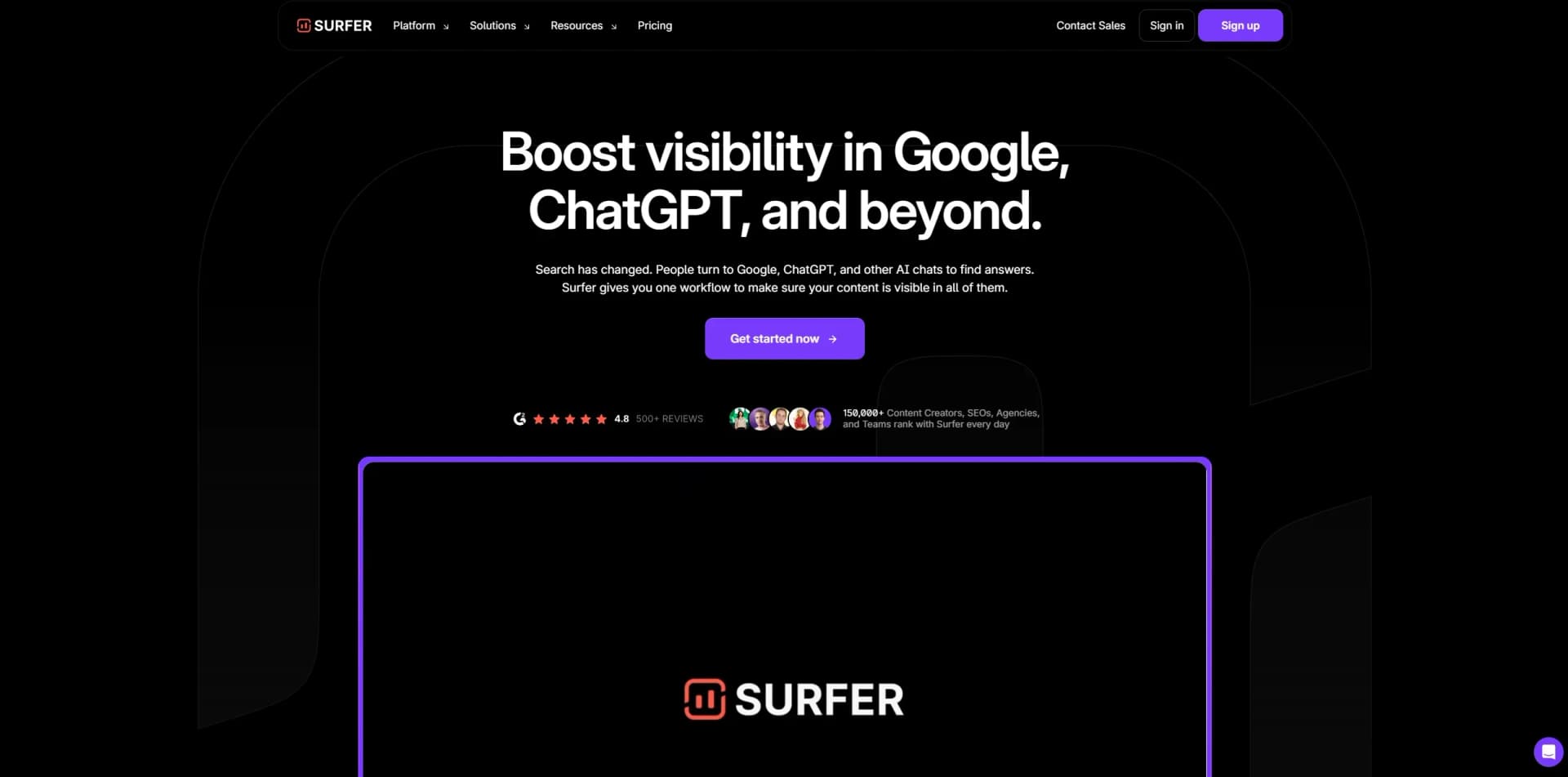
Surfer is a powerful SEO content optimization platform designed to enhance your online visibility. With its cutting-edge AI capabilities, Surfer provides users with a streamlined approach to improving SEO strategies, making it a go-to tool for content creators, digital marketers, and SEO professionals. It simplifies the process of creating content that ranks well on search engines by offering real-time data, insights, and recommendations tailored to your specific needs.
Surfer distinguishes itself with its AI-driven optimization capabilities that provide a holistic approach to SEO. Its ability to offer real-time, data-backed content recommendations ensures that users can produce high-ranking, quality content efficiently. The integration of AI tools like the Content Editor and SERP Analyzer sets Surfer apart as an all-in-one solution for SEO success.
Surfer offers a robust platform for those looking to enhance their SEO efforts, providing an impressive suite of tools that cater to a wide range of users. Whether you're a seasoned SEO expert or just starting, Surfer's AI-driven insights and features make it an invaluable asset for improving online visibility and content quality. With its focus on real-time data and practical recommendations, Surfer empowers users to achieve better search engine rankings efficiently.
Who is Using Surfer?
Content Creators
Enhancing content quality and SEO performance.
Digital Marketing Agencies
Streamlining the creation of SEO-optimized content for clients.
SEO Professionals
Analyzing competitors and improving search engine rankings.
E-commerce Businesses
Boosting product page visibility and searchability.
Uncommon Use Cases
Used by educational institutions for SEO curriculum development; adopted by non-profits to increase online presence.
Key Features
Rating Breakdown
Pricing Plans
Essential
$99 per month. Designed for individuals and small teams
- Includes AI-generated articles, SEO-ready templates, monthly optimization tips, team collaboration tools, and Google Docs/WordPress integration
Scale
$219 per month. Adds 5x higher limits
- Advanced topical maps
- Daily rank monitoring
- CSV exports
- Personalized onboarding—on top of everything in Essential
Enterprise
- Adds API access
- 16+ months of data
- Traffic cannibalization reports
- Strategic SEO guidance
- Feature previews
- Whitelabeling
- Role permissions
- Enterprise-grade security
Which Surfer plan should you pick?
Start with Standard for solo or small-scale content work, upgrade to Pro for multiple brands and advanced SEO or AI tracking, and choose Peace of Mind or Enterprise for API access, larger teams, SSO, and custom requirements.
Standard
Good for one-person businesses, small teams, and agencies needing consistent content creation, optimization, and AI visibility.
Pro
Good for agencies or businesses managing multiple brands that need advanced semantic tools and AI tracking.
Peace of Mind
Good for large companies and high-demand agencies needing unlimited resources, API access, and top-tier support.
Enterprise
Good for large organizations and agencies requiring custom limits, additional seats, tailored tool access, SSO, and enterprise support.
Surfer Use Cases
Create SEO-optimized articles
Choose a keyword, location, language, template, and writing mode, then use Content Editor or Surfer AI to create an article.
Outcome: A structured draft with real-time SEO and AI-search guidance.
Refresh underperforming content
Connect Google Search Console, review Content Audit recommendations, and optimize existing pages in Content Editor.
Outcome: A prioritized workflow for improving pages that are losing visibility.
Build a content strategy
Use Keyword Research and Topical Map to identify keyword clusters, content gaps, and topic opportunities.
Outcome: A data-backed content roadmap organized around topical authority.
Publish through connected tools
Write with Surfer guidelines in Google Docs or export and publish content through WordPress.
Outcome: Less copy-pasting between content optimization and publishing workflows.
Workflow Ideas with Surfer
Research to optimized article
- 1Choose a target keyword, location, and language in Content Editor.
- 2Review competitors and generate or customize the outline.
- 3Write or generate the article, apply Auto-Optimize, and complete the pre-publish review.
Refresh an existing page
- 1Connect Google Search Console and create a Sites project.
- 2Review Content Audit recommendations and select a page to refresh.
- 3Import the page into Content Editor, optimize it, and export or publish the revision.
Automated content production
- 1Send keywords and location data to Surfer through the API or Zapier.
- 2Create Content Editor queries and generate outlines or AI articles.
- 3Use API responses, webhooks, or exports to move completed content into a CMS.
How Surfer fits into your stack
Browser
Surfer is primarily used as a web app for content editing, SEO analysis, audits, keyword research, topical mapping, and AI visibility tracking.
Docs and writing
The Content Editor supports collaborative writing, comments, real-time optimization, and a Google Docs extension for working with Surfer guidelines.
Automation and APIs
Surfer supports documented API access, MCP connections, and workflow playbooks for creating, optimizing, scoring, and auditing content programmatically.
Pros
- +Time Efficiency: Speeds up content creation and optimization with AI-driven insights and automation.
- +User-Friendly Interface: Offers an intuitive design that simplifies the SEO process for both beginners and experienced users.
- +Comprehensive SEO Insights: Provides detailed analysis and actionable recommendations to improve content visibility.
- +Scalability: Suitable for various business sizes, from freelancers to large enterprises, due to its flexible and adaptable features.
Cons
- −Learning Curve: Some users may initially find it challenging to utilize all advanced features effectively.
- −Integration Limitations: While Surfer integrates with several platforms, there may be limitations with certain third-party tools.
Limitations & when to consider alternatives
Known limitations
- The Pro trial converts automatically. The 7-day trial requires billing details and converts to the selected subscription unless canceled before the trial ends.
- API access is restricted. The API is available with the Peace of Mind or Enterprise plan, and individual API-compatible tools may require additional access.
- Some features are dashboard-only. Internal Linking Engine, Topical Maps, competitor customization, plagiarism checking, and AI Tracker do not currently have API endpoints.
- Surfer AI has language and length constraints. Surfer AI supports a defined set of generation languages, cannot currently specify an exact article length, and requires at least 2,000 expected words.
- Google Docs integration is not bidirectional. The Google Docs integration transfers guidelines, but content written in Surfer and Google Docs must be copied manually between the tools.
Look elsewhere when
- You need a native mobile or desktop application.
- You need fine-tuning or model training on proprietary data.
- You need image analysis or vision input.
- You need programming-code generation.
How to Use Surfer
- 1
Create or select a workspace
Set up a workspace for a brand, connect Google Search Console if available, and configure Brand Knowledge.
- 2
Choose a content or SEO workflow
Use Keyword Research, Topical Map, Content Audit, SERP Analyzer, or Content Editor depending on whether you are planning, refreshing, or creating content.
- 3
Create a Content Editor
Enter the target keyword, location, language, and device type, then run the analysis to generate competitor-based guidelines.
- 4
Customize the brief
Review competitors, adjust content structure and terms, select a template or Brand Voice, and add context or source URLs.
- 5
Write and optimize
Write manually or choose Surfer AI, then use real-time scoring, Auto-Optimize, facts, internal links, and readability checks.
- 6
Export or publish
Copy or download HTML, Markdown, or text, connect Google Docs, or export directly to WordPress.
Who is Surfer For?
Marketers
Surfer provides data-driven content optimization, keyword research, AI visibility tracking, and content planning.
SEOs
Surfer combines SERP analysis, Content Audit, topical mapping, rank tracking, and SEO content guidelines.
Teams and agencies
Organizations, workspaces, member roles, collaboration, shared documents, and multi-brand support help teams manage content operations.
Frequently Asked Questions
Does Surfer offer a free plan?
Surfer offers a free Keyword Surfer Chrome extension. The main platform provides a 7-day Pro trial rather than a permanent $0 subscription.
Does Surfer have an API?
Yes. Surfer provides documented API access for Content Editors, AI writing, audits, SERP Analyzer data, AI detection, and humanization. API access requires the Peace of Mind or Enterprise plan.
Can multiple people collaborate in Surfer?
Yes. Multiple people can edit the same Content Editor document simultaneously, see real-time changes, and leave comments.
What languages does Surfer support?
Surfer's core tools support all languages based on the selected keyword and location. Surfer AI article generation supports a documented set of languages, while its Humanizer currently supports English most fully.
Does Surfer integrate with other tools?
Surfer integrates with WordPress, Google Docs, Zapier, Contentful, ChatGPT, Jasper, Google Search Console, and Looker Studio.
Does Surfer support SSO?
Yes. SSO is available for Enterprise subscriptions and lets teammates sign in with the organization's identity provider.
Community reviews
Be the first to share your experience.
Sign in to leave a review for Surfer.
Surfer Alternatives
Looking for alternatives to Surfer? Here are similar tools in the same category:
Learn to Master Surfer
With Skill Leap courses
Get in-depth training on Surfer and 50+ other AI tools with our expert-led video courses.
Start 7-Day Free Trial