
Superhuman
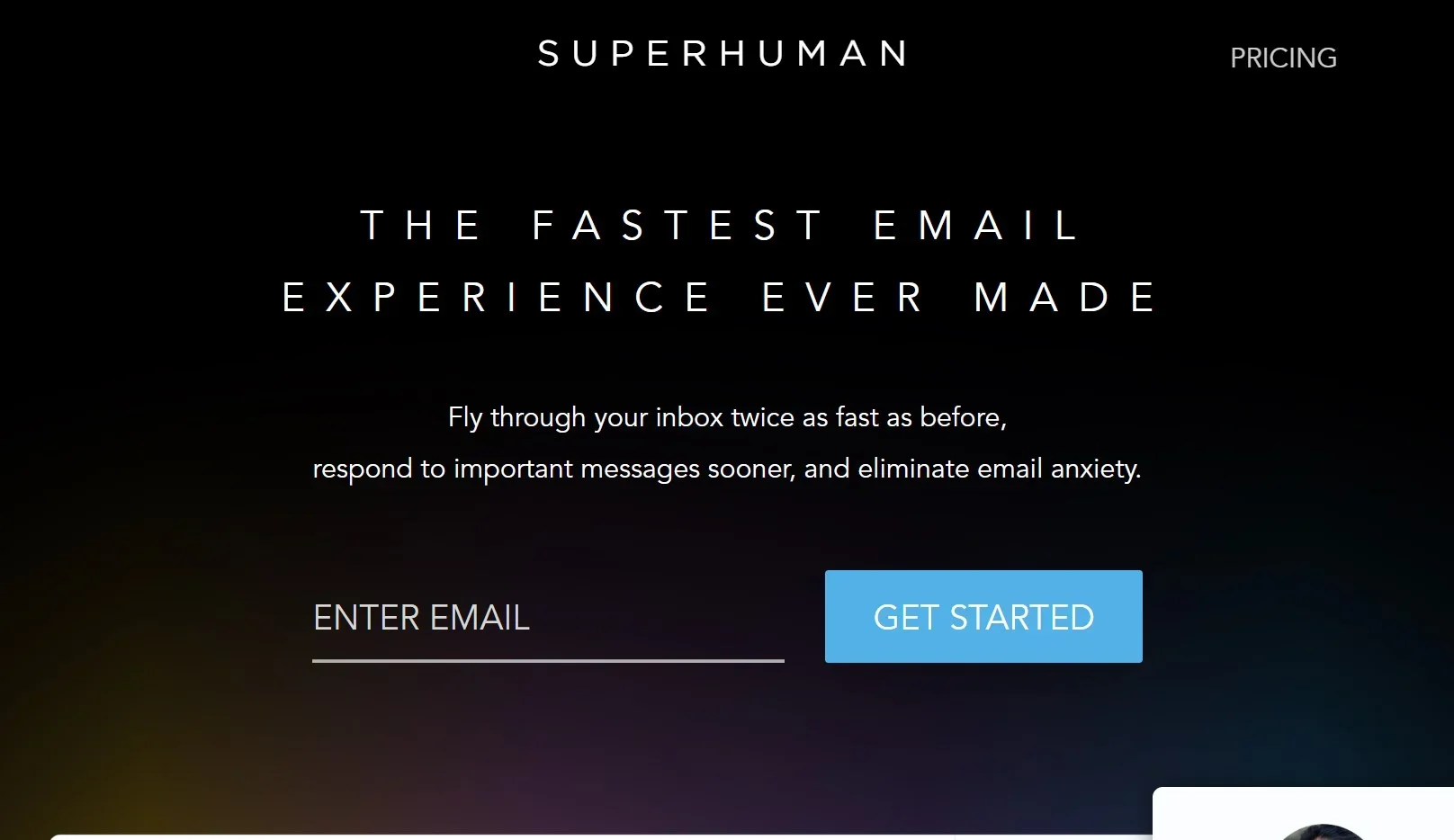
Revolutionize email with AI, speed, and intuitive productivity enhancements.
Watch Superhuman in Action
Key Takeaways
- What it is
- Revolutionize email with AI, speed, and intuitive productivity enhancements.
- Best for
- AI-Powered Tools
- Split Inbox
- Follow-Up Reminders
- Rating
- 4.7/5
What is Superhuman?
Superhuman is a cutting-edge email client designed to transform the way we interact with our inboxes. It is built for speed, efficiency, and productivity, offering a suite of powerful features that cater to the needs of individuals and teams alike. With the promise of giving users back significant time each week, Superhuman is tailored for those who wish to conquer their email workload with finesse and precision.
Superhuman's unique selling point lies in its blazing-fast email experience, which is achieved through a combination of AI-powered features, intuitive keyboard shortcuts, and an overall design that prioritizes speed and efficiency. The tool's focus on reclaiming time for users sets it apart in a market saturated with standard email clients.
Superhuman excels at providing a superior email experience that is both fast and intelligent. It's an essential tool for professionals and teams who prioritize efficiency and productivity in their daily communications. With features like AI-powered drafting and strategic follow-up reminders, Superhuman not only saves time but also enhances the quality and responsiveness of email interactions.
Who is Using Superhuman?
Busy Professionals
Individuals who manage heavy email traffic and seek to improve their efficiency.
High-Performing Teams
Teams that require seamless collaboration and communication via email.
Sales and Business Development
Professionals who rely on timely follow-ups and read receipts to close deals.
Recruiters
Those who need to manage numerous communications with candidates and hiring managers.
Uncommon Use Cases
Executives using Superhuman to streamline board communication; Nonprofits leveraging the tool for fundraising outreach.
Key Features
Rating Breakdown
Pricing Plans
Subscription Model
- Superhuman operates on a monthly subscription basis
- Pricing available upon request
Enterprise Solutions
- Custom pricing and solutions are available for larger teams and organizations
Which Superhuman plan should you pick?
Start with Free for basic AI assistance and Docs; upgrade to Pro for more AI and connectors, Business for Mail and advanced workflows, or Enterprise for security and administration.
Free
Good for individuals who need basic AI assistance, limited Go capabilities, Grammarly, and collaborative Docs.
Pro
Good for individuals who need expanded AI features, translations, rewrites, connectors, and custom agents.
Business
Good for teams who need Superhuman Mail, personalized email AI, CRM integrations, unlimited Docs automations, and broader connected workflows.
Enterprise
Good for larger organizations that need SAML SSO, advanced security, custom roles, analytics, and dedicated support.
Superhuman Use Cases
Email triage
Use Go and Superhuman Mail to surface urgent messages, draft replies, archive, label, and schedule email.
Outcome: Faster inbox processing and more responsive communication.
Meeting preparation
Create an agent that gathers context from calendars, email, documents, and team messages.
Outcome: A consolidated briefing before important meetings.
Weekly status updates
Have an agent draft project updates from Docs, Slack, email, and Jira activity.
Outcome: Recurring updates prepared with less manual work.
Document creation
Ask Go to create documents using web search, files, or connected applications.
Outcome: Structured documents that can be reviewed and edited.
Email collaboration
Share conversations, comments, and drafts with teammates directly inside email threads.
Outcome: Shared context without forwarding or switching tools.
Workflow Ideas with Superhuman
Meeting preparation agent
- 1Connect calendar, email, documents, and team messaging tools
- 2Create an agent with meeting-preparation instructions and triggers
- 3Review the generated briefing before the meeting
Weekly project update
- 1Connect Docs, Slack, email, and Jira
- 2Create an agent that gathers recent project activity
- 3Review and publish the drafted weekly update
Collaborative email response
- 1Share the email conversation with teammates
- 2Add comments or @mention colleagues for input
- 3Share and refine the draft before sending
How Superhuman fits into your stack
Gmail and Outlook
Superhuman is built to work seamlessly with both Gmail and Outlook email services.
Calendar Integration
Easily check your calendar and schedule events without leaving your inbox.
Third-Party Tools
Superhuman can split inboxes based on notifications from tools like Google Docs, Notion, and Asana, among others.
Team Features
Shared Snippets and read statuses are designed to enhance team collaboration.
Pros
- +Time-Saving: Users report gaining back hours each week thanks to Superhuman's efficiency-driven features.
- +Productivity Boost: The tool's design and AI assistance streamline email management, leading to increased productivity.
- +Team Collaboration: Shared Snippets and read statuses enhance team communication and prevent duplication of work.
- +User Experience: A sleek interface coupled with keyboard shortcuts makes email management both fast and enjoyable.
Cons
- −Learning Curve: New users may need time to adapt to the plethora of shortcuts and features.
- −Price Point: The cost may be a consideration for some, especially those accustomed to free email clients.
- −Platform Limitation: Currently optimized for Gmail and Outlook users, potentially limiting its appeal for users of other email services.
Limitations & when to consider alternatives
Known limitations
- Connectors require a paid subscription. Go connectors for apps such as Gmail, Slack, and Calendar are available only on paid plans.
- Custom agents are still in beta. The agent builder is being rolled out gradually and availability varies by plan.
- Screen context is limited. Go generally works with content already open and visible unless an app is connected through a connector.
- API request limits apply. The Docs API has a 2 MB request limit and an 85 KB limit for an individual row.
- Image files are not accepted by the Docs API. The API currently accepts image URLs rather than image files.
Look elsewhere when
- You need fine-tuning of model weights on your private dataset.
- You need a vision tool that analyzes uploaded images.
- You need an API that accepts image files.
How to Use Superhuman
- 1
Superhuman offers a range of tutorials to help new users get up to speed with all of its features, ensuring that everyone can maximize their email productivity.
Who is Superhuman For?
Individuals
The Free and Pro plans provide AI writing, Docs, Go, and productivity assistance for individual users.
Teams
Team collaboration, shared conversations, comments, snippets, shared agents, and connected workflows support collaborative work.
Enterprise organizations
Enterprise adds SAML SSO, advanced security and admin controls, analytics, custom roles, and dedicated support.
People working across many apps
Go provides contextual assistance across email, documents, customer systems, project tools, and internal applications.
Frequently Asked Questions
What is Superhuman Go?
Superhuman Go is an AI assistant that works across apps, tabs, documents, email, and connected tools.
Which apps can connect to Go?
Connectors include Gmail, Outlook, Calendar, Slack, Salesforce, Superhuman Docs, Notion, Zoom, Jira, and others.
Does Go keep working when the tab is closed?
Yes. Go runs in the cloud and continues background tasks until completion or approval is needed.
Can teams create custom agents?
Yes. Teams can build agents with instructions, triggers, tools, and connectors, then share or publish them internally.
Does Superhuman have an API?
Superhuman Docs provides a public REST API for searching, creating, updating, and publishing documents.
Is there a free plan?
Yes. The Superhuman suite has a Free plan with limited AI, Grammarly, Docs, and Go functionality.
Community reviews
Be the first to share your experience.
Sign in to leave a review for Superhuman.
Superhuman Alternatives
Looking for alternatives to Superhuman? Here are similar tools in the same category:
Learn to Master Superhuman
With Skill Leap courses
Get in-depth training on Superhuman and 50+ other AI tools with our expert-led video courses.
Start 7-Day Free Trial