
Sudowrite
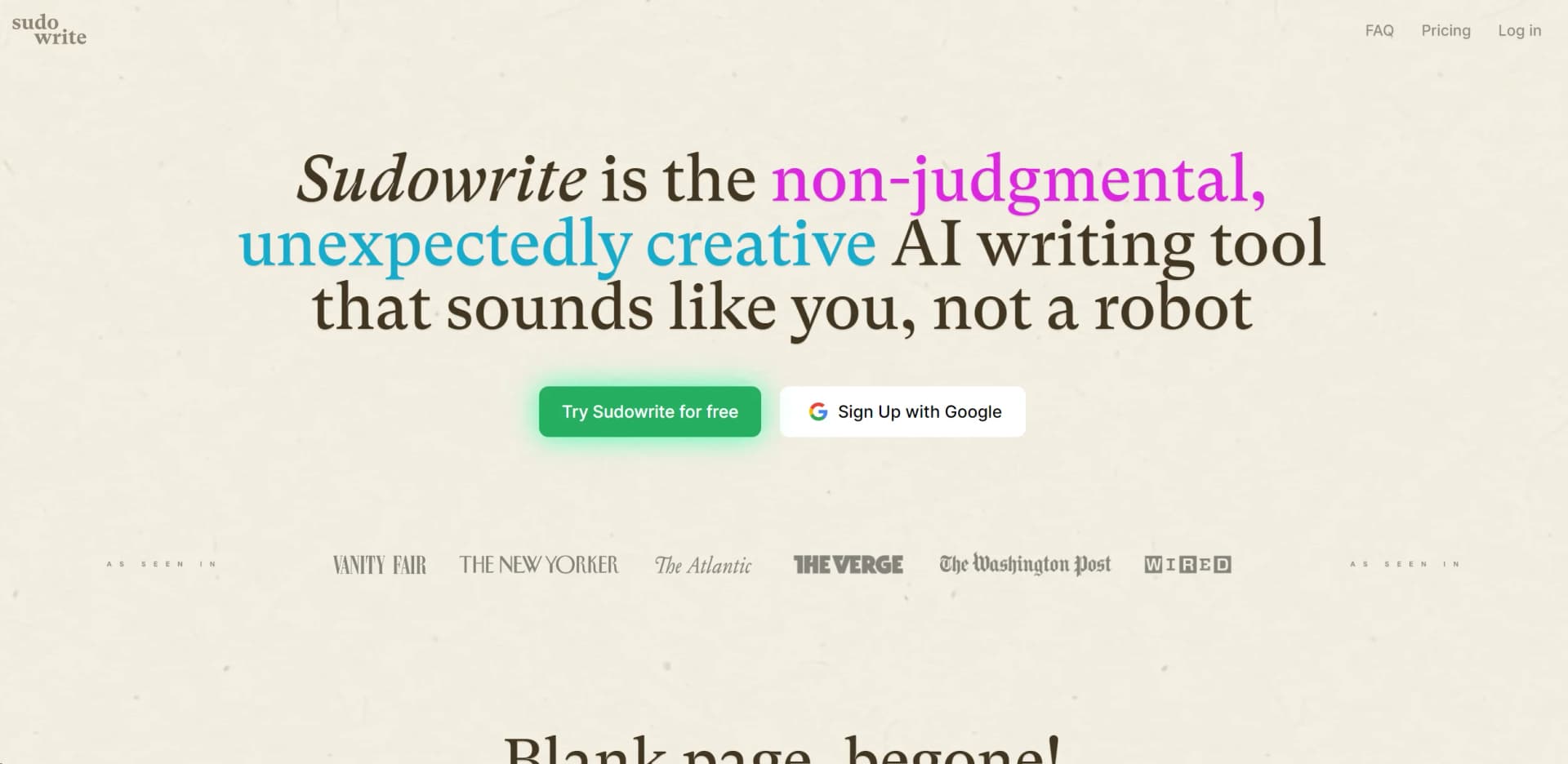
Revolutionize writing with AI: creativity, editing, inspiration, quality enhancement.
Watch Sudowrite in Action
Key Takeaways
- What it is
- Revolutionize writing with AI: creativity, editing, inspiration, quality enhancement.
- Pricing
- $20 per month
- Best for
- AI-Powered Suggestions
- Creative Inspiration
- Grammar and Style Enhancements
- Rating
- 4.6/5
What is Sudowrite?
Sudowrite is an artificial intelligence-driven writing assistant that aims to revolutionize the writing process. By leveraging cutting-edge AI technology, Sudowrite enhances creativity, simplifies editing, and offers solutions to common writing challenges. Whether you're a novelist facing writer's block, a copywriter refining prose, or a student improving essays, Sudowrite caters to diverse needs, making content creation easier and more compelling.
Sudowrite merges artificial intelligence with the creative writing process, offering a tool that feels collaborative rather than merely software. Its blend of creativity-enhancing features and practical writing aids distinguishes it in the AI writing assistant landscape.
Sudowrite is an AI writing assistant that enhances creativity, simplifies editing, and improves writing quality. Its innovative features make it indispensable for various users, from authors to students. With a user-friendly interface and comprehensive support resources, Sudowrite transforms writing into an enjoyable and efficient process.
Who is Using Sudowrite?
Authors and Novelists
Developing characters, plots, and settings.
Content Creators
Generating article ideas and refining blog posts.
Academic Writers
Enhancing research papers and essays.
Marketing Professionals
Creating compelling ad copy and content.
Uncommon Use Cases
Poets experimenting with expression; Screenwriters drafting dialogues and scenes.
Key Features
Rating Breakdown
Pricing Plans
Free Trial
- Experience Sudowrite with a 7-day free trial
Monthly Subscription
$20 per month
Which Sudowrite plan should you pick?
Start with Hobby & Student for lighter writing or school work, then upgrade to Professional for longer projects or Max for high-volume authors.
Hobby & Student
Good for people writing for fun or school who need the core fiction-writing toolkit with a smaller monthly credit allowance.
Professional
Good for authors working on longer projects such as novels or screenplays who need more credits and Feedback.
Max
Good for authors publishing multiple times per year who need the largest credit allowance and rollover credits.
Sudowrite Use Cases
Develop a story idea
Use Brainstorm and Story Bible tools to expand fragments into characters, worldbuilding, synopsis, and outline material.
Outcome: A more structured story concept and plan.
Draft fiction chapters
Use Write, First Draft, Scenes, and Chapter Generator tools to turn outlines or partial prose into scenes and chapters.
Outcome: Faster progress from outline to draft.
Revise prose
Use Rewrite, Quick Edit, Describe, and Expand to adjust voice, detail, clarity, and emotional impact.
Outcome: More polished and targeted prose.
Maintain continuity
Use Story Bible and Chapter Continuity to provide characters, worldbuilding, outlines, and prior chapters as context.
Outcome: More consistent characters, settings, and plot details.
Collect feedback
Share chapters or manuscripts through links and collect comments from beta readers and collaborators.
Outcome: Organized reader feedback without exporting the document.
Workflow Ideas with Sudowrite
Idea to outline
- 1Add unstructured ideas to Story Bible’s Braindump
- 2Develop the Synopsis, Genre, Style, Characters, and Worldbuilding sections
- 3Generate and refine the Outline
Outline to chapter
- 1Create scenes from the Story Bible outline
- 2Review and adjust the scene direction
- 3Use Chapter Generator or Write to produce prose
Draft to revision
- 1Import or write a draft document
- 2Select passages and use Rewrite, Quick Edit, Describe, or Expand
- 3Share the revised document for comments from readers or collaborators
How Sudowrite fits into your stack
Cloud-Based
Accessible from any internet-connected device.
Word Processor Integration
Works with popular word processing software.
Browser Extension
Chrome extension for easy web platform access.
API Access
Developers can integrate Sudowrite capabilities into custom applications.
Pros
- +Boosts Creativity: Provides creative prompts and ideas, facilitating writing projects.
- +Time Efficiency: Reduces editing time significantly.
- +Enhances Writing Quality: Improves grammar, style, and coherence for clearer, engaging content.
- +User-Friendly: Intuitive design suitable for writers of all levels.
Cons
- −Dependence on Technology: May lead to over-reliance on AI suggestions, potentially hindering personal writing style development.
- −Learning Curve: Requires time to fully explore all features.
- −Subscription Model: Continuous access requires a subscription, which may not fit all budgets.
Limitations & when to consider alternatives
Known limitations
- AI features require a paid plan after the trial. Users can continue accessing projects after the trial, but AI functionality is unavailable without a paid subscription.
- Mobile has fewer features than web. The mobile app focuses on Write, Rewrite, Chat, and Smart Dictation; several Story Bible and history features remain web-only or limited.
- Novel imports are optimized for up to 120,000 words. Import Novel supports documents up to 120,000 words and focuses on extracting five to seven primary characters.
- Visualize has text-selection limits. Visualize requires a selection of at least 10 words and supports selections up to 500 words.
- Mobile dictation is intended for short sessions. Sudowrite recommends keeping individual dictations under 10 minutes.
Look elsewhere when
- You need a documented developer API.
- You need a dedicated desktop installer.
- Your team needs role-based shared workspaces.
- Your work requires image analysis or vision input.
How to Use Sudowrite
- 1
Explore tutorials on Sudowrite's website, covering basic setup to advanced creative writing features.
Who is Sudowrite For?
Novelists
Sudowrite provides Story Bible, outlining, continuity, drafting, revision, and prose-generation tools for long-form fiction.
Fiction authors
The product is built around characters, worldbuilding, plot development, scene drafting, and voice-oriented rewriting.
Screenwriters
Sudowrite’s site names screenwriters among its users and offers tools for developing and transforming stories.
Students
The Hobby & Student plan is positioned for people writing for fun or school.
Editors and beta readers
Document sharing and comments support feedback workflows with collaborators, editors, and readers.
Frequently Asked Questions
What is Sudowrite?
Sudowrite is an AI toolkit for novelists that helps users plan, write, edit, and organize fiction.
What languages does Sudowrite support?
Sudowrite supports more than 30 languages, although some features may fall back to English.
Can I import an existing manuscript?
Yes. Users can import novels, individual documents, Scrivener projects, outlines, characters, and worldbuilding files.
Is there a mobile app?
Yes. Sudowrite has native iOS and Android apps that sync projects and documents with the web app.
Does Sudowrite train on my writing?
Sudowrite says it does not use users’ writing to train Sudowrite or OpenAI models.
What happens after the free trial?
Projects remain accessible, but AI features require a paid plan after the trial ends.
Community reviews
Be the first to share your experience.
Sign in to leave a review for Sudowrite.
Sudowrite Alternatives
Looking for alternatives to Sudowrite? Here are similar tools in the same category:
Learn to Master Sudowrite
With Skill Leap courses
Get in-depth training on Sudowrite and 50+ other AI tools with our expert-led video courses.
Start 7-Day Free Trial