
Stylar
Revolutionize design with AI-powered editing, intuitive controls, and high-res outputs.
Watch Stylar in Action
Key Takeaways
- What it is
- Revolutionize design with AI-powered editing, intuitive controls, and high-res outputs.
- Best for
- Predefined Styles
- Layer-based Composition
- Enhance Tools
- Rating
- 4.5/5
What is Stylar?
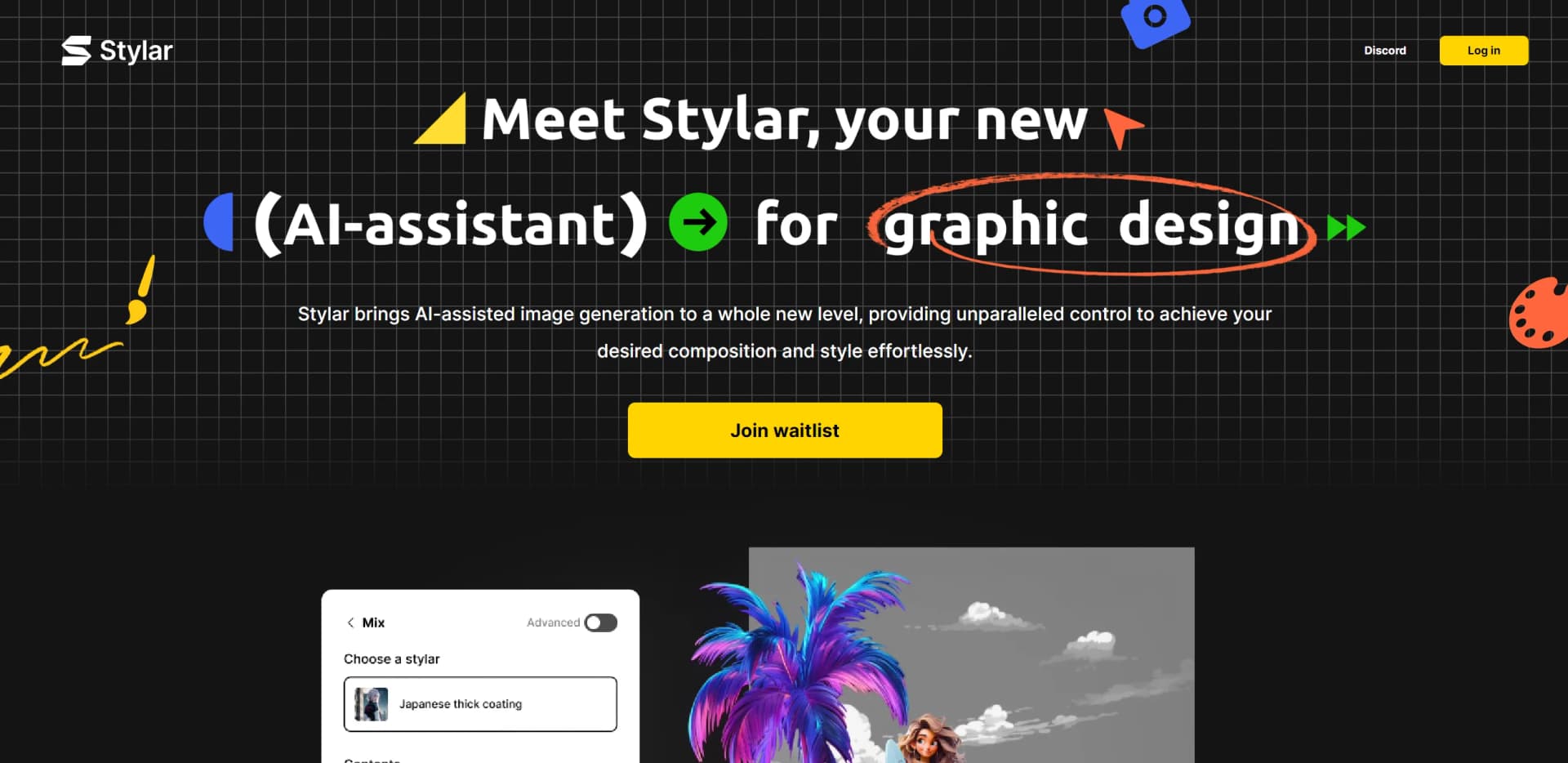
Stylar is a groundbreaking AI image editor revolutionizing graphic design by offering users unprecedented control over image composition and style. With its intuitive interface and suite of design tools, Stylar caters to creatives of all levels, empowering them to explore visual artistry effortlessly.
Stylar's blend of predefined styles, enhanced AI-generated image control, and user-friendly interface distinguishes it in the AI design landscape. It bridges traditional design concepts with AI, making the creative process intuitive and accessible.
Stylar is indispensable for creatives seeking AI-powered design workflow enhancement. Its user-friendly interface and sophisticated image composition and style control make it a standout choice in graphic design. With a commitment to user experience and ongoing improvements, Stylar promises to be a staple in the digital design toolkit.
Who is Using Stylar?
Graphic Designers
Creating compelling visuals quickly without compromising quality.
Digital Marketers
Producing eye-catching campaign graphics to captivate audiences.
Social Media Influencers
Designing unique and engaging content for various platforms.
Web and UI Designers
Prototyping and finalizing design elements efficiently.
Uncommon Use Cases
Academics incorporating Stylar for digital media courses; Real estate agents using it for property visualizations.
Key Features
Rating Breakdown
Pricing Plans
Free Access
- Sign up for Stylar and receive 200 free credits weekly during beta testing
Subscription Plans
- Details forthcoming as the tool evolves through beta
Which Stylar plan should you pick?
Start with Beginner for light image and video experimentation, then upgrade to Creator, Master, or Master Pro as you need more credits, storage, concurrent jobs, and unlimited image-model access.
Beginner
Good for individuals who need 1,000 monthly credits, 1 GB of asset storage, and basic AI image and video creation.
Creator
Good for creators who need 6,000 monthly credits, credit rollover, 10 GB of storage, and larger generation capacity.
Master
Good for high-volume creators who need 9,000 credits, unlimited images under fair use, 100 GB of storage, and 15 concurrent jobs.
Master Pro
Good for professional or production-heavy users who need 30,000 credits, unlimited images under fair use, 200 GB of storage, and 18 concurrent jobs.
Stylar Use Cases
Create story videos
Turn ideas into story videos using text or images, selected styles, and AI video generation.
Outcome: Vivid HD story videos.
Create product advertisements
Transform a product image into an advertisement with cinematic visuals.
Outcome: Engaging product ads.
Edit images with natural language
Use Chat Editor prompts to change colors, swap backgrounds, adjust lighting, reshape poses, or remove objects.
Outcome: Faster AI-assisted image edits.
Generate and transform images
Use text-to-image or image-to-image generation with selectable styles and visual controls.
Outcome: Styled or newly generated visuals.
Create talking avatars
Turn static images, product bullet points, or storyboards into videos with human-sounding voices.
Outcome: Talking-avatar videos.
Workflow Ideas with Stylar
Create a story video
- 1Provide an image or text idea
- 2Choose a style
- 3Generate an HD story video
Produce a product advertisement
- 1Upload a product image
- 2Apply cinematic visual treatment
- 3Generate the advertisement
Edit an image with Chat Editor
- 1Open an image in Chat Editor
- 2Describe the desired change in natural language
- 3Review the generated edit
How Stylar fits into your stack
High-Resolution Output
Compatible with high-quality print and digital mediums.
Layer-based Editing
Integrates familiar design concepts into AI-powered creativity.
Conversational AI Prompting
Simplifies transition from idea to visual representation.
Sketching and Positioning Tools
Complements existing design software, fitting into professional workflows.
Pros
- +Intuitive User Experience: User-friendly interface accessible to designers of all skill levels.
- +Advanced Composition Control: Intuitive drag-and-drop layering for complex designs.
- +Versatile Design Capabilities: From predefined styles to sketching tools, Stylar caters to diverse design needs.
- +Seamless Integration: Effortlessly integrates with existing design workflows, enhancing productivity.
Cons
- −Beta Phase Limitations: May encounter occasional bugs or incomplete features during beta.
- −Learning Curve: Mastering the full range of features may take time despite user-friendly design.
- −Limited Third-party Integrations: Not yet integrated with all third-party platforms.
Limitations & when to consider alternatives
Known limitations
- Free credits expire. Signup credits are valid for 12 months and do not roll over as subscription credits.
- API prompts have a length limit. The text-to-image API limits prompts to a maximum of 800 characters.
- API image inputs have a size limit. API image inputs must be under 10 MB.
- Concurrent jobs vary by plan. Plans provide between 8 and 18 concurrent jobs.
- Unlimited image access is subject to fair use. Master and Master Pro unlimited image-model access is governed by a Fair Usage Policy.
Look elsewhere when
- You need a downloadable desktop application.
How to Use Stylar
- 1
Access tutorials and guides on the Stylar platform to maximize features.
Who is Stylar For?
Beginners
The product is designed for users who want a visual workflow without coding skills, high-end GPUs, or advanced prompting.
Professional designers
Layering, positioning, sketching, image editing, enhancement, and high-resolution export support professional visual projects.
Image creators
Image creators can combine generation, style controls, layers, selections, and editing tools in one workspace.
Midjourney users
Dzine specifically positions its creative tools as an easier, more controllable alternative for Midjourney users.
WebUI users
WebUI users are offered a simpler interface that avoids overwhelming parameters and sliders.
Frequently Asked Questions
What is Dzine?
Dzine is an all-in-one AI tool for creating and editing images and videos, supporting text-to-image, text-to-video, image-to-image, and image-to-video generation.
Is Dzine suitable for beginners?
Yes. The product describes a user-friendly interface requiring no coding skills or high-end GPUs, with built-in prompt assistance.
How fast is the AI video generator?
Generation time varies with input complexity, internet connection, requirements, and selected model.
What is Dzine's special service?
Dzine highlights its Lip-Sync feature, including multiple-person synchronized conversations.
Is Dzine AI free?
Dzine offers a free plan with 100 credits at signup; credits are valid for 12 months.
Community reviews
Be the first to share your experience.
Sign in to leave a review for Stylar.
Stylar Alternatives
Looking for alternatives to Stylar? Here are similar tools in the same category:
Learn to Master Stylar
With Skill Leap courses
Get in-depth training on Stylar and 50+ other AI tools with our expert-led video courses.
Start 7-Day Free Trial