
StarryAI
Transform text into stunning AI-generated art, fully owning your creations.
Key Takeaways
- What it is
- Transform text into stunning AI-generated art, fully owning your creations.
- Pricing
- Freemium
- Best for
- AI-Driven Art Generation
- Customization Options
- Ownership and Usage Rights
- Rating
- 4.5/5
What is StarryAI?
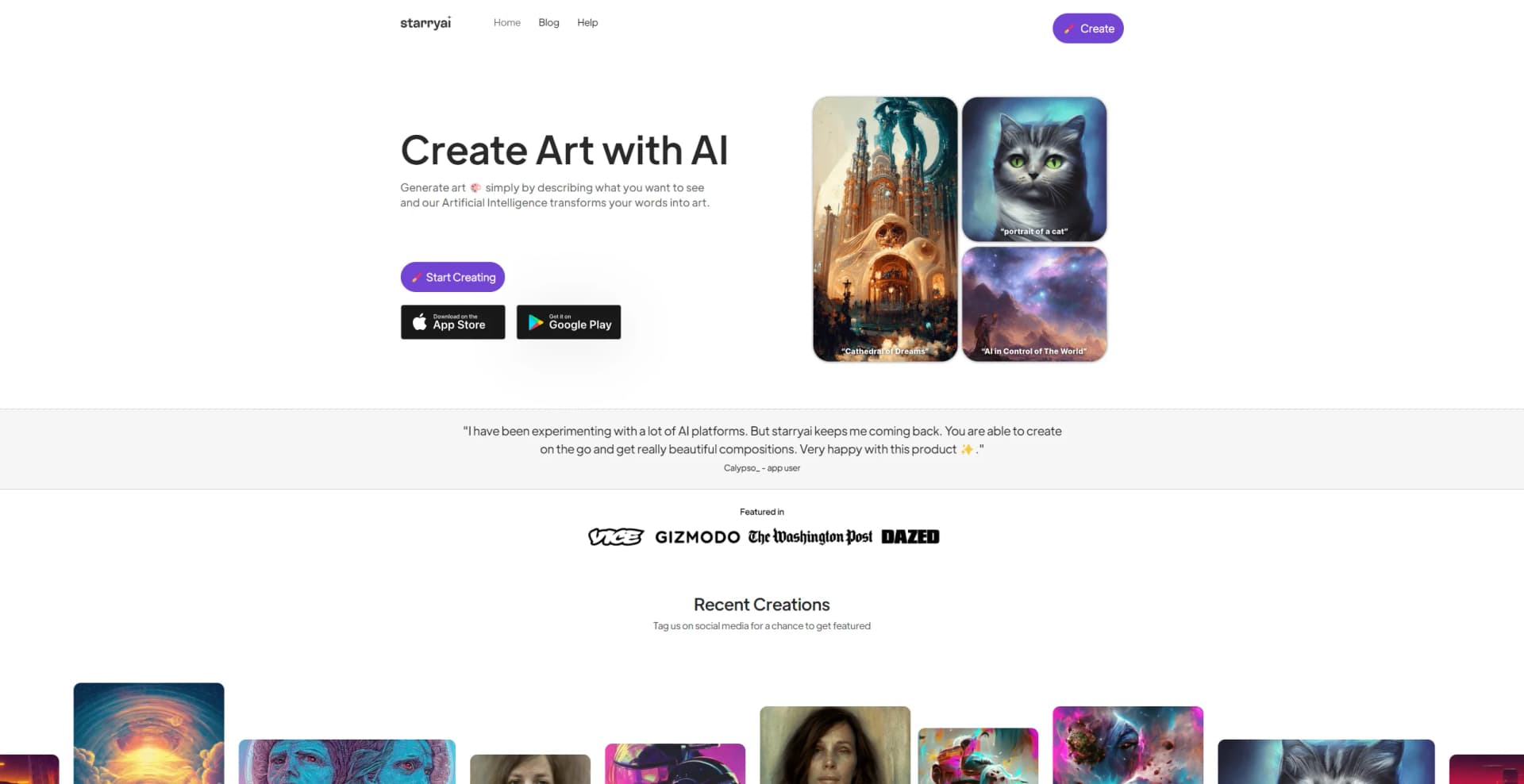
StarryAI is a cutting-edge AI art generator app that empowers users to turn their textual descriptions into stunning visual art pieces. At its core, StarryAI leverages advanced artificial intelligence to interpret and visualize creative prompts, transforming words into breathtaking artworks. Designed for artists, designers, marketers, and anyone with a creative spark, StarryAI simplifies the art creation process, making it accessible to all, regardless of their technical skills or artistic abilities.
StarryAI stands out with its blend of simplicity and power, making AI-driven art creation accessible to everyone. Its unique selling point lies in fully owning the generated art, allowing users to freely use their creations for any purpose. The tool's adaptability to various styles and preferences sets it apart, catering to various creative needs.
StarryAI excels in democratizing the art creation process by harnessing the power of AI to turn textual descriptions into visual masterpieces. Its standout feature of granting full ownership of the generated art and its ease of use and customization options make it an invaluable tool for creators across various fields. Whether you're a seasoned artist exploring new frontiers or a marketer seeking unique visuals, StarryAI offers an unmatched advantage in easily creating original, captivating art.
Who is Using StarryAI?
Digital Artists and Illustrators
To explore new art styles and generate creative visuals.
Content Creators and Marketers
To create engaging imagery for social media, blogs, and advertising campaigns.
Graphic Designers
For generating initial concepts or full designs for projects.
Educational Institutions
As a tool for teaching art and creativity through technology.
Uncommon Use Cases
Used by writers for visualizing scenes or characters; Utilized by event planners for creating thematic visuals.
Key Features
Rating Breakdown
Pricing Plans
Free Tier
Free
- Generate up to 5 artworks daily without watermarks
Pro Unlimited
- Offers unlimited image generations and additional benefits such as priority generation and access to all canvas sizes
Which StarryAI plan should you pick?
Start with the free tier for occasional image creation, choose Pro for expanded capabilities and commercial workflows, and upgrade to Unlimited Pro when you need unlimited standard generation.
Free
Good for casual creators who need a limited number of daily image generations without entering payment details.
Pro
Good for creators who need additional features, canvas sizes, higher usage, and paid-plan benefits.
Unlimited Pro
Good for high-volume creators who need unlimited standard image generation and 4× upscaling in unlimited slow mode.
StarryAI Use Cases
Text-to-image creation
Describe an idea, select a style and canvas size, then generate an image.
Outcome: A downloadable or shareable AI-generated visual.
Photo transformation
Upload a photo and apply AI filters or a custom prompt to change its style, lighting, or background.
Outcome: A stylized or transformed version of the source image.
Custom style creation
Upload 5–60 consistent images and train a custom style from the dataset.
Outcome: New images that reflect the learned aesthetic or subject.
Image upscaling
Upscale existing creations to improve resolution, including 4× upscaling in supported modes.
Outcome: A higher-resolution version of the artwork.
Avatar and portrait generation
Use photos, prompts, and styles to create portraits, avatars, and other character-focused visuals.
Outcome: Personalized profile or character imagery.
Workflow Ideas with StarryAI
Generate and refine a visual concept
- 1Enter a detailed text prompt
- 2Choose a style and canvas size
- 3Generate, review, and upscale or regenerate the result
Transform a personal photo
- 1Open the Edit or AI Filter feature
- 2Upload a photo from the album or camera
- 3Describe the desired transformation and generate
Train and use a custom style
- 1Collect and upload 5–60 consistent images
- 2Name the style and start training
- 3Use the trained style to generate new images
How StarryAI fits into your stack
Platform Availability
Accessible on both iOS and Android devices.
Social Media Integration
Easily share your creations on social media platforms.
High Compatibility with Creative Software
Generated artworks can be further edited and refined using popular graphic design software.
Flexible Usage Rights
Artworks can be used commercially, printed, or featured in digital formats.
Pros
- +Innovative Art Creation: Enables the generation of unique and original art pieces simply by describing what you envision.
- +Time and Cost Efficiency: Saves time and money by automating the art creation process, suitable for personal and professional projects.
- +High Customizability: Provides extensive options to customize the generated art according to specific preferences or project requirements.
- +User-Friendly Interface: Designed with a straightforward and intuitive interface, making it easy for anyone to create art without prior experience.
Cons
- −Learning Curve: Some users may need time to learn how to best utilize the text prompts and customization options for optimal results.
- −Variability in Quality: The quality of generated art can vary, with some outputs requiring adjustments or reiterations to meet user expectations.
- −Dependency on Descriptions: The effectiveness of the art generation heavily depends on the user's ability to craft clear and descriptive prompts.
Limitations & when to consider alternatives
Known limitations
- Free generation is limited. The official site limits free generation to a daily allowance, while additional capacity requires subscriptions or Lumens.
- Edited images are not stored permanently. The Help Center advises users to download edited results before closing the app.
- Custom style training has an image-count requirement. Training requires a dataset of 5–60 images, and the dataset should represent a consistent style, object, or aesthetic.
- Some advanced features consume Lumens. Image edits, transformations, video generation, and higher-resolution upscaling require Lumens even for Unlimited Pro users.
- Mobile account switching is restricted. The mobile app currently does not provide a logout option, which can make switching accounts difficult.
Look elsewhere when
- You need a documented developer API.
- You need a shared team workspace with roles and invitations.
- You need code generation.
How to Use StarryAI
- 1
Explore a series of tutorials on StarryAI's website and YouTube channel, covering everything from basic setup to mastering the art of generating AI-driven visuals.
Who is StarryAI For?
Artists
Artists can explore thousands of visual styles, generate concepts, and refine images from prompts or references.
Marketers
Marketers can create visual assets quickly for campaigns, social media, and other creative work.
Creative beginners
The tool is designed to be intuitive and usable without design or technical knowledge.
Mobile creators
Native iOS and Android apps let creators generate and edit images from mobile devices.
Frequently Asked Questions
What is starryai?
starryai is an AI image generator that creates visuals from text prompts, image references, or sketches.
Is starryai free to use?
Yes. The official site says users can generate up to 25 AI-generated images daily without a watermark, while paid subscriptions provide additional capabilities.
Can I upload an image?
Yes. Users can upload image references for creation, edit images from their photo album or camera, and upload datasets for custom style training.
Can I train a custom style?
Yes. Style training uses 5–60 images to fine-tune an existing model and create a custom AI style.
Can I use generated images commercially?
The official site says creators own their generated art, while Pro users can remove watermarks and access commercial rights.
How long does style training take?
Training typically takes about 45 minutes and may take up to two hours during busy periods.
Community reviews
Be the first to share your experience.
Sign in to leave a review for StarryAI.
StarryAI Alternatives
Looking for alternatives to StarryAI? Here are similar tools in the same category:
Learn to Master StarryAI
With Skill Leap courses
Get in-depth training on StarryAI and 50+ other AI tools with our expert-led video courses.
Start 7-Day Free Trial