
Stability
Open-access generative AI for images, video, audio, language.
Key Takeaways
- What it is
- Open-access generative AI for images, video, audio, language.
- Best for
- Stable Diffusion 3.5
- Stable Video Diffusion
- Stable Audio 2.0
- Rating
- 4.5/5
What is Stability?
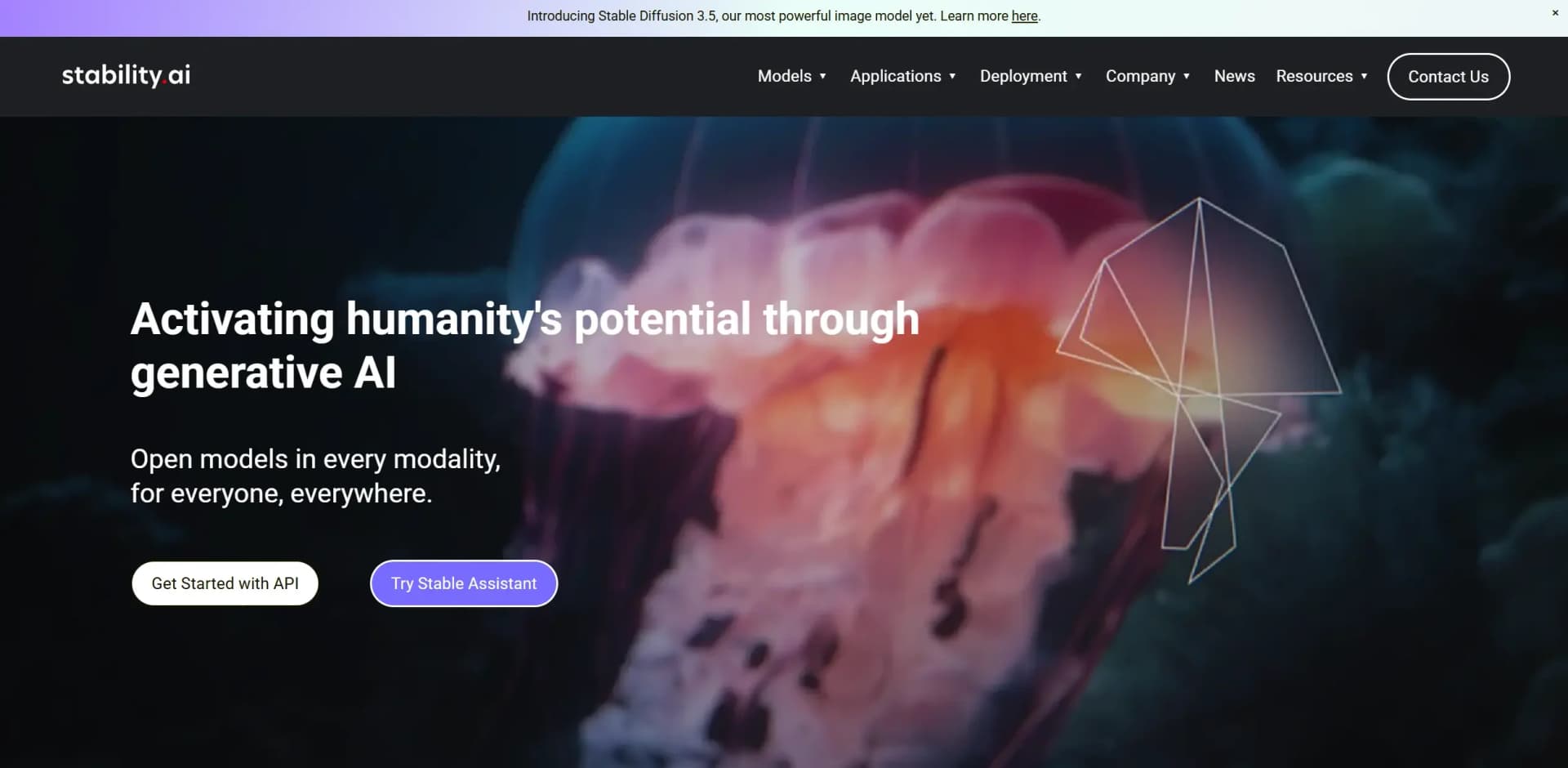
Stability, as presented on stability.ai, is a pioneering force in the realm of generative AI, offering a comprehensive suite of models designed to activate humanity's potential through open-access, multi-modality AI solutions. The company revolutionizes the field by providing innovative tools in image, video, audio, and language processing. Tailored for developers, creatives, and businesses, Stability simplifies complex AI tasks, making powerful generative models accessible and customizable for various applications.
Stability stands out with its open-access approach to generative AI, ensuring that cutting-edge technology is available to everyone, everywhere. Its ability to provide highly customizable models across various modalities sets it apart, empowering users to innovate without the constraints of traditional licensing models.
Stability offers a robust platform for anyone looking to harness the power of generative AI. Its open models and versatile applications make it an invaluable resource for developers, creatives, and businesses aiming to innovate and streamline their processes. With a strong community backing and a commitment to making AI accessible, Stability is well-positioned to lead the charge in the future of AI technology.
Who is Using Stability?
Tech Developers
Utilizing Stability's open models for innovative software and app development.
Creative Agencies
Employing generative AI for content creation across multiple media formats.
Educational Institutions
Incorporating Stability's models into curriculum and research projects.
Media Production Companies
Leveraging video and audio diffusion models for enhanced media production.
Uncommon Use Cases
Used by independent musicians for unique soundscapes; adopted by architects for immersive 3D modeling experiences.
Key Features
Rating Breakdown
Pricing Plans
Free Access
- Stability offers its core models for free under its community license
- Making powerful AI tools accessible to all
Self-Hosted License
- Deploy models on private servers for enhanced control and privacy
Which Stability plan should you pick?
Start with Trial for evaluation, choose Creator or Core for individual production, and upgrade to Enterprise for unlimited seats, governance, collaboration, and custom brand models.
Trial
Good for individuals who want to test Brand Studio with free credits before purchasing.
Creator
Good for individuals who need recurring credits and standard image-generation and editing tools.
Core
Good for creative professionals who need higher capacity, model routing, and precision controls.
Enterprise
Good for teams needing unlimited seats, SSO, project access controls, custom models, and multi-step workflows.
Stability Use Cases
Generate and edit branded images
Create images, upload existing assets, and apply inpainting, recoloring, or other edits.
Outcome: Produce polished creative assets.
Create custom brand imagery
Train Brand ID Models on brand style, aesthetics, logos, and product SKUs.
Outcome: Keep generated content aligned with brand identity.
Produce campaign variations
Use Campaigns and reference-image folders for regional, seasonal, or audience-specific content.
Outcome: Adapt assets for different markets and requirements.
Automate image generation
Connect Stability AI’s API to Zapier, n8n, or Make.com workflows.
Outcome: Turn triggers such as rows, messages, or submissions into generated images.
Generate code with Stable Code
Use Stable Code Instruct 3B for code generation, completion, translation, and explanation.
Outcome: Support software-development tasks with generated code.
Workflow Ideas with Stability
Create and refine a branded image
- 1Generate an image from a prompt in Brand Studio
- 2Open the image in the editing tools
- 3Apply precision inpainting, recoloring, or product insertion
- 4Export the finished asset from the Library
Automate image creation from a business trigger
- 1Trigger a workflow from a Google Sheet row, Slack message, or form submission
- 2Send the prompt to a Stability AI API endpoint
- 3Pass the returned image to Google Drive, Slack, AWS S3, or another destination
Build an on-brand campaign workflow
- 1Upload brand references and configure Brand Central
- 2Create Campaign guidelines for a region, audience, or season
- 3Use Producer Mode to plan and execute the multi-step production workflow
How Stability fits into your stack
Browser
Brand Studio and StableStudio provide browser-based creative workspaces for generating and editing images.
Automation and APIs
The Stability Platform exposes documented REST endpoints and API keys for integrating image-generation services into applications.
Knowledge and files
Brand Studio organizes generations, uploads, masks, sketches, and other creative assets in a persistent Library and project hierarchy.
Pros
- +Open Access: Stability's models are freely available for both commercial and non-commercial use, fostering innovation.
- +Versatile Applications: Supports a wide range of modalities, including image, video, audio, and language.
- +User-Friendly Integration: Offers APIs for seamless integration into existing applications and systems.
- +Community Support: Backed by a permissive community license, encouraging collaborative development and use.
Cons
- −Initial Setup Complexity: Some models may require technical expertise for optimal setup and deployment.
- −Resource Intensive: Running large models may demand significant computational resources.
- −Limited Direct Support: Primarily relies on community and partner networks for support.
Limitations & when to consider alternatives
Known limitations
- English-only text prompts. Stability AI recommends English prompts and warns that foreign-language prompts may produce mixed results.
- Credits do not roll over. Brand Studio monthly credits refresh each billing cycle and unused credits are not carried forward.
- API rate limits apply. The API is limited to 150 requests every 10 seconds; excess requests can receive a 429 response.
- API generation is credit-based. Different models and operations consume different numbers of credits, and failed requests are generally not charged.
- Stable Assistant has no API access. Stable Assistant does not provide API access or API keys, unlike the Stability Platform API.
Look elsewhere when
- You need a native mobile app.
- You need a downloadable desktop installer.
- You need multilingual prompt support.
- You need a native one-click Zapier app.
How to Use Stability
- 1
Create an account and choose a surface
Use Brand Studio for governed creative production, Stable Assistant for conversational creation, or the Developer Platform for API-based generation.
- 2
Start with the available credits
Use the free Brand Studio Trial or the Platform API’s 25 free credits to test generation and editing workflows.
- 3
Generate or upload an image
Enter a prompt, or upload an existing image for editing, inpainting, recoloring, upscaling, or conversion to other media.
- 4
Apply brand controls
In Brand Studio, configure Brand Central, Campaigns, or Brand ID Models to keep outputs aligned with brand requirements.
- 5
Automate or scale production
Use the API with Zapier, n8n, or Make.com, or use Producer Mode for multi-step creative workflows.
- 6
Export and manage outputs
Review, comment on, approve, and download finished assets from the Brand Studio Library.
Who is Stability For?
Individuals exploring Brand Studio
The Trial plan provides free credits for testing Brand Studio’s capabilities.
Individuals wanting creative AI tools
The Creator plan provides image generation, editing, precision tools, and support.
Creative professionals
The Core plan adds higher capacity, model routing, and broader creative controls.
Professional creative teams
Brand Studio is positioned for teams needing collaborative, governed content production.
Organizations needing brand governance
Enterprise adds unlimited seats, Brand Central, SSO, access controls, and custom workflows.
Frequently Asked Questions
How does Stability AI API pricing work?
API usage is credit-based: one credit costs $0.01, with model-specific credit costs.
How do I get an API key?
Create an account, then create an API key from the Stability AI account page.
What happens after free credits are depleted?
Additional credits can be purchased through the billing dashboard.
Does Stable Assistant offer API access?
No. Stability AI documents Stable Assistant and the Platform API as separate products with different credit systems.
What are Brand ID Models?
They are custom models trained on a brand’s identity, including style, aesthetics, and product SKUs.
What happens if Brand Studio credits run out?
Users can purchase additional credit packs without changing their plan.
Community reviews
Be the first to share your experience.
Sign in to leave a review for Stability.
Stability Alternatives
Looking for alternatives to Stability? Here are similar tools in the same category:
Learn to Master Stability
With Skill Leap courses
Get in-depth training on Stability and 50+ other AI tools with our expert-led video courses.
Start 7-Day Free Trial