
SpinDoc
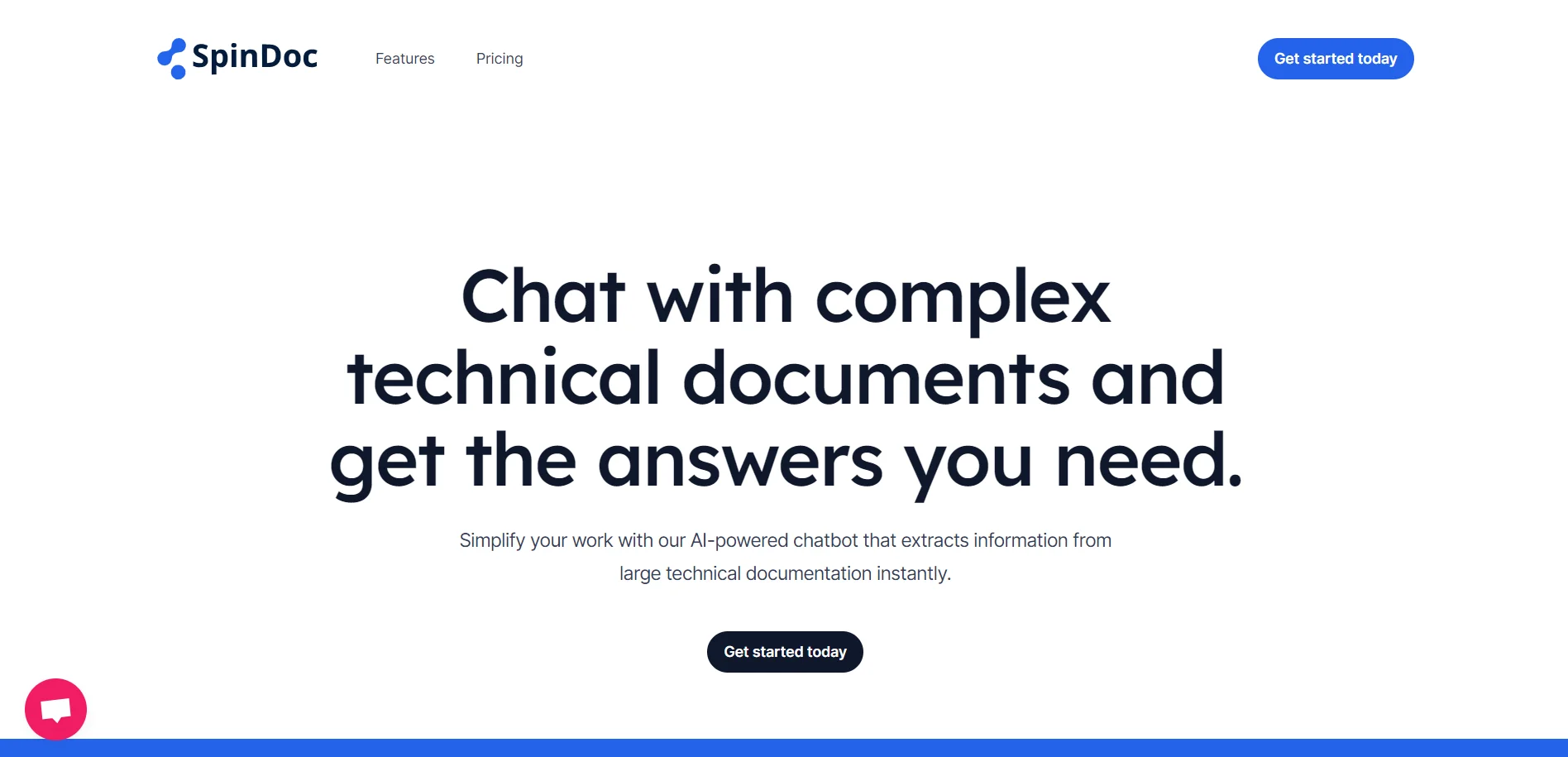
AI-powered tool for querying and managing technical documents.
Key Takeaways
- What it is
- AI-powered tool for querying and managing technical documents.
- Pricing
- Freemium
- Best for
- Large File Management
- Cross-File Search
- Accurate Answers
- Rating
- 4.4/5
What is SpinDoc?
SpinDoc is an innovative AI-powered tool designed to simplify your interaction with complex technical documents. By leveraging advanced AI algorithms, SpinDoc allows users to chat with and extract information from large technical documentation instantly. Whether you're part of a maintenance team, an engineer, or in customer support, SpinDoc revolutionizes the way you handle technical manuals, offering a streamlined solution for searching and querying multiple documents at once.
SpinDoc stands out with its ability to handle large technical documents efficiently, making it a game-changer for industries that rely on extensive documentation. Its unique feature of cross-file searching allows users to simultaneously query multiple documents, significantly enhancing productivity and information retrieval processes.
SpinDoc offers a robust solution for managing and extracting information from complex technical documents. Its user-friendly design, coupled with powerful AI capabilities, makes it an indispensable tool for professionals seeking to enhance efficiency and accuracy in document management. Whether you're streamlining maintenance operations or improving customer support, SpinDoc provides a reliable platform to meet your needs.
Who is Using SpinDoc?
Maintenance Teams
Simplifying maintenance tasks with fast, accurate answers from complex technical manuals.
Engineers
Using SpinDoc to quickly cross-reference and extract relevant information from multiple technical manuals.
Customer Support
Enhancing customer service by quickly and accurately answering queries with the AI-powered chatbot.
Technical Writers
Leveraging the tool to efficiently manage and retrieve information from extensive documentation.
Uncommon Use Cases
Legal Teams: Reviewing technical contract clauses efficiently.; Academic Researchers: Analyzing and extracting key insights from technical literature.
Key Features
Rating Breakdown
Pricing Plans
Free Tier
Free
- Experience SpinDoc with a free trial allowing 100MB file upload
- 100 folders
- 100 questions
- Basic support
Enterprise
- Contact SpinDoc for pricing information on unlimited file uploads
- Folders
- Questions
- Priority support
Which SpinDoc plan should you pick?
Start with Free to test document search within the documented limits, then upgrade to Enterprise for unlimited usage and multiple users.
Free
Good for an individual evaluating SpinDoc with limited uploads, folders, questions, and basic support.
Enterprise
Good for organizations needing unlimited uploads, folders, and questions, plus multiple users and priority support.
SpinDoc Use Cases
Technical manual interpretation
Search and ask questions about complex technical manuals.
Outcome: Faster access to relevant maintenance information.
Engineering documentation reference
Cross-reference information across multiple technical documents.
Outcome: More informed engineering decisions.
Customer support query resolution
Retrieve answers from technical documentation for customer questions.
Outcome: Faster, more accurate customer responses.
Workflow Ideas with SpinDoc
Answer a technical-document question
- 1Upload technical manuals or other supported documents
- 2Ask a question about the uploaded documentation
- 3Review the answer and export the question-and-answer record
Cross-reference multiple manuals
- 1Upload the relevant technical documents
- 2Search across the documents simultaneously
- 3Use the retrieved information to guide maintenance or engineering work
How SpinDoc fits into your stack
Browser
SpinDoc is a web-based AI chatbot for asking questions about complex technical documents and retrieving answers.
Knowledge and files
Users upload large technical documents, search across multiple documents, and extract information from manuals and specifications.
Pros
- +Time Efficiency: Significantly reduces the time needed to find answers within complex documents.
- +Cost-Effective: Offers a free tier for users to explore its capabilities before committing to a paid plan.
- +Enhanced Productivity: Boosts team efficiency by simplifying the process of accessing technical information.
- +Reliable Information Retrieval: Provides accurate responses or acknowledges when an answer can't be found, maintaining trustworthiness.
Cons
- −Initial Learning Curve: Some users might need time to familiarize themselves with advanced querying features.
- −Limited Free Tier: The free plan has restrictions on file size and number of queries, which may not suffice for all users.
- −Pricing Transparency: Detailed pricing for enterprise solutions is not readily available on the website.
Limitations & when to consider alternatives
Known limitations
- Free-plan storage limit. The free plan documents a 100 MB file-upload allowance.
- Free-plan usage limits. The free plan documents limits of 100 folders and 100 questions.
- Free-plan user limit. The free plan supports one user.
- Technical-document focus. SpinDoc is positioned around complex technical documentation rather than general-purpose content.
Look elsewhere when
- You need a public developer API.
- You need a native mobile application.
- You need third-party integrations or automated workflows.
How to Use SpinDoc
- 1
Create an account
Sign up through SpinDoc’s web application to begin using the document chatbot.
- 2
Upload technical documents
Add manuals, specifications, diagrams, or other technical documentation for SpinDoc to process.
- 3
Ask questions
Query one or multiple uploaded documents to retrieve relevant information.
- 4
Review the response
Use SpinDoc’s answer and uncertainty behavior to distinguish retrieved information from unavailable answers.
- 5
Export results
Export questions and answers for record-keeping or sharing.
Who is SpinDoc For?
Maintenance teams
They can retrieve answers from technical manuals to support maintenance work.
Engineers
They can cross-reference multiple technical manuals and specifications.
Customer support teams
They can find accurate answers from technical documentation more quickly.
Frequently Asked Questions
What types of documents can SpinDoc handle?
SpinDoc is designed for technical documents such as manuals, specifications, diagrams, and related documentation.
Can SpinDoc search multiple documents at once?
Yes. SpinDoc supports simultaneous searching and querying across multiple technical documents.
How does SpinDoc handle uncertain answers?
When SpinDoc cannot find an answer, it is designed to acknowledge that rather than guess.
Can users export answers?
The documented plans include exporting questions and answers.
Community reviews
Be the first to share your experience.
Sign in to leave a review for SpinDoc.
SpinDoc Alternatives
Looking for alternatives to SpinDoc? Here are similar tools in the same category:
Learn to Master SpinDoc
With Skill Leap courses
Get in-depth training on SpinDoc and 50+ other AI tools with our expert-led video courses.
Start 7-Day Free Trial