
Scribe
Transform any process into detailed guides instantly with AI-driven documentation and privacy-focused customization.
Key Takeaways
- What it is
- Transform any process into detailed guides instantly with AI-driven documentation and privacy-focused customization.
- Pricing
- Freemium
- Best for
- Web & Desktop Process Capture
- Automatic Step Instructions
- AI-generated Process Documents
- Rating
- 4.6/5
What is Scribe?
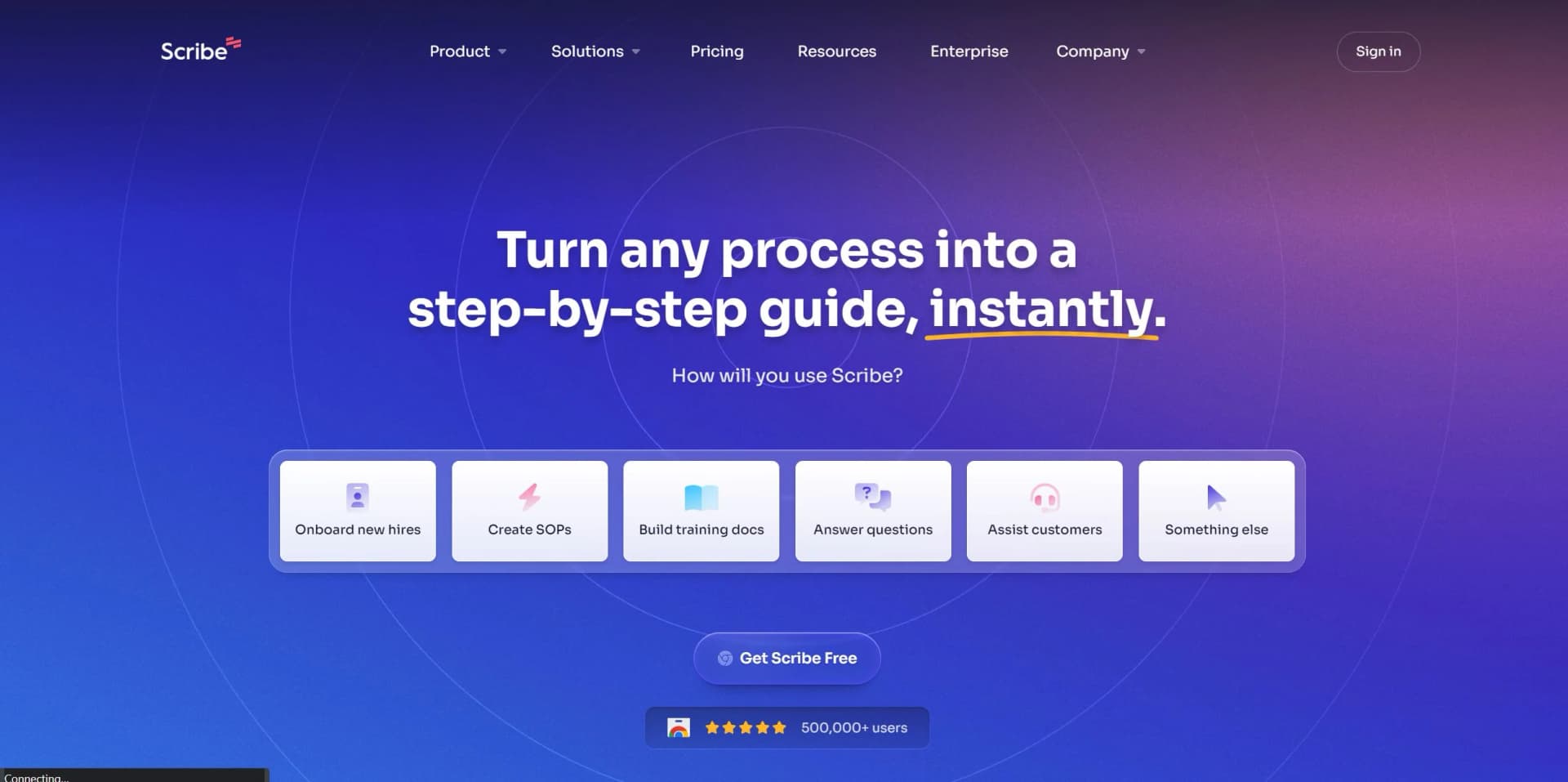
In today's fast-paced digital environment, the ability to quickly create, share, and manage step-by-step guides is invaluable. This is where Scribe steps into the spotlight. Scribe is an innovative tool designed to revolutionize the way we document processes. Whether it's for onboarding new hires, creating Standard Operating Procedures (SOPs), or building training documentation, Scribe makes it incredibly easy and fast. Powered by AI, it allows users to turn any process into a detailed guide with just a few clicks. The tool is especially beneficial for operations teams, customer-facing teams, sales, HR, and IT departments, among others. Its ability to automatically generate how-to guides, redact sensitive information, and customize content with company branding makes it a standout solution for enhancing efficiency and productivity across various functions.
Scribe distinguishes itself through its simplicity and efficiency. The tool's ability to automatically generate comprehensive, step-by-step guides with minimal user input is a game-changer. Its integration of AI not only speeds up the process documentation but also ensures a high level of accuracy and relevance in the created materials. Additionally, the automatic redaction of sensitive information and the ability to customize documents with company branding are features that set Scribe apart in the market.
Scribe excels as a powerful, user-friendly tool for creating step-by-step guides and documentation. Its unique blend of AI-powered features, combined with robust data privacy measures and customization options, make it an essential asset for businesses and professionals aiming to enhance their productivity and efficiency. Whether for onboarding, training, or process documentation, Scribe offers a streamlined, effective solution that stands out in the digital documentation space.
Who is Using Scribe?
Operations Teams
For streamlining workflow and process documentation.
Customer-Facing Teams
To create customer training materials and support documentation.
Sales Ops & Enablement
For crafting step-by-step sales process guides.
HR & L&D
Utilized for onboarding new hires and creating training materials.
IT Teams
To document IT processes and troubleshoot guides.
Uncommon Use Cases
Educational institutions use it for creating course materials, while freelancers adopt it to streamline their workflows.
Scribe is leveraged by a diverse array of sectors and professionals, demonstrating its versatility and widespread appeal.
Key Features
Rating Breakdown
Pricing Plans
Free Tier
Free
- A robust free version is available
- Allowing teams to explore the core functionalities of Scribe
Pro Tier
- Advanced features and capabilities
- Scribe offers a Pro version. Pricing details are available upon request
Which Scribe plan should you pick?
Start with Basic for browser-based guides, upgrade to Pro Personal for solo desktop or mobile-process documentation, Pro Team for shared workspaces, and Enterprise for SSO, governance, and translations.
Basic
Good for individuals or small teams who need free browser capture, quick customization, and shareable guides.
Pro Personal
Good for solo consultants or one-to-two-person teams who need desktop capture, branding, screenshot editing, and exports.
Pro Team
Good for teams of three or more who need shared workspaces, comments, and collaborative documentation.
Enterprise
Good for larger organizations that need SSO, role-based administration, governance, multi-team management, and language translations.
Scribe Use Cases
Answer recurring questions
Capture a process and share the resulting guide when teammates or customers ask how to complete it.
Outcome: Fewer repeated explanations.
Create SOPs
Record a digital workflow and turn the captured clicks, screenshots, and text into an editable SOP.
Outcome: Faster process documentation.
Train customers
Create branded, customer-facing walkthroughs and share them through links, embeds, or exports.
Outcome: More scalable customer training.
Onboard new hires
Build visual guides for projects, tools, and company processes using real workflows.
Outcome: Faster employee ramp-up.
Implement new tools
Document CRM, ERP, billing, and project-management workflows and embed the guides in knowledge bases.
Outcome: Improved software adoption.
Workflow Ideas with Scribe
Create an SOP from a browser workflow
- 1Install the Scribe Chrome or Edge extension
- 2Start capture and perform the process
- 3Edit, save, and share the generated guide
Publish a guide to Confluence
- 1Capture and edit the Scribe guide
- 2Open Share and choose Export
- 3Select a Confluence space and publish the guide
Build new-hire training
- 1Capture key workflows used by the role
- 2Combine guides into a Page with supporting text
- 3Share the training materials with new hires
How Scribe fits into your stack
Browser Extensions
Available for Chrome, facilitating easy capture of web-based processes.
Desktop App
Ensures that desktop processes can be captured with the same ease as web-based ones.
Integration with LMS and Wikis
Allows for seamless embedding and sharing of guides in educational and knowledge base platforms.
PDF Export
Guides can be exported as PDFs for offline access or distribution.
Scribe boasts a range of compatibilities and integrations designed to enhance its utility and ease of use.
Pros
- +Time Efficiency: Dramatically reduces the time required to document processes, making your team more productive.
- +Ease of Use: Intuitive design and AI integration make it simple for anyone to create detailed guides, regardless of technical skill.
- +Data Privacy: The automatic redaction of sensitive information ensures that your documentation complies with privacy regulations.
- +Versatility: Suitable for a wide range of functions and industries, from HR to IT and beyond.
Cons
- −Learning Curve: New users may need time to fully explore and utilize all features effectively.
- −Dependency on Tech: As a web and desktop-based tool, its effectiveness is contingent on the stability of your tech environment.
- −Limited Offline Functionality: Primarily designed for online use, which could be a limitation in environments with poor internet connectivity.
Limitations & when to consider alternatives
Known limitations
- Desktop capture is paid. The desktop application is available only on Pro and Enterprise plans.
- Native mobile app unavailable. Mobile Scribe creation is performed through the mobile browser by uploading screenshots.
- Imported-document quota. Pro plans currently allow 20 document imports per team over the lifetime of the plan.
- Pages cannot be exported to PDF. Pages are interactive documents and currently cannot be exported as static PDF files.
- Translation does not translate screenshots. Translated text changes, but screenshots and image annotations remain in their original language.
Look elsewhere when
- You need a native iOS or Android application.
- You need automated actions across multiple applications.
- You need PDF export for interactive Pages.
- You need screenshots translated into another language.
How to Use Scribe
- 1
Scribe offers a variety of tutorials to help users get started and maximize the tool's potential. These resources cover everything from basic setup to advanced features, ensuring users can efficiently create and manage their documentation.
Who is Scribe For?
IT teams
Create documentation and training guides for software, systems, and internal workflows.
Operations teams
Create SOPs, standardize processes, and reduce repetitive documentation work.
HR and L&D teams
Build onboarding materials, role training, and employee guidance from real workflows.
Customer-facing teams
Create customer onboarding, support, and software-adoption guides.
Solo consultants
Use Pro Personal to produce and share step-by-step guides independently.
Frequently Asked Questions
Is Scribe free?
Yes. Scribe offers a free Basic plan with browser capture, quick customization, and link or embed sharing.
Which plan supports desktop capture?
Desktop capture is available on Pro Personal, Pro Team, and Enterprise plans.
Can Scribe import existing documentation?
Pro and Enterprise users can import PDF and DOCX files and convert them into Scribes or Pages.
Does Scribe support team collaboration?
Users can invite teammates and assign view or edit access. Pro Team also supports collaboration through comments.
Does Scribe support translations?
Pro Team and select Enterprise customers can translate Scribe text into supported languages.
Can Pages be exported as PDFs?
No. Pages are interactive documents and cannot currently be exported as PDFs.
Community reviews
Be the first to share your experience.
Sign in to leave a review for Scribe.
Scribe Alternatives
Looking for alternatives to Scribe? Here are similar tools in the same category:
Learn to Master Scribe
With Skill Leap courses
Get in-depth training on Scribe and 50+ other AI tools with our expert-led video courses.
Start 7-Day Free Trial