
SchoolAI
Revolutionizes educational content creation, ensuring efficiency, originality, and customization.
Key Takeaways
- What it is
- Revolutionizes educational content creation, ensuring efficiency, originality, and customization.
- Pricing
- $50 per month
- Best for
- Customized Content Creation
- Plagiarism-Free Writing
- Language and Tone Adjustment
- Rating
- 4.6/5
What is SchoolAI?
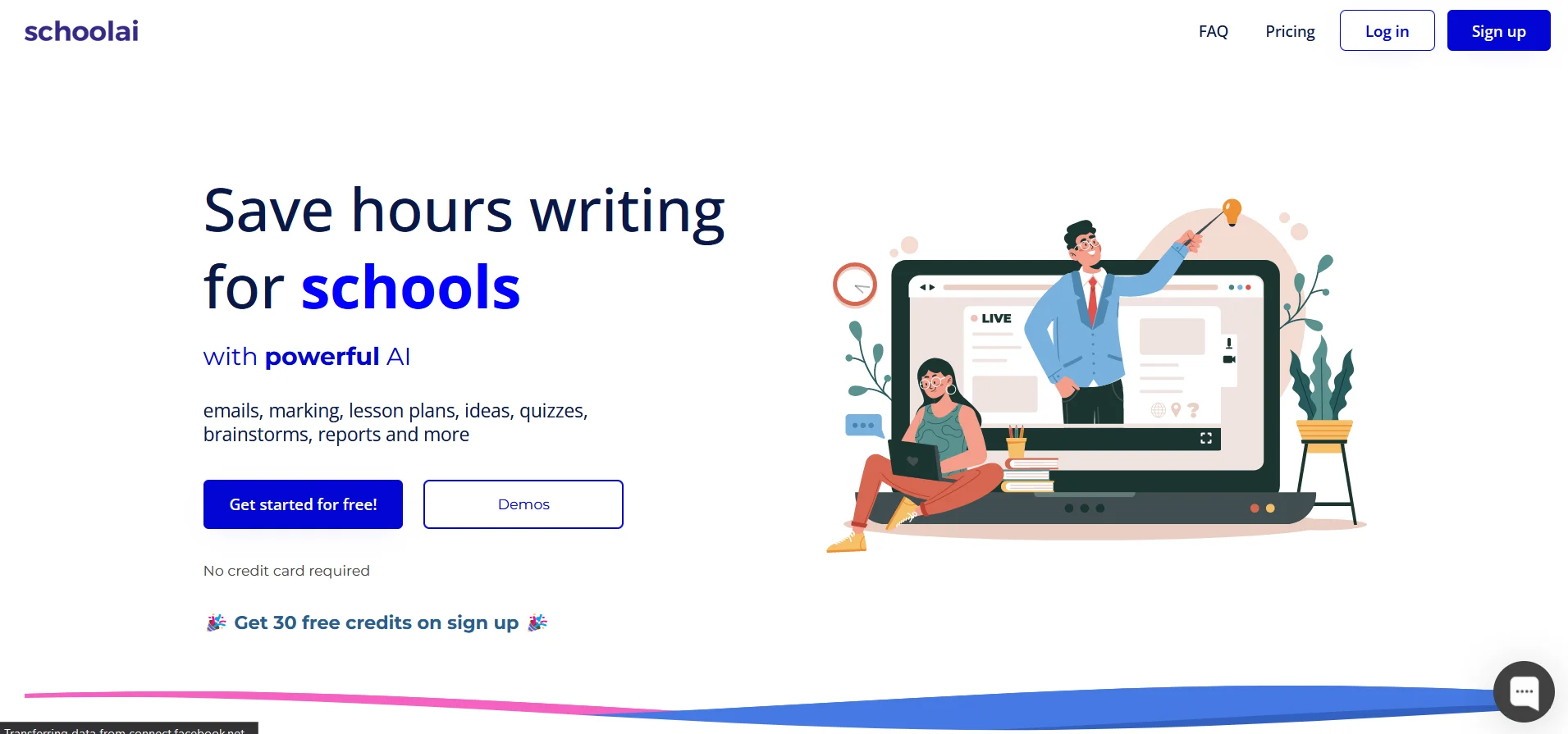
SchoolAI emerges as a pioneering AI writing tool designed specifically for the academic sector in the ever-evolving landscape of educational technology. Its core purpose is to enhance the efficiency and quality of content creation within educational institutions. From generating administrative documents to crafting detailed curriculum plans, SchoolAI offers a wide array of functionalities tailored to meet the unique needs of schools. This tool is a game-changer, simplifying complex writing tasks and enabling educators to focus more on teaching and less on paperwork.
What sets SchoolAI apart in the crowded field of AI tools is its dedicated focus on the educational sector. Unlike generic AI writing tools, SchoolAI understands the nuanced needs of educational content and offers features specifically designed to address these. Its ability to produce high-quality, plagiarism-free academic content quickly and efficiently is a significant advantage for any educational institution looking to streamline its content creation process.
SchoolAI excels in providing a specialized solution for the content creation needs of the educational sector. Its focus on producing high-quality, original content tailored for educational purposes makes it an invaluable tool for schools and educational institutions worldwide. The combination of its user-friendly interface, extensive customization options, and robust support resources ensures that SchoolAI not only meets but exceeds the expectations of its users, offering an unmatched advantage in academic content creation.
Who is Using SchoolAI?
Primary and Secondary Schools
Utilizing the tool for creating engaging lesson plans and managing administrative paperwork.
Higher Education Institutions
Employing SchoolAI for academic research, grant writing, and course content development.
Online Tutoring Services
Leveraging the tool to design personalized study materials and feedback for students.
Educational Non-profits
Using it to generate reports, proposals, and communication materials efficiently.
Uncommon Use Cases
Some libraries have adopted SchoolAI for organizing events and workshops; language schools use it for creating language learning materials and exercises.
Key Features
Rating Breakdown
Pricing Plans
Free Trial
- SchoolAI offers a 14-day free trial
- Giving users full access to its features without any cost
Education Plan
$50 per month
- Offering additional customization and support
Which SchoolAI plan should you pick?
Start with Free Trial to explore SchoolAI and upgrade to Pro for school-level adoption or Scale for district-wide rostering, portals, uploads, and advanced administration.
Free Trial
Good for individual teachers who need to explore Spaces, tools, assistants, and limited student sessions without an expiration date.
Pro
Good for schools and growing implementations that need unlimited Space launches, rostering, LMS integration, browser-extension access, reports, and support.
Scale
Good for districts that need student portals, Student Uploads, embedded Canvas Sidekick, district customization, custom standards, and student-level insights.
SchoolAI Use Cases
Create personalized learning Spaces
Teachers design or remix an interactive Space with standards, goals, prompts, and PowerUps, then share it with students.
Outcome: Students receive adaptive learning experiences while teachers monitor progress.
Generate classroom materials
Teachers create lesson plans, worksheets, quizzes, rubrics, IEP goals, newsletters, and other documents using Tools.
Outcome: Teachers produce customized instructional materials more quickly.
Provide writing feedback
Teachers use the browser extension to review Google Docs, generate summaries or inline comments, and inspect revision history.
Outcome: Students receive rubric-aligned feedback inside their documents.
Grade assignments in an LMS
Educators use Batch Feedback in Canvas or Google Classroom to process text submissions against a rubric and review suggested grades and comments.
Outcome: Large sets of writing assignments can be reviewed without leaving the LMS.
Translate and differentiate content
Teachers adapt materials by language, reading level, difficulty, and student needs.
Outcome: More learners can access content in an appropriate language and format.
Workflow Ideas with SchoolAI
Build and launch a personalized Space
- 1Choose an existing Space or create one around a subject, grade, and learning objective
- 2Add standards, prompts, agendas, attachments, or PowerUps
- 3Preview the Space and launch it to students through a link, QR code, Google Classroom, Canvas, or another LMS
Create a lesson from a webpage
- 1Open an online article, video, or other resource
- 2Open the SchoolAI browser extension and choose a lesson, worksheet, assessment, or Space workflow
- 3Review and customize the generated classroom material
Process LMS writing assignments
- 1Open a supported assignment in Canvas or Google Classroom
- 2Set the rubric, expectations, and examples for the feedback session
- 3Review, edit, and apply each suggested grade and comment
How SchoolAI fits into your stack
Learning Management Systems (LMS) Integration
Seamlessly integrates with popular LMS platforms, facilitating easy content distribution.
Cloud Storage Compatibility
Offers compatibility with cloud storage services like Google Drive and Dropbox for easy access and storage of documents.
API Access
Provides API access for custom integrations, allowing schools to tailor the tool to their specific needs.
Multi-Platform Support
Accessible across various devices and platforms, ensuring educators can use the tool whether in the classroom or on the go.
SchoolAI boasts a range of compatibilities and integrations that enhance its utility:
Pros
- +Enhanced Productivity: By automating routine writing tasks, educators can allocate more time to student interaction and personalized teaching.
- +Cost-Effective: Reduces the need for extensive administrative staff, thereby lowering operational costs.
- +User-Friendly Interface: Its intuitive design requires minimal training, ensuring that educators of all tech-savviness levels can easily adapt.
- +High-Quality Content: SchoolAI's advanced AI algorithms ensure the content is not only original but also of high quality and relevance.
Cons
- −Initial Learning Curve: Some users may need time to fully grasp the extent of SchoolAI's features and capabilities.
- −Dependency on Technology: Reliance on an AI tool for content creation might limit some aspects of personalization and creativity in documentation.
- −Internet Connectivity Requirement: Being an online tool, it necessitates a stable internet connection, which could be a hindrance in some educational settings.
Limitations & when to consider alternatives
Known limitations
- Free plan has a usage cap. Free accounts include five Space sessions or launches per year; the onboarding Space does not count against the limit.
- Paid plans require institutional purchase. Pro and Scale are offered through school or district purchases, not self-serve individual teacher subscriptions.
- Browser extension compatibility is limited. The extension supports Chrome and Chromium-based browsers but cannot be installed on Safari, Firefox, or DuckDuckGo.
- Direct Microsoft Word export is unavailable. Documents must be exported to Google Docs first and then downloaded from Google Docs as Microsoft Word files.
- Batch Feedback requires supported LMS content. The documented Batch Feedback workflow supports Canvas and Google Classroom text-based submissions and requires teacher review before applying feedback.
How to Use SchoolAI
- 1
To assist users in maximizing the tool's potential, SchoolAI offers a comprehensive tutorial library. These resources range from basic setup guides to advanced content creation strategies, available directly on their website and through a dedicated YouTube channel.
Who is SchoolAI For?
Teachers
Teachers can create Spaces, generate instructional materials, provide writing feedback, and monitor student progress.
School and district leaders
Administrators can manage users, roles, rostering, alerts, usage reports, permissions, and district-wide settings.
Students
Students use teacher-designed Spaces and AI-powered activities with personalized guidance from Dot.
Technology and IT administrators
IT teams can configure SSO, SIS rostering, LMS integrations, Google Workspace access, and browser-extension policies.
Frequently Asked Questions
What does the free plan include?
The Free plan has no expiration date and includes five Space sessions per year, uncapped Chat with Dot conversations, and access to selected tools and PowerUps.
Can individual teachers purchase a paid plan?
No. Pro and Scale are available through school or district purchases rather than self-serve individual subscriptions.
What are Spaces?
Spaces are teacher-created AI learning environments where students interact with Dot through personalized activities, tutoring, quizzes, and other learning experiences.
Can teachers monitor student activity?
Yes. Mission Control provides real-time views of student activity, chat history, trends, and flagged behavior.
Which languages are supported?
SchoolAI supports live translation in more than 60 languages and provides speech-to-text and text-to-speech support across a broad language list.
Which browsers support the extension?
The extension works on Chrome, Edge, Brave, Opera, Vivaldi, Arc, and other Chromium-based browsers; it does not support Safari, Firefox, or DuckDuckGo.
Community reviews
Be the first to share your experience.
Sign in to leave a review for SchoolAI.
SchoolAI Alternatives
Looking for alternatives to SchoolAI? Here are similar tools in the same category:
Learn to Master SchoolAI
With Skill Leap courses
Get in-depth training on SchoolAI and 50+ other AI tools with our expert-led video courses.
Start 7-Day Free Trial