
Rytr
AI assistant crafts quality content swiftly across languages and tones.
Watch Rytr in Action
Key Takeaways
- What it is
- AI assistant crafts quality content swiftly across languages and tones.
- Pricing
- Freemium · $9/month · $29/month
- Best for
- Versatile Writing Assistant
- Multilingual Capabilities
- Tone Variation
- Rating
- 4.7/5
What is Rytr?
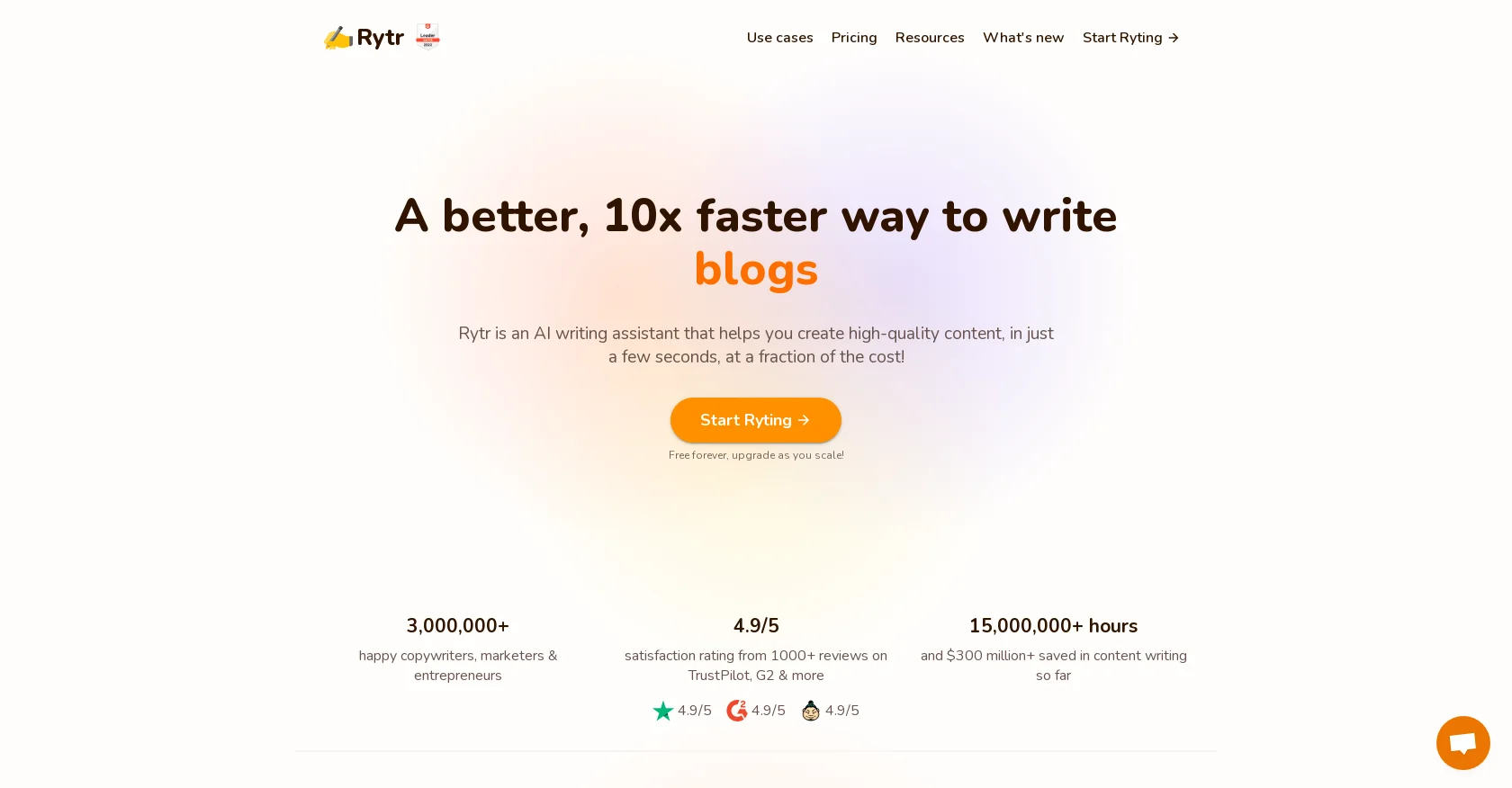
Rytr is an innovative AI writing assistant designed to revolutionize the way we handle a multitude of writing tasks. This tool promises to streamline the content creation process for various formats such as emails, blogs, social media posts, and ad copies. Aimed at copywriters, marketers, entrepreneurs, and professionals from various fields, Rytr offers a suite of features that facilitate the generation of high-quality content in just a few seconds, significantly reducing the time and cost associated with traditional content writing.
Rytr stands out with its impressive range of use-cases and language support, making it a versatile tool across industries. The AI's ability to adapt to different tones and styles sets it apart, ensuring that the content resonates with the intended audience.
Rytr excels in transforming the content creation landscape, offering a powerful solution for individuals and businesses looking to produce content quickly and efficiently. Its ability to generate diverse types of content in numerous languages and tones, coupled with a user-friendly interface and a suite of editing tools, makes it an indispensable asset for modern content creators. With its competitive pricing and robust feature set, Rytr is positioned as a leading AI writing assistant in the market.
Who is Using Rytr?
Entrepreneurs
To create compelling pitches and business-related content.
Content Marketers
For generating SEO-friendly blog posts and articles.
Social Media Managers
To produce engaging posts and updates quickly.
Students and Academicians
For assistance in writing essays, papers, and research content.
Uncommon Use Cases
Non-profits using Rytr for grant writing; podcasters drafting show notes and episode descriptions.
Key Features
Rating Breakdown
Pricing Plans
Free Plan
Free
Saver Plan
$9/month
- Increase your limit to 100k characters
Unlimited Plan
$29/month
- Get unlimited character generation
Which Rytr plan should you pick?
Start with Free to test Rytr, upgrade to Unlimited for regular individual use, and choose Premium when you need multiple brand voices and all languages.
Free
Good for individuals testing Rytr who need basic generation, 40+ use cases, 20+ tones, and 10,000 characters monthly.
Unlimited
Good for individuals who need unlimited monthly generation and one personalized tone of voice.
Premium
Good for freelancers and multi-brand users who need multiple tones, higher input limits, 35+ languages, and more plagiarism checks.
Rytr Use Cases
Email writing
Generate sales, marketing, and other email copy from a short description or prompt.
Outcome: Faster production of polished email drafts.
Product descriptions
Provide a product name, sentence, or keyword and generate feature- and benefit-focused descriptions.
Outcome: Ready-to-refine ecommerce product copy.
Social media content
Create post ideas, captions, and social-media copy using predefined tones and formats.
Outcome: More consistent social content.
Review and message replies
Generate personalized responses to emails, support messages, and customer reviews.
Outcome: Streamlined customer communication.
Text improvement
Improve, reword, shorten, expand, or continue selected text in Rytr's editor.
Outcome: More polished and readable writing.
Workflow Ideas with Rytr
Create a multilingual marketing draft
- 1Select a language
- 2Choose a tone and use case
- 3Enter keywords or context and generate content
Refine an existing document
- 1Open the document editor
- 2Highlight text
- 3Use Improve, Shorten, Expand, Continue Writing, or tone-change commands
Build a custom branded use case
- 1Open Tools and select Custom Use-Cases
- 2Complete the custom-use-case form
- 3Save the use case for reuse with other Rytr templates
How Rytr fits into your stack
Browser Extension
Rytr offers a browser extension for on-the-go writing assistance.
SEO and Grammar Tools
Integrated SEO analyzer and grammar checking eliminate the need for separate apps.
API Access
Developers can integrate Rytr into existing apps for streamlined content creation.
Plugin Support
Work with plugins for WordPress, Shopify, and more for direct content management.
Pros
- +Efficiency: Reduces the time spent on writing by auto-generating content swiftly.
- +Cost-Effective: Offers a free plan and competitive pricing, providing value for money.
- +Ease of Use: The intuitive interface makes it accessible for users of all skill levels.
- +Plagiarism Checker: Ensures content uniqueness with an in-built plagiarism detection tool.
Cons
- −Content Editing: While it minimizes editing efforts, some manual tweaking may still be necessary for perfection.
- −Creative Limitations: AI-generated content might lack the nuanced creativity of a skilled human writer.
- −Learning Curve: New users may need time to explore and fully utilize all features and use-cases.
Limitations & when to consider alternatives
Known limitations
- Free-plan generation limit. The Free plan includes 10,000 generated characters per month.
- Language access varies by plan. Free and Unlimited users can access one language; Premium users receive access to 35+ or 40+ languages, depending on the pricing-page display.
- Input character limits. Use-case input limits range from 25 to 500 characters, depending on the selected use case.
- Plagiarism-check limits. The Free plan includes no plagiarism checks; Unlimited includes 50 monthly checks and Premium includes 100.
- Long-form rewriting is constrained. Rytr states that it is not intended as an open-ended spintax tool for rewriting or creating full-length articles by copy-pasting text.
Look elsewhere when
- You need a native iOS or Android app.
- You need a desktop installer for Windows, macOS, or Linux.
- You need shared document editing with collaborators.
- You need SSO or SAML authentication.
How to Use Rytr
- 1
Rytr provides a knowledge base and an active community forum where users can learn how to maximize the tool's potential.
Who is Rytr For?
Copywriters
Rytr provides templates and editing tools for creating polished marketing and business content.
Marketers
Use cases include emails, SEO meta titles, advertisements, calls to action, and social-media content.
Entrepreneurs
Rytr names entrepreneurs among its users and includes business-idea and marketing-content workflows.
Freelancers
The Premium plan is positioned for freelancers creating content for multiple brands.
Small businesses
Rytr lists small business as an industry and supports brand tones, reviews, emails, and product descriptions.
Frequently Asked Questions
Does Rytr have a free plan?
Yes. The Free plan is free forever, requires no credit card, and includes 10,000 characters per month.
Can I upgrade my plan later?
Yes. Users can upgrade to the Unlimited or Premium plan from the credits section of their account.
What languages does Rytr support?
Rytr supports more than 30 languages. Free and Unlimited users can access one language, while Premium users can access all available languages.
Does Rytr provide an API?
Yes. Rytr provides an API with documentation, usage-based pricing, and an initial allocation of free API credits.
Can users create custom use cases?
Paid-plan users can create custom use cases from the Tools section using Rytr's custom-use-case form.
Can I cancel a subscription?
Monthly subscriptions can be canceled at any time, with access continuing through the remaining paid period.
Community reviews
2 reviews from people who use Rytr.
Sign in to leave a review for Rytr.
Aleks Netsivka
Nitin Sarkar
Rytr Alternatives
Looking for alternatives to Rytr? Here are similar tools in the same category:
Learn to Master Rytr
With Skill Leap courses
Get in-depth training on Rytr and 50+ other AI tools with our expert-led video courses.
Start 7-Day Free Trial