
Rows AI
Transform spreadsheets into AI-powered data analysis tools, simplifying complex insights.
Key Takeaways
- What it is
- Transform spreadsheets into AI-powered data analysis tools, simplifying complex insights.
- Pricing
- Freemium
- Best for
- Quick Insights
- Deep Dives
- ChatGPT Integration
- Rating
- 4.5/5
What is Rows AI?
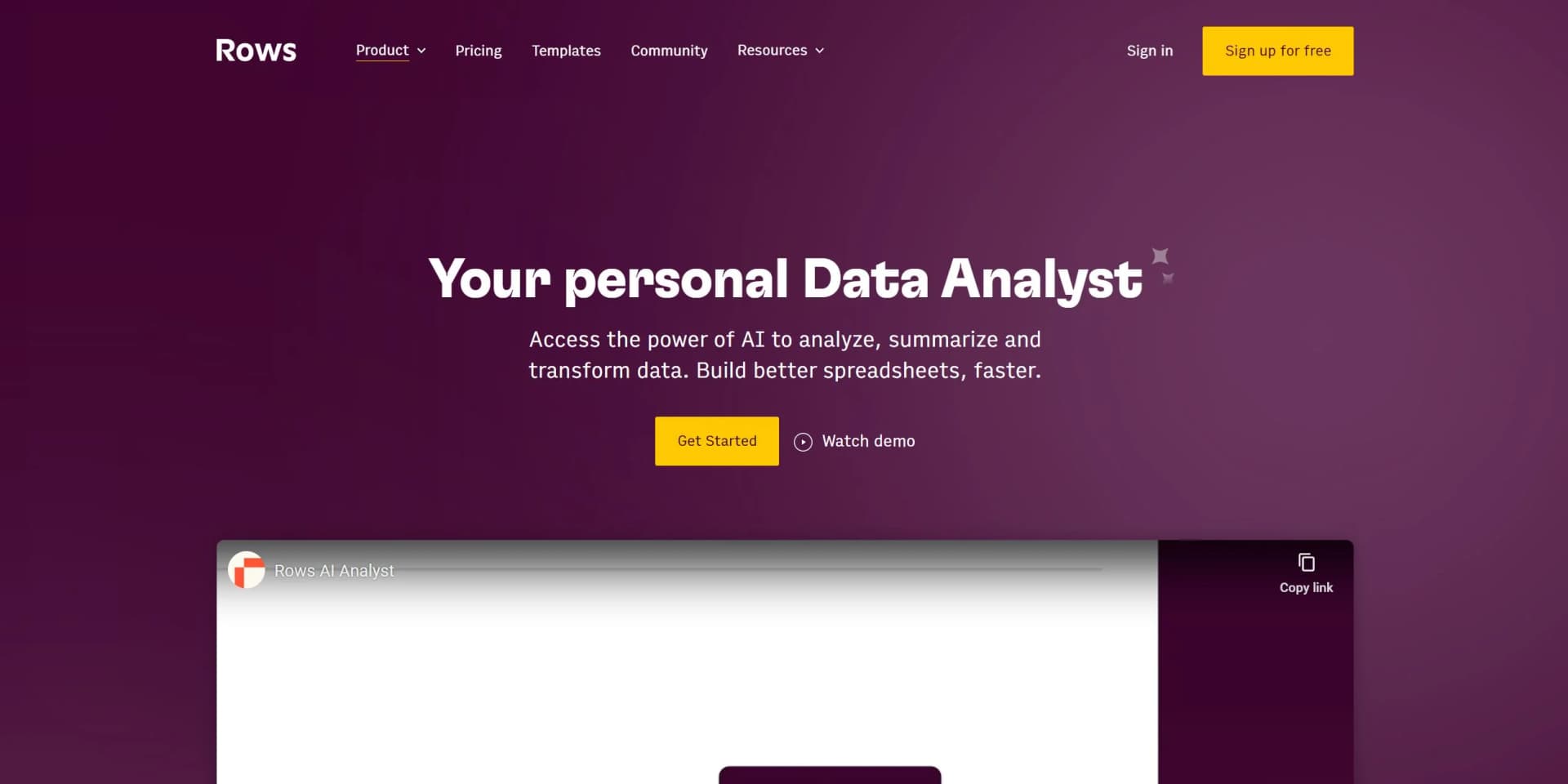
In today’s fast-paced digital world, data is the cornerstone of decision-making. Enter Rows AI, a revolutionary tool that transforms the way we interact with data within spreadsheets. This isn't just another spreadsheet application; it's your personal data analyst, designed to analyze, summarize, and transform data at an unprecedented speed. Tailored for teams and individuals alike, Rows AI simplifies data analysis, making it accessible to everyone, from data scientists to marketing professionals. Its unique integration of AI capabilities within a spreadsheet interface allows for quick insights, deep dives, and the automation of mundane data tasks, all without the need for complex formulas or coding.
Rows AI stands out by seamlessly blending the capabilities of an AI analyst with the familiarity of a spreadsheet interface. This unique combination allows users to automate data analysis, gain insights through natural language queries, and dynamically interact with data in ways previously unimaginable in a traditional spreadsheet environment. Its native OpenAI integration further enhances its uniqueness, offering users direct access to powerful AI tools within their data workflows.
Rows AI redefines the paradigm of spreadsheet use, making it an indispensable tool for anyone looking to enhance their data analysis and reporting capabilities. With its intuitive interface, robust AI features, and seamless integrations, it democratizes advanced data analysis, making it accessible to a broader audience. Whether you're a seasoned data scientist or a business professional seeking to harness the power of data, Rows AI offers a compelling blend of functionality, ease of use, and cost-efficiency. Its unique selling point—the integration of AI capabilities directly within a spreadsheet—provides an unmatched advantage in data analysis and automation.
Who is Using Rows AI?
Business Analysts
For generating insights and reports from complex datasets.
Marketing Teams
To execute and plan marketing campaigns with AI-generated content.
Sales Professionals
Utilizing AI to clean lead lists and automate data entry tasks.
Data Scientists
Leveraging the tool for advanced data analysis and modeling.
Uncommon Use Cases
Educational institutions incorporate Rows AI for teaching data analysis; Non-profits use it for donor data management and campaign planning.
Key Features
Rating Breakdown
Pricing Plans
Free Tier
Free
- Get started with Rows AI with access to basic features and a limited number of AI tasks
Plus and Pro Subscriptions
- Advanced features
- Including unlimited AI tasks
- Start with the Plus plan
Which Rows AI plan should you pick?
Start with Free for light analysis and manual imports; upgrade to Plus for daily automation, Pro for frequent automation and higher limits, or Enterprise for SAML SSO and custom APIs or models.
Free
Good for individuals or small teams who need basic spreadsheets, limited AI, manual imports, and light integrations.
Plus
Good for teams who need daily Data Table automation, more AI tasks, and expanded guest access.
Pro
Good for teams scaling AI automation, integrations, API usage, and near-real-time Data Table refreshes.
Enterprise
Good for organizations needing SAML SSO, advanced API endpoints, custom AI models, custom integrations, and high-volume usage.
Rows AI Use Cases
Marketing reporting
Connect advertising and analytics platforms, combine campaign data, and create dashboards.
Outcome: Automated reporting and performance insights.
Invoice and receipt extraction
Upload invoices, receipts, or screenshots and extract dates, totals, line items, and other fields.
Outcome: Structured spreadsheet data without manual entry.
Financial forecasting
Analyze revenue, expenses, funding, and transactions to forecast cash flow, runway, or revenue.
Outcome: Forward-looking financial models and reports.
Customer and text analysis
Classify feedback, run sentiment analysis, extract concepts, and summarize text with AI functions.
Outcome: Faster categorization and qualitative insight generation.
Internal tools and dashboards
Turn spreadsheets into shared dashboards, forms, calculators, or interactive web apps.
Outcome: Shareable operational tools built from spreadsheet data.
Workflow Ideas with Rows AI
Automated marketing report
- 1Connect Google Ads, Meta, or another advertising integration
- 2Create a Data Table with calculated metrics and AI analysis
- 3Schedule recurring refreshes and share the dashboard with the team
Invoice-to-report workflow
- 1Upload invoice PDFs or images into Rows Vision
- 2Extract dates, suppliers, totals, and line items into a table
- 3Analyze or reconcile the extracted data with existing financial tables
Lead qualification and CRM sync
- 1Import contacts from a CRM or external API
- 2Use AI to classify and qualify contacts
- 3Send results to Rows or another connected tool through automation
How Rows AI fits into your stack
OpenAI
Direct integration provides users with the ability to leverage AI models for data analysis and content generation.
Third-Party Tools
Seamless connections to a variety of tools enhance data import/export and workflow automation.
Dynamic Formulas
Incorporate any formula within AI prompts for customized data interactions.
ASK_OPENAI Functionality
Unique formula that enhances the spreadsheet's capabilities through AI.
Pros
- +Enhanced Productivity: Dramatically reduces the time spent on data analysis and report generation.
- +User-Friendly Interface: Designed for ease of use, making advanced data analysis accessible to all proficiency levels.
- +Seamless Integrations: Offers seamless connections to various tools, enhancing workflow and data synchronization.
- +Cost-Effective: With a free tier available, it provides powerful AI analysis tools without a hefty price tag.
Cons
- −Learning Curve: New users may need time to fully grasp the integration of AI capabilities with spreadsheet functionalities.
- −Limited Free Tier: Some advanced features and integrations are reserved for premium subscriptions.
Limitations & when to consider alternatives
Known limitations
- Free plan usage limits. The Free plan includes 5 AI tasks per month, manual Data Table imports, 10 integration accounts, 3 guests, and 500 API calls per month.
- File import size. The pricing page lists file import limits of 1 MB on Free, 5 MB on Plus, and 100 MB on Pro and Enterprise.
- Table size. A table can contain up to 100,000 rows, 404 columns, and 1,000,000 cells for non-form tables.
- Automation limits. Rows limits each table to five automation functions, and REFRESH can process a range of up to 10,000 cells.
- Browser support. Rows officially supports Chrome, Safari, and Firefox on desktop; other browsers may have interface or functionality issues.
Look elsewhere when
- You need a native iOS or Android application.
- You need a dedicated Windows, Mac, or Linux desktop installer.
- You need fine-tuning or model training on your own data.
How to Use Rows AI
- 1
Discover a wealth of resources, from basic setup guides to advanced feature tutorials, available on the Rows AI website. These resources are designed to help users maximize the tool's capabilities and integrate AI into their data workflows efficiently.
Who is Rows AI For?
Marketers and GTM teams
Rows names marketers and go-to-market teams as users for reporting and automation with advertising and CRM integrations.
Product, finance, and operations teams
These teams use Rows to automate workflows and centralize business data.
Agencies and e-commerce businesses
Rows highlights agencies and e-commerce businesses that blend CRM, payment-provider, and other operational data.
Startup founders
Founders can build investor dashboards, forecast hiring and revenue, track cohorts, and manage fundraising data.
Business analysts
Analysts can use plain-language AI for classification, extraction, forecasting, anomaly detection, and data analysis.
Frequently Asked Questions
Is Rows free to use?
Rows offers a Free plan with no trial period or credit card requirement. Paid plans add higher limits and automation.
How do I access AI in Rows?
AI is available to all users through the sparkle button in a spreadsheet or by typing '=' in a cell.
What can Rows Vision import?
Rows Vision imports PDFs, JPG, PNG, WEBP, CSV, XLS, XLSX, and TSV files into structured spreadsheet data.
Does Rows use spreadsheet data to train AI models?
Rows states that user data is not used to train models that could benefit other users.
What is the Rows API?
The Rows API is a RESTful interface for programmatically reading and writing data in Rows spreadsheets.
How does Rows automate spreadsheets?
Rows provides REFRESH, REPEAT, and SCHEDULE functions for recurring cell, range, and integration actions.
Community reviews
Be the first to share your experience.
Sign in to leave a review for Rows AI.
Rows AI Alternatives
Looking for alternatives to Rows AI? Here are similar tools in the same category:
Learn to Master Rows AI
With Skill Leap courses
Get in-depth training on Rows AI and 50+ other AI tools with our expert-led video courses.
Start 7-Day Free Trial