
Rose AI
Revolutionize industry tasks with AI: analytics, NLP, custom models, seamless integration.
Key Takeaways
- What it is
- Revolutionize industry tasks with AI: analytics, NLP, custom models, seamless integration.
- Pricing
- Freemium · $49.99 per month
- Best for
- Advanced Analytics
- Natural Language Processing (NLP)
- Custom AI Models
- Rating
- 4.6/5
What is Rose AI?
Rose AI is a cutting-edge tool designed to transform the landscape of artificial intelligence applications across various industries. With its advanced AI-driven solutions, Rose AI aims to streamline complex tasks, enhance decision-making processes, and boost overall efficiency. Tailored for both individuals and professionals seeking to leverage the power of AI, Rose AI stands out as a versatile platform capable of addressing a wide range of challenges.
Rose AI distinguishes itself with its unparalleled flexibility in creating custom AI models, a feature particularly beneficial for organizations with unique challenges. Its ability to seamlessly integrate with a vast array of systems and platforms positions Rose AI as a highly adaptable solution in the dynamic landscape of AI tools.
Rose AI excels in providing a comprehensive suite of AI-driven solutions that cater to a wide range of industries and applications. Its standout feature of custom AI model creation, combined with extensive integration capabilities, offers an unmatched advantage for businesses looking to innovate and enhance their operations through AI. With its high scores in accuracy, customization, and support, Rose AI positions itself as an essential tool for those aiming to leverage the latest in artificial intelligence technology.
Who is Using Rose AI?
Tech Startups
Employing Rose AI to innovate and accelerate product development cycles.
Healthcare Providers
Utilizing the tool to analyze patient data and improve diagnostic accuracy.
Financial Analysts
Leveraging AI for predictive analytics and market trend analysis.
Academic Researchers
Using Rose AI for conducting complex research, analyzing data, and publishing findings.
Uncommon Use Cases
Non-profit organizations adopting Rose AI for optimizing operational efficiency; Independent authors using the tool for enhancing their writing process through NLP.
Key Features
Rating Breakdown
Pricing Plans
Free Tier
Free
- Get started with Rose AI with a limited feature set at no cost
Pro Tier
$49.99 per month
Rose AI Use Cases
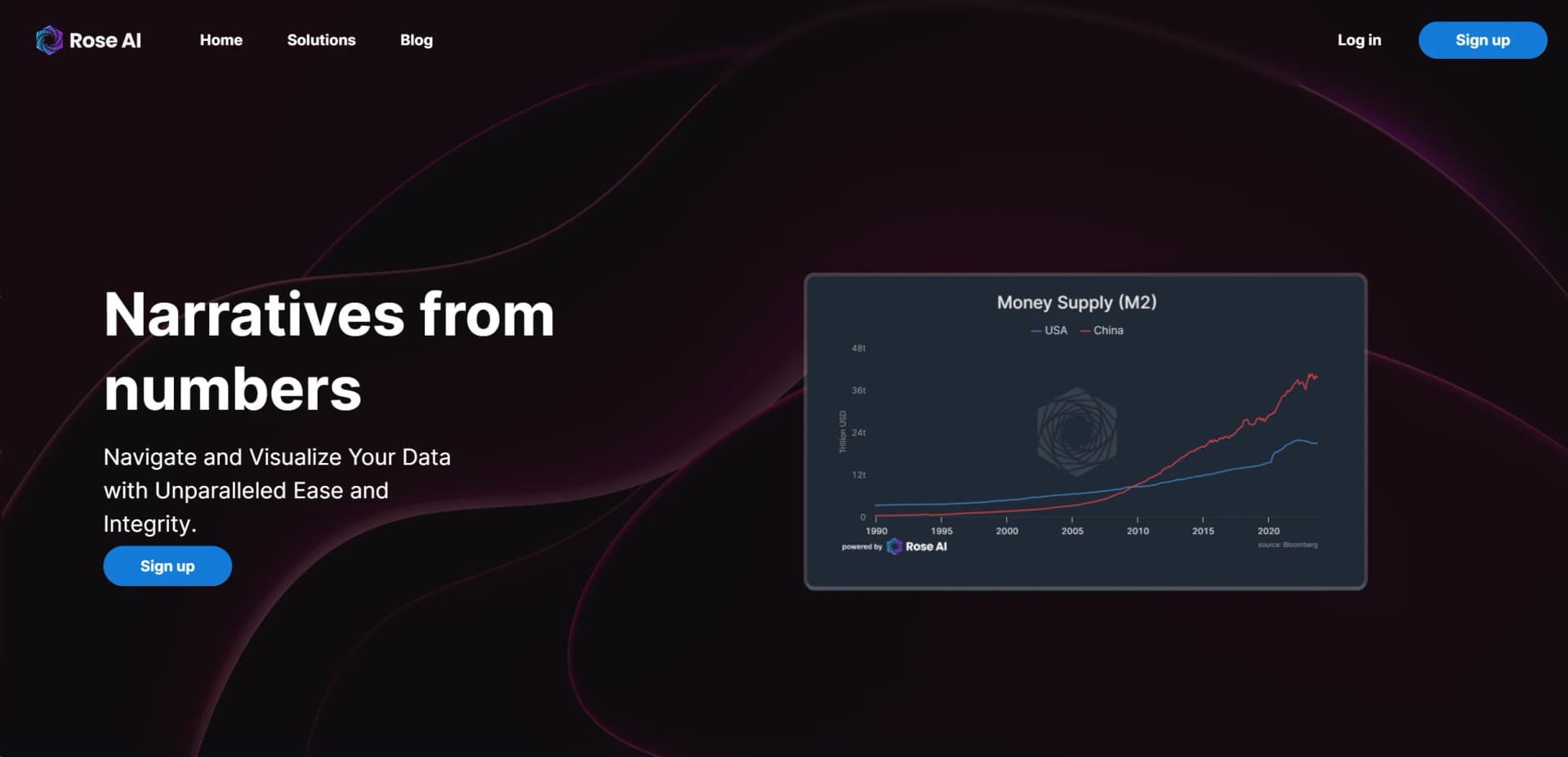
Analyze financial and economic data
Search for datasets, run transformations, and visualize timeseries in notebooks.
Outcome: Reusable, auditable data analysis.
Query connected databases
Connect PostgreSQL, MySQL, or BigQuery and run SQL through the Query Module.
Outcome: Database results saved and reused inside Rose.
Import and transform files
Upload CSV or PDF tables, convert maps to timeseries, and apply transformations.
Outcome: Uploaded data becomes usable Rose datasets.
Synchronize spreadsheet data
Use the Excel Add-in or Google Sheets Add-on to pull and push Rose data.
Outcome: Rose datasets available in spreadsheet workflows.
Share research notebooks
Save notebooks and share them with selected users using configurable data-sharing permissions.
Outcome: Collaborative and reproducible analysis.
Workflow Ideas with Rose AI
Import a CSV and create a timeseries
- 1Upload a CSV file as a map
- 2Select date and value columns
- 3Convert the map into a timeseries with the documented transformation
Query a connected database
- 1Add a PostgreSQL, MySQL, or BigQuery connection
- 2Write and run a SQL query in the Query Module
- 3Save the query result as a Rosecode
Analyze and share a notebook
- 1Search for a dataset and add Code or Markdown modules
- 2Apply transformations and save the notebook
- 3Share the notebook with selected users and choose underlying-data permissions
How Rose AI fits into your stack
API Access
Developers can utilize Rose AI's API for custom applications and integrations.
Cloud-Based Platforms
Effortless integration with major cloud services for enhanced data storage and processing capabilities.
Data Visualization Tools
Compatible with leading data visualization software, enabling users to create insightful and impactful reports.
CRM Systems
Integrates with popular CRM platforms to enhance customer relationship management through AI.
Pros
- +Increased Productivity: Automates routine tasks, freeing up valuable time for strategic planning and creative endeavors.
- +Enhanced Accuracy: Minimizes human error, ensuring data is processed with high precision and reliability.
- +Scalability: Easily scales to meet the growing needs of businesses, supporting expansion without compromising performance.
- +User-Friendly Interface: Designed with the user in mind, featuring an intuitive interface that simplifies navigation and operation.
Cons
- −Initial Learning Curve: New users may require time to fully grasp the capabilities and utilize the platform effectively.
- −Subscription Cost: While offering significant value, the cost may be a consideration for small businesses or individuals on a tight budget.
Limitations & when to consider alternatives
Known limitations
- XLSX importing is unsupported. Rose's file-import documentation states that importing XLSX files is currently not supported.
- Horizontal-date CSVs are unsupported. CSV uploads do not support timeseries data with dates running horizontally.
- Handwritten-image tables import poorly. The PDF import guide identifies handwritten images as an incorrect result case.
- Licensed-data connections require manual setup. Connections to services such as Bloomberg or Market Stack must currently be arranged manually with a Rose engineer.
- Mac Bloomberg pushing is unavailable. The Mac Excel Add-in documentation says pushing Bloomberg data is not currently available on macOS.
Look elsewhere when
- You need XLSX file importing.
- You need a native mobile app.
- You need automated multi-step workflows.
- You need image understanding.
How to Use Rose AI
- 1
Explore a variety of tutorials on the official website, ranging from basic setup and onboarding to advanced model training and analytics.
Who is Rose AI For?
Data analysts
Rose provides data search, visualization, transformation, SQL querying, and reusable notebooks.
Researchers
Rose supports reproducible analyses through logic trees, metadata, notebooks, and data-source tracking.
Organizations
Organizations can share datasets and notebooks, manage permissions, and list data packages.
Python users
The Rose Python Library lets users move datasets and queries between Python and Rose.
Excel and Google Sheets users
Rose integrations allow spreadsheet users to pull, push, and transform Rose datasets.
Frequently Asked Questions
What types of files can Rose import?
Rose supports CSV and PDF imports. XLSX importing is currently not supported.
Can Rose connect to databases?
Rose can connect to PostgreSQL, MySQL, and BigQuery databases through its Query Module.
Can I share notebooks with other users?
Yes. Notebooks can be shared with selected users, with options to share or withhold underlying data.
Does Rose provide a Python integration?
Yes. The Rose Python Library supports pushing, pulling, querying, and managing logic.
Does Rose support Google Sheets?
Yes. The Google Sheets Add-on supports pulling and pushing timeseries, maps, and logic.
Can Rose use licensed data sources?
Users can link subscriptions such as Bloomberg or Market Stack, but the connection is currently set up manually.
Community reviews
Be the first to share your experience.
Sign in to leave a review for Rose AI.
Rose AI Alternatives
Looking for alternatives to Rose AI? Here are similar tools in the same category:
Learn to Master Rose AI
With Skill Leap courses
Get in-depth training on Rose AI and 50+ other AI tools with our expert-led video courses.
Start 7-Day Free Trial