
Recapext
Revolutionize web reading with AI-powered, ChatGPT-integrated, free summarizing extension.
Key Takeaways
- What it is
- Revolutionize web reading with AI-powered, ChatGPT-integrated, free summarizing extension.
- Pricing
- Freemium
- Best for
- Smart Split and Summarize
- Integration with ChatGPT
- Open-source
- Rating
- 4.6/5
What is Recapext?
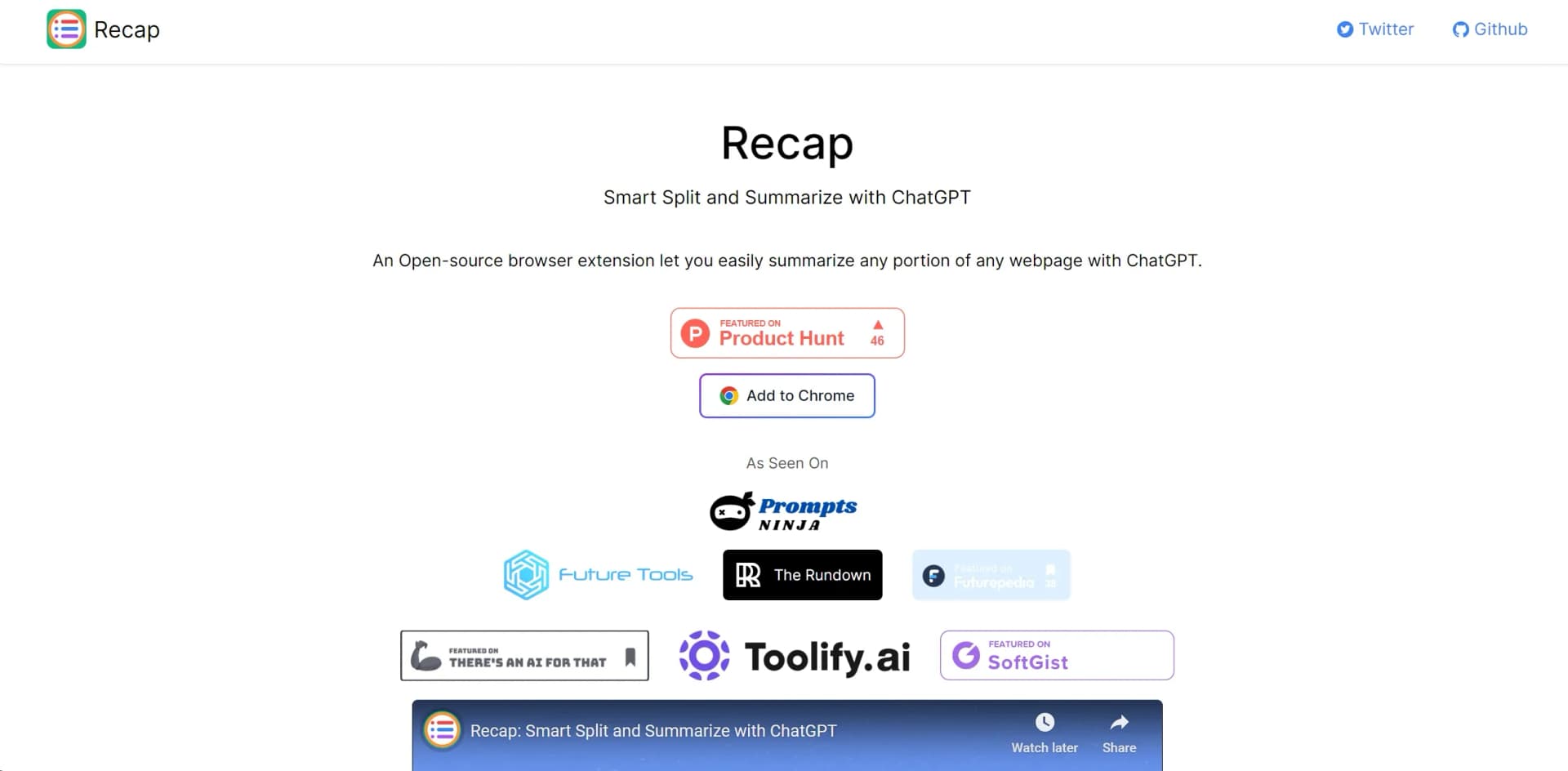
In today's fast-paced digital landscape, the need for efficient information consumption has never been more critical. Enter Recapext, a groundbreaking tool designed to revolutionize the way we interact with online content. Built upon the innovative capabilities of ChatGPT, Recapext is an open-source browser extension that empowers users to effortlessly summarize any portion of any webpage. Its core purpose lies in enhancing productivity and streamlining the process of gathering and understanding vast amounts of information available online.
Recapext stands out for its seamless integration with ChatGPT, turning any browser into a powerful summarization tool. Its unique selling point lies in its ability to make online content consumption more efficient, transforming how users interact with information on the web.
Recapext excels in providing an innovative solution to the challenge of managing online information overload. Its ability to smartly summarize web content, leveraging the capabilities of ChatGPT, offers an unmatched advantage for anyone looking to enhance their productivity and efficiency online. Its user-friendly design, combined with the fact that it's entirely free to use, makes Recapext an essential tool for a wide range of users, from students and business professionals to researchers and content creators.
Who is Using Recapext?
Students
Utilizing the tool for efficient research and study by summarizing academic papers and articles.
Researchers
Employing the tool to quickly sift through vast amounts of online literature and data.
Professionals
Leveraging the tool to stay updated with industry trends and news without spending hours reading.
Content Creators
Using the tool to gather insights and summarize information for content creation.
Uncommon Use Cases
Non-profit organizations using it to keep volunteers informed about relevant topics; hobbyist bloggers summarizing niche content for their readers.
Key Features
Rating Breakdown
Pricing Plans
Free Tier
Free
- Recapext is entirely free to use
- Reflecting its open-source nature
Recapext Use Cases
Summarize an entire webpage
Use Recap to process the full text of an article or webpage.
Outcome: A condensed summary of the page.
Review a specific passage
Summarize text from a selected passage instead of processing the entire article.
Outcome: A focused recap of the passage.
Summarize selected text
Highlight webpage text and send the selected content to Recap.
Outcome: A summary limited to the selected content.
Recap preceding content
Use the previous-content feature before a passage to summarize earlier material.
Outcome: Context from the preceding portion of the article.
Workflow Ideas with Recapext
Summarize a long article in sections
- 1Open a webpage in Chrome
- 2Let Recap split the article into passages
- 3Summarize the passages or the entire page
Focus on relevant text
- 1Select the webpage text of interest
- 2Run Recap on the selected text
- 3Review the focused summary
How Recapext fits into your stack
Chrome Compatibility
Designed specifically as a Chrome extension, enhancing the browsing experience for Chrome users.
Open-source Collaboration
Encourages community contributions, ensuring continuous improvement and updates.
Pros
- +Time Efficiency: Dramatically reduces the time required to process and understand lengthy web pages.
- +Enhanced Productivity: Allows users to quickly gather the essence of online content, aiding in research and learning.
- +Ease of Use: Simple installation and user-friendly interface make it accessible for all users, regardless of technical expertise.
- +Cost-Effective: Being an open-source tool, it's available at no cost, providing significant value without financial investment.
Cons
- −Browser Compatibility: Currently available as a Chrome extension, limiting its use to Chrome users.
- −Dependence on ChatGPT: Requires a ChatGPT account, which might be a barrier for users without one.
- −Initial Learning Curve: New users may need some time to familiarize themselves with the tool's functionalities.
Limitations & when to consider alternatives
Known limitations
- Chrome-focused availability. The documented installation process uses Chrome, while support for more browsers appears on the project roadmap.
- Requires an AI provider. The documented product uses ChatGPT or the official OpenAI API for summarization.
Look elsewhere when
- You need a mobile app
- You need a desktop application
- You need file or image analysis
How to Use Recapext
- 1
For users looking to maximize their experience with Recapext, a series of tutorials is available directly on the tool's website, covering everything from basic installation to advanced tips for effective summarization.
Frequently Asked Questions
What is Recap?
Recap is an open-source browser extension that splits webpage articles into passages and summarizes them with ChatGPT.
What can Recap summarize?
It can summarize an entire webpage, an individual passage, previous content before a passage, or user-selected text.
Does Recap support the OpenAI API?
Yes. Recap supports the official OpenAI API with a custom API host and API model.
Can I customize the summaries?
Yes. Recap supports custom prompts and custom models.
How do I install Recap?
Install it from the Chrome Web Store, or manually download the release, unzip it, enable Chrome Developer Mode, and load the extension.
Can Recap be configured for different websites?
Yes. It supports user configuration for different sites and can be enabled or disabled for individual domains or pages.
Community reviews
Be the first to share your experience.
Sign in to leave a review for Recapext.
Recapext Alternatives
Looking for alternatives to Recapext? Here are similar tools in the same category:
Learn to Master Recapext
With Skill Leap courses
Get in-depth training on Recapext and 50+ other AI tools with our expert-led video courses.
Start 7-Day Free Trial