
Qonqur
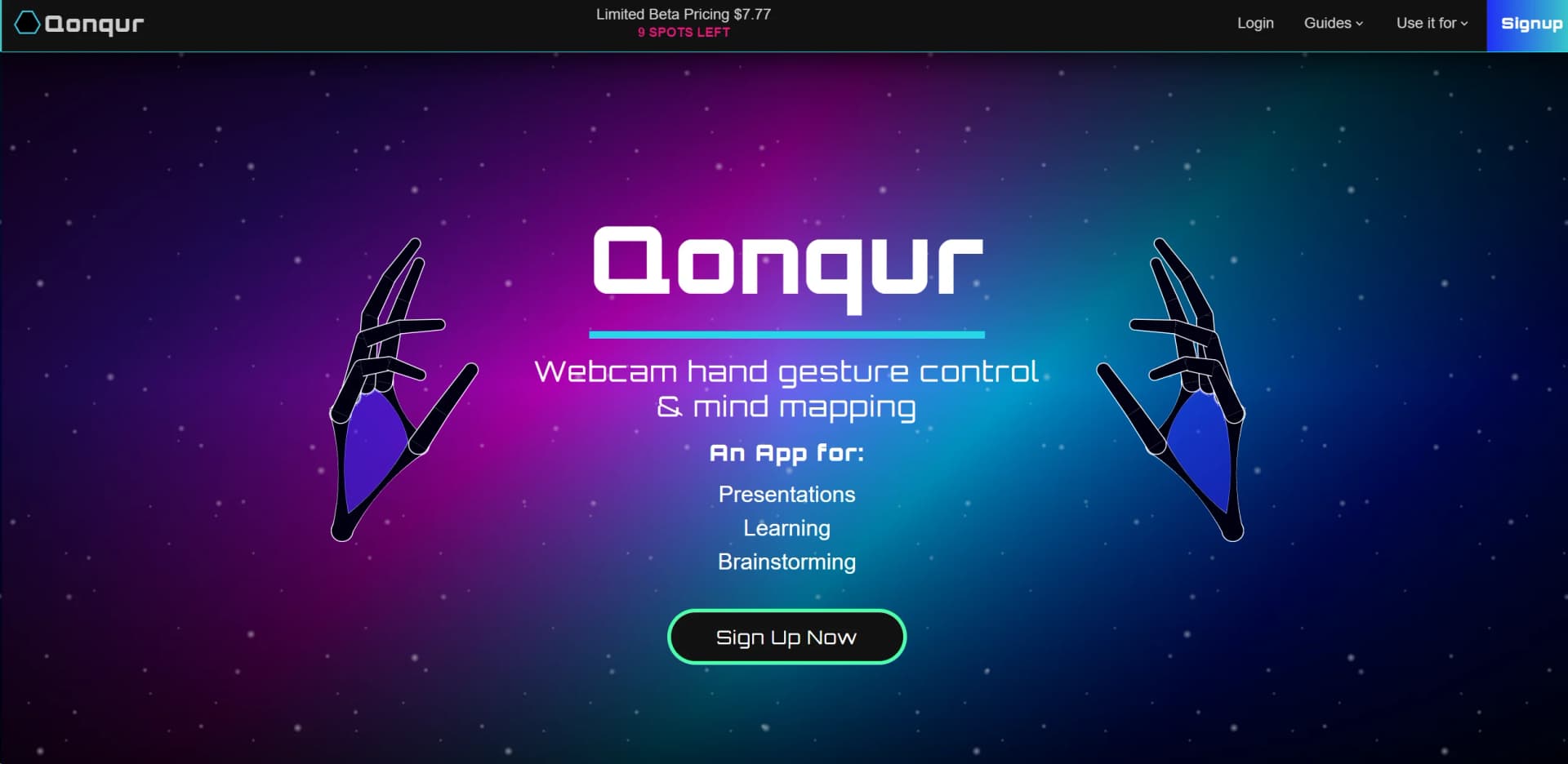
Revolutionize digital interaction with AI-powered, webcam-enabled gesture control.
Key Takeaways
- What it is
- Revolutionize digital interaction with AI-powered, webcam-enabled gesture control.
- Best for
- Gesture Control
- No Special Hardware Required
- Versatile Display Compatibility
- Rating
- 4.3/5
What is Qonqur?
Qonqur is an innovative tool that is redefining the way we interact with digital content. At its core, Qonqur is a gesture control system that enhances presentations, learning experiences, brainstorming sessions, and research activities. It's an AI-powered platform that allows users to control and navigate through information with the simple use of hand gestures. Designed for educators, professionals, and anyone in need of a more dynamic approach to digital interaction, Qonqur promises to keep your audience engaged, streamline idea development, unlock new learning methodologies, and help you sift through extensive research with ease.
Qonqur sets itself apart with its gesture control technology, which is a breakthrough for interactive presentations and digital content management. Its unique selling point lies in its ability to transform mundane digital interactions into captivating and engaging experiences without the need for specialized hardware.
Qonqur excels in transforming the way we interact with digital content. Its gesture control system is not just a novelty but a practical tool that enhances engagement and learning. With its user-friendly setup and compatibility with everyday devices, Qonqur is an essential tool for anyone looking to bring a high-tech edge to their presentations, teaching methods, or research activities. While there's a slight learning curve and dependence on camera quality, the overall benefits of Qonqur make it a standout choice in its category.
Who is Using Qonqur?
Educators
Incorporating Qonqur into classrooms for a more interactive learning experience.
Corporate Professionals
Using the tool to deliver impactful and memorable presentations.
Creative Teams
Employing Qonqur for brainstorming sessions and collaborative workflows.
Researchers
Leveraging the tool to navigate and manage extensive data sets with ease.
Uncommon Use Cases
Implemented by event organizers for interactive displays; utilized by artists for digital exhibitions.
Key Features
Rating Breakdown
Pricing Plans
Free Trial
- Qonqur offers users the opportunity to try the platform for free
- Experiencing its unique features firsthand
Subscription Plans
- Pricing details for various tiers are available on the Qonqur website
Qonqur Use Cases
Explore knowledge visually
Users navigate canvas content with hand gestures and exploration controls.
Outcome: Faster hands-free navigation of digital material.
Connect related items
Users select two items to connect them on the canvas.
Outcome: Linked knowledge organized spatially.
Edit canvas materials
Users move and resize items with pinch gestures.
Outcome: Interactive arrangement of canvas content.
Work with PDFs and images
Users add a PDF and an image from the library to the canvas.
Outcome: Documents and visual references available in one workspace.
Ask the AI by voice
Users enter AI mode and use a fist gesture to send voice prompts.
Outcome: Hands-free interaction with Qonqur's AI.
Workflow Ideas with Qonqur
Build a visual study canvas
- 1Open the library
- 2Add a PDF and an image to the canvas
- 3Connect related items and explore the canvas
Hands-free AI exploration
- 1Activate AI mode
- 2Make a fist and speak a prompt
- 3Release the fist when the prompt is complete
Organize canvas materials
- 1Activate edit mode
- 2Move or resize items with pinch gestures
- 3Delete unwanted items or undo the latest deletion
How Qonqur fits into your stack
Webcam Compatibility
Qonqur integrates with any standard webcam, smartphone, or USB camera.
Display Versatility
Compatible with various display outputs, from monitors to projectors.
Operating Systems
Runs smoothly on multiple operating systems, ensuring broad accessibility.
Browser-Based
Accessible through web browsers, eliminating the need for dedicated software installation.
Pros
- +Engagement: Keeps audiences captivated during presentations with interactive elements.
- +Ease of Setup: No need for expensive equipment or VR headsets, making it accessible.
- +Adaptability: Suitable for various environments, from classrooms to conference halls.
- +User-Friendly: Straightforward launching process and user interface for hassle-free navigation.
Cons
- −Learning Curve: Some users may need time to get accustomed to gesture controls.
- −Device Dependency: Relies on the quality of the webcam or connected camera for optimal performance.
- −Limited Awareness: As a relatively new tool, it may not yet be widely recognized or adopted.
Limitations & when to consider alternatives
Known limitations
- Webcam required. The getting-started guide requires a webcam-enabled device for gesture interaction.
- Desktop-oriented setup. The documented setup specifies a desktop or laptop connected to a large monitor or TV.
- Good lighting required. The guide lists good lighting as part of the required setup.
- AI is premium. The guide explicitly labels AI mode as a premium feature.
- Access is controlled. The current homepage presents a request-access flow rather than open product documentation or public self-service access.
Look elsewhere when
- You need an API for programmatic access.
- Your workflow requires native Android support.
- Your organization requires SSO or SAML.
How to Use Qonqur
- 1
For newcomers, Qonqur provides a "Getting Started Guide" alongside tutorials on how to utilize AI for study and research effectively. These resources are designed to help users quickly adapt to the platform's capabilities.
Who is Qonqur For?
Learner-doers
Qonqur is presented for people who consume new knowledge, critique it, and act on it simultaneously.
Frequently Asked Questions
What equipment is needed to use Qonqur?
The getting-started guide specifies a webcam-enabled device, desktop or laptop, large monitor or TV, and good lighting.
How do I begin using Qonqur?
Open qonqur.xyz, sign in or create an account, then launch the app or demo.
Can I add documents and images?
Yes. The guide instructs users to open the library and add a PDF and an image to the canvas.
Does Qonqur support voice prompts?
In AI mode, users make a fist to send voice prompts and release it when finished.
What can gesture modes do?
Gesture modes support exploring, connecting, editing, deleting, undoing, opening the library, and invoking AI.
Is AI included for all users?
The guide identifies AI mode as a premium feature.
Community reviews
Be the first to share your experience.
Sign in to leave a review for Qonqur.
Qonqur Alternatives
Looking for alternatives to Qonqur? Here are similar tools in the same category:
Learn to Master Qonqur
With Skill Leap courses
Get in-depth training on Qonqur and 50+ other AI tools with our expert-led video courses.
Start 7-Day Free Trial