
ProPhotos
AI-powered tool generates professional headshots quickly and affordably.
Key Takeaways
- What it is
- AI-powered tool generates professional headshots quickly and affordably.
- Pricing
- $39 per month · $49 per month · $59 per month
- Best for
- AI-Driven Headshot Generation
- Diverse Outfit and Background Options
- Quick Turnaround Time
- Rating
- 4.6/5
What is ProPhotos?
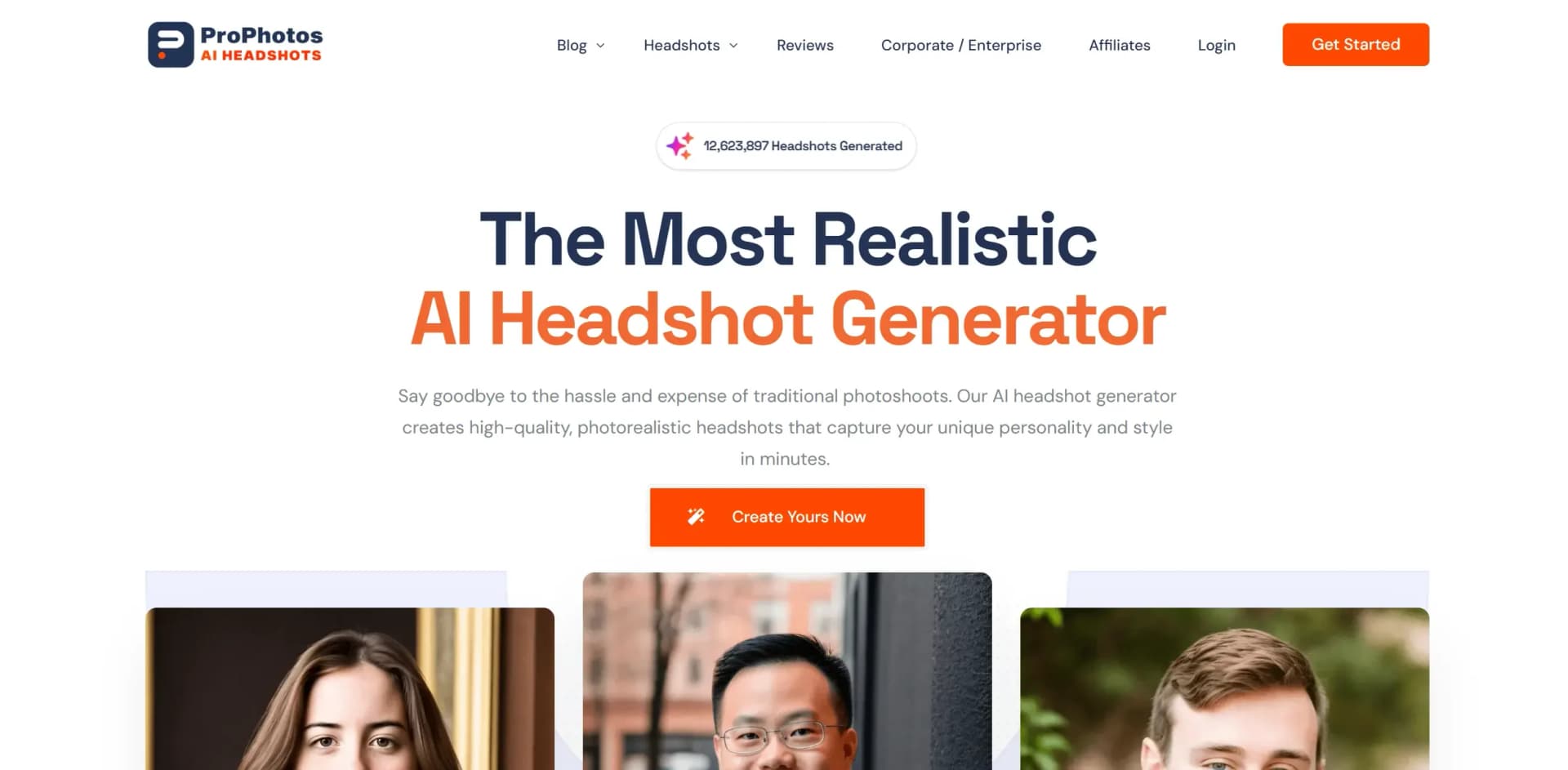
ProPhotos, found at prophotos.ai, revolutionizes the world of professional photography with its innovative AI headshot generation technology. Designed for professionals, businesses, and individuals seeking high-quality headshots without the hassle and expense of traditional photoshoots, ProPhotos offers a streamlined solution to create photorealistic headshots that capture your unique personality and style within minutes. Whether you're revamping your LinkedIn profile, enhancing your resume, or upgrading your company's website, ProPhotos simplifies the process of obtaining professional imagery.
ProPhotos stands out as the #1 professional AI headshot generator, offering an unparalleled combination of speed, quality, and customization. Its unique ability to transform casual photos into professional-grade headshots with industry-specific attire and backgrounds sets it apart, making it a game-changer for professionals across various fields.
ProPhotos offers a reliable and efficient solution for anyone seeking high-quality headshots without the traditional hassle. Its AI-driven technology ensures a seamless experience, providing users with versatile and realistic headshots tailored to their specific industry needs. With its affordable pricing and quick turnaround, ProPhotos is an invaluable tool for professionals looking to enhance their personal branding and make a lasting impression.
Who is Using ProPhotos?
Corporate Professionals
Utilizing the tool for creating polished and professional LinkedIn profiles and company websites.
Real Estate Agents
Employing the tool to enhance their personal branding with high-quality headshots.
Lawyers
Leveraging ProPhotos to present a professional image crucial for their career success.
Entrepreneurs
Using the tool to quickly and affordably obtain professional headshots amidst their busy schedules.
Key Features
Rating Breakdown
Pricing Plans
Starter Plan
$39 per month
- 40 unique AI headshots with 8 outfit and background options
- Ready in 90 minutes
Premium Plan
$49 per month
- 100 unique AI headshots with 20 outfit and background options
- Including a free background changer
- Ready in 45 minutes
Professional Plan
$59 per month
- 200 unique AI headshots with 40 outfit and background options
- Including a free background changer
- Ready in 30 minutes
Which ProPhotos plan should you pick?
Start with Basic for a small personal batch, then upgrade to Premium or Professional when you need more headshots and visual variety; choose Enterprise for organizations.
Basic
Good for individuals getting started who need 40 headshots, professional clothing, and 8 background or clothing styles.
Premium
Good for users who need 100 headshots and 20 background or clothing styles.
Professional
Good for users who need the largest listed package: 200 headshots and 40 background or clothing styles.
Enterprise
Good for companies and organizations that need consistent team headshots, employee invitations, customizations, and account support.
ProPhotos Use Cases
Employed by educational institutions for marketing courses.
Adopted by freelance artists for portfolio enhancement.
Workflow Ideas with ProPhotos
Create a professional profile photo
- 1Choose a ProPhotos package
- 2Upload varied personal photos
- 3Download a headshot for LinkedIn, resumes, or professional materials
Build a company headshot set
- 1Create an enterprise account
- 2Invite employees by email or manage uploads yourself
- 3Use consistent backgrounds and share results with employees and the account owner
Generate industry-specific branding photos
- 1Upload photos in ordinary clothing
- 2Select professional clothing and background styles
- 3Use the generated headshots for company websites, profiles, or commercial materials
How ProPhotos fits into your stack
Browser
ProPhotos is delivered as a website: users upload personal photos, select a package, and receive generated professional headshots through the web service.
Pros
- +Cost-Effective: Offers affordable pricing plans that provide excellent value for high-quality professional headshots.
- +Time Efficiency: Significantly reduces the time required to obtain professional headshots, making it ideal for busy professionals.
- +Versatility: Suitable for a wide range of industries, allowing users to tailor their headshots to specific professional environments.
- +User-Friendly Experience: Simple and intuitive interface that makes it easy for users to create and customize headshots without technical expertise.
Cons
- −Initial Learning Curve: Users may need some time to familiarize themselves with the range of customization options available.
- −Limited to Headshots: The tool is specialized for headshots, which may limit its applicability for other photography needs.
Limitations & when to consider alternatives
Known limitations
- AI models are deleted after 30 days. ProPhotos states that the generated AI model is automatically deleted after 30 days.
- Package output is capped. Basic includes 40 headshots, Premium includes 100, and Professional includes 200.
- Processing time varies by plan. Listed turnaround times range from 90 minutes for Basic to 30 minutes for Professional.
- More variety requires a higher plan. Background and clothing-style counts increase from 8 to 20 to 40 across the paid packages.
- Results depend on uploaded photos. The site recommends varied photos because the AI uses the uploaded information to build the model.
How to Use ProPhotos
- 1
Choose a package
Select Basic, Premium, Professional, or contact ProPhotos for Enterprise pricing based on the number of people and images required.
- 2
Prepare varied photos
Use photos with different outfits, lighting, poses, and days so the AI has more information about you.
- 3
Upload your photos
Upload the source photos through the ProPhotos dashboard to begin model creation.
- 4
Follow the customization prompts
Choose or customize visual options such as backgrounds, clothing, lighting, and composition.
- 5
Wait for processing
Turnaround depends on the selected package, ranging from approximately 30 to 90 minutes.
- 6
Use the generated headshots
Apply the images to LinkedIn, resumes, company websites, professional profiles, or other commercial materials.
Who is ProPhotos For?
Executives
Professional headshots can support executive profiles, company websites, and business branding.
Doctors
The site provides doctor-specific headshot positioning for professional materials.
Lawyers
Lawyer headshots are presented for polished professional and firm-facing use.
Real estate agents
Real estate professionals can create consistent headshots for profiles, listings, and marketing.
Companies and organizations
Enterprise accounts support consistent headshots across teams, with employee invitations and shared results.
Frequently Asked Questions
What kind of photos do I need to upload?
Upload as many varied photos as possible, using different outfits, lighting conditions, days, and poses for better results.
Do I need to wear a suit in the photos I upload?
No. ProPhotos says its AI can add professional clothing such as suits and coats.
What outfits will my headshots be wearing?
Generated headshots include combinations of professional suits, coats, dress shirts, and blazers.
What kind of backgrounds will my headshots have?
Backgrounds can include studio backdrops, offices, bokeh, and black, white, or gray backgrounds; backgrounds can be customized.
Do I have full rights to use my AI images?
ProPhotos grants users a full commercial license for generated AI photos.
Are my photos private?
The AI model is automatically deleted after 30 days, and users can delete their data and account.
Community reviews
Be the first to share your experience.
Sign in to leave a review for ProPhotos.
ProPhotos Alternatives
Looking for alternatives to ProPhotos? Here are similar tools in the same category:
Learn to Master ProPhotos
With Skill Leap courses
Get in-depth training on ProPhotos and 50+ other AI tools with our expert-led video courses.
Start 7-Day Free Trial