
PowerDMARC
Enhance email security, enforce DMARC, optimize deliverability, and gain real-time threat insights.
Key Takeaways
- What it is
- Enhance email security, enforce DMARC, optimize deliverability, and gain real-time threat insights.
- Best for
- DMARC Enforcement
- Email Deliverability Optimization
- Comprehensive Reporting
- Rating
- 4.5/5
What is PowerDMARC?
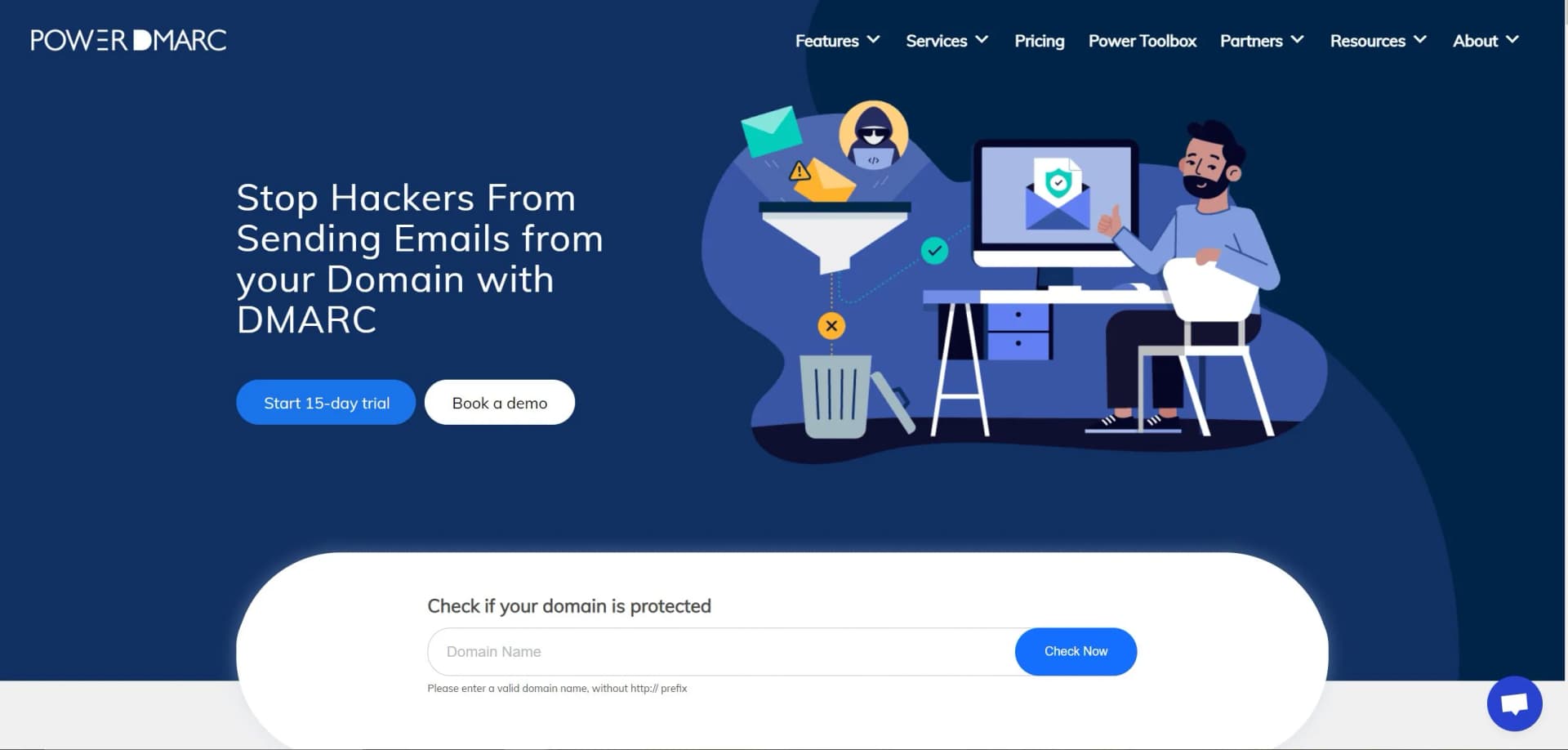
PowerDMARC is a robust email authentication and security platform designed to help organizations enforce DMARC (Domain-based Message Authentication, Reporting & Conformance) to prevent email spoofing, phishing attacks, and improve email deliverability. As an all-in-one suite, PowerDMARC not only simplifies the DMARC deployment but also extends its capabilities with a suite of additional features that enhance email security and domain reputation management.
PowerDMARC stands out with its comprehensive approach to email security, combining multiple authentication protocols into a single platform. Its ability to provide granular reporting and real-time alerts sets it apart in the realm of email security tools.
PowerDMARC excels in fortifying email security and safeguarding domain integrity, making it an indispensable tool for businesses and organizations of all sizes. Its comprehensive reporting and real-time alerts, alongside a user-friendly interface and expert support, offer an unmatched advantage in the battle against email fraud and phishing.
Who is Using PowerDMARC?
Large Enterprises
Protecting their brand and domain from being used in email-based attacks.
Small and Medium-Sized Businesses
Enhancing their email deliverability and safeguarding their email communications.
Financial Institutions
Ensuring compliance with regulations and securing sensitive communication.
Educational Organizations
Keeping faculty and student email accounts secure from impersonation.
Uncommon Use Cases
Non-profits using it to maintain trust with donors; Legal firms implementing it to protect client confidentiality.
Key Features
Rating Breakdown
Pricing Plans
Free Trial
- PowerDMARC offers a 15-day free trial to test out its features
Custom Pricing
- Tailored plans are available depending on the organization's needs and email volume
Which PowerDMARC plan should you pick?
Start with Free for one personal domain and light monitoring; upgrade to Basic for more domains, users, history, and AI, or Enterprise for advanced integrations and administration.
Free
Good for personal domains needing basic DMARC reporting, hosted DMARC, hosted BIMI, and limited monitoring.
Basic
Good for organizations needing more domains and users, longer data history, hosted services, TLS reports, and the AI Agent.
Enterprise
Good for larger organizations needing unlimited platform users, AI alerts, SSO, API support, PSA or SIEM integrations, and advanced controls.
API
Good for developers or organizations purchasing dedicated API access for programmatic domain, reporting, and analytics workflows.
Partner Program
Good for MSPs, MSSPs, resellers, and software vendors needing white-labeling, customer provisioning, billing, and partner integrations.
PowerDMARC Use Cases
Monitor DMARC compliance
Add a domain, publish a DMARC record, and review aggregate and forensic authentication reports.
Outcome: Improved visibility into legitimate and unauthorized email sources.
Prevent domain spoofing
Analyze suspicious sending IPs, threat intelligence, forensic failures, and spoofing activity.
Outcome: Earlier detection of phishing, impersonation, and unauthorized domain use.
Improve email authentication
Use the setup wizard and Domain Health feature to assess DMARC, SPF, DKIM, BIMI, MTA-STS, and TLS-RPT.
Outcome: A clearer path toward stronger authentication and enforcement.
Manage email security for customers
MSPs and MSSPs can manage multiple customer domains, apply branding, and connect PSA or billing systems.
Outcome: Centralized delivery of managed DMARC and email authentication services.
Send security data to SIEM tools
Generate API tokens and ingest PowerDMARC data into platforms such as Splunk or Elastic.
Outcome: Centralized monitoring of email authentication and domain security events.
Workflow Ideas with PowerDMARC
Deploy and enforce DMARC
- 1Add the domain through the PowerDMARC Setup Wizard
- 2Publish the generated DMARC record and monitor aggregate reports
- 3Review compliance and move from p=none toward quarantine or reject
Investigate spoofing activity
- 1Review aggregate, forensic, and spoofing IP reports
- 2Check threat intelligence and sender reputation information
- 3Configure alerts or export findings for remediation
Send PowerDMARC data to a SIEM
- 1Create a Personal Access Token with required permissions
- 2Open the PowerDMARC Swagger API documentation
- 3Configure Splunk, Elastic, or another SIEM to ingest the API data
How PowerDMARC fits into your stack
Browser
PowerDMARC operates as a cloud dashboard for monitoring DMARC, SPF, DKIM, BIMI, MTA-STS, and TLS-RPT data across domains.
Automation and APIs
Its REST API supports programmatic domain management, reporting, monitoring, user access, DNS aggregation, and automation workflows.
Team chat and tickets
Integrations with HaloPSA, ConnectWise, Autotask, and Microsoft Sentinel route alerts, synchronize domain data, or centralize security operations in existing team systems.
Pros
- +Enhanced Email Security: Significantly reduces the risk of email spoofing and phishing attacks.
- +Improved Domain Reputation: Helps maintain a positive domain reputation by ensuring emails are authenticated.
- +User-Friendly Interface: The platform provides a clear and intuitive dashboard for easy monitoring and management.
- +Expert Support Services: Offers deployment, managed, and support services for seamless implementation.
Cons
- −Complexity for Beginners: The wide array of features and protocols may overwhelm new users.
- −Dependency on Email Ecosystem: The effectiveness is partly contingent on the adoption of DMARC and related protocols by others.
- −Cost Consideration: While offering a trial, long-term costs should be evaluated against the organization's size and email volume.
Limitations & when to consider alternatives
Known limitations
- Free plan limits. The Free plan is limited to 10,000 compliant emails per month, 10 days of history, one active domain, and one platform user.
- Upload size limits. Uploaded DMARC report files may be XML, ZIP, or GZ format, with a maximum file size of 10 MB and a 1 MB XML preview limit.
- SSO requires eligible access. SAML SSO requires a subscription plan that supports the feature and an active account with active administrators and users.
- AI Agent plan availability. The AI Agent is available to Basic and Enterprise accounts; some advanced capabilities are Enterprise-only.
- Uploaded reports require an existing domain. A manually uploaded DMARC report will not be processed unless its domain has already been added to the PowerDMARC account.
Look elsewhere when
- You need a native mobile app.
- You need a browser extension or desktop installer.
- You need fine-tuning or model training on proprietary data.
- You need image analysis or code generation.
How to Use PowerDMARC
- 1
Create an account and add a domain
Sign up, open the Setup Wizard, and enter the domain you want to monitor or authenticate.
- 2
Configure the DMARC record
Use the wizard to select policy and alignment settings, then publish the generated record in DNS.
- 3
Review reports and domain health
Monitor aggregate and forensic reports, inspect authentication sources, and use Domain Health to identify configuration problems.
- 4
Configure alerts
Set up DNS, threshold, or security alerts so PowerDMARC can notify relevant teams when action is needed.
- 5
Add users and permissions
Invite colleagues through User Management and assign administrator, read-only, or custom access roles.
- 6
Connect integrations
Use the integrations directory or API documentation to connect PowerDMARC with PSA, SIEM, threat intelligence, or DNS automation systems.
Who is PowerDMARC For?
IT administrators
They can configure authentication records, monitor domain health, manage users, and respond to DNS or spoofing alerts.
Security teams
They can investigate forensic reports, spoofing IPs, threat intelligence, domain anomalies, and authentication failures.
MSPs and MSSPs
The partner platform supports customer management, white-labeling, PSA integrations, billing workflows, and centralized administration.
Enterprise organizations
Enterprise accounts can use unlimited platform users, SSO, API support, SIEM integrations, AI alerts, and advanced monitoring.
Domain owners and small businesses
The Free and Basic plans provide guided DMARC setup, reporting, hosted services, and domain security monitoring.
Frequently Asked Questions
What is PowerDMARC?
PowerDMARC is a cloud-based email authentication and domain security platform for managing DMARC, SPF, DKIM, BIMI, MTA-STS, and TLS-RPT.
Is there a free PowerDMARC plan?
Yes. The Free plan is an ongoing $0 tier for personal domains with 10,000 compliant emails per month, 10 days of history, one domain, and one user.
What reports does PowerDMARC process?
PowerDMARC processes aggregate DMARC reports and forensic DMARC reports, with dashboards, analytics, exports, and scheduled PDF reporting.
Does PowerDMARC support SSO?
Yes. PowerDMARC supports SAML single sign-on and provides setup guides for providers including Azure AD, Google Workspace, Okta, OneLogin, and JumpCloud.
Can PowerDMARC integrate with SIEM platforms?
Yes. PowerDMARC documents integrations with SIEM platforms including Splunk, Elastic, Microsoft Sentinel, and FortiSIEM through its API.
Can users upload DMARC reports?
Yes. Users can upload .xml, .zip, and .gz DMARC reports. The documented maximum file size is 10 MB.
Community reviews
Be the first to share your experience.
Sign in to leave a review for PowerDMARC.
PowerDMARC Alternatives
Looking for alternatives to PowerDMARC? Here are similar tools in the same category:
Learn to Master PowerDMARC
With Skill Leap courses
Get in-depth training on PowerDMARC and 50+ other AI tools with our expert-led video courses.
Start 7-Day Free Trial