
Powder
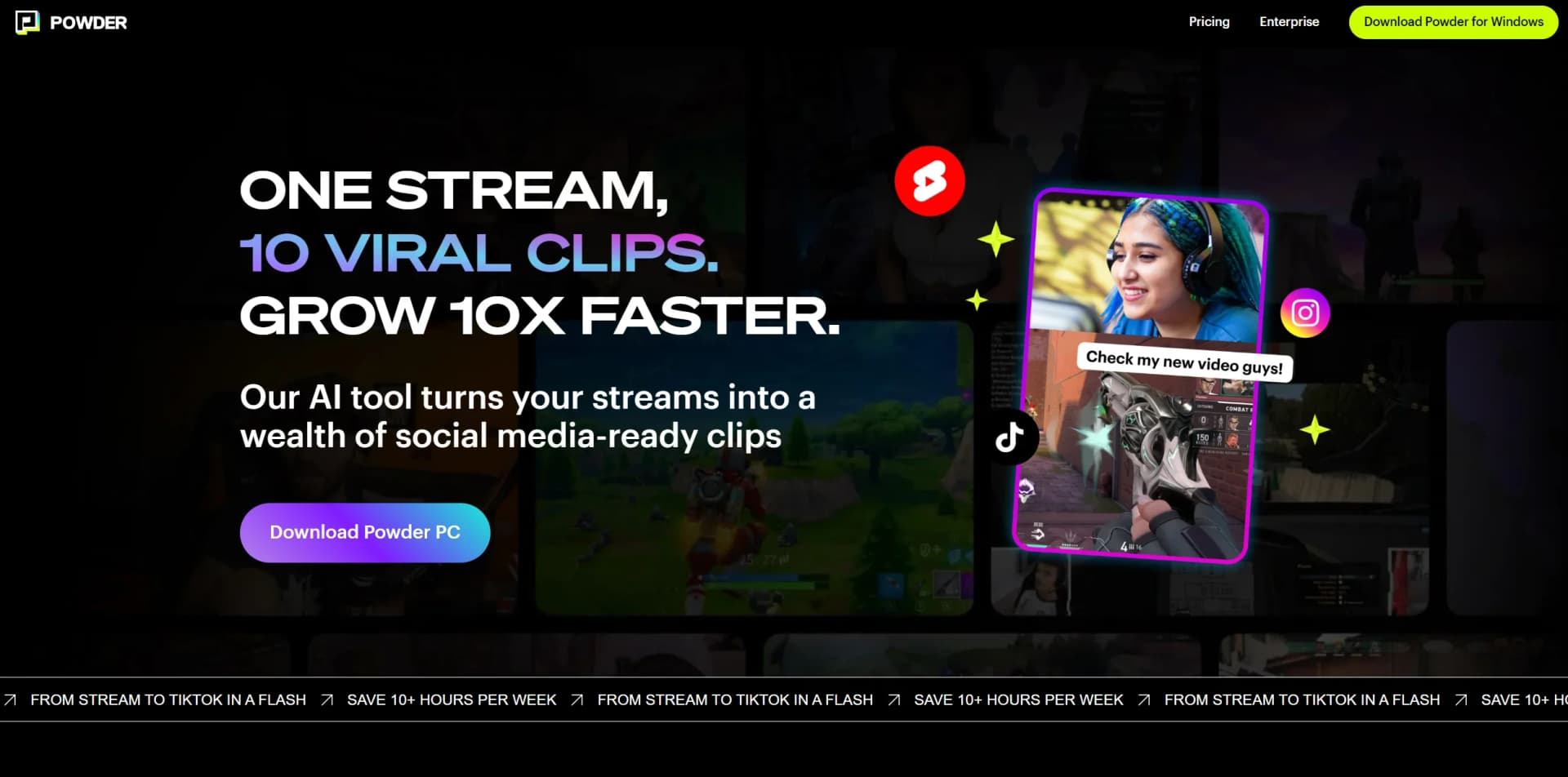
Transform gaming streams into viral clips effortlessly with AI-powered precision.
Key Takeaways
- What it is
- Transform gaming streams into viral clips effortlessly with AI-powered precision.
- Pricing
- Freemium · $99/year
- Best for
- Stream Integration
- AI Analysis
- Editing Tools
- Rating
- 4.4/5
What is Powder?
Powder is a cutting-edge AI-powered clipping software tailored for the gaming community. This tool is a content creator's dream, transforming lengthy streams into viral-ready clips with just a few clicks. Designed primarily for gamers and streamers, Powder simplifies the process of identifying and sharing the most compelling moments from gaming sessions.
Powder differentiates itself with its advanced AI that understands the gaming context, providing content creators with an automated editor that knows exactly what moments to clip. This not only saves time but also ensures that key highlights are not missed.
Powder excels in transforming gaming streams into shareable, viral content with ease, making it a vital tool for gamers and content creators alike. Its AI-driven content identification and ease of social media integration offer significant advantages, particularly for those looking to grow their online presence efficiently. With Powder, the promise of saving time while expanding reach is not just a possibility—it's a reality.
Who is Using Powder?
Professional Gamers
For showcasing their top plays and growing their fan base on social media.
Streaming Enthusiasts
Who want to share highlights without spending hours on video editing.
Content Creators
Looking to repurpose their live streams into engaging content for platforms like TikTok and YouTube.
Social Media Managers
For gaming brands seeking to promote their players and products with compelling video clips.
Uncommon Use Cases
Non-gaming streamers using Powder to highlight key moments in their Just Chatting sessions; educators incorporating gaming clips into interactive learning materials.
Key Features
Rating Breakdown
Pricing Plans
Free Plan
Free
- Offers up to 12 monthly clip exports at no cost
- Ideal for individuals testing out Powder's capabilities
Premium Plan
$99/year
- Extensive features like unlimited clip exports and full AI analysis capabilities
Which Powder plan should you pick?
Start with Powder Free for local gameplay recording and AI analysis; upgrade to Powder Pro when you need Twitch or YouTube imports, creator controls, or 4K exports.
Powder Free
Good for gamers who need unlimited local gameplay analysis, AI highlights, AutoEdits, and 1080p exports with a Powder outro.
Powder Pro
Good for streamers and creators who need Twitch and YouTube connections, VOD imports, chat-spike analysis, customizable AutoEdits, and up to 4K 120 FPS exports.
Powder Use Cases
Record gameplay sessions
Capture gameplay with Powder's native screen recorder.
Outcome: Gameplay is available for AI analysis and editing.
Find gaming highlights
Analyze recordings or completed streams using game, audio, transcript, and community-reaction signals.
Outcome: The strongest moments become clips and bookmarks.
Create social media clips
Trim clips, add subtitles, change aspect ratios, and apply vertical templates.
Outcome: Clips are formatted for platforms such as TikTok, Instagram, and YouTube.
Build automontages
Select favorite clips and let Powder stitch them together with transitions.
Outcome: A polished highlight reel is created.
Manage gaming content
Organize long videos, short clips, bookmarks, and connected-channel content in one workspace.
Outcome: Gaming media is centralized for analysis and reuse.
Workflow Ideas with Powder
Turn a gameplay session into shorts
- 1Record gameplay with Powder's screen recorder
- 2Run AI analysis to identify highlights
- 3Edit, subtitle, and export selected clips
Repurpose a completed stream
- 1Connect Twitch or YouTube
- 2Import and analyze the completed VOD
- 3Use chat spikes and community clips to select moments
Create a gaming montage
- 1Choose favorite clips
- 2Create an automontage
- 3Apply a vertical template and export for social media
How Powder fits into your stack
Twitch and YouTube Integration
Direct connection to streaming platforms for seamless clip generation.
Social Media Templates
Provides both vertical and horizontal templates for easy adaptation to different platforms.
Clip Export Options
Allows for easy exporting and sharing of clips across various channels.
AI-Powered Analysis
Game-specific event recognition and emotion detection for capturing impactful moments.
Pros
- +Time-Saving: Claims to save content creators over 10 hours per week by automating the clipping process.
- +Intuitive Search Function: Features a 'CTRL+F' for video, allowing users to quickly locate and export memorable moments.
- +Customization: Provides templates for editing clips to fit various social media platform requirements.
- +Growth Potential: Helps gamers grow their online presence by enabling frequent and targeted content sharing.
Cons
- −Learning Curve: New users might need time to get accustomed to the features and best practices for optimal clip creation.
- −Export Limitations: The free plan has a cap on the number of monthly clip exports, which might restrict frequent streamers.
- −Support Constraints: Limited support on the free plan could be a drawback for users requiring more assistance.
Limitations & when to consider alternatives
Known limitations
- Windows only. Powder is available as a PC app exclusively for Windows and is not supported on macOS or Linux.
- No mobile app. The official site states that Powder does not have a mobile app.
- No live-stream post-processing. Streams must be finished and publicly available before Powder can extract clips.
- Free export branding. The Free plan exports at 1080p with a Powder outro; outro-free exports require Powder Pro.
- Session clip limit. Powder advertises up to 100 clips per session.
Look elsewhere when
- You need macOS or Linux support.
- You need live-stream clipping.
- Your workflow requires a mobile app.
How to Use Powder
- 1
Powder offers tutorials and resources to help users get started and make the most of its features, ensuring a smooth learning curve.
Who is Powder For?
Gamers
Record gameplay, automatically find highlights, and share clips without manually reviewing long recordings.
Gaming Creators
Turn completed streams and gameplay sessions into frequent short-form content and automontages.
Editors
Use trimming, subtitles, templates, aspect-ratio controls, and montage tools to produce social-ready clips.
Frequently Asked Questions
How does Powder work?
Powder uses AI to transform gameplay recordings and completed Twitch, YouTube, Kick, or other VOD streams into polished clips.
On which platforms is Powder available?
Powder is a Windows-only PC app and does not support Linux, macOS, or mobile devices.
How do I use Powder?
Download Powder to Windows, sign up with email or Razer ID, record gameplay, or import a VOD through a stream link.
Is Powder free?
Powder Free costs $0 for gamers. Powder Pro is available for streamers and creators at $9.99 per month.
Can I automatically get highlights for any game?
Powder supports automatic highlights for more than 40 popular games and offers Universal Game Support for other games.
Does Powder make clips in real-time when a stream is live?
No. Powder is post-processing software; streams must be completed and publicly available before extraction.
Community reviews
Be the first to share your experience.
Sign in to leave a review for Powder.
Powder Alternatives
Looking for alternatives to Powder? Here are similar tools in the same category:
Learn to Master Powder
With Skill Leap courses
Get in-depth training on Powder and 50+ other AI tools with our expert-led video courses.
Start 7-Day Free Trial