
Playground AI
Unleash creativity with AI-driven image creation and intuitive editing.
Key Takeaways
- What it is
- Unleash creativity with AI-driven image creation and intuitive editing.
- Best for
- Mixed Image Editing
- Intuitive Image Generation
- Image Expansion
- Rating
- 4.7/5
What is Playground AI?
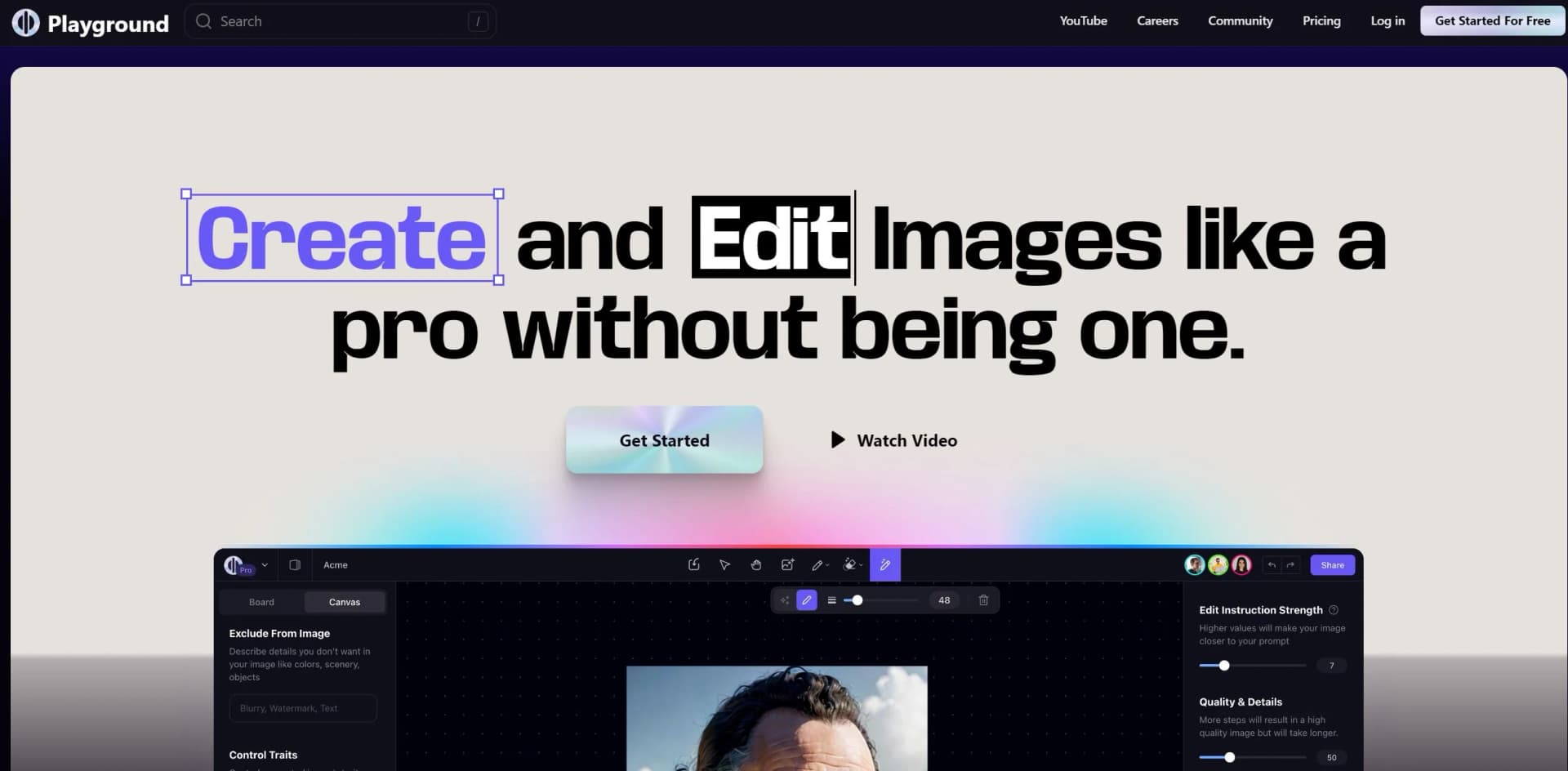
Playground AI is an innovative online tool designed to transform the way we create and edit images. With the power of artificial intelligence at its core, Playground AI enables both professionals and hobbyists to conjure up stunning visual content that was once only possible with extensive training and sophisticated software. The platform encourages users to explore the bounds of their creativity, allowing them to craft everything from photorealistic images to surreal works of art with ease.
Playground AI stands out with its ability to merge reality with AI-generated imagery, paving the way for unprecedented creative expression. Its user-friendly interface ensures that even those without professional design experience can produce professional-level graphics, making it a game-changer for visual content creation.
Playground AI excels in providing an accessible, innovative platform for image creation and editing, making it an indispensable tool for a wide range of users. Its standout feature of mixed image editing offers an unmatched advantage in the realm of digital art and visual content. With its robust feature set and community-driven approach, Playground AI is not just a tool but a playground for the imagination.
Who is Using Playground AI?
Content Creators
Generating eye-catching graphics for social media and digital platforms.
Graphic Artists
Merging traditional art with AI-assisted techniques for modern masterpieces.
Educators
Integrating visual learning aids into their curriculum.
Marketing Professionals
Producing high-quality visuals for campaigns and branding.
Uncommon Use Cases
Architects visualizing new designs; Writers bringing book covers to life.
Key Features
Rating Breakdown
Pricing Plans
Free Access
- Playground AI is free-to-use
- Encouraging broad experimentation and learning
Subscription Options
- While the base service is free
- There may be premium features or higher usage limits available for a fee
Which Playground AI plan should you pick?
Start with Free for casual creation and limited testing; upgrade to Pro for regular commercial work and enhanced editing, or Pro Plus for high-volume generation and 4K editing.
Free
Good for casual creators who need limited image generation, basic exploration, and a small number of monthly model generations.
Pro
Good for serious creators who need faster generation, premium templates, commercial use, upscaling, background removal, and 2K editing.
Pro Plus
Good for professional or high-volume creators who need unlimited generations, advanced model access, priority support, API-request eligibility, and 4K editing.
Playground AI Use Cases
Cricut cut-file creation
Choose a template, customize it with plain-language instructions, split the design into layers, and export an SVG.
Outcome: A layered, cut-ready design for Cricut Design Space.
Print-on-demand product design
Create designs for shirts, stickers, mugs, wall art, and other merchandise, then preview them on product mockups.
Outcome: Shop-ready product artwork and listing mockups.
Social media and promotional graphics
Use templates and AI editing to create logos, posters, invitations, social posts, banners, and promotional designs.
Image editing and enhancement
Upload images and use background removal, upscaling, resizing, style changes, generative edits, and layer-based editing.
Outcome: Customized or enhanced images.
Workflow Ideas with Playground AI
Create a Cricut cut file
- 1Choose and customize a Playground template
- 2Split the design into SVG layers
- 3Upload the SVG to Cricut Design Space and send it to the cutting mat
Prepare a print-on-demand listing
- 1Start with a product template
- 2Customize the design and preview it on a shirt, mug, or tote
- 3Export a transparent PNG and listing mockup for the store
Edit an uploaded image
- 1Upload or drag an image into Playground
- 2Apply AI edits such as style changes, background removal, or generative fill
- 3Export the finished design
How Playground AI fits into your stack
Web-Based Platform
Accessible from any device with internet connectivity and a web browser.
Community Integration
Users can share and discuss their work within the Playground AI community.
Learning Resources
Tutorials and guides are available for new users to get accustomed quickly.
API Access
For developers looking to integrate Playground AI's capabilities into their own projects.
Pros
- +Accessibility: Open to users of all skill levels, democratizing image creation.
- +Cost-Effective: Free to use, offering professional-grade tools without the price tag.
- +Innovation: Employs cutting-edge AI to provide novel editing capabilities.
- +Community-Driven: A vibrant community feed for inspiration and sharing.
Cons
- −Internet Dependency: Requires a stable connection for online use.
- −Learning Curve: New users may need time to explore and master the features.
- −Output Variety: Results can vary greatly depending on input quality and specificity.
Limitations & when to consider alternatives
Known limitations
- Free generation limits. The Free plan allows five Playground v3 image edits every three hours and three monthly edits across GPT Image 2, Seedream, and Nano Banana.
- Free download limits. Free users are limited to two design downloads per day.
- Some editing tools require Pro. Background removal, upscaling, and SVG vectorization are listed as Pro-plan features.
- Free-plan peak-time delays. Free users may experience slower generation or waiting periods during peak usage.
- API access is selective. Playground is prioritizing potential API partners whose users generate more than one million images per month.
Look elsewhere when
- You need a publicly documented developer API.
- You need a native desktop application.
- You need SSO or SAML authentication.
- You need named third-party integrations.
How to Use Playground AI
- 1
Dive into a variety of tutorials and resources provided on the Playground AI website and community channels, ensuring that users can maximize the potential of the tool.
Who is Playground AI For?
Crafters
Playground provides templates, plain-language customization, layered SVG export, and designs for shirts, stickers, cake toppers, mugs, and event signs.
Print-on-demand sellers
The product page targets sellers creating designs, product mockups, transparent PNGs, and listing graphics for online stores.
Serious creators
The Pro plan is positioned for serious creators who need faster generation, premium templates, enhanced editing, and commercial use.
Professional creators
The Pro Plus plan is positioned for professionals who need higher usage limits, advanced model access, and 4K image editing.
Frequently Asked Questions
Does Playground AI offer API access?
Playground says API access is currently being handled for select partners and requires submitting a request form.
Is Playground AI free?
Yes. The Free plan includes limited image generation, three monthly generations across supported models, and two downloads per day.
What can users create?
Playground supports designs such as logos, stickers, T-shirts, posters, cards, invitations, mockups, memes, wallpapers, and patterns.
Can users upload images?
Yes. Users can upload images as references, drag images into Playground, and upload multiple images for combined designs.
Can users remove backgrounds and upscale images?
Background removal and upscaling are available as image tools; plan availability varies.
Can Playground create SVG files for Cricut?
Playground can convert designs into layered SVG files that can be uploaded to Cricut Design Space.
Community reviews
2 reviews from people who use Playground AI.
Sign in to leave a review for Playground AI.
Piergiorgio Concari
Eli Brooks
Playground AI Alternatives
Looking for alternatives to Playground AI? Here are similar tools in the same category:
Learn to Master Playground AI
With Skill Leap courses
Get in-depth training on Playground AI and 50+ other AI tools with our expert-led video courses.
Start 7-Day Free Trial