
Pika
Unleash seamless video creation from ideas with intuitive AI, enhancing content across disciplines.
Key Takeaways
- What it is
- Unleash seamless video creation from ideas with intuitive AI, enhancing content across disciplines.
- Best for
- Idea-to-Video Conversion
- User-Friendly Platform
- Integration with Popular Services
- Rating
- 4.2/5
What is Pika?
Pika is a cutting-edge AI tool designed to transform ideas into captivating videos with ease and efficiency. At the heart of Pika is the promise to bring your creative visions to life, simplifying the video creation process for a wide array of users. Whether you're a content creator, marketer, or educator, Pika offers a streamlined platform to turn concepts into dynamic, visually engaging videos without the steep learning curve typically associated with video production.
Pika distinguishes itself with its idea-to-video capability, which is a game-changer for users looking to quickly translate their visions into engaging video content. This unique selling point particularly benefits those seeking to produce videos with minimal time investment and technical expertise.
Pika excels in enabling users to effortlessly bring their creative ideas to video format, making it an invaluable tool for a wide range of users. Its idea-to-video conversion capability, combined with user-friendly design, positions Pika as a standout choice for those seeking to create high-impact videos without the need for extensive video editing skills or resources.
Who is Using Pika?
Content Creators
Utilizing the platform for quickly turning content ideas into engaging videos.
Marketing Professionals
Employing the tool to create promotional videos that capture audience attention.
Educators and Trainers
Leveraging the tool to produce educational content and instructional videos.
Social Media Enthusiasts
Using Pika for crafting videos that stand out on various social platforms.
Uncommon Use Cases
Non-profits using Pika for advocacy videos; Startups utilizing the platform for pitch presentations.
Key Features
Rating Breakdown
Pricing Plans
Free Access
- Pika offers the ability to sign in and start using the platform
- Suggesting a level of free access to its services
Subscription Plans
- While specific pricing details are not provided
- Pika likely offers subscription plans for additional features and capabilities
Which Pika plan should you pick?
Start with Lite for a small website chatbot, then upgrade when you need more chatbots, message credits, characters, or support.
Lite
Good for small deployments needing 5 chatbots, 2,000 monthly message credits, file uploads, embedding, and analytics.
Standard
Good for growing deployments needing 10 chatbots and 5,000 monthly message credits.
Professional
Good for larger deployments needing 20 chatbots, 10,000 monthly message credits, and email plus Zoom support.
Elite
Good for high-volume deployments needing 40 chatbots, 40,000 monthly message credits, priority support, and removed Pika branding.
Pika Use Cases
Create an internal knowledge chat
Upload company documents or URLs and create a chat experience using the organization’s own content.
Outcome: Employees can ask questions using natural-language search.
Build a customer-support chatbot
Train a chatbot on product information from documents and web pages, then embed it on a website.
Outcome: Visitors can receive answers about the product.
Create a shareable AI assistant
Build a chatbot from uploaded content and share the resulting conversational experience.
Outcome: Users can access the assistant without navigating the original knowledge base.
Review customer conversations
Use chatlogs to review conversations and filter them by specific chatbot.
Outcome: Teams can inspect how customers interact with their assistants.
Analyze chatbot usage
Use the analytics feature included in paid plans to monitor chatbot activity.
Workflow Ideas with Pika
Turn documents into a website chatbot
- 1Upload PDF, CSV, TXT, or DOCX files
- 2Customize the chatbot profile, colors, greeting, and response length
- 3Embed the chatbot on a website
Create and improve a customer assistant
- 1Add product information from files, Notion links, or web pages
- 2Let Pika learn the supplied content and answer questions
- 3Review filtered chatlogs and use analytics to assess usage
How Pika fits into your stack
Browser
Pika’s web experience provides browser-based model playgrounds for generating video, images, audio, and other media. Users can run models directly in the browser or use the main Pika web app.
Mobile
The dedicated Pika - AI Video iPhone app supports text-to-video, image-to-video, Pikaswaps, Pikaffects, Pikascenes, and related creative effects.
Automation and APIs
The Pika API offers documented REST endpoints, API keys, asynchronous jobs, presigned uploads, and access to video, image, audio, music, speech, and LLM models.
Team chat and tickets
Pika Agent can live inside tools such as Slack, Telegram, WhatsApp, Discord, Google Chat, and other communication platforms to handle tasks and produce creative assets.
Knowledge and files
Pika supports uploaded reference media and knowledge, including images, audio, video, and user-provided expertise used by agents and generation workflows.
Pros
- +Creativity Unleashed: Users can turn their ideas into motion with minimal effort, unlocking new potentials for storytelling and brand promotion.
- +Time-Saving: Pika significantly reduces the time required to produce professional-looking videos.
- +Accessibility: The platform is easily accessible, requiring no prior video editing experience.
- +Collaborative Features: Integration with services like Google and Discord suggests collaborative capabilities for team projects.
Cons
- −Platform Familiarity: New users may need to acquaint themselves with the specific workflows of Pika, despite its user-friendly design.
- −Feature Limitations: As an evolving platform, Pika may not yet offer the full range of features found in more established video editing software.
- −Service Integrations: While Pika supports popular services, it may not yet have a wide range of third-party integrations.
Limitations & when to consider alternatives
Known limitations
- Paid plans begin at Lite. The published pricing starts at $19.99 per month for Lite; the site does not list a $0 plan.
- Monthly message limits. Plans include 2,000, 5,000, 10,000, or 40,000 message credits per month.
- Per-chatbot character limits. Published limits range from 2,000,000 to 11,000,000 characters per chatbot depending on the plan.
- Chatbot quantity limits. Plans provide 5, 10, 20, or 40 chatbots.
- Supported source formats are specified. The pricing page lists PDF, CSV, TXT, DOCX, public Notion links, and web page links as supported sources.
Look elsewhere when
- You need a native mobile app.
- You need a documented developer API.
- You need team workspaces with roles and invitations.
How to Use Pika
- 1
Add your source content
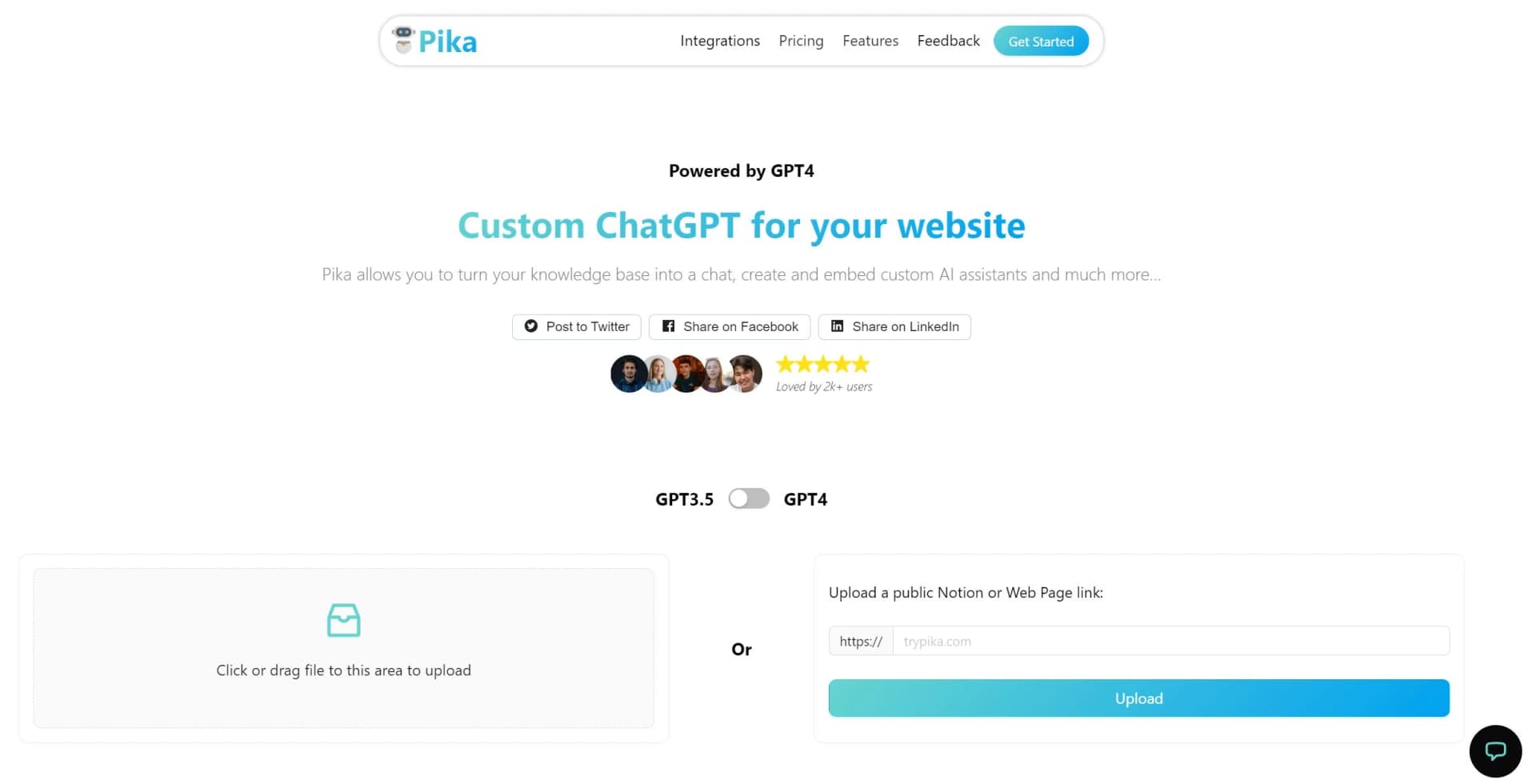
Upload supported files or provide URLs, public Notion links, or web page links so Pika can learn the relevant information.
- 2
Choose a chatbot format
Create an internal chat, shareable chat, or website chatbot based on how people will access the content.
- 3
Customize the assistant
Set the profile picture, colors, greeting message, and response length to match the intended experience.
- 4
Embed the chatbot
Place the chatbot on one or more websites using a plan that supports unlimited website embedding.
- 5
Monitor conversations
Review chatlogs, filter conversations by chatbot, and use analytics to understand usage.
Who is Pika For?
Website owners
Pika fits teams that want to embed custom AI assistants and chatbots directly on websites.
Organizations with knowledge bases
Organizations can turn internal documents, URLs, and Notion content into searchable conversational experiences.
Customer-facing teams
Teams can answer customer questions using product and company information uploaded to Pika.
Frequently Asked Questions
What is Pika?
Pika is a custom ChatGPT for websites that turns a knowledge base into chat and embeddable AI assistants.
What content can Pika use?
Pika supports PDF, CSV, TXT, DOCX, public Notion links, and web page links.
Can Pika create different chatbot types?
Yes. The site describes internal chats, shareable chats, and chatbots built from users’ own content.
Can I customize the chatbot?
You can customize the profile picture, colors, greeting message, and response length.
Can I embed Pika on websites?
Paid plans include embedding on unlimited websites.
Can I review conversations?
Pika provides chatlogs so users can review customer conversations and filter them by chatbot.
Community reviews
Be the first to share your experience.
Sign in to leave a review for Pika.
Pika Alternatives
Looking for alternatives to Pika? Here are similar tools in the same category:
Learn to Master Pika
With Skill Leap courses
Get in-depth training on Pika and 50+ other AI tools with our expert-led video courses.
Start 7-Day Free Trial