
Phrasly
AI-driven tool for seamless, high-quality content generation.
Key Takeaways
- What it is
- AI-driven tool for seamless, high-quality content generation.
- Pricing
- Freemium · $12.99 per month
- Best for
- AI-Powered Text Generation
- Customizable Templates
- Real-Time Collaboration
- Rating
- 4.4/5
What is Phrasly?
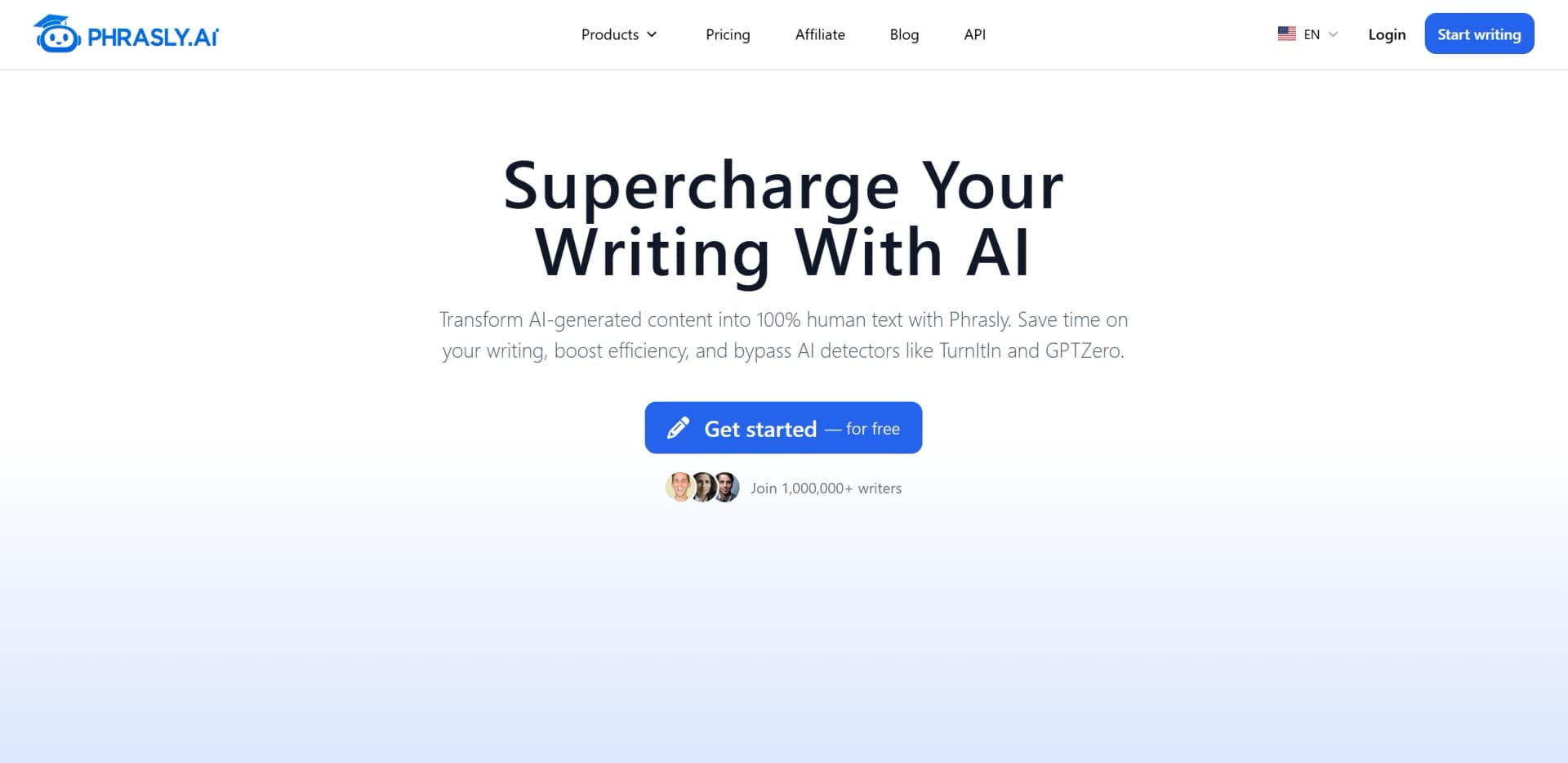
Phrasly, available at Phrasly.ai, is a cutting-edge AI tool designed to streamline and enhance the way we generate written content. It offers advanced text generation capabilities, making it a valuable asset for content creators, marketers, and professionals who rely heavily on producing high-quality written material. By leveraging state-of-the-art AI technology, Phrasly simplifies the process of crafting engaging and contextually relevant content.
Phrasly stands out with its robust AI-powered text generation capabilities, which are a game-changer for professionals seeking to automate and enhance their content creation processes. Its ability to provide real-time collaboration and support for multiple languages sets it apart, making it an invaluable tool for teams operating across borders.
Phrasly offers a comprehensive solution for anyone in need of efficient and high-quality text generation. Its user-friendly design and robust feature set make it a top choice for professionals across various industries. Whether you're a content creator, marketer, or educator, Phrasly provides the tools you need to streamline your workflow and enhance your content output. With its commitment to innovation and user satisfaction, Phrasly is poised to be an essential tool in the modern digital landscape.
Who is Using Phrasly?
Content Creators
Leveraging Phrasly to generate engaging articles, blog posts, and other written materials.
Digital Marketers
Utilizing the tool to craft compelling marketing copy and advertisements.
Educators
Employing Phrasly to develop educational content and resources efficiently.
Business Professionals
Using the tool to draft reports, proposals, and other business documents.
Uncommon Use Cases
Adopted by legal professionals for drafting legal documents; used by non-profits to create impactful fundraising materials.
Key Features
Rating Breakdown
Pricing Plans
Free Tier
Free
- Experience Phrasly with a 14-day free trial
- Perfect for new users to explore its features
Pro Tier
$12.99 per month
- Offering enhanced features and capabilities
Enterprise Tier
- Custom pricing available for large organizations with specific needs
Which Phrasly plan should you pick?
Start with the free tier for light use, choose Unlimited for regular writing and humanization, or select Business API Plan for programmatic integration.
3 Day Access
Good for users who want to try the paid humanization tools and higher usage limits for three days.
Unlimited
Good for individuals and power users who need unlimited humanizations and larger monthly content allowances.
Business API Plan
Good for developers and businesses that need API access to humanization and AI detection.
Phrasly Use Cases
Humanize AI-assisted writing
Paste AI-generated text, select a rewriting strength, and review the natural-language output.
Outcome: More natural-sounding writing with preserved meaning and tone.
Research PDF analysis
Upload research papers, ask questions, compare multiple PDFs, and receive page-cited answers.
Outcome: Faster document comprehension and source-grounded notes.
Professional communication
Paste emails, reports, Slack messages, or proposals into Formalizer and select a tone.
Outcome: Clearer, more polished workplace writing.
Multilingual translation
Paste text, select source and target languages, and translate with context-aware AI.
Outcome: Natural translations for academic, business, and everyday content.
AI content detection
Submit text to the built-in detector or Detection API for document-level and sentence-level scoring.
Outcome: An estimate of whether content may be AI-generated.
Workflow Ideas with Phrasly
Research paper workflow
- 1Upload up to six PDFs
- 2Ask questions and compare findings across documents
- 3Export cited answers or notes to continue writing
AI draft refinement workflow
- 1Paste an AI-generated draft
- 2Choose Easy, Medium, or Aggressive humanization
- 3Run the built-in AI detector and make final edits
Business API workflow
- 1Subscribe to the Business API plan and generate an API key
- 2Send text to the humanization or detection endpoint
- 3Return the processed text or scoring results in your application
How Phrasly fits into your stack
Browser
Phrasly is primarily delivered as a web-based writing suite, with humanization, detection, translation, document editing, citations, and other tools in one browser workspace.
Docs and writing
Phrasly Docs provides an AI document editor with autocomplete, AI commands, citations, humanization, detection, exports, and real-time collaboration. Its Human Auto Typer extension can type content into Google Docs and other web editors.
Knowledge and files
Chat with PDF lets users upload multiple PDF files, ask questions across them, receive page-linked citations, annotate documents, and export results to Word, Markdown, plain text, or PDF.
Automation and APIs
Phrasly Business exposes REST endpoints for humanization and AI detection, authenticated with API keys and available for backend integrations.
Pros
- +Enhanced Productivity: Significantly reduces the time required to draft and edit content, allowing users to focus on other critical tasks.
- +High-Quality Output: Consistently produces text that meets professional standards, minimizing the need for extensive revisions.
- +User-Friendly Interface: Intuitive design ensures that users of all skill levels can navigate the tool with ease.
- +Cost-Effective Solution: Offers a range of pricing plans that cater to different budgets, making advanced text generation accessible to all.
Cons
- −Learning Curve: Some users may initially find the advanced features overwhelming, requiring a period of adjustment.
- −Integration Limitations: Currently, integration with certain third-party platforms is limited, which may affect workflow for some users.
- −Dependency on Internet Connection: Requires a stable internet connection for optimal performance, which can be a drawback in areas with connectivity issues.
Limitations & when to consider alternatives
Known limitations
- PDF upload limits. PDF chat supports up to six PDF files at once, with a 10MB limit per file.
- Humanization request limit. Paid humanization supports up to 5,000 words per request.
- Detection API input limit. The Detection API requires at least 50 words and supports up to 15,000 characters per request.
- Detection language coverage. The Detection API documents English as its primary supported language.
- Trial terms. The 3 Day Access trial costs $2 and may convert to a paid subscription unless canceled.
Look elsewhere when
- You need a native iOS or Android app
- You need automated multi-tool workflows
- You need image-based document understanding
- You need custom model fine-tuning on your documents
How to Use Phrasly
- 1
Create a free account
Start with Phrasly's free access to test the detector, translator, document editor, PDF chat, and other tools.
- 2
Choose a writing tool
Open Humanizer, Formalizer, Content Generator, Translator, Docs, or PDF chat based on the task.
- 3
Add your source material
Paste text, start a blank document, or upload PDFs when working with document research.
- 4
Configure the operation
Select a humanization strength, writing tone, target language, citation style, or other available setting.
- 5
Review and refine
Check the generated output, run the AI detector where appropriate, and make final edits.
- 6
Export or integrate
Export documents to Word, PDF, Markdown, or plain text, or use the Business API for application integration.
Who is Phrasly For?
Students
Students can refine AI-assisted essays, check AI likelihood, work with research papers, and generate academic writing.
Researchers
Researchers can upload papers and lecture notes, ask cited questions, compare PDFs, and export findings.
Professionals
Professionals can formalize emails, reports, proposals, and customer-support messages while using the document editor and translation tools.
Marketers and content teams
Marketing teams can generate scripts, emails, blog content, and other copy, then humanize and check the output.
Developers and businesses
Businesses can integrate Phrasly's humanization and AI-detection capabilities through the Business API.
Frequently Asked Questions
Is Phrasly free?
Phrasly offers free access to multiple tools, including its AI detector, translator, script generator, PDF chat, and document editor. Paid plans add higher usage limits and unlimited humanization.
How does Phrasly humanize text?
Paste AI-generated text, choose Easy, Medium, or Aggressive strength, and review the rewritten output. The built-in AI detector can then check the result.
Does Phrasly support PDFs?
Yes. Users can upload up to six PDFs, ask questions across them, receive page-cited answers, annotate documents, and export results.
Does Phrasly support collaboration?
Phrasly Docs supports real-time collaboration by allowing users to invite partners to work on documents together.
Does Phrasly have an API?
The Business API provides humanization and AI-detection endpoints, authenticated with API keys.
How many languages does Phrasly support?
Phrasly's translator supports more than 100 languages, while the document editor states support for more than 30 languages.
Community reviews
3 reviews from people who use Phrasly.
Sign in to leave a review for Phrasly.
Daniel
andrew
Joseph Rows
Phrasly Alternatives
Looking for alternatives to Phrasly? Here are similar tools in the same category:
Learn to Master Phrasly
With Skill Leap courses
Get in-depth training on Phrasly and 50+ other AI tools with our expert-led video courses.
Start 7-Day Free Trial