
Profile Picture Maker
Transform your digital identity with AI-enhanced, professional profile pictures effortlessly.
Key Takeaways
- What it is
- Transform your digital identity with AI-enhanced, professional profile pictures effortlessly.
- Pricing
- Freemium
- Best for
- AI Portrait Editor
- Background Removal and Replacement
- AI Portrait Enhancer
- Rating
- 4.6/5
What is Profile Picture Maker?
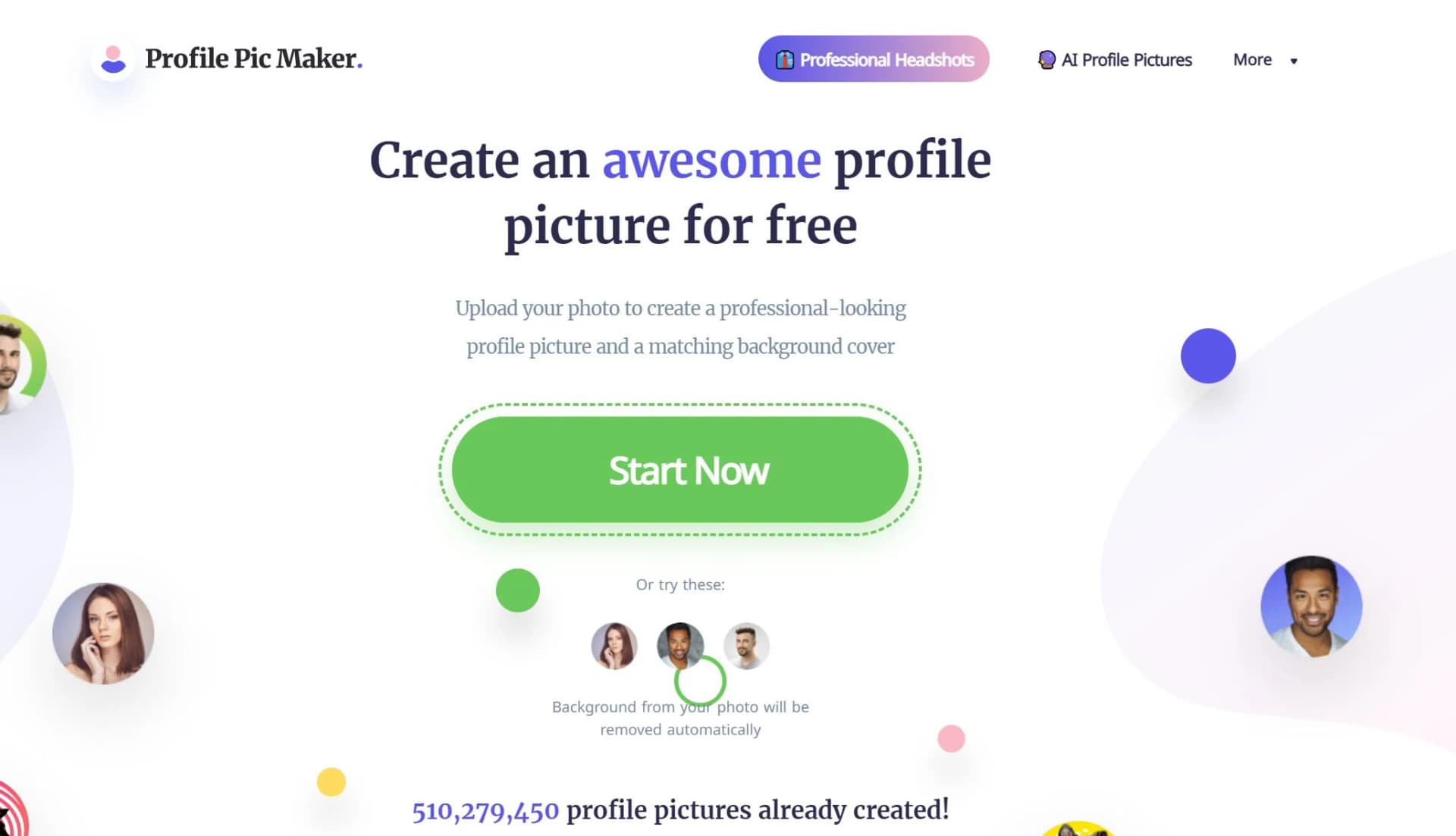
In today's digital age, a first impression is often made online, making a professional and eye-catching profile picture more important than ever. Enter Profile Picture Maker, an AI-powered tool from pfpmaker.com that promises to transform your digital presence. Whether you're aiming for a polished look on LinkedIn, a creative flair for Instagram, or simply seeking to enhance your online persona across various platforms, Profile Picture Maker offers an array of options to create the perfect avatar. With its user-friendly interface and advanced AI features, crafting a profile picture that reflects your style, confidence, and professionalism has never been easier.
What sets Profile Picture Maker apart is its seamless integration of AI technology with user-friendly design tools, allowing users to create professional-quality profile pictures effortlessly. Its ability to automatically enhance portraits and remove backgrounds with precision makes it a standout choice for anyone looking to improve their online image.
Profile Picture Maker is an invaluable tool for anyone looking to elevate their online presence with a professional and engaging profile picture. Its blend of AI-powered editing tools and user-friendly interface makes it accessible and effective for a wide range of users. Whether you're a professional seeking to make a strong first impression or a social media enthusiast aiming for creativity, Profile Picture Maker provides the resources to achieve your goals. With its free access and quality results, it's a top choice for crafting the perfect digital identity.
Who is Using Profile Picture Maker?
Social Media Enthusiasts
Enhancing their online presence with creative and polished profile pictures.
Professionals
Crafting business-oriented headshots for LinkedIn, resumes, and email signatures.
Teams
Creating uniform profile pictures to present a cohesive brand image online.
Creative Individuals
Experimenting with various styles and templates for unique personal branding.
Uncommon Use Cases
Educational institutions using it as a tool for teaching marketing and personal branding; Freelancers and entrepreneurs utilizing it to create professional images for business pitches and websites.
Key Features
Rating Breakdown
Pricing Plans
Free Tier
Free
- Users can access most features of Profile Picture Maker without any cost
- Making it an excellent tool for individuals looking to enhance their online presence without investment
Which Profile Picture Maker plan should you pick?
Start with Free for basic profile pictures and browser tools; upgrade to Premium when you need advanced AI generation and editing.
Free
Good for users who need basic profile pictures, background removal, backgrounds, borders, text, effects, and decals.
Premium
Good for users who need AI headshots, AI profile pictures, AI editing, makeovers, branding, and other advanced transformations.
Profile Picture Maker Use Cases
Professional headshots
Upload selfies and generate polished headshots for professional profiles.
Outcome: A career-ready profile image.
Social-media profile pictures
Create profile pictures with different backgrounds, styles, borders, and effects.
Outcome: A customized social profile image.
Background removal
Upload a photo and remove its existing background with AI.
Outcome: A cleaner subject-focused portrait.
Creative photoshoots
Change your look, explore artistic styles, and reimagine yourself in different scenes.
Outcome: Creative, photorealistic profile images.
Branded team photos
Apply consistent styling to team profile-picture assets with AI Branding.
Outcome: More consistent team visuals.
Workflow Ideas with Profile Picture Maker
Create a professional headshot
- 1Open the AI headshot flow
- 2Upload the requested selfies
- 3Follow the posing tips and generate headshots
- 4Download the preferred result
Make a social-media profile picture
- 1Upload a photo
- 2Choose a background, border, effect, or style
- 3Adjust the profile-picture design
- 4Download and use it on social media
Create a branded team image
- 1Open the AI Branding tool
- 2Upload or provide the team photo inputs
- 3Apply consistent branding and styling
- 4Export the finished profile-picture assets
How Profile Picture Maker fits into your stack
Currently, Profile Picture Maker focuses on providing a standalone service without explicit integrations with social media platforms or professional networking sites. However, the generated images are universally compatible and can be used across all major platforms.
Pros
- +Ease of Use: Intuitive design makes profile picture creation accessible to everyone, regardless of technical skill.
- +Versatility: Suitable for a wide range of uses, from social media and business cards to CVs and email signatures.
- +Quality Output: Produces high-quality, professional-looking profile pictures that can significantly boost online engagement.
- +Free to Use: Offers a robust set of features without the need for a credit card, making it accessible to a wide audience.
Cons
- −Limited Advanced Editing: While it offers a variety of editing tools, professionals might find the features somewhat basic.
- −File Size Restriction: Supports JPG/PNG up to 5MB, which may limit options for users with higher resolution photos.
- −Background Removal Precision: Though constantly improving, the background remover may struggle with highly complex backgrounds.
Limitations & when to consider alternatives
Known limitations
- AI results vary. PFPMaker states that results depend heavily on input-photo quality, lighting, facial position, model settings, and other variable factors.
- No guaranteed output quality. The service does not guarantee that results will meet expectations, accurately represent the user, or be photorealistic and professionally usable.
- Paid generations consume credits. Each successful AI generation uses credits regardless of satisfaction; technical failures are refunded automatically.
- Subscription credits expire. Unused subscription credits roll over for up to three months and are capped at three times the monthly plan limit.
- Account images are retained. Registered-user uploads and generated images remain in cloud storage until account deletion; deleted images may persist in backups and logs temporarily.
Look elsewhere when
- You need a documented developer API with published endpoints and API keys.
- You need a native mobile or desktop application.
- You need shared multi-user workspaces with roles or invitations.
How to Use Profile Picture Maker
- 1
For those looking to maximize their use of Profile Picture Maker, the website offers insights and tips on creating the perfect profile picture, including how to choose the right photo and utilize AI tools effectively.
Who is Profile Picture Maker For?
Social media users
Create profile pictures for social-media accounts and messenger display images.
Job seekers
Create professional photos for CVs, resumes, LinkedIn, and other career profiles.
Business professionals
Generate headshots for email signatures, business cards, and professional platforms.
Personal-brand builders
Use branded profile pictures, creative styles, and consistent visual assets.
Teams and organizations
Create branded team photos with consistent styling through the AI Branding tool.
Frequently Asked Questions
Can the background be removed more precisely?
PFPMaker recommends uploading a high-quality, high-contrast, well-lit photo with the head fully visible.
Where can generated profile pictures be used?
They can be used for social media, messenger display pictures, email signatures, resumes, CVs, dating apps, and more.
How can generated profile pictures be used?
They may be used in any lawful way that does not violate PFPMaker’s usage agreement.
What happens with my photo after upload?
PFPMaker processes uploaded photos on its backend for background removal; initial photos are automatically removed every 24 hours.
How do I start creating AI headshots?
Open the headshot flow, upload the requested selfies, and follow the on-screen posing tips.
Why does PFPMaker need several selfies?
Multiple face views help the AI maintain realistic, consistent results with fewer artifacts.
Community reviews
2 reviews from people who use Profile Picture Maker.
Sign in to leave a review for Profile Picture Maker.
Abimanyu Rinaldi
Nitin Sarkar
Profile Picture Maker Alternatives
Looking for alternatives to Profile Picture Maker? Here are similar tools in the same category:
Learn to Master Profile Picture Maker
With Skill Leap courses
Get in-depth training on Profile Picture Maker and 50+ other AI tools with our expert-led video courses.
Start 7-Day Free Trial