
Penelope AI
Elevate writing with AI: rewriting, summarizing, PDF editing, user-friendly.
Watch Penelope AI in Action
Key Takeaways
- What it is
- Elevate writing with AI: rewriting, summarizing, PDF editing, user-friendly.
- Pricing
- Freemium
- Best for
- Smart AI Writing Assistant
- Advanced Paraphrasing Tool
- Efficient Summarizing
- Rating
- 4.5/5
What is Penelope AI?
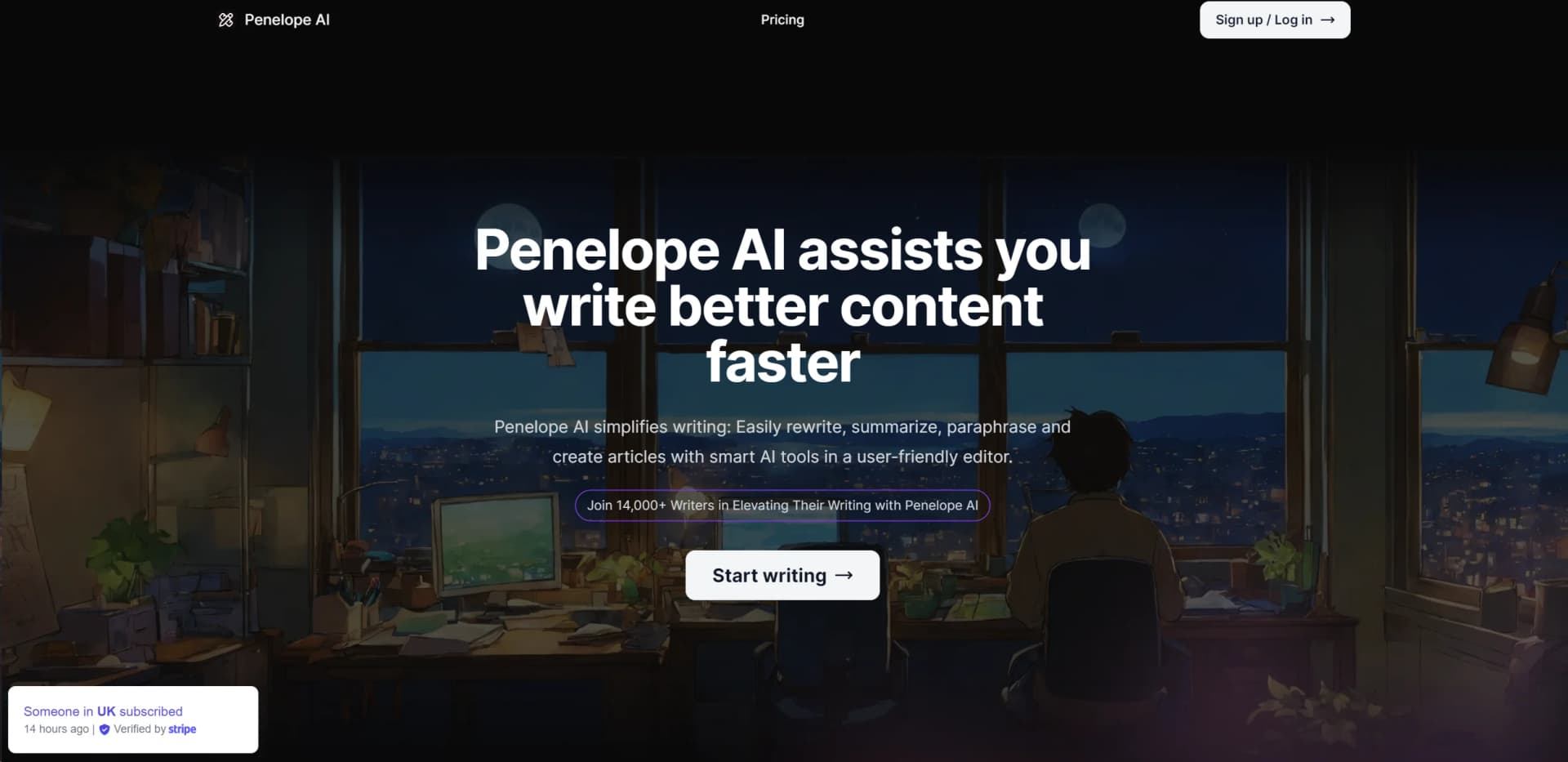
In the bustling world of content creation, Penelope AI emerges as a beacon of innovation and efficiency. This tool is ingeniously designed to cater to the needs of writers, bloggers, and professionals who are constantly on the lookout for ways to enhance their writing process. Penelope AI is not just another writing assistant; it's a comprehensive ecosystem equipped with AI-driven tools that promise to elevate your writing experience. From rewriting and summarizing to paraphrasing and creating articles, Penelope AI simplifies these tasks with its smart AI tools, housed within a user-friendly editor.
Penelope AI stands out in the crowded AI writing tool market with its user-centric design and comprehensive suite of features. Its ability to seamlessly integrate with PDF documents for extracting and modifying content sets it apart, offering a level of convenience and functionality that is hard to find elsewhere.
Penelope AI is a formidable ally in the world of content creation, offering a suite of tools that not only enhance the quality of writing but also streamline the writing process. Its user-friendly interface, coupled with powerful AI capabilities, makes it an indispensable tool for writers, marketers, and business professionals across the board. Whether you're looking to boost your productivity, improve the diversity of your writing, or simply need assistance with drafting and editing, Penelope AI is equipped to meet your needs. With its unique features and strong community support, Penelope AI is poised to become a go-to writing assistant for many.
Who is Using Penelope AI?
Content Creators
For generating original articles and blog posts.
Academic Researchers
Assisting in rewriting and summarizing research papers.
Digital Marketers
Creating varied marketing content to engage audiences.
Social Media Managers
Crafting unique posts to capture attention.
Uncommon Use Cases
Assisting non-native English speakers in improving their writing; Used by scriptwriters for drafting and editing scripts.
Key Features
Rating Breakdown
Pricing Plans
Free Tier
Free
- Penelope AI offers a robust free version
- Inviting users to experience its capabilities firsthand
Subscription Plans
- While specific pricing details were not available
- Penelope AI encourages users to explore its services further on their website
Which Penelope AI plan should you pick?
Start with Free for occasional writing and limited uploads; upgrade to Ace for unlimited AI use and files, or contact Penelope for Team needs.
Free
Good for occasional writers who need unlimited documents, 50 monthly AI credits, and up to 10 file uploads per month.
Ace
Good for individual users who need unlimited AI-assisted writing and unlimited file uploads.
Team
Good for teams integrating Penelope into operational workflows and needing unlimited AI use and uploads.
Penelope AI Use Cases
Essay writing
Use Penelope's AI writing tools to develop essay content.
Outcome: Craft compelling essays with ease and precision.
Blog posts
Generate and refine content for blog articles.
Outcome: Create engaging and well-structured blog content quickly.
Research papers
Use AI assistance while drafting research-paper content.
Outcome: Streamline research writing with clear and concise content.
LinkedIn posts
Create professional social content for LinkedIn.
Outcome: Produce impactful LinkedIn updates.
Newsletters
Draft engaging informational newsletter content.
Outcome: Create engaging and informative newsletters.
Workflow Ideas with Penelope AI
Draft and refine an article
- 1Start a document in Penelope
- 2Use AI Autocomplete to continue writing
- 3Use AI Paraphrase to adjust wording or tone
Summarize a PDF
- 1Upload a file
- 2Chat with the PDF to retrieve information
- 3Use AI Summarize to condense the content
Create social content
- 1Start with an idea for a LinkedIn post or newsletter
- 2Generate text with AI Autocomplete
- 3Paraphrase the draft to improve variety and tone
How Penelope AI fits into your stack
Browser Compatibility
Penelope AI is designed to work efficiently across major web browsers.
API Access
Offers API options for developers looking to integrate Penelope AI's capabilities into their applications.
Language Support
While primarily focused on English, there are plans to expand language support to accommodate a wider user base.
Pros
- +Enhanced Productivity: Significantly reduces the time required to draft, revise, and finalize content.
- +User-Friendly Interface: Designed with the user in mind, making navigation and operation straightforward.
- +Versatility: Suitable for a wide range of writing tasks, from academic papers to blog posts.
- +Community Support: Access to a growing community of 14,000+ writers, providing insights and shared experiences.
Cons
- −Learning Curve: New users might need time to fully utilize all the features available.
- −Internet Dependency: Requires a stable internet connection for optimal performance.
- −Feature Overload: An abundance of features might overwhelm users initially.
Limitations & when to consider alternatives
Known limitations
- Free AI usage is credit-limited. The Free plan includes 50 credits for AI features per month; autocomplete, paraphrase, and summarize each use one credit.
- Free file uploads are limited. The Free plan allows 10 file uploads per month.
- Paid pricing varies by billing cycle. The site presents monthly and annual billing, with annual plans offering two months free.
- Team pricing is not public. The Team plan requires contacting Penelope rather than showing a fixed price.
- Supported file formats are not documented. The accessible official pages describe file uploads and PDF interaction but do not specify a complete supported-format list.
Look elsewhere when
- You need a native mobile or desktop application.
- You need a documented developer API.
- You need enterprise SSO or SAML.
How to Use Penelope AI
- 1
For those looking to dive deeper into all that Penelope AI has to offer, the platform hosts a range of tutorials, from basic setup to advanced features, ensuring users can fully leverage the tool’s potential.
Who is Penelope AI For?
Essay writers
Penelope AI names essays as a use case and provides AI writing assistance for crafting compelling essays.
Blog writers
The tool is positioned for generating engaging, structured blog posts quickly.
Research-paper writers
Penelope AI names research papers as a use case and supports clear, concise academic writing.
LinkedIn creators
The service helps users create professional LinkedIn posts efficiently.
Newsletter writers
Penelope AI supports creating engaging and informative newsletters.
Frequently Asked Questions
How can I get refund within 14 days of purchase?
Penelope states that purchases can receive a full refund when requested within 14 days.
Will the privacy of the files I uploaded be protected?
Penelope says it uses reasonable measures to protect stored personal information and does not share it without consent, subject to stated exceptions.
Is it possible to cancel the subscription at any time?
The pricing page describes the service as having simple pricing with no commitment, but does not provide detailed cancellation instructions.
How can I reach out to support if I've got questions or need a hand?
The site includes a support-related FAQ prompt but does not publish a detailed support method in the accessible page text.
Does an API exist?
The site asks this question in its FAQ, but the accessible page does not provide API documentation or an API description.
Community reviews
Be the first to share your experience.
Sign in to leave a review for Penelope AI.
Penelope AI Alternatives
Looking for alternatives to Penelope AI? Here are similar tools in the same category:
Learn to Master Penelope AI
With Skill Leap courses
Get in-depth training on Penelope AI and 50+ other AI tools with our expert-led video courses.
Start 7-Day Free Trial