
Paxton AI
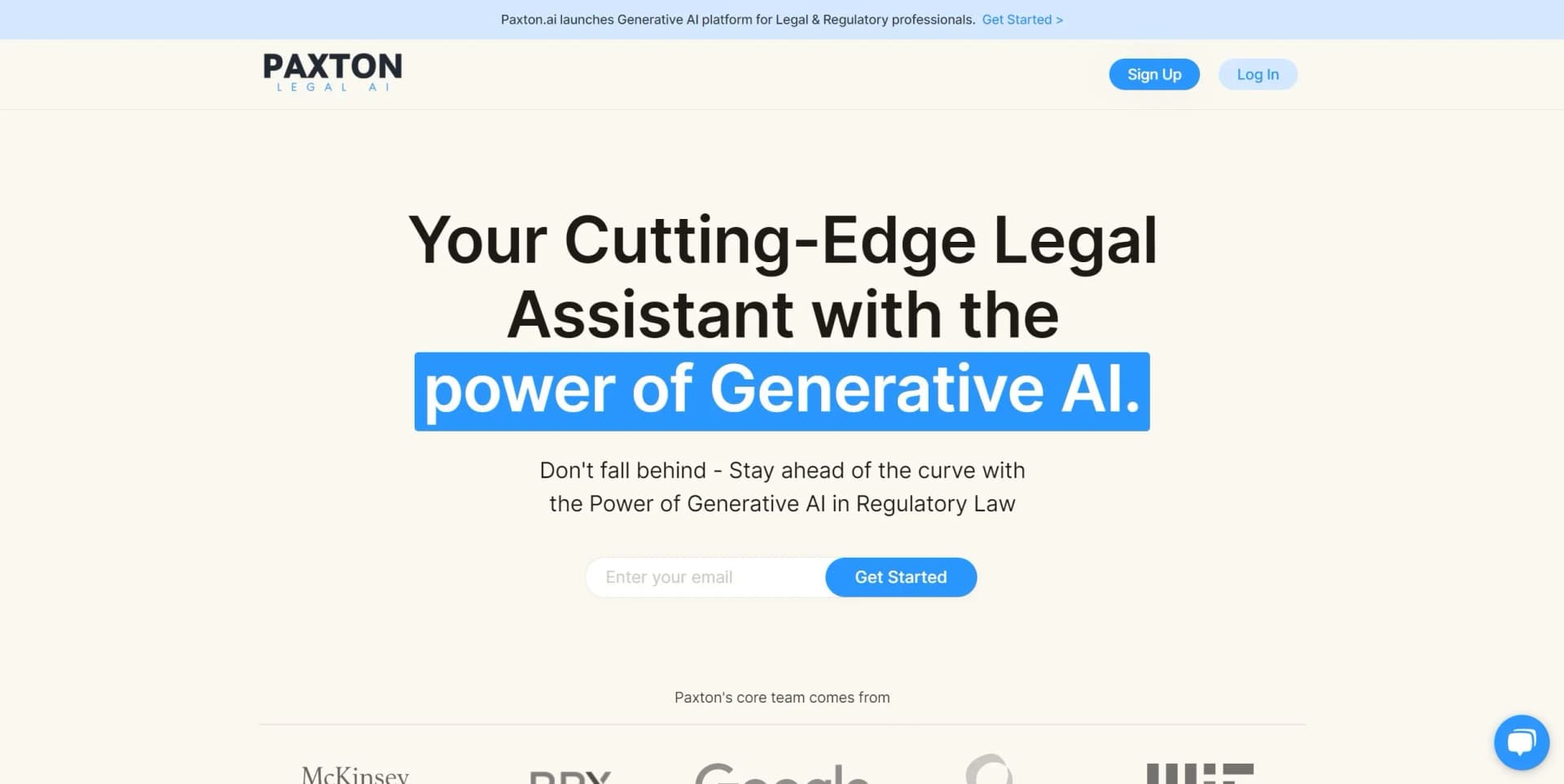
Paxton AI is a cutting-edge legal assistant powered by Generative AI, designed to keep businesses ahead of regulatory changes
Key Takeaways
- What it is
- Paxton AI is a cutting-edge legal assistant powered by Generative AI, designed to keep businesses ahead of regulatory changes
- Best for
- Extensive Legal Database Access
- Custom Document Drafting
- Natural Language Search
- Rating
- 4.3/5
What is Paxton AI?
Paxton AI is a transformative tool designed to optimize the legal profession by integrating artificial intelligence into the workflow of attorneys. This AI legal assistant excels at making lawyering less tedious, allowing for more billable hours and delivering enhanced value to clients. Its capabilities range from learning new areas of law to rapidly drafting and comparing documents, deepening discovery, and providing accurate citations, all aimed at streamlining the legal research and document creation processes.
Paxton AI distinguishes itself with its dedicated focus on the legal industry, providing a tool that is finely tuned to the specific needs of legal practitioners. Its promise to generate no hallucinated citations and to back every claim with a source stands out as a fundamental requirement for professionals who rely on precision and verifiability in legal documents.
Paxton AI emerges as a crucial instrument for legal professionals, offering a range of benefits from increased efficiency in legal research and drafting to ensuring the accuracy of citations. Its AI-driven approach to streamlining legal operations sets it apart, particularly in its commitment to providing reliable sources. With its user-friendly interface and robust security measures, Paxton AI is positioned as an essential tool for modern legal practices, enhancing productivity and fostering continuous learning within the legal sector.
Who is Using Paxton AI?
Law Firms
Implementing Paxton AI for efficient legal research and document drafting.
Solo Practitioners
Leveraging Paxton AI to handle diverse legal tasks without additional staff.
Corporate Legal Departments
Utilizing Paxton AI to navigate regulations and compliance issues swiftly.
Legal Academics
Incorporating Paxton AI as a teaching aid to demonstrate practical legal research and writing.
Uncommon Use Cases
Used by legal technology enthusiasts to explore the potential of AI in law; Adopted by legal documentarians for archiving and analyzing large volumes of legal texts.
Key Features
Rating Breakdown
Pricing Plans
Free Access
- Paxton AI offers a free version with no account required for users to experience its features
Custom Plans
- While specific pricing details are not provided
- The website suggests contacting them directly for tailored solutions
Which Paxton AI plan should you pick?
Start with Individual for one attorney using Paxton’s core drafting, research, and file-analysis tools; upgrade to Enterprise when you need firm-wide access, shared document sets, onboarding, and administrative controls.
Individual
Good for individual attorneys who need legal drafting, research, file analysis, medical chronologies, and billing summaries.
Enterprise
Good for firms needing multi-user access, collaboration features, shared document sets, workflow setup, onboarding, user management, and priority support.
Paxton AI Use Cases
Draft legal documents
Generate contracts, letters, pleadings, motions, filings, and other legal documents from prompts, templates, and source files.
Outcome: A structured first draft that can be edited and exported.
Analyze case files
Upload documents, ask questions, summarize transcripts, identify clauses, and locate important information across files.
Outcome: Faster review and targeted extraction of relevant facts.
Conduct legal research
Ask jurisdiction-specific questions and retrieve cases, statutes, legal principles, citations, and source links.
Outcome: Research results tied to verifiable legal authorities.
Build medical chronologies
Process medical records and generate chronology and billing-summary materials for litigation work.
Outcome: Organized case information for evaluation and drafting.
Compare legal documents
Paste two documents into the Compare Documents tool and ask Paxton to identify differences, conflicts, or changes.
Outcome: A focused comparison of textual and legal differences.
Workflow Ideas with Paxton AI
Research-backed demand letter
- 1Upload relevant case files and medical records
- 2Enable legal research and select the jurisdiction
- 3Ask Paxton to draft a demand letter with supporting authorities
Contract review and revision
- 1Upload the contract or agreement
- 2Ask Paxton to identify clauses, risks, and missing provisions
- 3Open the generated draft or recommendations in Canvas and export the revision
Matter-based case preparation
- 1Create a Matter for the case or client
- 2Add matter context and attach relevant files to conversations
- 3Use follow-up questions to generate summaries, checklists, and draft documents
How Paxton AI fits into your stack
Google Cloud Platform
Securely stores and encrypts uploaded files, ensuring data security and privacy.
Collaboration Tools
Features that facilitate team collaboration and communication within legal practices.
Continuous Learning
Offers a platform for legal professionals to enhance their knowledge and stay updated with changes in law.
Pros
- +Efficiency in Drafting Documents: Accelerates the document drafting process by integrating legal precedents and personal templates.
- +Accuracy of Citations: Ensures every claim is cited, reducing the time spent on fact-checking and verification.
- +User-Friendly Research: Simplifies legal research by allowing users to query in natural language.
- +Enhanced Learning: Aids in the professional development of legal teams by presenting complex legal concepts in an understandable format.
Cons
- −Learning Curve: New users may require time to adapt to the AI's functionalities and optimize its use in their legal practices.
- −Potential Over-reliance: There might be a risk of over-reliance on AI for complex legal reasoning that requires human expertise.
- −Limited to Legal Industry: Its specialized nature means it is not suitable for non-legal professionals.
Limitations & when to consider alternatives
Known limitations
- Internet connection required. Paxton currently requires an active internet connection and cannot be used offline.
- Canvas does not support simultaneous editing. Only one person can edit in Canvas at a time; multi-user live editing is described as a future roadmap item.
- Scanned-document accuracy depends on scan quality. Paxton can process scanned PDFs with OCR, but low-resolution or heavily marked scans may reduce accuracy.
- Bluebook citation support is not yet available. The help center says Bluebook citation support is on the roadmap for future releases.
- Matter sharing has product-version limitations. The matter-organization documentation states that matters were private and not shareable in that documented release, while organization shared drives provide separate collaboration.
Look elsewhere when
- You need a native mobile app.
- You need a public developer API.
- You need live multi-user editing in the document canvas.
- You need coding or software-development assistance.
How to Use Paxton AI
- 1
The website does not explicitly mention available tutorials, but users are encouraged to explore the tool directly or contact support for assistance in navigating its features.
Who is Paxton AI For?
Attorneys
Paxton supports legal drafting, case-law research, document review, and matter-specific analysis.
Law firms
Enterprise accounts provide firm-wide access, shared document sets, onboarding, workflow setup, and user management.
Legal professionals
The assistant helps legal professionals analyze records, summarize evidence, draft documents, and brainstorm case strategies.
Personal injury firms
Paxton documents medical chronologies, billing summaries, medical-record analysis, and demand-letter workflows for personal injury practices.
Frequently Asked Questions
What is Paxton AI?
Paxton is an AI legal assistant for drafting documents, conducting legal research, analyzing files, and generating legal insights.
Does Paxton offer a free plan?
Paxton lists a 7-day free trial for new users, but its pricing page does not list a continuing $0 plan.
What files can Paxton analyze?
Paxton supports text-based PDFs, DOCX, XLSX, XLS, PPTX, TXT, CSV, JSON, HTML, XML, Markdown, and related formats. Scanned PDFs can be processed with OCR, subject to scan quality.
Can Paxton analyze multiple documents?
Yes. Multiple documents can be uploaded for analysis, with Paxton summarizing relevant sections and answering questions about the files.
Does Paxton have a mobile app?
No. Paxton’s help center says it is available as a web application only.
Can teams collaborate in Paxton?
Organization accounts can invite colleagues and provide shared-drive access to common documents and cases.
Community reviews
2 reviews from people who use Paxton AI.
Sign in to leave a review for Paxton AI.
Thibault BM
Kaushik Rambhotla
Paxton AI Alternatives
Looking for alternatives to Paxton AI? Here are similar tools in the same category:
Learn to Master Paxton AI
With Skill Leap courses
Get in-depth training on Paxton AI and 50+ other AI tools with our expert-led video courses.
Start 7-Day Free Trial