
Oracle BPM Suite
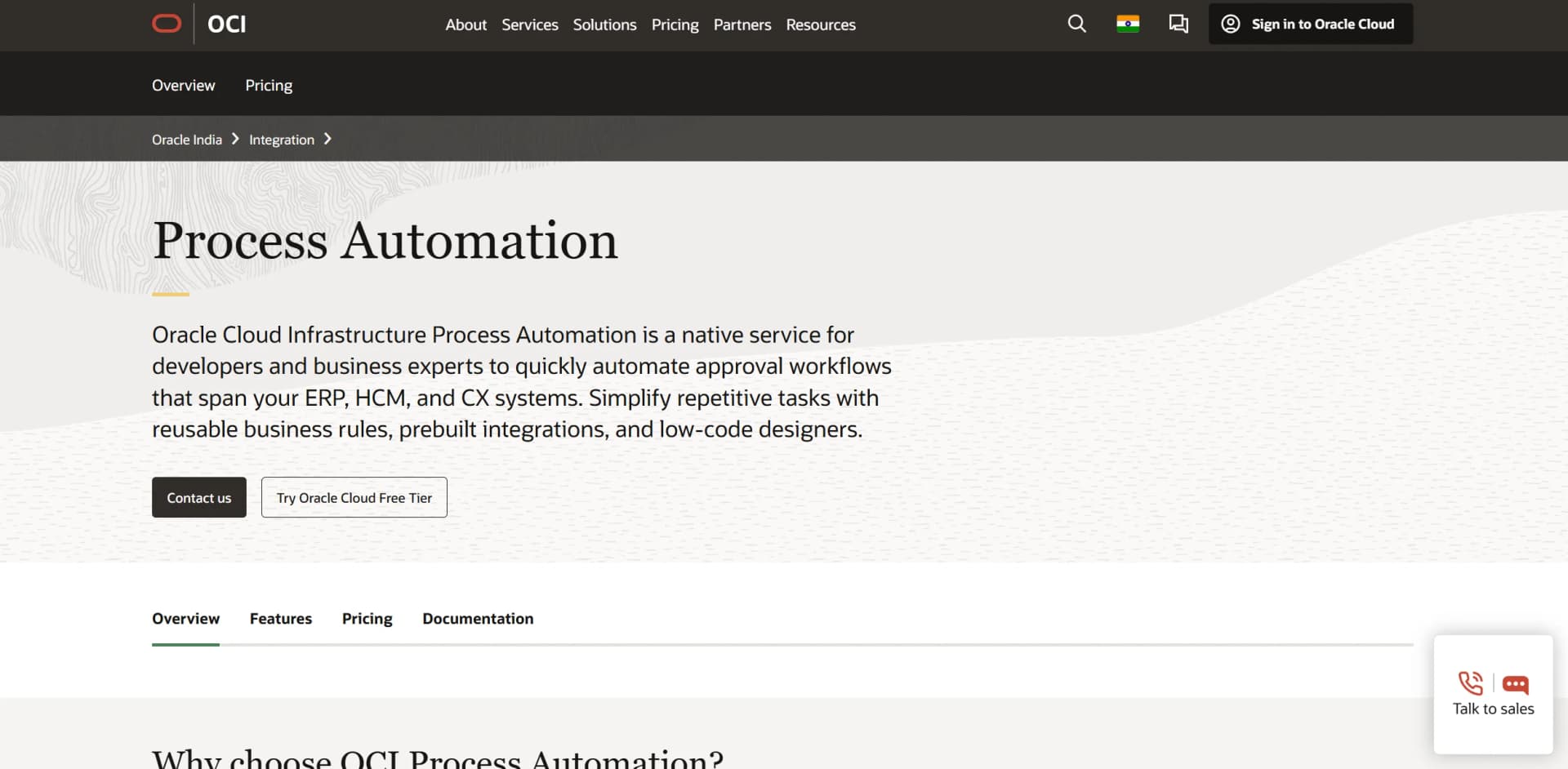
Streamline operations with intelligent automation and seamless integration.
Key Takeaways
- What it is
- Streamline operations with intelligent automation and seamless integration.
- Pricing
- Freemium
- Best for
- Intelligent Document Processing
- Low-Code Design Environment
- Seamless Integration
- Rating
- 4.5/5
What is Oracle BPM Suite?
Oracle BPM Suite is a comprehensive process automation tool designed to streamline and optimize business operations across various sectors. With its robust capabilities, Oracle BPM Suite revolutionizes business process management by offering advanced automation features that cater to both developers and business experts. This tool simplifies the automation of complex workflows and enhances operational efficiency, making it an ideal choice for organizations aiming to improve their enterprise resource planning (ERP), human capital management (HCM), and customer experience (CX) systems.
Oracle BPM Suite stands out with its intelligent document processing capabilities, which transform unstructured data into actionable insights, a game-changer for businesses handling large volumes of data. Its ability to seamlessly integrate with both SaaS and on-premises applications sets it apart, ensuring continuity and efficiency across diverse business environments.
Oracle BPM Suite offers a robust solution for businesses looking to enhance their process management capabilities. With its intelligent automation features, seamless integrations, and user-friendly design, it empowers organizations to optimize operations and improve efficiency. Whether you're a large enterprise or a sector-specific organization, Oracle BPM Suite provides the tools necessary to transform and elevate your business processes.
Who is Using Oracle BPM Suite?
Financial Institutions
Automating approval workflows for complex financial transactions.
Healthcare Providers
Streamlining patient data management and compliance processes.
Manufacturing Companies
Standardizing production processes and improving operational efficiency.
Retail Chains
Enhancing supply chain management and customer service operations.
Key Features
Rating Breakdown
Pricing Plans
Free Tier
Free
- Experience Oracle BPM Suite with a 30-day free trial
Pro Tier
- Pricing details for the Pro Tier are available upon request from Oracle
Which Oracle BPM Suite plan should you pick?
Start with the Oracle Cloud Free Tier execution pack for evaluation; move to paid active-user or execution-pack usage when production volume or user counts exceed the included allowance.
OCI Process Automation—Execution Pack
Good for usage measured by activities executed monthly and includes the first pack through Oracle Cloud Free Tier.
OCI Process Automation—User
Good for deployments priced by active process users per hour, with a minimum of five users.
Oracle BPM Suite Use Cases
Employed by educational institutions for automating administrative processes.
Utilized by government agencies for public service management.
Workflow Ideas with Oracle BPM Suite
Approval workflow
- 1Create a process application and form in Designer
- 2Assign users or groups to application roles
- 3Activate the application and process approvals in Workspace
Document submission and review
- 1Create a form with document-upload controls
- 2Route the submitted process to reviewers
- 3Store or retrieve documents through REST or document-store connectors
Cross-application business process
- 1Create a structured or dynamic process
- 2Configure REST or Oracle Integration connectors
- 3Run and monitor the process across connected applications
How Oracle BPM Suite fits into your stack
Browser
Business Process Composer and Process Workspace are web applications used to design, manage, and execute process applications.
Desktop / IDE
Oracle BPM Studio runs within Oracle JDeveloper and supports process design, implementation, simulation, and deployment.
Automation and APIs
REST APIs and Oracle Integration connectors let applications trigger processes and connect workflows to cloud or on-premises services.
Knowledge and files
Users attach documents to tasks and process instances; forms can upload files to external document stores and use document understanding.
Mobile
Oracle Process Mobile lets users view tasks, submit or approve work, and operate with synchronization when offline.
Pros
- +Time Efficiency: Significantly reduces the time needed to complete complex workflows by automating repetitive tasks.
- +Cost-Effective: Lowers operational costs by minimizing manual interventions and optimizing resource allocation.
- +User-Friendly Interface: Offers an intuitive design that simplifies the creation and management of business processes.
- +Scalability: Easily adapts to growing business needs with its flexible architecture and extensive integration capabilities.
Cons
- −Initial Learning Curve: Users may require some time to fully understand and leverage the advanced features of the tool.
- −Complexity: May be overwhelming for small businesses with simpler process needs.
- −Limited Customization for Specific Industries: Certain industry-specific customizations might require additional development effort.
Limitations & when to consider alternatives
Known limitations
- Comment length limit. Comments added to a process are limited to a maximum of 2,000 characters.
- File-upload size limit. The file-upload control supports an aggregate maximum of 2 MB and up to five files simultaneously.
- No binary file upload through the file-upload control. The documented file-upload control does not support binary file upload.
- No antivirus scanning for external file uploads. Files handled by external APIs are not stored in the process, and the file-upload control does not perform antivirus scans or checks.
- Form nesting limit. Forms cannot be nested beyond three levels, and cyclic form dependencies prevent deployment.
Look elsewhere when
- You need a downloadable desktop application.
- You need image-understanding or vision analysis.
- You need model fine-tuning or custom AI training.
How to Use Oracle BPM Suite
- 1
Provision an instance
Create or obtain an Oracle Cloud Infrastructure Process Automation instance through the OCI console or an associated Oracle service.
- 2
Open Designer
Use Designer to create a process application, then add processes, forms, decisions, roles, and connectors.
- 3
Configure access
Assign ServiceAdministrator or ServiceDeveloper access and configure application roles with users, groups, and permissions.
- 4
Connect applications
Create REST connectors for external services or integration connectors for active Oracle Integration integrations.
- 5
Activate and test
Activate a process-application version and test it in Workspace as an end user.
- 6
Run and monitor work
Use Workspace to start applications, work on tasks, upload documents, track process instances, and view analytics.
Who is Oracle BPM Suite For?
Process automation developers
Designer provides tools to create and edit process applications and their components.
Administrators
Workspace supports administration, roles, permissions, monitoring, and process-application management.
Business experts
Low-code and no-code designers help business experts orchestrate repetitive tasks, approvals, forms, and business rules.
End users
Workspace lets end users start applications, work on tasks, track processes, and view assigned work.
Frequently Asked Questions
What is Oracle Cloud Infrastructure Process Automation?
It is a cloud service for designing, automating, and managing structured and dynamic business processes.
What environments does Process Automation provide?
Designer is used to create and edit process applications. Workspace is used to test, run, monitor, and administer them.
Can Process Automation connect to external applications?
Yes. REST connectors connect to external services and applications, while integration connectors connect to active Oracle Integration integrations.
Does Process Automation provide APIs?
Yes. Its REST APIs support work with applications, processes, user tasks, and process-instance documents.
Can users upload documents?
Yes. Users can upload documents to process instances and forms can use file-upload controls connected to external document stores.
Does Process Automation support localization?
Yes. Applications, processes, forms, user-interface labels, and decisions can be localized for selected locales.
Community reviews
Be the first to share your experience.
Sign in to leave a review for Oracle BPM Suite.
Oracle BPM Suite Alternatives
Looking for alternatives to Oracle BPM Suite? Here are similar tools in the same category:
Learn to Master Oracle BPM Suite
With Skill Leap courses
Get in-depth training on Oracle BPM Suite and 50+ other AI tools with our expert-led video courses.
Start 7-Day Free Trial