
NotebookLM
A research workspace for answers grounded in your own trusted sources.
Watch NotebookLM in Action
Key Takeaways
- What it is
- A research workspace for answers grounded in your own trusted sources.
- Pricing
- $9.99 per month · $19.99 per month · $99.99 per month
- Best for
- Source-Grounded Chat
- Audio Overviews
- Video Overviews
- Rating
- 4.5/5
What is NotebookLM?
NotebookLM turns your own sources into a searchable research workspace. Add PDFs, Google Docs, Google Slides, websites, or public YouTube URLs, then ask questions and receive answers tied to citations from those materials. It is built for students, researchers, educators, and professionals who need to understand complex information rather than rely on a general web answer.
Its defining capability is source-grounded conversation: NotebookLM keeps responses focused on the materials in a notebook and shows citations so you can trace an answer back to the source.
NotebookLM fits people who read long documents, prepare for exams, or organize research around a specific topic. It is less suited to open-ended brainstorming that does not begin with trusted reference material, although newer research features can help find and add sources. The best reason to choose it is the direct link between your documents, its answers, and its generated study or briefing materials.
Who is Using NotebookLM?
Students
Exam preparation becomes a conversation with class materials, supported by quizzes, explanations, and Audio Overviews.
Research Analysts
Comparing reports and extracting evidence is easier when answers remain connected to the documents behind them.
Teachers and Instructors
Lesson resources can be reshaped into FAQs, timelines, study guides, and interactive learning material.
Technical Program Managers
Specifications and project documents can become simplified guides, briefings, and step-by-step roadmaps.
Writers and Editors
A notebook provides a cited reference base for outlining, fact checking, and understanding background material.
Uncommon Use Cases
Listening to source summaries while offline during travel; turning handwritten notes, worksheets, or photos into study material.
Key Features
Rating Breakdown
Pricing Plans
Google AI Plus
$9.99 per month
- Includes more access to Gemini Notebook
- Includes 400 GB of storage
- Share the plan with up to five others
Google AI Pro
$19.99 per month
- Includes expanded access to Gemini Notebook
- Includes 5 TB of storage
- Annual billing is available at $199.99
- Share the plan with up to five others
Google AI Ultra
$99.99 per month
- Includes the highest access to Google AI features and models
- Includes the highest NotebookLM limits and best model capabilities as available
- Includes 20 TB of storage
- Ultra plans are billed monthly only
Which NotebookLM plan should you pick?
Start with the free version for occasional source-based research, then choose Google AI Pro when daily limits, larger notebooks, or advanced sharing become a constraint.
Free
Good for students and individuals testing source-grounded chat, Audio Overviews, and document research.
Google AI Plus
Good for personal users who need more access to Gemini Notebook than the free version provides.
Google AI Pro
Good for regular researchers, students, and professionals who need larger notebooks, higher limits, and customization.
Google AI Ultra
Good for heavy AI users who need the highest Google AI access and the highest NotebookLM limits as they become available.
NotebookLM Use Cases
Exam Preparation
Class notes, readings, and syllabi become a study workspace with explanations, quizzes, and review formats.
Outcome: A more focused study session grounded in the student's own course material.
Research Synthesis
Several reports or papers can be questioned together while NotebookLM points back to supporting passages.
Outcome: Faster comparison of sources with an evidence trail.
Document Briefing
Long policies, specifications, or project files can be turned into FAQs, timelines, and briefing documents.
Outcome: A readable overview that preserves links to the underlying sources.
Audio Review
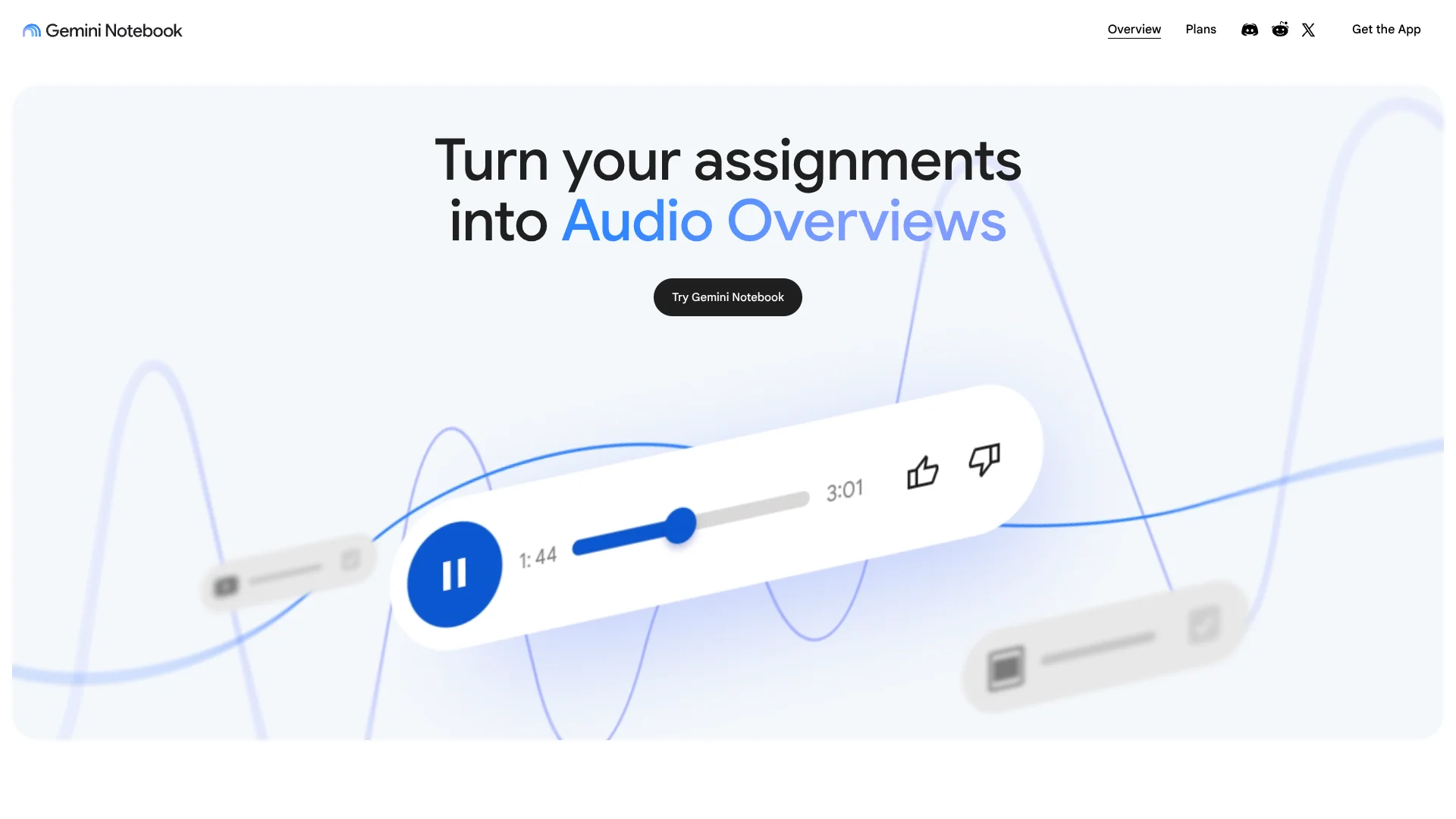
Audio Overviews turn notebook material into an interactive discussion for listening away from the screen.
Outcome: Convenient review during commutes, exercise, or offline periods.
Visual Learning
Video Overviews, infographics, and mind maps present relationships and key ideas in formats suited to visual learners.
Outcome: A quicker way to see structure across complex source material.
Workflow Ideas with NotebookLM
Turn Reading Into a Study Pack
- 1Add the syllabus, readings, notes, and worksheets to one notebook
- 2Ask for explanations of difficult concepts and generate practice questions
- 3Review the Audio Overview and use the citations to revisit weak areas
Build a Research Brief
- 1Collect reports, web pages, PDFs, and public YouTube sources
- 2Compare the sources and identify agreements, conflicts, and missing context
- 3Generate a briefing document with citations for each major point
Onboard a Project Team
- 1Create a shared notebook with specifications, plans, and background documents
- 2Ask questions about project rules, dependencies, and open issues
- 3Share a focused notebook view or briefing with new team members
How NotebookLM fits into your stack
Google Workspace
Google Docs and Slides can become notebook sources, making NotebookLM a research layer for material already stored in Google's productivity apps.
Web Research
Web pages and public YouTube URLs can sit beside uploaded documents, giving one notebook a focused source collection.
Files and Knowledge
PDFs, notes, worksheets, and other supported files become the reference base for source-grounded chat and generated summaries.
Mobile Review
The iOS and Android apps support source sharing, questions, background playback, and offline Audio Overviews.
Team Knowledge Sharing
Shared notebooks can give collaborators a common set of sources, with advanced sharing and analytics available through paid access.
Pros
- +Traceable answers: Citations make it easier to check where a response came from.
- +Long-document focus: NotebookLM is built around understanding sizable collections of reference material.
- +Audio learning: Audio Overviews make research and study material usable during commutes or other offline periods.
- +Google source support: Google Docs, Slides, websites, YouTube URLs, and PDFs fit naturally into the notebook workflow.
- +Useful free access: The free version includes core notebooks, source-grounded chat, and generated overviews.
Cons
- −Source dependence: Answers are most useful when you already have reliable material to add.
- −Usage caps: Free accounts have daily and per-notebook limits that can interrupt heavy research.
- −Limited standalone workflow: There is no confirmed public NotebookLM API or dedicated desktop installer.
Limitations & when to consider alternatives
Known limitations
- Free Notebook Limits. The free version supports up to 100 notebooks, 50 sources per notebook, and 500,000 words per source.
- Free Daily Limits. Free access includes limits of 50 chat queries per day and 3 Audio Overview generations per day.
- Paid Access Limits. Google AI Pro raises the limits to 500 notebooks, 300 sources per notebook, 500 daily chat queries, and 20 daily Audio Overview generations.
- Account Requirements. Work and school accounts can have different availability and controls from personal Google accounts.
Look elsewhere when
- You need a public developer API for programmatic notebook access.
- You need a downloadable Windows, Mac, or Linux desktop application.
- Your work depends on fully open-ended answers that are not grounded in a selected source collection.
How to Use NotebookLM
- 1
Create a Notebook
Start a notebook for one project, course, or research question so its sources stay focused.
- 2
Add Trusted Sources
Import PDFs, Google files, websites, public YouTube URLs, or other supported documents that should guide the answers.
- 3
Ask Cited Questions
Question the notebook about comparisons, definitions, gaps, or specific passages and check the citations in each response.
- 4
Generate a Useful Format
Choose an Audio Overview, Video Overview, FAQ, timeline, mind map, quiz, or briefing document based on how you plan to review the material.
- 5
Share or Continue on Mobile
Invite collaborators where supported, or use the iOS and Android apps to review audio and add sources while away from your computer.
Who is NotebookLM For?
Students
Class notes, readings, and worksheets can become cited explanations, quizzes, flashcards, and Audio Overviews.
Researchers
Multiple papers, reports, and web sources can be organized into a focused workspace for comparison and synthesis.
Educators
Course materials can become study guides, timelines, briefings, and other learning resources.
Professionals
Technical documentation, project material, and policy documents can become searchable reference notebooks.
Teams
Shared notebooks give groups a common source collection for onboarding, project research, and knowledge sharing.
Frequently Asked Questions
Is NotebookLM free?
Yes. NotebookLM has a free version with core notebook, source-grounded chat, and overview features, subject to usage limits.
What does Google AI Pro add?
Google AI Pro provides expanded NotebookLM access, including five times more notebooks, chat queries, and sources per notebook, plus advanced customization and collaboration features.
Can NotebookLM read PDFs and Google files?
Yes. Supported sources include PDFs, Google Docs, Google Slides, websites, public YouTube URLs, and other uploaded files.
Does NotebookLM have a mobile app?
Yes. Google offers NotebookLM apps for iOS and Android. The apps support Audio Overviews, source sharing, questions about notebooks, and offline audio playback.
Does NotebookLM cite its answers?
Yes. Responses are grounded in the sources added to the notebook and include citations that help you inspect the supporting material.
Can teams share NotebookLM notebooks?
Yes. Notebook sharing supports collaboration, and paid access adds sharing options and notebook usage analytics.
Part of the Google Gemini family

Google Gemini
View parent product
Community reviews
Be the first to share your experience.
Sign in to leave a review for NotebookLM.
NotebookLM Alternatives
Looking for alternatives to NotebookLM? Here are similar tools in the same category:
Learn to Master NotebookLM
With Skill Leap courses
Get in-depth training on NotebookLM and 50+ other AI tools with our expert-led video courses.
Start 7-Day Free Trial