
Nintex Workflow Automation
Streamline processes with intuitive workflow automation and seamless integrations.
Key Takeaways
- What it is
- Streamline processes with intuitive workflow automation and seamless integrations.
- Best for
- Drag-and-Drop Workflow Designer
- Robotic Process Automation (RPA)
- Document Automation & eSign
- Rating
- 4.3/5
What is Nintex Workflow Automation?
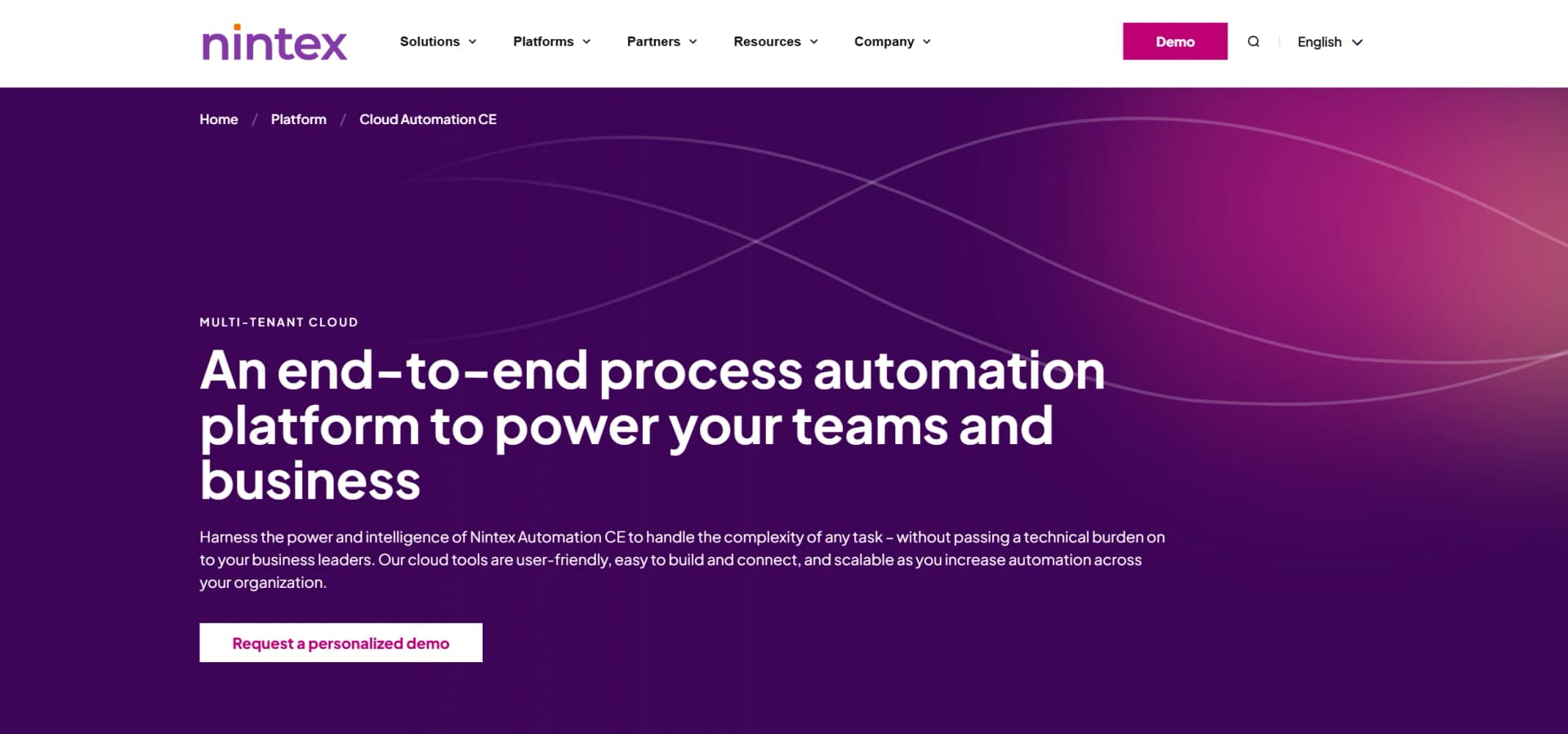
Nintex Workflow Automation is a transformative platform designed to streamline and enhance business processes through advanced automation capabilities. This tool is especially crafted for organizations aiming to optimize their workflows, reduce manual tasks, and boost overall efficiency. By leveraging Nintex, businesses can automate complex processes with ease, utilizing a no-code environment that empowers users without deep technical expertise. This makes it an ideal solution for professionals looking to simplify operational tasks, improve compliance, and accelerate business outcomes.
Nintex Workflow Automation stands out with its robust no-code platform, enabling users to design complex workflows without technical expertise. Its integration capabilities with popular platforms like Salesforce and Microsoft ensure seamless connectivity across various systems, enhancing its utility and ease of use. The platform's focus on security and compliance, including adherence to global data privacy laws, sets it apart as a trusted solution for businesses prioritizing data protection.
Who is Using Nintex Workflow Automation?
Financial Services
Leveraging the tool for automating compliance checks and managing client documentation.
Healthcare Providers
Utilizing automation to streamline patient data management and billing processes.
Manufacturing Companies
Employing the platform to automate supply chain processes and improve operational efficiency.
Government Agencies
Using Nintex for licensing, permitting, and other regulatory workflows.
Key Features
Rating Breakdown
Pricing Plans
Pro Tier
- Offers advanced features for scaling automation efforts
- Pricing available upon request
Expert Tier
- Tailored for enterprise-level automation
- Providing comprehensive capabilities for large-scale operations
Which Nintex Workflow Automation plan should you pick?
Start with Essentials for basic workflow automation, move to Pro as integrations and usage grow, and choose Expert for complex enterprise automation requirements.
Essentials
Good for organizations getting started with process automation and basic workflow requirements.
Pro
Good for teams scaling workflow automation across more processes, users, and connected systems.
Expert
Good for organizations with complex requirements that need the platform’s broadest automation capabilities.
Nintex Workflow Automation Use Cases
Adopted by educational institutions for administrative process automation.
Used by non-profit organizations to manage donor engagement and fundraising campaigns.
Workflow Ideas with Nintex Workflow Automation
Nintex Workflow Automation: A Catalyst for Business Efficiency
- 1Nintex Workflow Automation is a powerful ally for businesses seeking to streamline operations and maximize efficiency. With its user-friendly design and comprehensive feature set, it empowers organizations to automate complex workflows while maintaining high standards of security and compliance. Whether you're a small business or a large enterprise, Nintex offers scalable solutions that grow with your needs, making it a valuable investment for any forward-thinking organization.
How Nintex Workflow Automation fits into your stack
Browser
Nintex Workflow is used through its cloud workflow designer and administration interface, where teams create, publish, monitor, and manage workflows.
Automation and APIs
It connects business systems through built-in connectors, custom Xtensions, OpenAPI specifications, REST endpoints, and component-workflow APIs.
Knowledge and files
Workflows can receive, generate, move, copy, modify, and store files across forms and services such as Box, SharePoint, Salesforce, DocuSign, and Adobe Sign.
Team chat and tickets
Its connector ecosystem supports collaboration and service workflows involving Microsoft Teams, Slack, Zendesk, Salesforce, and other enterprise applications.
Pros
- +Time Efficiency: Significantly reduces the time required to complete complex workflows, allowing teams to focus on core business activities.
- +Scalability: Easily scale automation efforts across the organization, accommodating growth and changing business needs.
- +Cost-Effective: Decreases operational costs by automating manual tasks and minimizing errors.
- +User-Friendly Interface: The no-code environment ensures that users of all technical skill levels can design and manage workflows effectively.
Cons
- −Initial Learning Curve: Some users may require time to become familiar with all features and capabilities.
- −Limited Offline Functionality: Primarily cloud-based, which may limit offline usage.
- −Pricing Complexity: The tiered pricing model may be confusing for some users, requiring detailed evaluation to choose the best plan.
Limitations & when to consider alternatives
Known limitations
- AI workflow generation is a beta feature. The AI Workflow Generator is available only when enabled for the tenant and is identified as a beta feature.
- AI document and image inputs are limited to 25 MB. The AI extraction action supports a maximum file size of 25 MB for document or image inputs.
- AI extraction has text-processing limits. Actions that analyze or extract information can process up to 100,000 characters and 1,000 repetitive pattern occurrences.
- Workflow usage depends on subscription entitlements. Published workflows and completed production instances may count against tenant-specific workflow usage or subscription entitlements.
- Some connectors and features are not localized. Although the interface supports five languages, some connectors, browser prompts, documentation, SDK material, and custom Xtensions remain English-only.
Look elsewhere when
- You need custom AI model fine-tuning.
- You need a downloadable desktop application.
- You need a free permanent plan.
How to Use Nintex Workflow Automation
- 1
Create or access a Nintex Workflow tenant
Start a trial or subscription, then configure the tenant, users, roles, and authentication settings.
- 2
Define the business process
Describe the workflow manually or use the AI Workflow Generator with a written description or DOC, TXT, or PDF requirements document.
- 3
Build the workflow
Use the drag-and-drop designer to add tasks, decisions, forms, file handling, approvals, and other workflow actions.
- 4
Connect external systems
Create connections to services such as Salesforce, Box, SharePoint, Microsoft Teams, Slack, or other supported connectors.
- 5
Configure permissions
Assign workflow owners and business owners to individual users or groups so the right people can edit workflows and monitor instances.
- 6
Publish and monitor
Publish the workflow, invoke it from forms or events, and review instances, tasks, submissions, and workflow tracking data.
Who is Nintex Workflow Automation For?
Business teams
Business teams can design and automate processes using drag-and-drop tools and AI assistance without coding.
IT and automation administrators
IT and administrators can manage users, roles, workflow permissions, identity federation, connectors, and tenant settings.
Process owners
Process owners can monitor workflow instances, tasks, submissions, and business-process performance.
Developers and integration specialists
Developers can use the API, OpenAPI-based Xtensions, custom connectors, and workflow endpoints to connect external systems.
Mobile and field teams
Mobile users can submit forms, complete tasks, launch processes, review documents, and collect signatures from Nintex Mobile.
Frequently Asked Questions
What is Nintex Workflow Automation?
Nintex Workflow, formerly Nintex Automation Cloud, is a cloud workflow platform for designing, integrating, and managing automated business processes.
Can Nintex generate workflows with AI?
Yes. The AI Workflow Generator accepts a workflow description or an uploaded requirements document and proposes workflow steps and actions.
Which systems can Nintex Workflow connect to?
Nintex provides connectors for services including Salesforce, Box, SharePoint, Microsoft Teams, Google Drive, Slack, and many others.
Does Nintex support mobile workflow work?
Yes. Nintex Mobile supports completing forms, starting processes, responding to requests, reviewing documents, and collecting signatures.
Which languages does Nintex Workflow support?
The workflow interface supports English, French, Spanish, German, and Japanese.
Can workflows process uploaded files?
Yes. Workflows can process files uploaded through forms, retrieved from file services, received through connectors, or generated by document actions.
Community reviews
Be the first to share your experience.
Sign in to leave a review for Nintex Workflow Automation.
Nintex Workflow Automation Alternatives
Looking for alternatives to Nintex Workflow Automation? Here are similar tools in the same category:
Learn to Master Nintex Workflow Automation
With Skill Leap courses
Get in-depth training on Nintex Workflow Automation and 50+ other AI tools with our expert-led video courses.
Start 7-Day Free Trial