
mymind
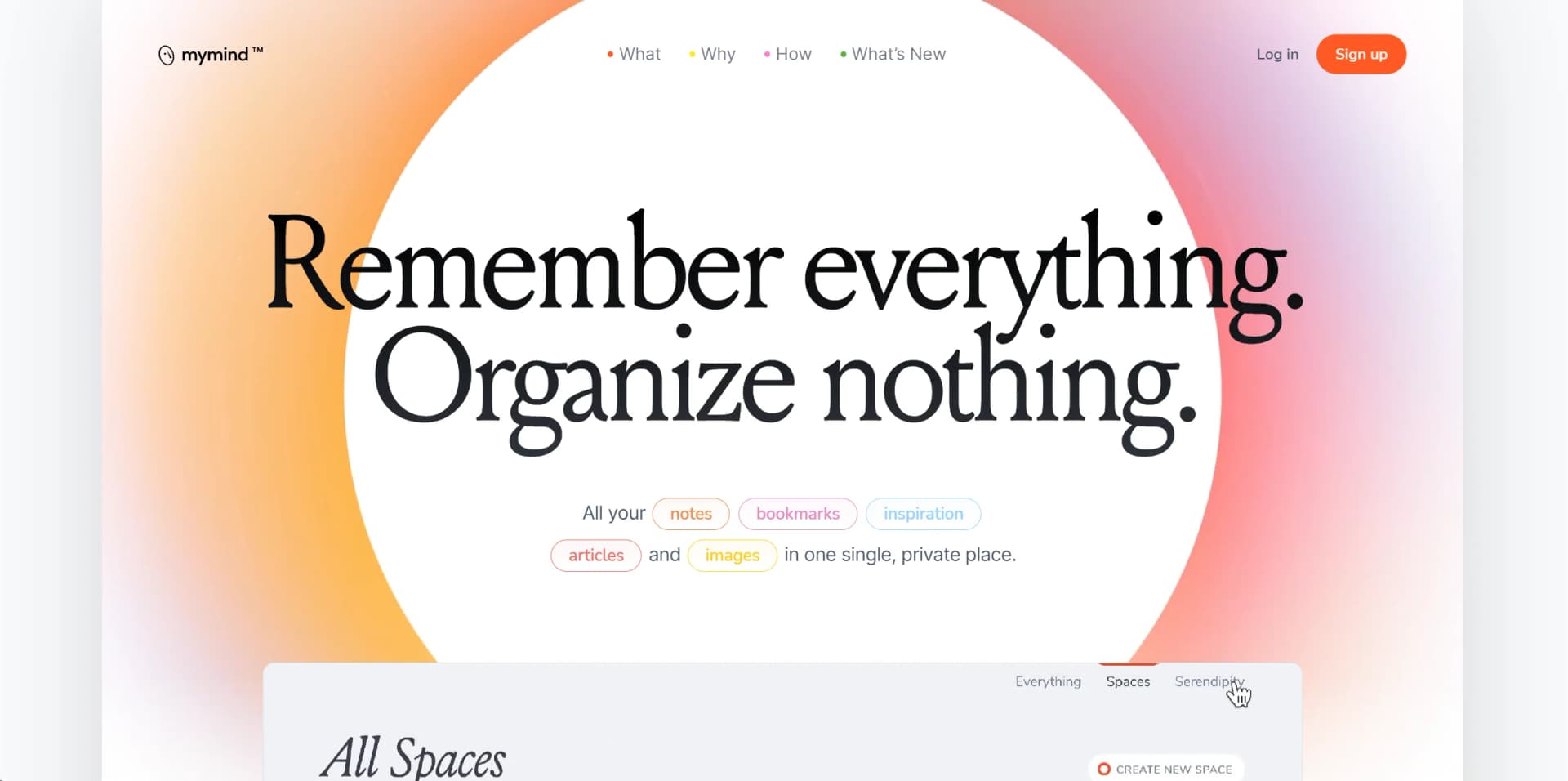
Streamline digital clutter with AI-powered organization, instant recall, and privacy.
Watch mymind in Action
Key Takeaways
- What it is
- Streamline digital clutter with AI-powered organization, instant recall, and privacy.
- Pricing
- Freemium · $12 per month
- Best for
- Instant Recall
- Visual Memory
- Privacy First
- Rating
- 4.6/5
What is mymind?
mymind is a revolutionary AI-powered tool designed to enhance personal and professional productivity. It acts as a digital extension of your mind, allowing you to store, organize, and retrieve information effortlessly. Aimed at individuals and professionals who seek to streamline their workflow and declutter their digital space, mymind simplifies the process of managing notes, images, articles, and all forms of digital content with unparalleled efficiency.
mymind stands out for its ability to serve as an external brain, intuitively organizing and retrieving any piece of information or data you feed it. Its unique selling point lies in the visual memory and instant recall features, which significantly reduce the time and effort typically spent on searching for information.
mymind excels in providing an innovative solution for managing digital clutter and enhancing productivity. Its advanced AI features, including visual memory and instant recall, make it an indispensable tool for anyone looking to streamline their digital life. The emphasis on privacy and security further solidifies its position as a trusted companion for managing personal and professional information. Whether you're a student, professional, or creative, mymind offers a unique blend of features that can transform the way you store and access information.
Who is Using mymind?
Writers and Researchers
For organizing notes and sources.
Students
Managing study materials and notes.
Designers
Keeping track of inspiration and project assets.
Project Managers
Organizing project documents and communications.
Uncommon Use Cases
Chefs use it to organize recipes and food presentation ideas; Psychologists use it for note-taking during sessions without breaking client confidentiality.
Key Features
Rating Breakdown
Pricing Plans
Free Tier
Free
- Explore mymind with a limited storage option
Personal Tier
$12 per month
- Comprehensive features and storage capabilities
Which mymind plan should you pick?
Start with Bookmarker for simple visual bookmarking, choose Student of Life for broader capture and organization, and upgrade to Mastermind for advanced AI, PDFs, reading mode, article backup, and video support.
Bookmarker
Good for users who need simple, visual bookmarking without a card limit.
Student of Life
Good for users who need unlimited cards, intelligent bookmarks, image tagging, text recognition, and Smart Spaces.
Mastermind
Good for users who need advanced AI, reading mode, article backup, video uploads, AI summaries, and PDF analysis.
mymind Use Cases
Create moodboards
Save visual references, search by color, and collect related images.
Outcome: Generate moodboards quickly.
Build a marketing swipe file
Save campaign examples, highlights, screenshots, and contextual notes.
Outcome: Keep reusable marketing inspiration searchable.
Research and connect information
Collect PDFs, articles, clippings, and notes in one private knowledge base.
Outcome: Find unexpected connections between saved material.
Write and ideate
Capture quick notes, expand drafts in Focus Mode, and save writing references.
Outcome: Support distraction-free writing and idea development.
Save and retrieve bookmarks
Use the browser extension or mobile app to save websites, products, articles, recipes, and books.
Outcome: Automatically categorize and visually present saved links.
Workflow Ideas with mymind
Weekly personal digest
- 1Use the mymind API to retrieve saved items.
- 2Group or summarize the saves.
- 3Send the digest to yourself by email.
Research collection workflow
- 1Save articles, PDFs, highlights, and screenshots with the extension or mobile app.
- 2Add tags or notes for a project.
- 3Use Smart Spaces and search to retrieve related material.
AI-agent knowledge workflow
- 1Create a mymind API access key.
- 2Connect an AI agent such as Claude or ChatGPT.
- 3Use the agent to access or work with content from your mind.
How mymind fits into your stack
Browser Extensions
Offers extensions for Chrome and Firefox for easy saving of web content.
Mobile Apps
Available on iOS and Android for capturing thoughts and images on the go.
Cloud Integration
Syncs with popular cloud storage services for backup and extra storage.
API Access
Developers can integrate mymind's capabilities into custom applications.
Pros
- +Enhanced Productivity: Significantly reduces the time spent searching for files or notes.
- +Intuitive Organization: AI-driven categorization eliminates the need for manual sorting.
- +Secure and Private: Strong encryption and a privacy-centric approach provide peace of mind.
- +User-Friendly Interface: A clean and minimalist design makes it easy for anyone to use.
Cons
- −Initial Setup Time: Getting all your existing data into mymind can take some time.
- −Learning Curve: Maximizing the AI features requires some initial learning and adjustment.
- −Subscription-Based: While offering powerful features, it is a paid service, which might be a drawback for some users.
Limitations & when to consider alternatives
Known limitations
- No mass-import tool. mymind currently does not support importing large collections in bulk.
- Public pages only. The service cannot fully access bookmarked pages that require a login.
- File-type limits. Supported uploads focus on common images, PDFs, and videos; additional file types may not be supported.
- Inactive accounts may close. Accounts unused for 24 months can be closed, with data scheduled for permanent destruction after 30 days.
- API is in beta. The API currently offers read-only and full-access permissions, with more granular controls planned.
Look elsewhere when
- You need shared workspaces with multiple collaborators.
- You need enterprise SSO or SAML.
- You need multilingual application output.
- You need a programming-focused code generation tool.
How to Use mymind
- 1
Explore a range of tutorials on the mymind website, covering everything from basic setup to advanced features, ensuring users can fully leverage the tool's capabilities.
Who is mymind For?
Designers
Designers can collect visual inspiration, save online resources, search images by color, and create moodboards.
Writers
Writers can take notes, draft in Focus Mode, save web highlights, and collect inspiration for articles or advertising.
Marketers
Marketers can build swipe files with visual references, OCR-searchable images, contextual notes, and saved highlights.
Developers
Developers can maintain a private resource hub for bookmarks, todos, code snippets, and technical inspiration.
Researchers
Researchers can collect PDFs, articles, web clippings, and research papers while finding connections through search and tagging.
Frequently Asked Questions
Is there a mymind app?
Yes. mymind offers dedicated iOS and Android apps that let users save content through the mobile share function.
What files do you support?
mymind supports common image formats, PDFs, and video files up to 500 MB for Mastermind members.
Do you have an import tool?
mymind does not currently support mass-import options.
How can I help organize my new mind?
Users can organize projects with tags, regular Spaces, or Smart Spaces that automatically group saves based on chosen search parameters.
Why do I see a login page screenshot for some of my bookmarked pages?
mymind can access only public pages. Users can upload a screenshot manually when a page requires login.
My website bookmarks don't display the way they should.
Smart Bookmarking formats different link types, but some websites may block mymind from displaying them properly.
Community reviews
1 review from people who use mymind.
Sign in to leave a review for mymind.
Jarno Voet
mymind Alternatives
Looking for alternatives to mymind? Here are similar tools in the same category:
Learn to Master mymind
With Skill Leap courses
Get in-depth training on mymind and 50+ other AI tools with our expert-led video courses.
Start 7-Day Free Trial