
Musicfy
Transform text and voice into unique music with AI-powered creativity.
Key Takeaways
- What it is
- Transform text and voice into unique music with AI-powered creativity.
- Pricing
- Freemium
- Best for
- AI Voice Artists
- Create Your Own AI
- Stem Splitters (Coming Soon)
- Rating
- 4.6/5
What is Musicfy?
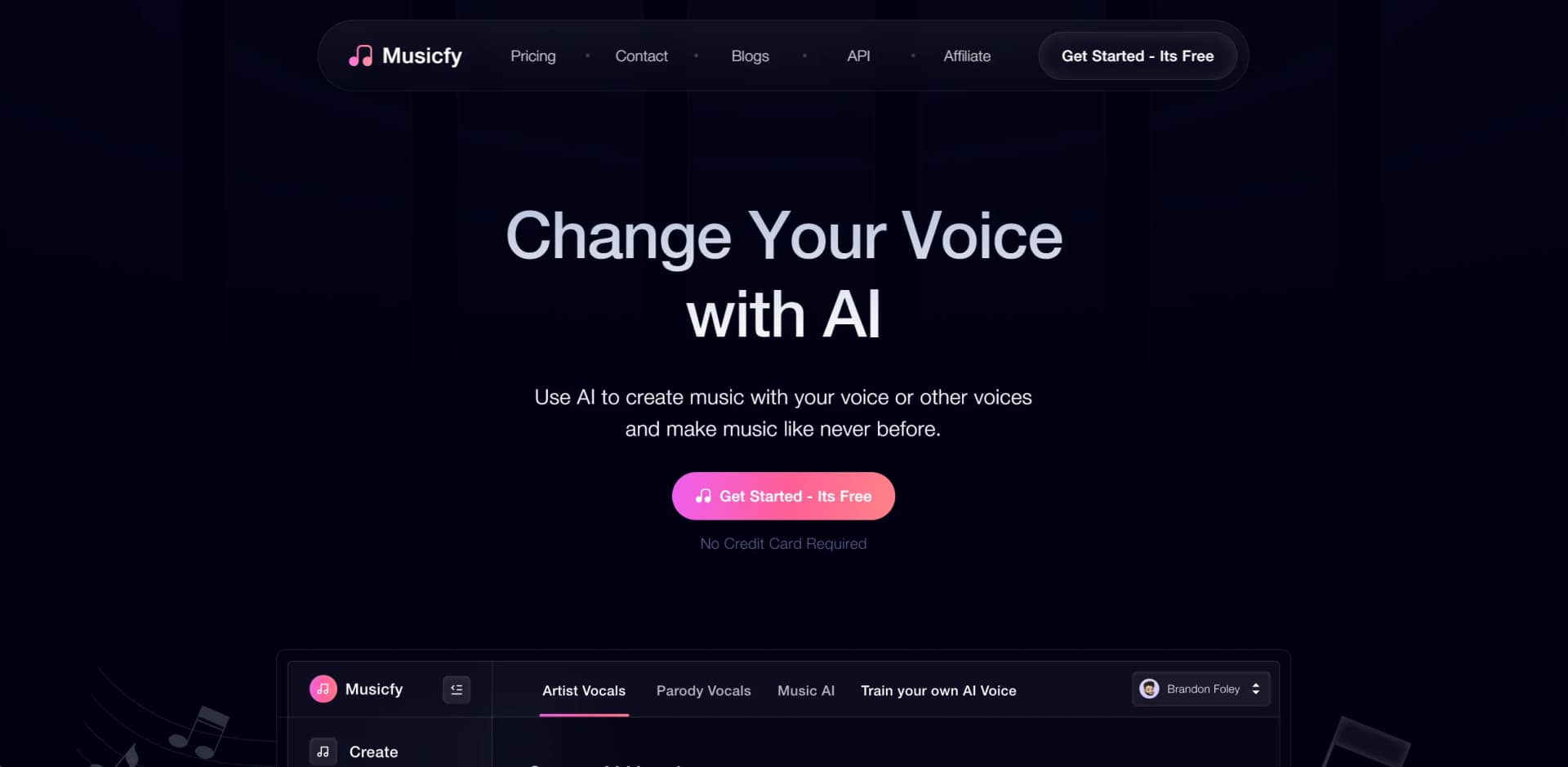
Musicfy AI is a groundbreaking AI Voice Song Generator reshaping the music industry. This innovative tool enables users to create music using AI, altering voices or generating music from text. Designed for musicians, producers, and music enthusiasts alike, Musicfy AI simplifies music creation, catering to all skill levels. Whether experimenting with different sounds, creating copyright-free vocals, or transforming voices into musical instruments, Musicfy AI offers a wide array of features to unleash creativity.
Musicfy AI democratizes music production by enabling users to convert text or voice into music easily. Its user-friendly interface and revolutionary features cater to novices and professionals alike, offering versatility in the creative process.
Musicfy AI revolutionizes music creation with its innovative platform, catering to a wide range of users. Its unique features, like AI voice artists and text-to-music conversion, offer unmatched advantages for enhancing creativity and productivity. With a user-friendly interface and robust tools, Musicfy AI is reshaping how we create, share, and enjoy music.
Who is Using Musicfy?
Music Producers
Creating unique soundscapes and vocals without extensive studio sessions.
Singers and Songwriters
Experimenting with vocal styles and generating new song ideas.
Content Creators
Using AI-generated music for videos, podcasts, and digital content.
Educational Institutions
Teaching students about AI in music in music and audio production courses.
Game Developers
Crafting dynamic soundtracks and character voices.
DJ and Producers
Simplifying vocal creation for DJ sets and productions.
Key Features
Rating Breakdown
Pricing Plans
Free Tier
Free
- Start with Musicfy AI for free
- No credit card required
Which Musicfy plan should you pick?
Start with the free entry experience or Starter for basic creation, upgrade to Professional for commercial licensing and voice targeting, and choose Studio for larger uploads, more voices, and simultaneous training.
Starter
Good for beginners who need basic AI music creation, community voices, and up to 2 custom voices.
Professional
Good for creators who need commercial licensing, faster generation, larger uploads, and voice targeting.
Studio
Good for advanced producers who need 30 custom voices, 1-hour datasets, simultaneous training, and a native studio environment.
Musicfy Use Cases
Create a full song from text
Describe a mood, genre, or idea and generate vocals and instrumentation.
Outcome: A complete AI-generated song.
Convert vocals into instruments
Hum or sing a melody and convert it into sounds such as guitar, piano, or saxophone.
Outcome: An instrumental track based on the vocal performance.
Create a custom AI voice
Upload vocal recordings and train a custom voice model.
Outcome: A reusable AI voice for songs and vocal conversions.
Create AI covers
Upload audio and select a royalty-free, parody, community, or custom voice.
Outcome: A transformed vocal rendition of the supplied audio.
Separate audio stems
Use the stem-separation tool to isolate vocals, drums, bass, or other components.
Outcome: Separated audio elements for remixing or further production.
Workflow Ideas with Musicfy
Create a song from an idea
- 1Describe the genre, mood, instruments, or concept
- 2Generate a full song with vocals and instrumentation
- 3Create multiple variations and export the preferred result
Build a song with your own voice
- 1Upload vocal recordings
- 2Train a custom AI voice model
- 3Use the model for voice targeting or song creation
Remix an uploaded track
- 1Upload an MP3 or WAV file
- 2Select a voice and apply vocal or audio enhancements
- 3Generate the converted track and download the result
How Musicfy fits into your stack
Browser
Musicfy is primarily used through its web application for voice conversion, song generation, instrumentals, stem tools, and personal libraries.
Automation and APIs
Musicfy provides a documented API with bearer-token authentication for voice conversion, text-to-music generation, and related audio capabilities.
Pros
- +Innovative Music Creation: Offers groundbreaking features for translating ideas into music.
- +User-Friendly Interface: Intuitive design ensures ease of use for beginners and professionals.
- +Time and Cost-Efficient: Reduces the need for lengthy recording sessions or hiring vocalists.
- +Collaboration and Sharing: Facilitates sharing AI-generated voices and music with other artists and platforms.
Cons
- −Learning Curve: New users may require time to grasp all features.
- −Feature Availability: Some anticipated features like Stem Splitters are not yet accessible.
- −Internet Dependency: Requires a stable internet connection for optimal performance.
Limitations & when to consider alternatives
Known limitations
- Plan-based upload limits. Starter allows 25 MB uploads, Professional 100 MB, and Studio 150 MB.
- Plan-based generation limits. Starter includes 150 songs per month, Professional 400, and Studio 1,000.
- Voice-targeting restrictions. Starter does not include voice targeting; Professional and Studio allocate separate voice-targeting quotas.
- Song duration limits. Vocal songs are limited to 45 seconds through 4 minutes; instrumental loops and backing beds to 10 seconds through 4 minutes.
- Custom voice limits. Starter includes 2 custom voices, Professional 6, and Studio 30.
How to Use Musicfy
- 1
Open the creator
Go to create.musicfy.lol and create an account; the free entry flow does not require a credit card.
- 2
Choose a creation mode
Select Convert Voice, Create a Song, Text to Instrumental, or Pro Tools depending on the desired output.
- 3
Add audio or a prompt
Upload an MP3 or WAV file, record audio, or describe the song you want to generate.
- 4
Select or train a voice
Choose a copyright-free, community, parody, or custom voice; upload vocal data when training your own model.
- 5
Adjust enhancements
Use options such as instrument removal, reverb reduction, background-noise reduction, or vocal enhancement.
- 6
Generate and manage results
Generate the track, review variations, and manage outputs through My Library or My History.
Who is Musicfy For?
Musicians
Create songs, vocals, instrumentals, voice conversions, and custom AI voices.
Content creators
Produce royalty-free music and vocal tracks for creative projects.
Filmmakers
Use royalty-free albums and generated tracks in creative projects.
Business owners
Create royalty-free music for business and commercial projects.
DJs and producers
Generate vocals, transform voices into instruments, and experiment with audio variations.
Frequently Asked Questions
Can I use Musicfy commercially or in my music?
Music generated from Musicfy belongs to the user who generated it, including mechanical and recording rights for supported voices and custom models.
How long can a song be?
Vocal songs can be 45 seconds to 4 minutes. Instrumental loops and backing beds can be 10 seconds to 4 minutes.
What happens when I cancel my subscription?
Access continues through the billing period. Afterward, premium features and models become unavailable.
Can I keep my recordings and voice models private?
Musicfy says recordings and voice models are stored privately and are accessible only to the user.
What does Enhance Vocals do?
It upsamples audio and removes reverb or echo.
Does Musicfy work in every language?
Yes. Musicfy says it converts the notes and pitch rather than translating the words.
Community reviews
Be the first to share your experience.
Sign in to leave a review for Musicfy.
Musicfy Alternatives
Looking for alternatives to Musicfy? Here are similar tools in the same category:
Learn to Master Musicfy
With Skill Leap courses
Get in-depth training on Musicfy and 50+ other AI tools with our expert-led video courses.
Start 7-Day Free Trial