
Midjourney
Creates images and videos from prompts.
Watch Midjourney in Action
Key Takeaways
- What it is
- Creates images and videos from prompts.
- Pricing
- $10 per month · $30 per month · $60 per month · $120 per month · $4 per hour
- Best for
- Text-to-Image Generation
- Video Generation
- Editor
- Rating
- 4.0/5
What is Midjourney?
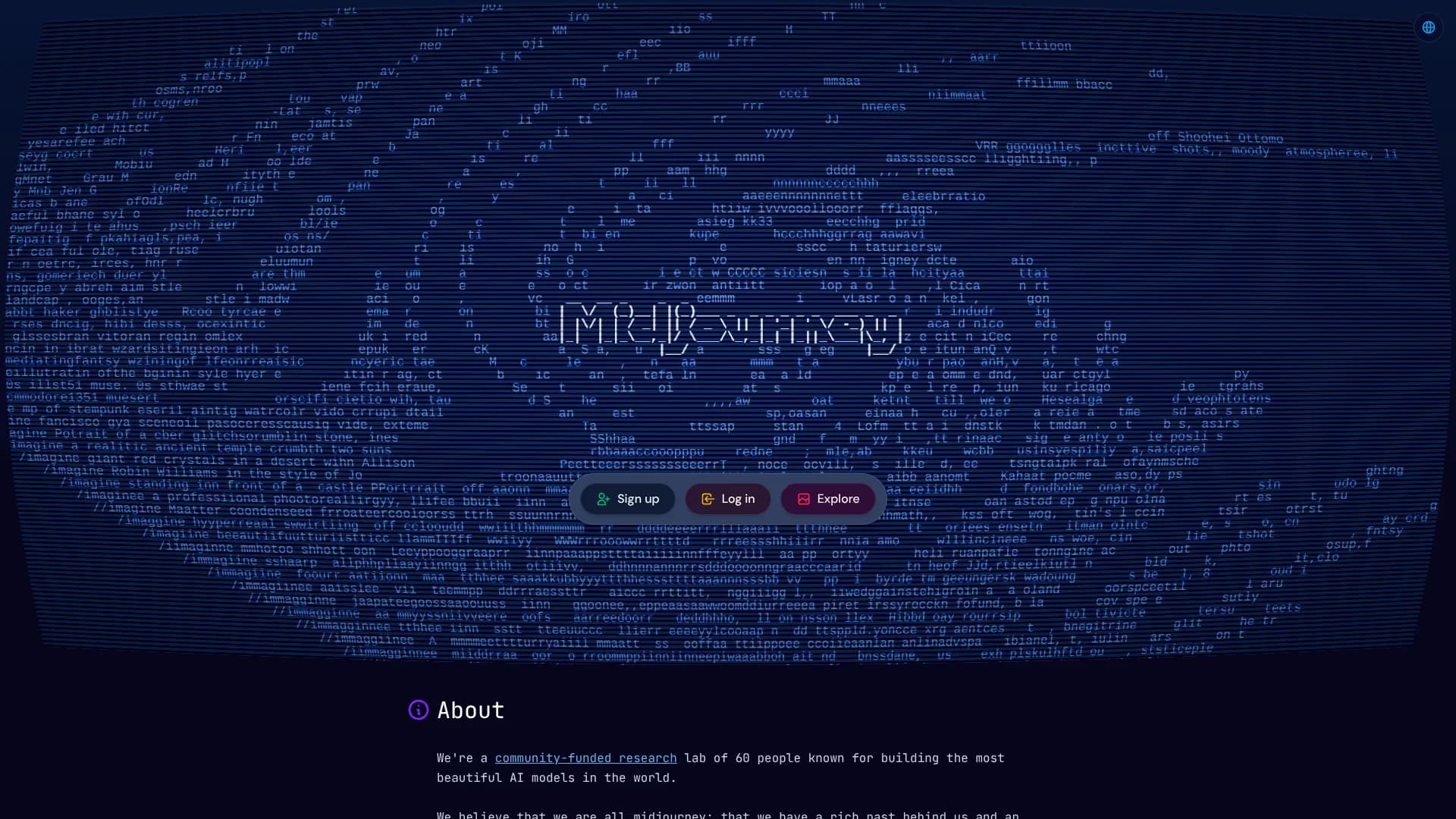
Midjourney is a subscription AI creative tool for generating images and short videos from text prompts, reference images, and style directions. Artists, designers, filmmakers, marketers, and other visual creators use it to explore concepts, build visual references, create campaign assets, and refine images without starting every project from a blank canvas. Its website and Discord access support both quick experiments and repeatable creative work.
Midjourney stands out through its combination of image generation, video creation, image editing, Personalization profiles, Moodboards, and a community Explore feed. Its web-only Conversational mode can turn plain-language descriptions into prompts, while the Editor supports inpainting, outpainting, layers, custom aspect ratios, and external image uploads.
The tool is strongest for visual ideation, concept development, style exploration, and polished image creation. It also produces five-second videos and lets users work from their own images, but it does not provide a general API, a native desktop application, or a shared team workspace. Choose it when visual quality and style control matter more than developer access or structured collaboration.
Who is Using Midjourney?
Art Directors
Use image generation, Moodboards, and Personalization to test visual directions before production.
Graphic Designers
Create concepts, reference images, compositions, and edited assets for design projects.
Illustrators
Explore characters, environments, lighting, materials, and stylistic variations from text and image prompts.
Filmmakers
Build visual development boards and turn selected images into short animated clips.
Photographers
Use image prompts and the Editor to explore compositions, retouch concepts, and alternate scenes.
Marketing Creators
Develop campaign concepts, social visuals, product scenes, and creative references.
Uncommon Use Cases
Create visual references for interior design or game-world planning; build personalized style libraries for recurring creative projects.
Key Features
Rating Breakdown
Pricing Plans
Basic
$10 per month
- Annual billing is $96, equal to $8 per month.
- 3.3 hours of Fast GPU time per month.
- SD video generation in Fast Mode.
- No Relax Mode or Stealth Mode.
Standard
$30 per month
- Annual billing is $288, equal to $24 per month.
- 15 hours of Fast GPU time per month.
- Unlimited image generations in Relax Mode.
- SD and HD video generation in Fast Mode.
Pro
$60 per month
- Annual billing is $576, equal to $48 per month.
- 30 hours of Fast GPU time per month.
- Stealth Mode.
- Unlimited images and SD video in Relax Mode.
- SD and HD video generation in Fast Mode.
Mega
$120 per month
- Annual billing is $1,152, equal to $96 per month.
- 60 hours of Fast GPU time per month.
- Stealth Mode.
- Unlimited images and SD video in Relax Mode.
- SD and HD video generation in Fast Mode.
Additional GPU Time
$4 per hour
- Extra Fast GPU time is available on the Manage Subscription page.
Which Midjourney plan should you pick?
Start with Basic for occasional image work, choose Standard for unlimited image generations in Relax Mode, and move to Pro or Mega for Stealth Mode, higher concurrency, and Relax Mode video.
Basic
Good for occasional image creation with 3.3 hours of Fast GPU time per month.
Standard
Good for frequent image creation that needs unlimited images in Relax Mode and 15 hours of Fast GPU time.
Pro
Good for creators who need Stealth Mode, higher concurrency, unlimited images and SD video in Relax Mode, and 30 hours of Fast GPU time.
Mega
Good for heavy users who need Stealth Mode, the highest concurrency, unlimited images and SD video in Relax Mode, and 60 hours of Fast GPU time.
Midjourney Use Cases
Concept Development
Generate multiple visual directions from a short creative brief.
Outcome: A faster set of references for choosing a direction.
Image Editing
Upload an image and use erase, restore, inpainting, outpainting, layers, or resizing to change it.
Outcome: A revised image without rebuilding the full composition.
Style Exploration
Combine image prompts, Style References, Personalization profiles, and Moodboards to test different looks.
Outcome: A clearer visual language for a project.
Short Video Creation
Use an image as a starting frame and generate a five-second video with optional motion settings.
Outcome: A short animated asset for testing or publishing.
Commercial Asset Creation
Create images and videos for campaigns, presentations, product concepts, or other commercial work.
Outcome: Reusable visual assets subject to Midjourney's usage terms.
Workflow Ideas with Midjourney
Brief to Moodboard
- 1Describe the creative brief in Conversational mode or write a text prompt.
- 2Generate several visual directions and save the strongest references.
- 3Collect selected images in a Moodboard for continued exploration.
Reference Image to Final Concept
- 1Upload a reference image through the Imagine bar.
- 2Combine it with a text prompt, Style Reference, or Edit Model instruction.
- 3Use variations, the Editor, and upscaling to refine the selected result.
Still Image to Video
- 1Choose or upload an image to use as the starting frame.
- 2Add an optional motion prompt and select a video batch size.
- 3Generate the clip, then extend or loop it when the result supports it.
How Midjourney fits into your stack
Web Creative Workspace
The midjourney.com website provides Create, Explore, Edit, Organize, Personalize, Moodboards, and Tasks pages for generating and managing visual work.
Discord
All subscription plans support creation through Discord after you connect a Discord account to Midjourney.
Reference Images
Upload images through the Imagine bar and use them as Image Prompts, Style References, Edit Model References, or video starting frames.
Asset Organization
The Organize page adds search, filters, folders, a timeline, bulk actions, and bulk downloads for generated images and videos.
Privacy Controls
Stealth Mode keeps website creations private for Pro and Mega subscribers, while public Discord channels can still expose creations to channel members.
Pros
- +Strong visual output: Produces detailed images with extensive control over style, composition, aspect ratio, and variation.
- +Useful editing tools: The Editor handles targeted changes, canvas expansion, layers, and image uploads in one web workspace.
- +Personal style control: Personalization profiles and Moodboards make recurring visual direction easier to reproduce.
- +Image and video creation: One subscription supports both still-image generation and short video generation.
- +Commercial usage: Subscribers can use their own images and videos commercially, subject to the Terms of Service.
Cons
- −No general API: Midjourney says it does not provide an API for normal third-party development.
- −Public by default: Creations can appear on the Explore page unless eligible users use Stealth Mode.
- −GPU-based billing: Image and video work consumes plan GPU time, with video using considerably more than images.
Limitations & when to consider alternatives
Known limitations
- No General API. Midjourney says it does not provide an API for normal third-party applications, scripts, or automated interactions.
- 10MB Upload Limit. The maximum image file size for uploads is 10MB.
- Public by Default. Creations may be visible on the Explore page unless the user has access to and enables Stealth Mode.
- Stealth Plan Requirement. Stealth Mode is available only with Pro and Mega plans, and public Discord channels can still expose creations.
- Relax Mode Restrictions. Relax Mode does not support permutation prompts, the repeat parameter, HD video, or Max Upscale.
Look elsewhere when
- You need a documented API for an automated image-generation workflow.
- You need a native Windows, Mac, Linux, iOS, or Android application.
- Your team needs shared workspaces, named seats, roles, or collaborative editing.
- You need image generation that keeps all work private on the lowest-priced plan.
How to Use Midjourney
- 1
Choose a Creation Space
Open the Create page on midjourney.com for the full web workflow, or connect Discord if you prefer Midjourney commands there.
- 2
Write a Prompt
Describe the subject, setting, medium, lighting, mood, and composition in the Imagine bar, or use Conversational mode to help write the prompt.
- 3
Add Visual Guidance
Upload an image or choose one from your uploads library to guide content, composition, style, or character consistency.
- 4
Set Generation Options
Adjust aspect ratio, model version, stylize, variety, GPU speed, video resolution, or video batch size before generating.
- 5
Refine the Result
Use variations, pan, zoom out, upscaling, or the Editor's erase, restore, layers, inpainting, and outpainting tools.
- 6
Organize and Download
Use the Organize page to search, filter, sort, and group creations, then download individual images or folders.
Who is Midjourney For?
Artists
Create visual studies, style explorations, finished images, and reference material from prompts and images.
Designers
Develop concepts, moodboards, compositions, and visual directions before production work begins.
Filmmakers
Generate visual development material and animate still images into short video clips.
Commercial Creators
Produce campaign visuals and other commercial assets under Midjourney's usage terms.
Creative Explorers
Experiment with AI image styles, Personalization profiles, Moodboards, and the public Explore community.
Frequently Asked Questions
Does Midjourney have a free plan?
Midjourney's current subscription tiers are Basic, Standard, Pro, and Mega. The official plan comparison does not list a free tier.
Can Midjourney create videos?
Yes. Midjourney can turn an image into a five-second video. All plan tiers can generate videos in Fast Mode, while Pro and Mega support SD video in Relax Mode.
Can I use Midjourney images commercially?
Subscribers can use images and videos they create commercially, subject to the Terms of Service. Companies with more than $1,000,000 USD in annual gross revenue need a Pro or Mega plan.
Can I use Midjourney through Discord?
Yes. All subscription plans support the website and Discord after you connect a Discord account to your Midjourney account.
Does Midjourney have an API?
Midjourney says it does not provide a general API and prohibits automated tools that access or interact with the service.
Which Midjourney plans include private creations?
Stealth Mode is available only on the Pro and Mega plans. It controls visibility on the Midjourney website, but shared Discord channels can still expose creations.
Community reviews
4 reviews from people who use Midjourney.
Sign in to leave a review for Midjourney.
Vivek Varma
Jason kung
Austin Levine
Nitin Sarkar
Midjourney Alternatives
Looking for alternatives to Midjourney? Here are similar tools in the same category:
Learn to Master Midjourney
With Skill Leap courses
Get in-depth training on Midjourney and 50+ other AI tools with our expert-led video courses.
Start 7-Day Free Trial